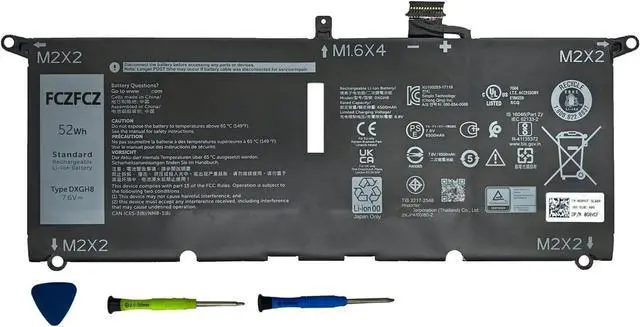
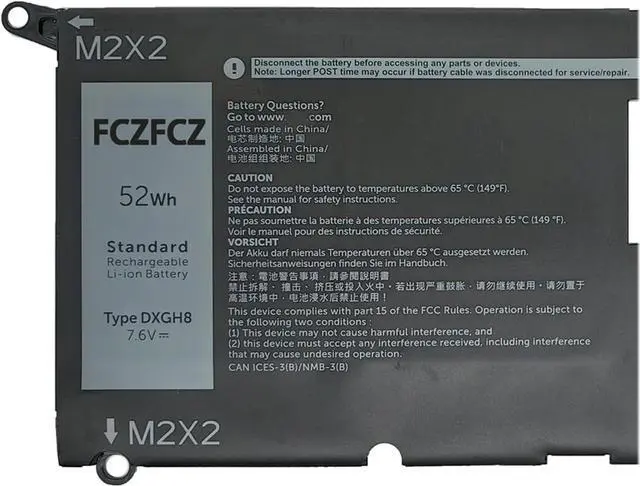
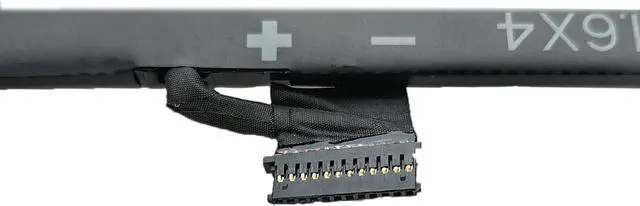
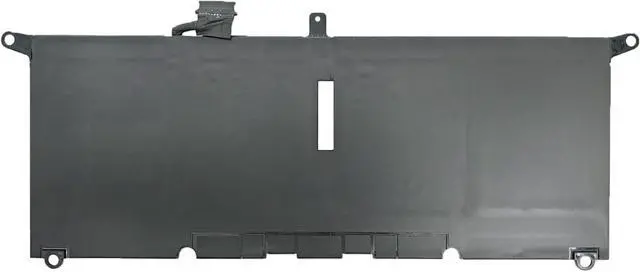
SpecificationsBattery Model: DXGH8 // Voltage: 7.6V // Capacity: 52Wh 6500mAh 4-Cell // Color: Black // Condition: Brand New.
Replacement for Part NumberDXGH8 0H754V H754V 0V48RM V48RM HK6N5 P113G001 P114G001 P115G001 P82G001 P82G002
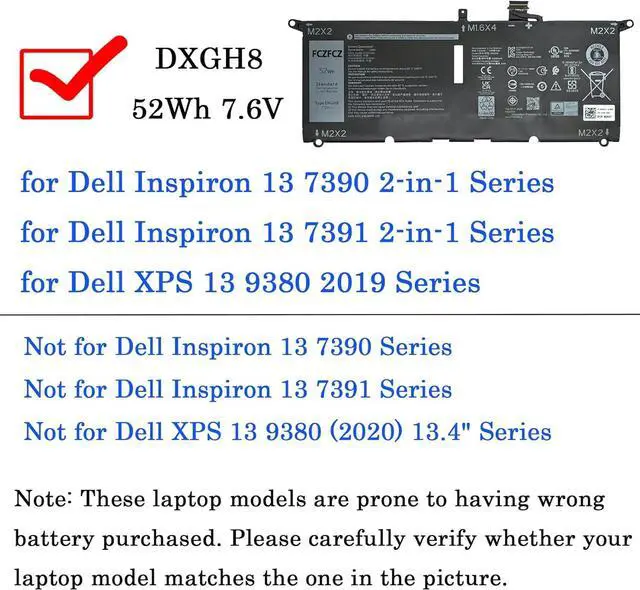
Compatible with Machine Modelsfor Dell XPS 13 9370 Series: 13-9370-7002SLV 13-9370-D1601G 13-9370-D1601S 13-9370-D1605G 13-9370-D1605S 13-9370-D1701G 13-9370-D1701S 13-9370-D1705G 13-9370-D1705S 13-9370-D1801G 13-9370-D1805G 13-9370-D1809G 13-9370-D1901TG 13-9370-D1905TG 13-9370-D2905G; for Dell Inspiron 13 5390 Series; for Dell Inspiron 13 5391 Series; for Dell Inspiron 14 7490 Series; for Dell Latitude 3301 E3301 Series; for Dell Vostro 13 5390 Series; for Dell Vostro 13 5391 Series; for Dell P82G001 P82G002 Series; for Dell P113G001 P114G001 P115G001 Series;for Dell XPS 13 7390 Series (NOT Compatible with Dell XPS 7390 2-in-1 Series laptop).
Compatible with Machine Modelsfor Dell Inspiron 13 7390 2-in-1 Series(NOT Compatible with Dell Inspiron 7390 Series laptop); for Dell Inspiron 13 7391 2-in-1 Series(NOT Compatible withr Dell Inspiron 7391 Series laptop); for Dell XPS 13 9380 2019 Series: (NOT Compatible with Dell XPS 13 9380 (2020) 13.4" Series laptop);
Compatible with Machine Modelsfor Dell XPS 13 9380 2019 13-9380-D1501S 13-9380-D1505S 13-9380-D1701S 13-9380-D1701W 13-9380-D1705S 13-9380-D1705TS 13-9380-D1705W 13-9380-D1801S 13-9380-D1801W 13-9380-D1805S 13-9380-D1805W 13-9380-D1901TG 13-9380-D1901TS 13-9380-D1901TW 13-9380-D1905TG 13-9380-D1905TS 13-9380-D1905TW 13-9380-R1505S 13-9380-R1705S 13-9380-R1705W 13-9380-R1805S 13-9380-R1805TS 13-9380-R1805TW 13-9380-R1805W 13-9380-R1905TG 13-9380-R1905TS 13-9380-R1905TW
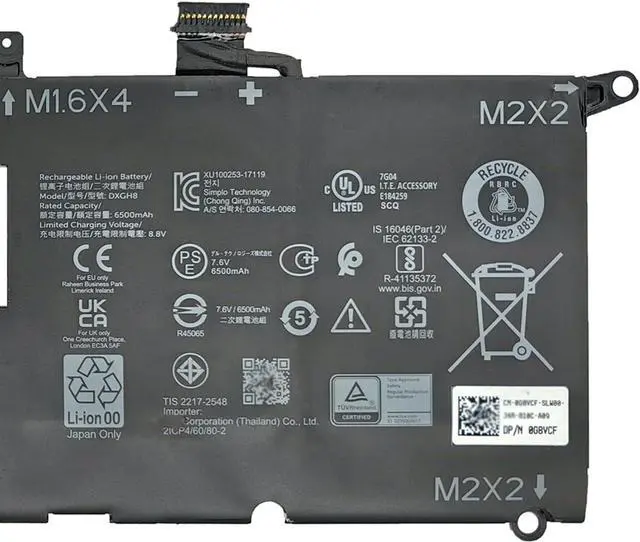
SafetyAll FCZFCZ products are Certified by CE, UL for safety. Each battery is factory tested before shipment and at good condition, and have its mark. Built-in circuit protection ensures both safety and stability. Each battery has high capacity to provide enduring, continual use.
InstructionsPlease open the back cover of the laptop before purchasing and confirm that the original battery type is the same as the picture. Please read the battery instruction manual carefully before installing the battery. Please install the battery correctly and ensure that the battery interface and the motherboard are firmly connected. Please use the original charger to charge the laptop. After battery installation, discharge the new battery to 5% (not 0%), then charge and cycle 3-4 times to wake up the new battery.