


- Free 30-day Returns
$96.99
Ships from Hong Kong.
Sold by E-Transit Limited
Shipped by E-Transit Limited

Meet Your Seller

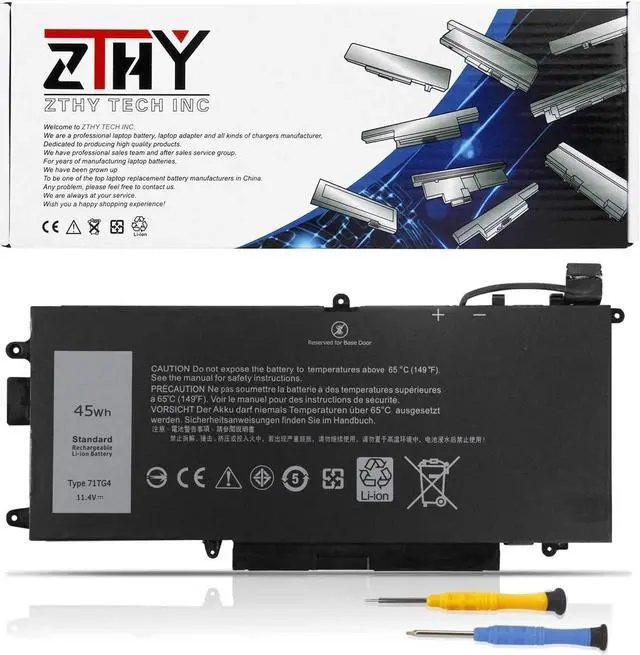
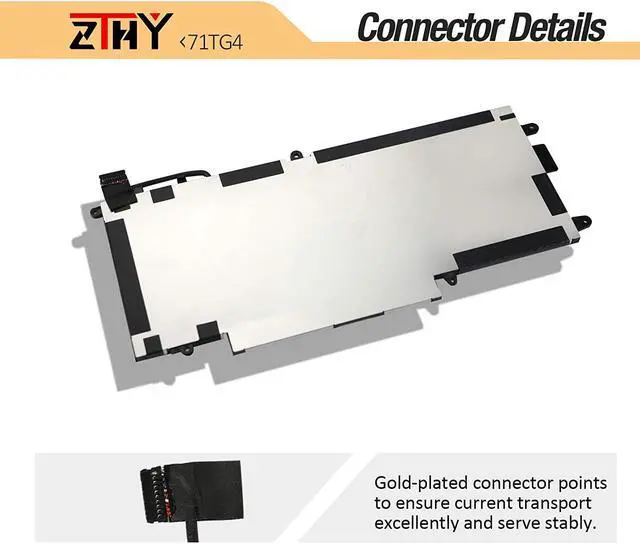
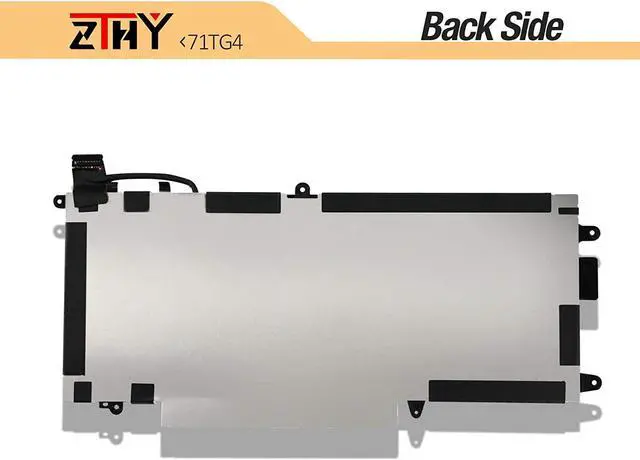
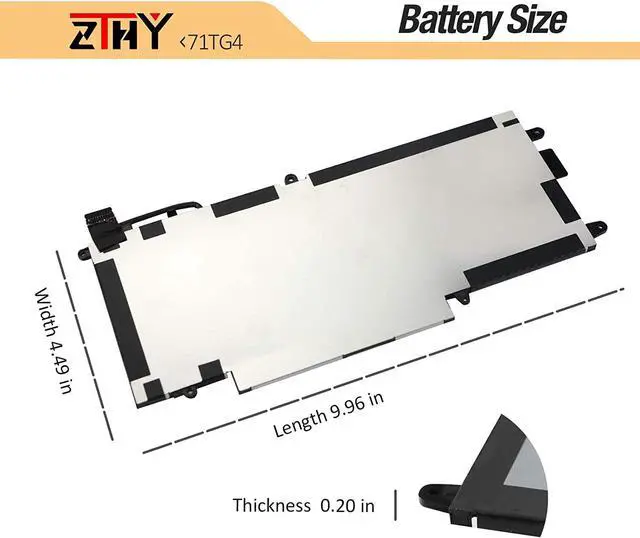


ZTHY 45Wh 71TG4 Laptop Battery Replacement for Dell Latitude 13 7389 2 in 1 7390 2-in-1 Latitude 12 5289 2-in-1 P29S001 P29S002 Series 071TG4 0725KY 0N18GG K5XWW X49C1 CFX97 0X49C1 3745mAh/4cell 11.4V
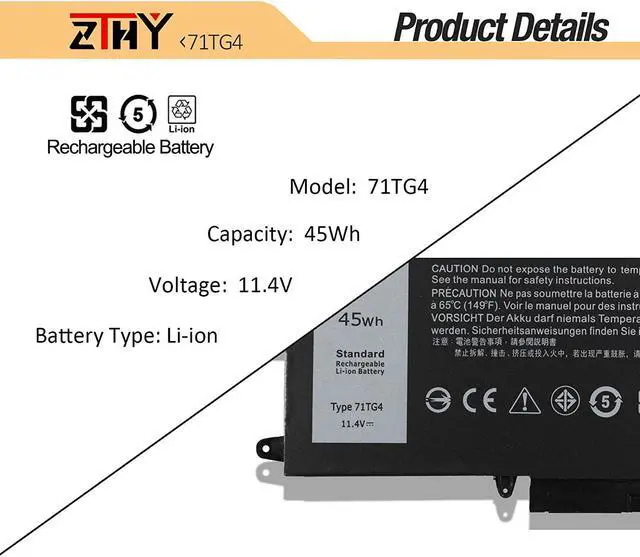
- Specification: Battery type: Li-ion. Color: Black. Voltage:11.4V. Capacity: 45Wh/3745mAh/4cell. 100% New from Manufacturer. Up to 500 recharge cycles over the life of the battery.(This battery is not compatible with the battery voltage 7.6V.)
- Replace Part Number: 71TG4 K5XWW 725KY N18GG CFX97 X49C1 0X49C1 0CFX97 071TG4 0725KY 0N18GG P29S001 P29S002
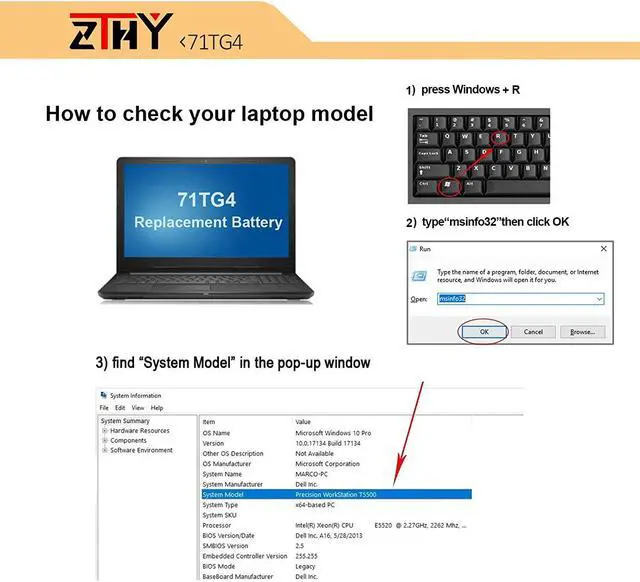
- Compatible Models: Dell Latitude 5289 2-in-1 Series;Latitude 12 5289 2 IN 1 Series; Latitude 7389 2-in-1 Series ;Latitude 7390 2-in-1 (NOT fits for Latitude 7390 Series) Series;Dell Latitude E5289 2-in-1 Series;Dell Latitude P29S001 P29S002 Serie Notebook
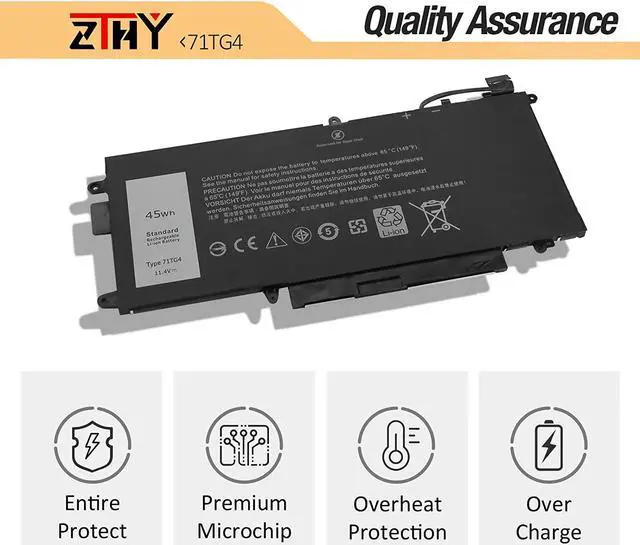
- Security: All ZTHY products are Certified by CE, FCC for safety. Strict guidelines for compatibility, and standards compliance for environment safety.
- Note: If the new battery is not recognized during the initial installation, please reinstall and check if the interface is fully connected. Discharge the new battery to 10-20% (not 0%), then charge and cycle 3-4 times to wake up the new
+
+
Overview
Specs
Reviews
Specification: Battery type: Li-ion. Color: Black. Voltage:11.4V. Capacity: 45Wh/3745mAh/4cell. 100% New from Manufacturer. Up to 500 recharge cycles over the life of the battery.(This battery is not compatible with the battery voltage 7.6V.)
Replace Part Number: 71TG4 K5XWW 725KY N18GG CFX97 X49C1 0X49C1 0CFX97 071TG4 0725KY 0N18GG P29S001 P29S002
Compatible Models: Dell Latitude 5289 2-in-1 Series;Latitude 12 5289 2 IN 1 Series; Latitude 7389 2-in-1 Series ;Latitude 7390 2-in-1 (NOT fits for Latitude 7390 Series) Series;Dell Latitude E5289 2-in-1 Series;Dell Latitude P29S001 P29S002 Serie Notebook
Security: All ZTHY products are Certified by CE, FCC for safety. Strict guidelines for compatibility, and standards compliance for environment safety.
Note: If the new battery is not recognized during the initial installation, please reinstall and check if the interface is fully connected. Discharge the new battery to 10-20% (not 0%), then charge and cycle 3-4 times to wake up the new battery.
Replace Part Number: 71TG4 K5XWW 725KY N18GG CFX97 X49C1 0X49C1 0CFX97 071TG4 0725KY 0N18GG P29S001 P29S002
Compatible Models: Dell Latitude 5289 2-in-1 Series;Latitude 12 5289 2 IN 1 Series; Latitude 7389 2-in-1 Series ;Latitude 7390 2-in-1 (NOT fits for Latitude 7390 Series) Series;Dell Latitude E5289 2-in-1 Series;Dell Latitude P29S001 P29S002 Serie Notebook
Security: All ZTHY products are Certified by CE, FCC for safety. Strict guidelines for compatibility, and standards compliance for environment safety.
Note: If the new battery is not recognized during the initial installation, please reinstall and check if the interface is fully connected. Discharge the new battery to 10-20% (not 0%), then charge and cycle 3-4 times to wake up the new battery.
Warranty & Returns
Warranty, Returns, And Additional Information
Warranty
- Please contact the Seller directly for warranty information. Warranty information may also be found on the Manufacturer's website.
- CONTACT
Return Policies
- Return for refund within: 30 days
- Return for replacement within: 90 days
- This item is covered by E-Transit Limited Return Policy
Manufacturer Contact Info
- For a directory of all our manufacturers, please click below.
- Manufacturers Directory
LOADING...