


- Free 30-day Returns
$106.99
Ships from Hong Kong.
Sold by E-Transit Limited
Shipped by E-Transit Limited

Meet Your Seller

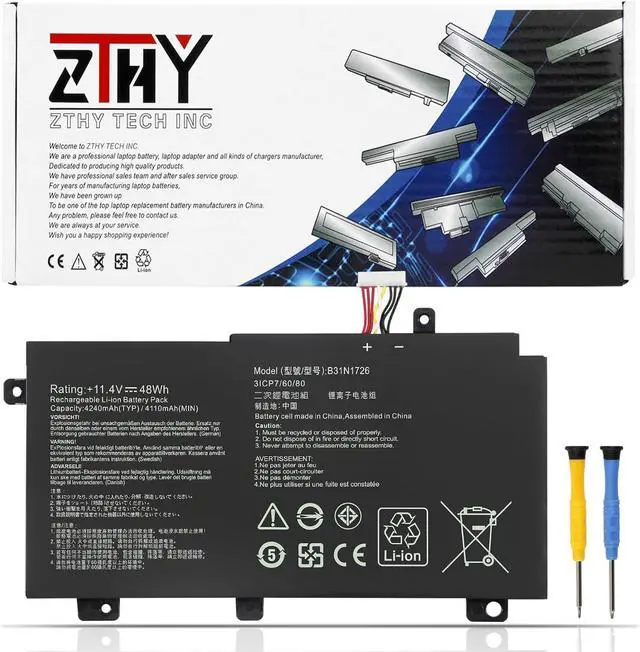
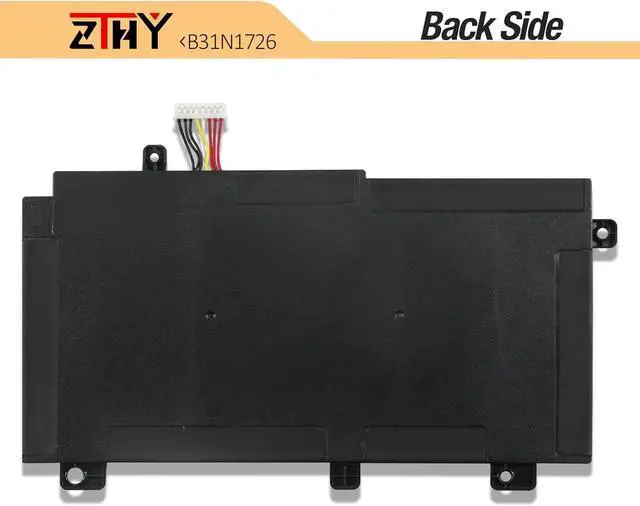
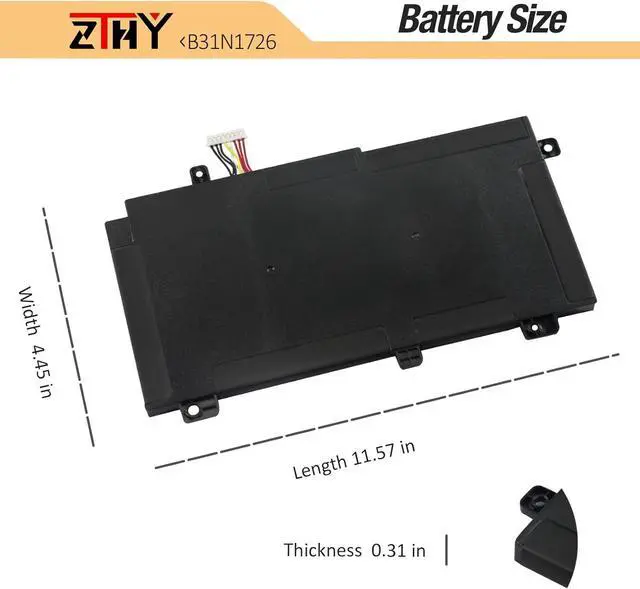


ZTHY 48Wh B31N1726 Battery Compatible with ASUS FX80 FX80GD FX80GE FX80GM FX86 FX86FM FX86FE TUF Gaming A15 FA506 FX504 FX504G FX504GD FX504GE FX504GM FX505 FX505DT FX505DU FX505GT FX505GD FX505GM
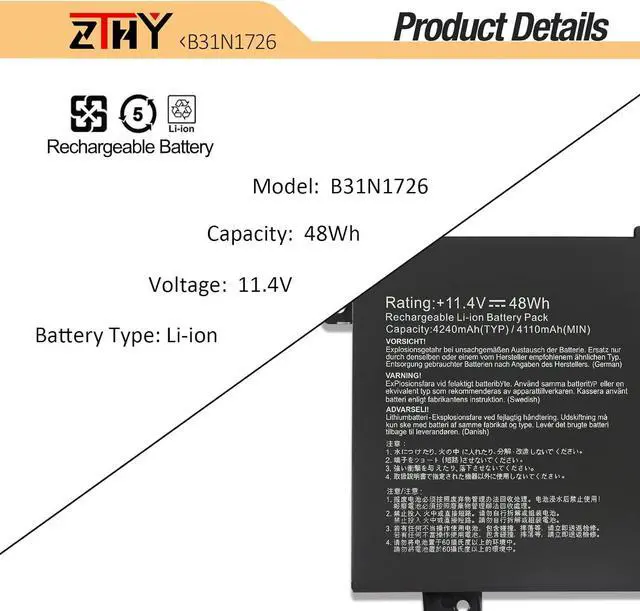
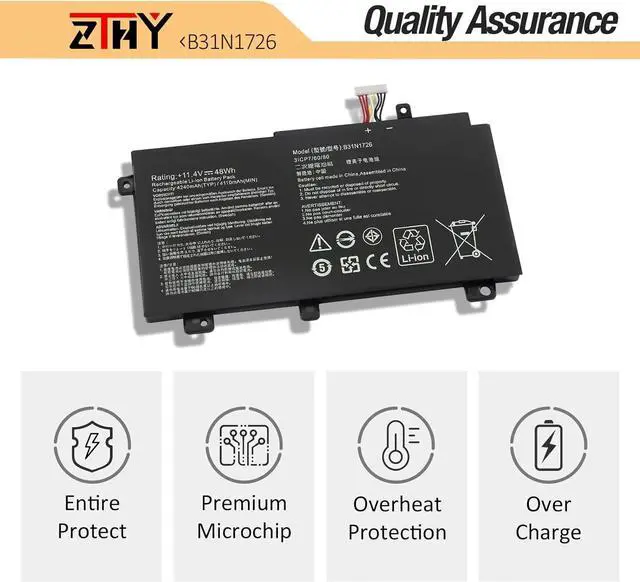
- Specification: Battery type: Li-ion. Color: Black. Voltage: 11.4V. Capacity: 48Wh/4110mAh. 100% New from Manufacturer. Up to 500 recharge cycles over the life of the battery.
- Replace Part Number: B31N1726 3ICP7/60/80 0B200-02910000 0B200-02910200 B31BN91 B31N1726-1.
- Compatible Models: Replacement for ASUS TUF Gaming FX504 FX504GD FX504GE FX504GM series, ASUS TUF Gaming FX505 FX505DT FX505DV FX505DU FX505DY FX505GE FX505GD FX505GM FX505GT series, ASUS FX80 FX80G FX80GD FX80GE FX80GM FX86 FX86FE FX86FM Series, ASUS TUF Gaming A15 FA506 FA506IU FA706II series.
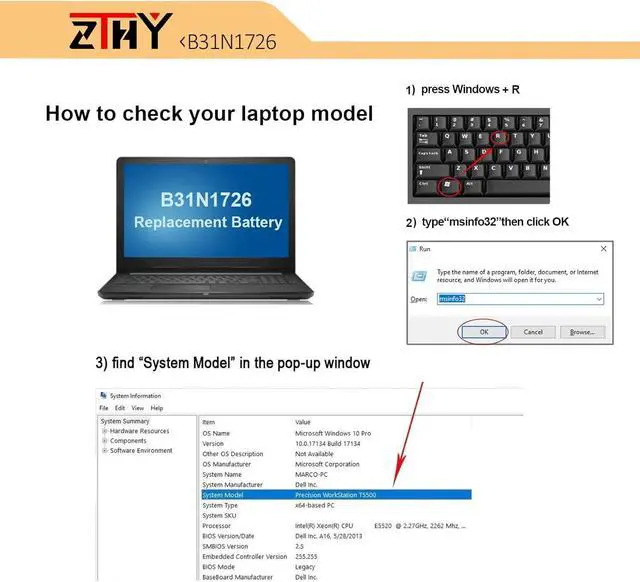
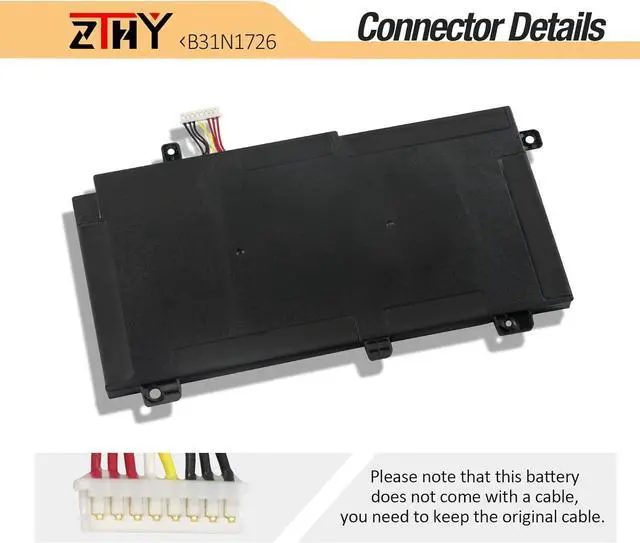
- NOTE: B31N1726 Battery has two types of cables: SHORT and LONG. The one we sell is SHORT. They can not replace each other. So before placing an order, please open the back cover of your laptop.
- Note: If the new battery is not recognized during the initial installation, please reinstall and check if the interface is fully connected. Discharge the new battery to 10-20% (not 0%), then charge and cycle 3-4 times to wake up the new
+
+
Overview
Specs
Reviews
Specification: Battery type: Li-ion. Color: Black. Voltage: 11.4V. Capacity: 48Wh/4110mAh. 100% New from Manufacturer. Up to 500 recharge cycles over the life of the battery.
Replace Part Number: B31N1726 3ICP7/60/80 0B200-02910000 0B200-02910200 B31BN91 B31N1726-1.
Compatible Models: Replacement for ASUS TUF Gaming FX504 FX504GD FX504GE FX504GM series, ASUS TUF Gaming FX505 FX505DT FX505DV FX505DU FX505DY FX505GE FX505GD FX505GM FX505GT series, ASUS FX80 FX80G FX80GD FX80GE FX80GM FX86 FX86FE FX86FM Series, ASUS TUF Gaming A15 FA506 FA506IU FA706II series.
NOTE: B31N1726 Battery has two types of cables: SHORT and LONG. The one we sell is SHORT. They can not replace each other. So before placing an order, please open the back cover of your laptop.
Note: If the new battery is not recognized during the initial installation, please reinstall and check if the interface is fully connected. Discharge the new battery to 10-20% (not 0%), then charge and cycle 3-4 times to wake up the new battery.
Replace Part Number: B31N1726 3ICP7/60/80 0B200-02910000 0B200-02910200 B31BN91 B31N1726-1.
Compatible Models: Replacement for ASUS TUF Gaming FX504 FX504GD FX504GE FX504GM series, ASUS TUF Gaming FX505 FX505DT FX505DV FX505DU FX505DY FX505GE FX505GD FX505GM FX505GT series, ASUS FX80 FX80G FX80GD FX80GE FX80GM FX86 FX86FE FX86FM Series, ASUS TUF Gaming A15 FA506 FA506IU FA706II series.
NOTE: B31N1726 Battery has two types of cables: SHORT and LONG. The one we sell is SHORT. They can not replace each other. So before placing an order, please open the back cover of your laptop.
Note: If the new battery is not recognized during the initial installation, please reinstall and check if the interface is fully connected. Discharge the new battery to 10-20% (not 0%), then charge and cycle 3-4 times to wake up the new battery.
Warranty & Returns
Warranty, Returns, And Additional Information
Warranty
- Please contact the Seller directly for warranty information. Warranty information may also be found on the Manufacturer's website.
- CONTACT
Return Policies
- Return for refund within: 30 days
- Return for replacement within: 90 days
- This item is covered by E-Transit Limited Return Policy
Manufacturer Contact Info
- For a directory of all our manufacturers, please click below.
- Manufacturers Directory
LOADING...