


- Free 30-day Returns
$97.99
Ships from Hong Kong.
Sold by E-Transit Limited
Shipped by E-Transit Limited

Meet Your Seller

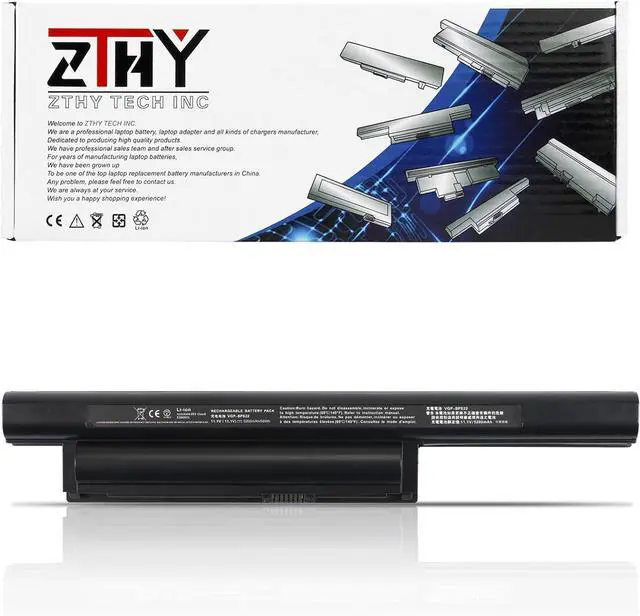
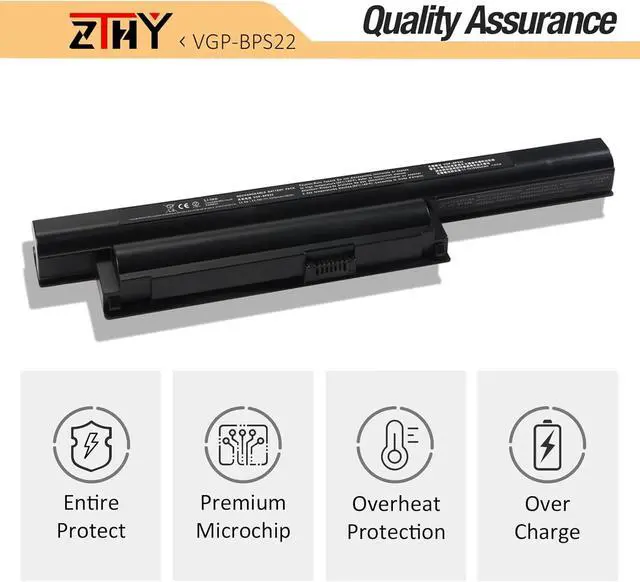
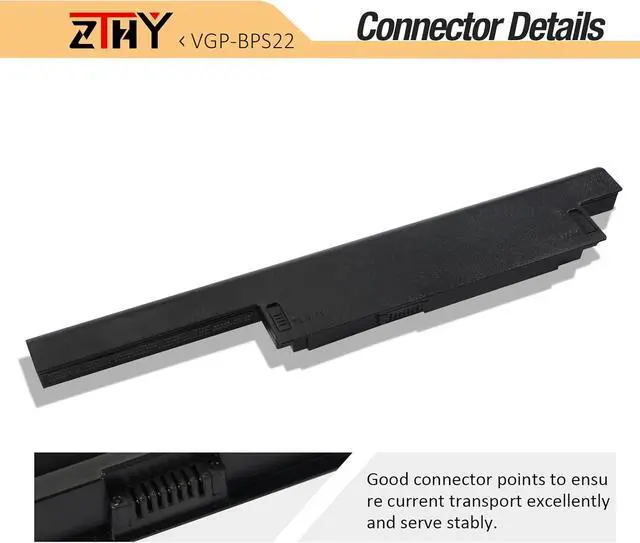
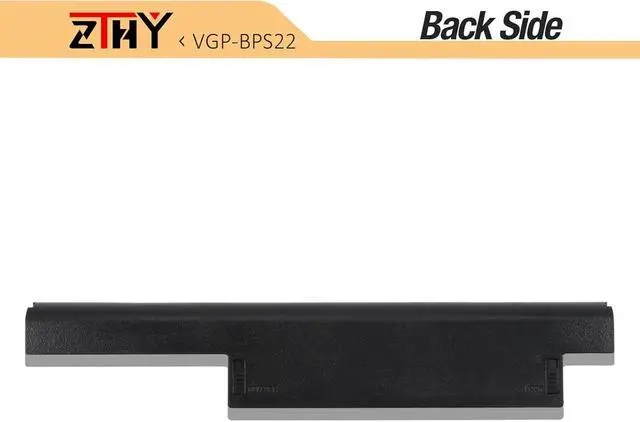
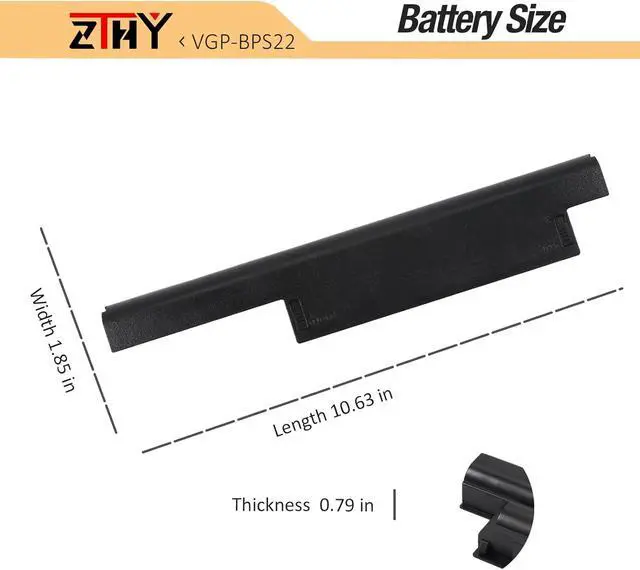


ZTHY 5200mAh VGP-BPS22 VGP-BPL22 Laptop Battery for SO NY VAIO VPC-EA EA2AFJ EA2AGJ EA2AHJ VAIO VPC-EB EB11FX/BI VAIO VPC-EC EC2S0E EC1M1 Series Vaio VGP-BPS22 VGP-BPS22A VGP-BPS22/A 11.1V 58Wh 6Cell
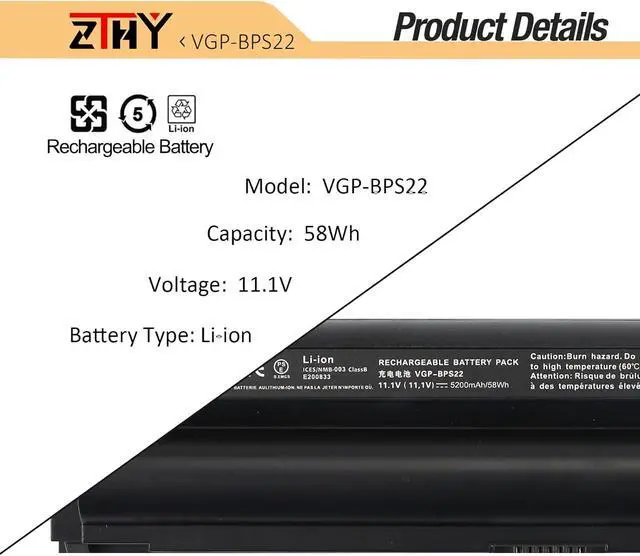
- Specifications: Battery type: Li-ion. Color: Black. Voltage: 11.1V. Capacity:58Wh. ZTHY specializes in Laptop and camera Accessories including Laptop Batteries, Tablet batteries, Camera Batteries, Camcorder Batteries, and chargers.
- Compatible Part Number: SO NY Vaio VGP-BPS22 VGP-BPS22A VGP-BPL22 VGP-BPS22/A
- Compatible Models: Replacement for SO NY VAIO VPC-EA VAIO VPC-EC1M1, VAIO VPC-EC2S0E Series;VAIO VPC-EB Series VAIO VPC-EB11FD,VAIO VPC-EB11FM/WI,VAIO VPC-EB11FX/BI,VAIO VPC-EB11FX/T,VAIO VPC-EB11FX/WI,VAIO VPC-EB11GX/BI,VAIO VPC-EB12EG/BI;VAIO VPC-EC Series VAIO VPC-EC1M1, VAIO VPC-EC2S0E
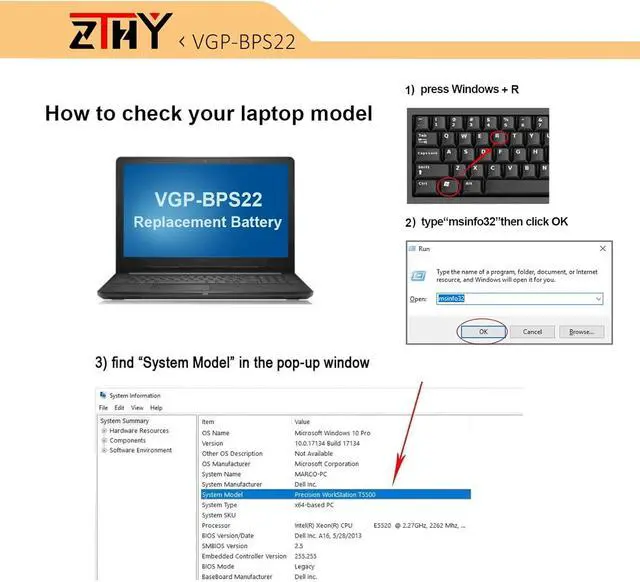
- Matters Need Attention:Please check whether your Original battery computer model and shape are the same. We highly suggest you open the back cover of your laptop and compare it with your old battery before making a payment.
- Note: If the new battery is not recognized during the initial installation, please reinstall and check if the interface is fully connected. Discharge the new battery to 1
+
+
Overview
Specs
Reviews
Specifications: Battery type: Li-ion. Color: Black. Voltage: 11.1V. Capacity:58Wh. ZTHY specializes in Laptop and camera Accessories including Laptop Batteries, Tablet batteries, Camera Batteries, Camcorder Batteries, and chargers.
Compatible Part Number: SO NY Vaio VGP-BPS22 VGP-BPS22A VGP-BPL22 VGP-BPS22/A
Compatible Models: Replacement for SO NY VAIO VPC-EA VAIO VPC-EC1M1, VAIO VPC-EC2S0E Series;VAIO VPC-EB Series VAIO VPC-EB11FD,VAIO VPC-EB11FM/WI,VAIO VPC-EB11FX/BI,VAIO VPC-EB11FX/T,VAIO VPC-EB11FX/WI,VAIO VPC-EB11GX/BI,VAIO VPC-EB12EG/BI;VAIO VPC-EC Series VAIO VPC-EC1M1, VAIO VPC-EC2S0E
Matters Need Attention:Please check whether your Original battery computer model and shape are the same. We highly suggest you open the back cover of your laptop and compare it with your old battery before making a payment.
Note: If the new battery is not recognized during the initial installation, please reinstall and check if the interface is fully connected. Discharge the new battery to 10-20% (not 0%), then charge and cycle 3-4 times to wake up the new battery.
Compatible Part Number: SO NY Vaio VGP-BPS22 VGP-BPS22A VGP-BPL22 VGP-BPS22/A
Compatible Models: Replacement for SO NY VAIO VPC-EA VAIO VPC-EC1M1, VAIO VPC-EC2S0E Series;VAIO VPC-EB Series VAIO VPC-EB11FD,VAIO VPC-EB11FM/WI,VAIO VPC-EB11FX/BI,VAIO VPC-EB11FX/T,VAIO VPC-EB11FX/WI,VAIO VPC-EB11GX/BI,VAIO VPC-EB12EG/BI;VAIO VPC-EC Series VAIO VPC-EC1M1, VAIO VPC-EC2S0E
Matters Need Attention:Please check whether your Original battery computer model and shape are the same. We highly suggest you open the back cover of your laptop and compare it with your old battery before making a payment.
Note: If the new battery is not recognized during the initial installation, please reinstall and check if the interface is fully connected. Discharge the new battery to 10-20% (not 0%), then charge and cycle 3-4 times to wake up the new battery.
Warranty & Returns
Warranty, Returns, And Additional Information
Warranty
- Please contact the Seller directly for warranty information. Warranty information may also be found on the Manufacturer's website.
- CONTACT
Return Policies
- Return for refund within: 30 days
- Return for replacement within: 90 days
- This item is covered by E-Transit Limited Return Policy
Manufacturer Contact Info
- For a directory of all our manufacturers, please click below.
- Manufacturers Directory
LOADING...