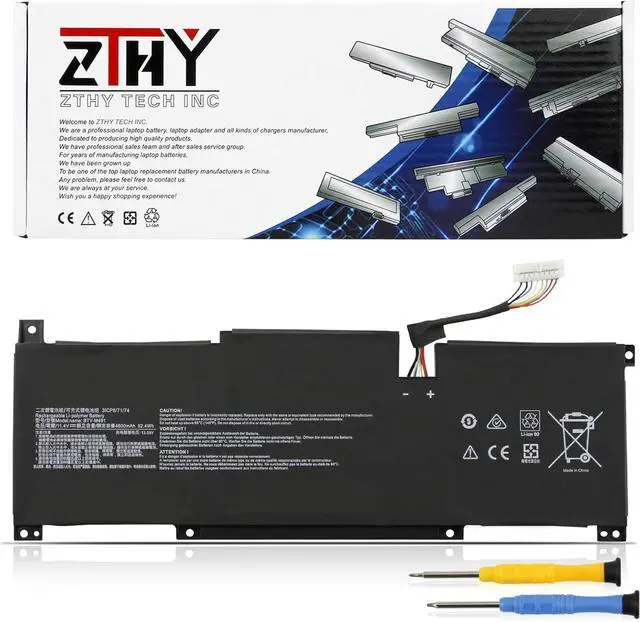
Welcome to ZTHY TECH INC
We are a professional laptop battery, laptop adapter and all kinds of chargers manufacture. Dedicated to producing high quality products. We have professional sales team. To each of our customers with high quality products. Wish you have a happy shopping experience and thank you for your trust!
Fit Laptop Machine Models (Please use ctrl+f to search for your laptop model,make sure you get the correct battery):
Replacement for MSI Modern 15 A10M(MS-1551) Series:
Modern 15 A10M-028DE, Modern 15 A10M-029,
Replacement for MSI Modern 15 A10RAS(MS-1551) Series:
Modern 15 A10RAS-076FR, Modern 15 A10RAS-080FR, Modern 15 A10RAS-081FR, Modern 15 A10RAS-082FR, Modern 15 A10RAS-083PL, Modern 15 A10RAS-084PL, Modern 15 A10RAS-091PT, Modern 15 A10RAS-094FR, Modern 15 A10RAS-095DE, Modern 15 A10RAS-204NL, Modern 15 A10RAS-205BE, Modern 15 A10RAS-206IT, Modern 15 A10RAS-212FR, Modern 15 A10RAS-217XFR, Modern 15 A10RAS-218FR, Modern 15 A10RAS-221XFR, Modern 15 A10RAS-224FR, Modern 15 A10RAS-244FR, Modern 15 A10RAS-253ES, Modern 15 A10RAS-260XIT, Modern 15 A10RAS-268PL, Modern 15 A10RAS-269PL, Modern 15 A10RAS-280XFR, Modern 15 A10RAS-284DE, Modern 15 A10RAS-288FR, Modern 15 A10RAS-289FR, Modern 15 A10RAS-400DE, Modern 15 A10RAS-409ES, Modern 15 A10RB,
Replacement for MSI Modern 15 A10RB(MS-1551) Series:
Modern 15 A10RB-027DE, Modern 15 A10RB-041TW,
Replacement for MSI Modern 15 A10RD(MS-1551) Series; Replacement for MSI Modern 15 A11M(MS-1552) Series; Replacement for MSI Modern 15 A11SB(MS-1552) Series; Replacement for MSI Modern 15 A4M(MS-155K) Series; Replacement for MSI Modern 15 A4MW(MS-155K) Series; Replacement for MSI Summit B15 A11M Series.
Note : 1. 11.4V and 11.1V are compatible, they are in common use.
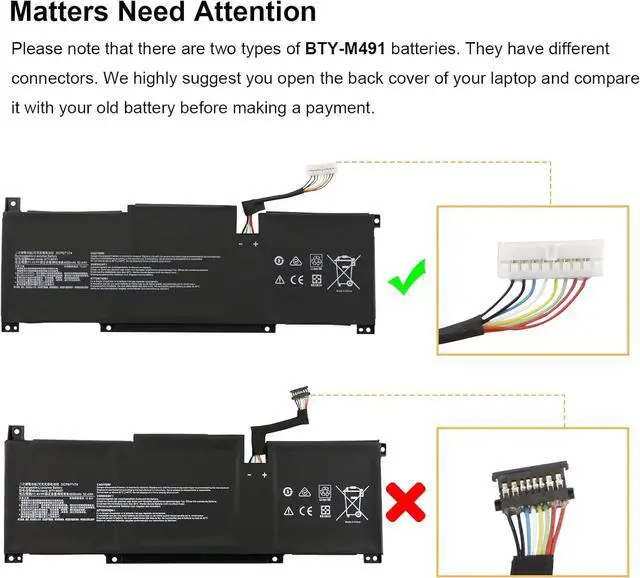
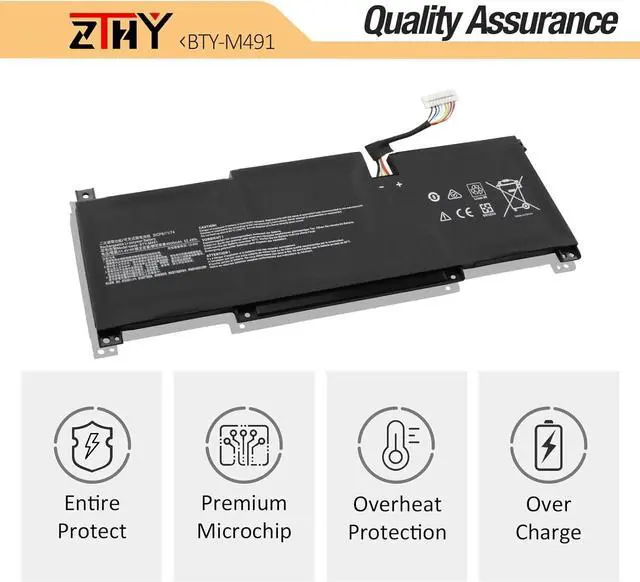
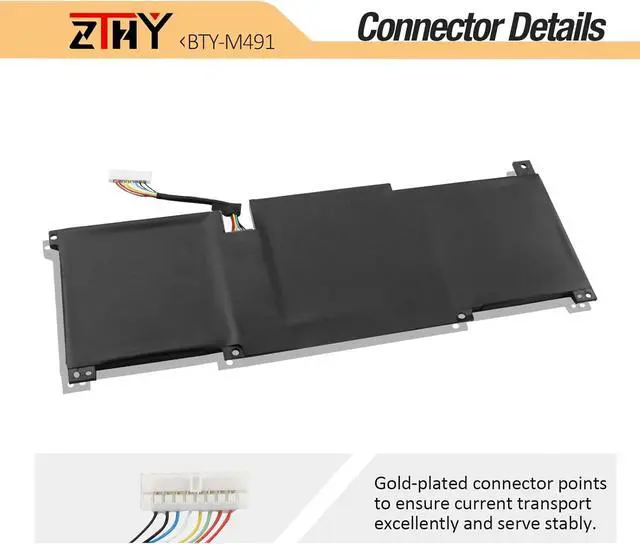
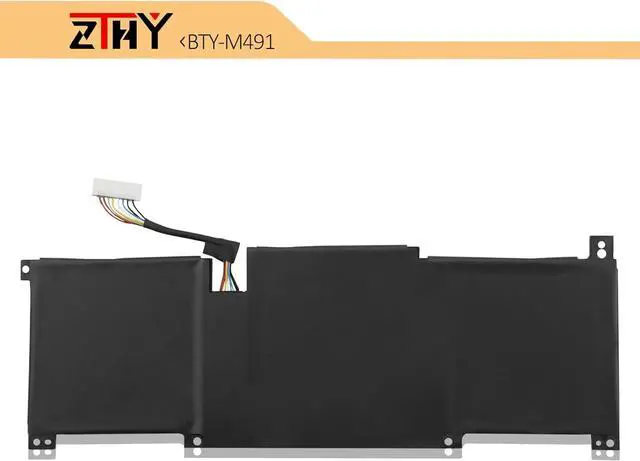
2. There two types battery named "BTY-M491", before placing an order please check your old battery's connector at first, ensure your battery is same as ours.
1, You need to turn off your laptop and disconnect the power.
2, Disconnect the connection between the old battery and the motherboard to avoid unnecessary damage caused by disassembling the battery. Then unscrew the old battery screws one by one and carefully save each screw.
3, Remove the old battery, carefully install the new battery on the battery case, screw in the screw, and connect the wiring of the new battery.
4, If you don't understand the above steps, you can search for the video about laptop battery installation on You Tube. Maybe it will help you.
1) Please click ZTHY TECH, we will help you solve it.
2) Please be assured that we will take the responsibility for each product we sold.
3) 30-days after purchase, we offer a no-questions-asked return policy.
4)12 months from the date of purchase, If the product fails, we will replace it with a new one.
1) You need to turn off your laptop and disconnect the power.
2) Disconnect the connection between the old battery and the motherboard to avoid unnecessary damage caused by disassembling the battery. Then unscrew the old battery screws one by one and carefully save each screw.
3) Remove the old battery, carefully install the new battery on the battery case, screw in the screw, and connect the wiring of the new battery.
4) If you don't understand the above steps, you can search for the video about laptop battery installation on YouTube. Maybe it will help you.
1)Discharge the new battery use to 10%(not to 0%) and then charge to 95%, and cycle 3-4 times.
2) Do not disassemble, crush or puncture. Do not dispose of in fire or water.
3) If you remove the battery for a long time, charge more than 80% at least one time within one month.
4) Don't connect the adapter for a long time while using the battery. It may damage the battery.
5)When using the battery, care should be taken to prevent exposure and moisture.
1) Could be caused by battery loss.