
Your Browsing History
- Free 30-day Returns
$86.99
Ships from Hong Kong.
Sold by E-Transit Limited
Shipped by E-Transit Limited

Meet Your Seller

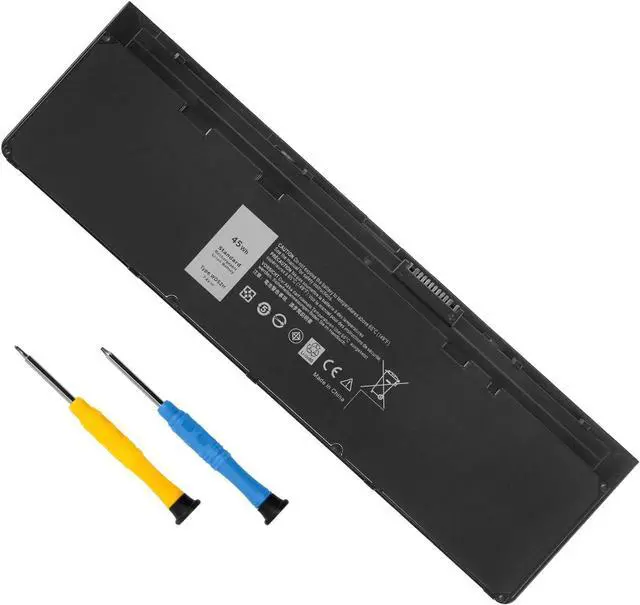
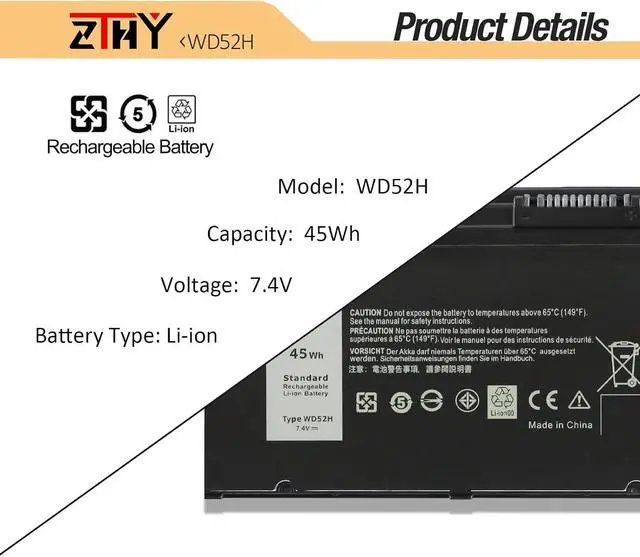
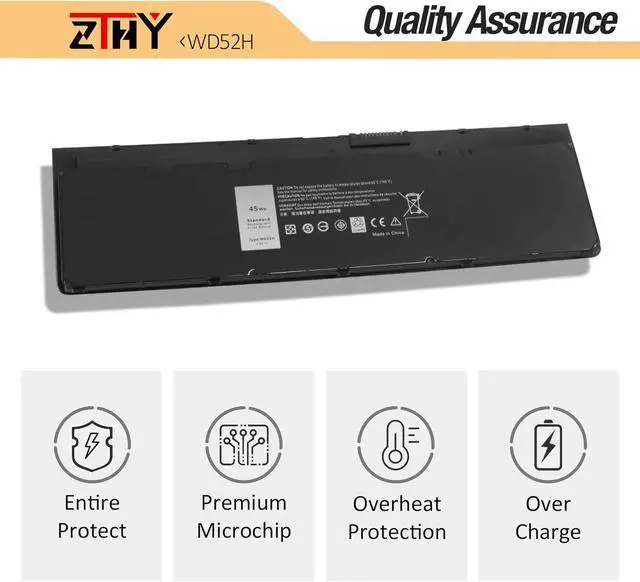
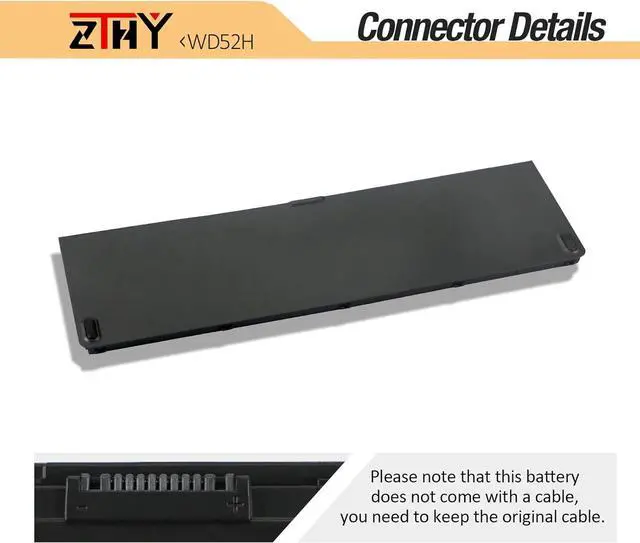
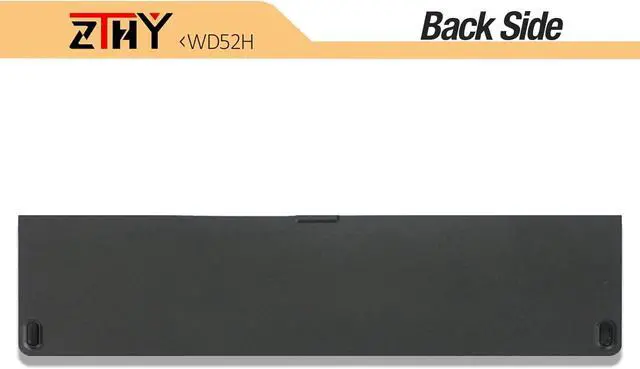
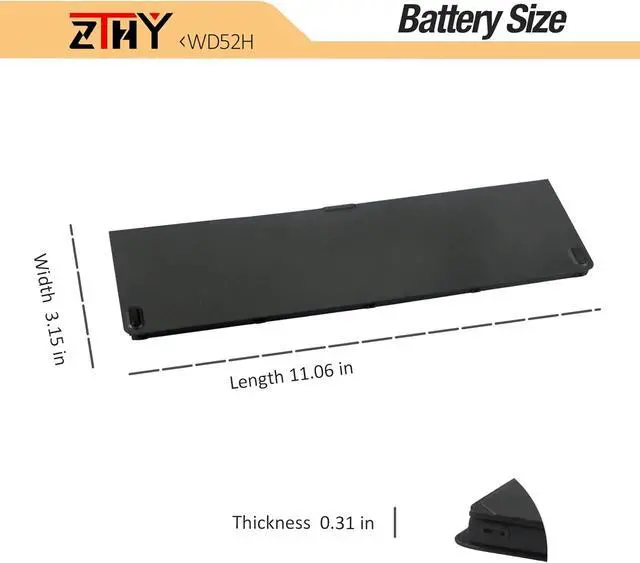


ZTHY 45Wh 7.4V WD52H VFV59 Laptop Battery Replacement for Dell Latitude E7240 Latitude E7250 Series Notebook GVD76 F3G33 HJ8KP W57CV KWFFN WG6RP NCVF0 451-BBFT 451-BBFV 451-BBFW 451-BBFX 451-BBFY
- Specification: Battery type:Li-ion. Color: Black. Capacity: 45Wh. Voltage: 7.4V. 100% New from Manufacturer. Up to 500 recharge cycles over the life of the battery
- Replace Part Number: GVD76 F3G33 WD52H KWFFN J31N7 HJ8KP NCVF0 W57CV VFV59 451-BBFX 451-BBFT 451-BBFV 451-BBFY
- Compatible Models: Dell Latitude E7240 Series, Dell Latitude E7250 Series ,Dell Latitude 12 7000 Sereis Notebook
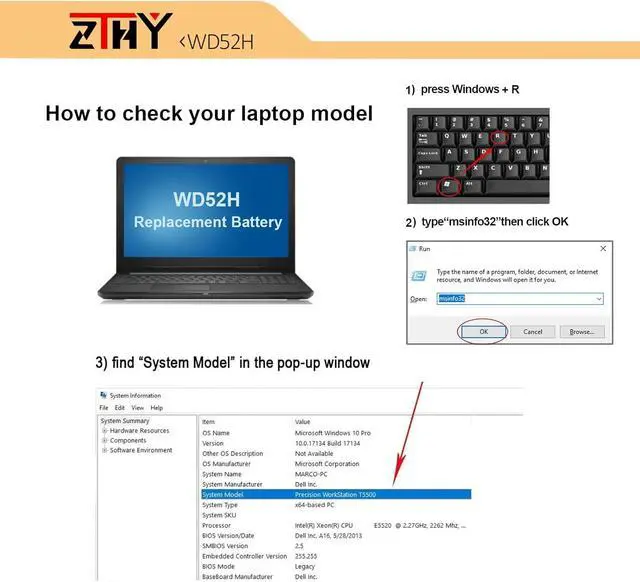
- NOTE: The Dell laptop models on this product page are compatible with 2 battery models: WD52H (45Wh 7.4V ASIN:B09M9QVYCD) , VFV59(52Wh 4-Cell 7.4V ASIN:B07Q4V552V).Please open the back cover of your laptop to check the original battery size and capacity before placing an order.
- Note: If the new battery is not recognized during the initial installation, please reinstall and check if the interface is fully connected. Discharge the new battery to 10-20% (not 0%), then charge and cycle 3-4 times to wake up the new battery
+
+
Overview
Specs
Reviews
Specification: Battery type:Li-ion. Color: Black. Capacity: 45Wh. Voltage: 7.4V. 100% New from Manufacturer. Up to 500 recharge cycles over the life of the battery
Replace Part Number: GVD76 F3G33 WD52H KWFFN J31N7 HJ8KP NCVF0 W57CV VFV59 451-BBFX 451-BBFT 451-BBFV 451-BBFY
Compatible Models: Dell Latitude E7240 Series, Dell Latitude E7250 Series ,Dell Latitude 12 7000 Sereis Notebook
NOTE: The Dell laptop models on this product page are compatible with 2 battery models: WD52H (45Wh 7.4V ASIN:B09M9QVYCD) , VFV59(52Wh 4-Cell 7.4V ASIN:B07Q4V552V).Please open the back cover of your laptop to check the original battery size and capacity before placing an order.
Note: If the new battery is not recognized during the initial installation, please reinstall and check if the interface is fully connected. Discharge the new battery to 10-20% (not 0%), then charge and cycle 3-4 times to wake up the new battery
Replace Part Number: GVD76 F3G33 WD52H KWFFN J31N7 HJ8KP NCVF0 W57CV VFV59 451-BBFX 451-BBFT 451-BBFV 451-BBFY
Compatible Models: Dell Latitude E7240 Series, Dell Latitude E7250 Series ,Dell Latitude 12 7000 Sereis Notebook
NOTE: The Dell laptop models on this product page are compatible with 2 battery models: WD52H (45Wh 7.4V ASIN:B09M9QVYCD) , VFV59(52Wh 4-Cell 7.4V ASIN:B07Q4V552V).Please open the back cover of your laptop to check the original battery size and capacity before placing an order.
Note: If the new battery is not recognized during the initial installation, please reinstall and check if the interface is fully connected. Discharge the new battery to 10-20% (not 0%), then charge and cycle 3-4 times to wake up the new battery
Warranty & Returns
Warranty, Returns, And Additional Information
Warranty
- Please contact the Seller directly for warranty information. Warranty information may also be found on the Manufacturer's website.
- CONTACT
Return Policies
- Return for refund within: 30 days
- Return for replacement within: 90 days
- This item is covered by E-Transit Limited Return Policy
Manufacturer Contact Info
- For a directory of all our manufacturers, please click below.
- Manufacturers Directory
LOADING...