


- Free 30-day Returns
$142.99
Ships from Hong Kong.
Sold by E-Transit Limited
Shipped by E-Transit Limited

Meet Your Seller

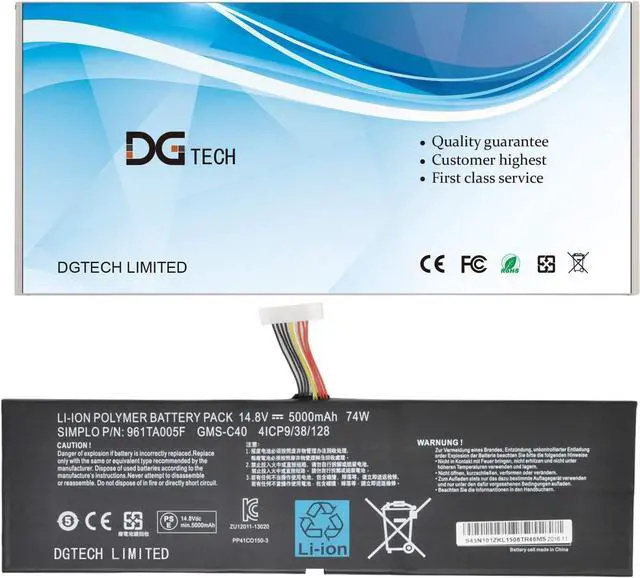
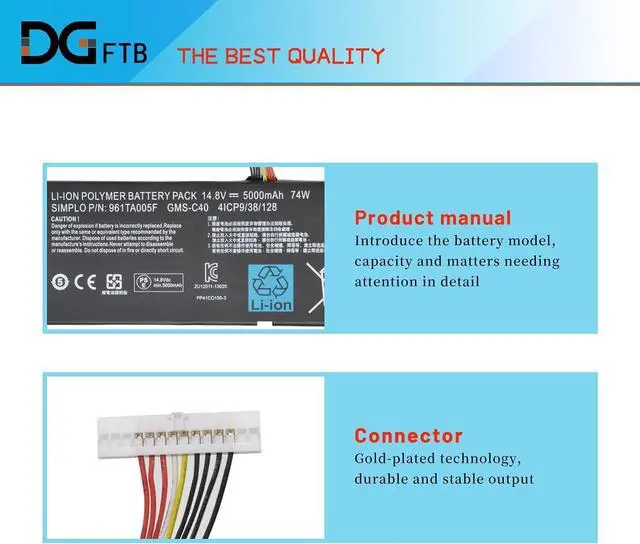
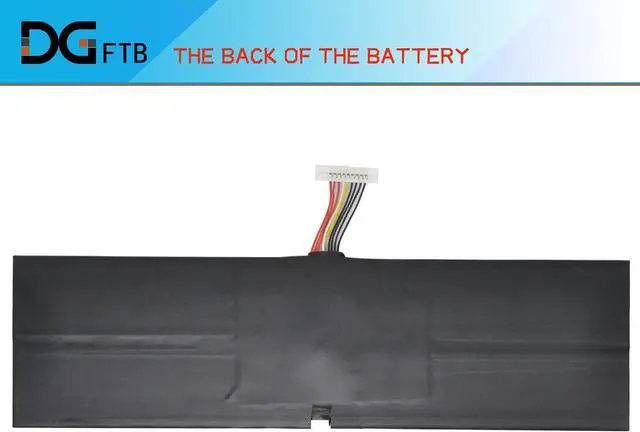



DGTECH GMS-C40 Laptop Replacement Battery for Blade Pro 17 2013 2015 RZ09-0099 RZ09-00991101 RZ09-00991102 RZ09-0117 RZ09-01171E11 Series Notebook 961TA005F 14.8V 74Wh
- Replacement Battery Type: Li-ion; Voltage: 14.8V ; Capacity: 74Wh
- Compatible P/N: GMS-C40 961TA005F 4ICP9/38/128
- Compatible Models for: Blade Pro 17 Blade Pro 2013 Blade Pro 2015 Blade RZ09-0099 Blade RZ09-00991101 Blade RZ09-00991102 Blade RZ09-0117 Blade RZ09-01171E11
- Battery Condition: Brand New
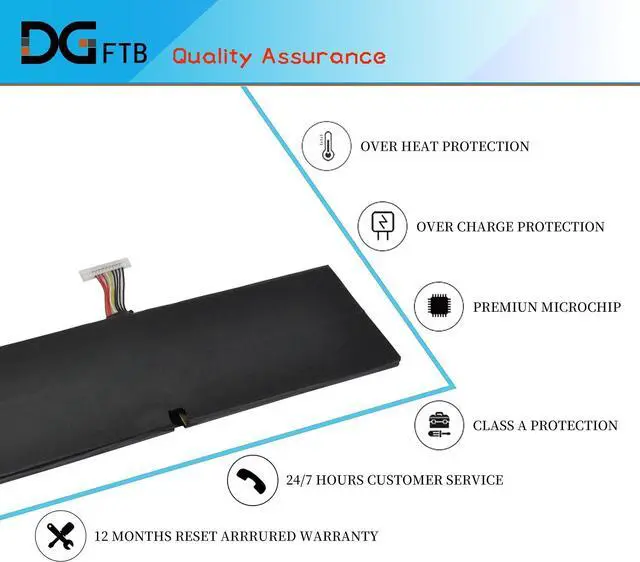
- Warranty: 12 months warranty
+
+
Overview
Specs
Reviews
We are a professional laptop battery provider,
We are always working hard to ensure high quality laptop battery standards.
Your satisfaction is our team goal, your support is our most precious wealth.
Battery Rating: 14.8V
Battery Capacity: 5000mAh
Battery Type: Li-ion battery
Property: new battery
Battery Color: Black
Compatible Part Number:
For RAZER
4ICP9/38/128, 961TA005F, GMS-C40
1,Disconnect the connection between the old battery and the motherboard to avoid unnecessary damage caused by disassembling the battery. Then unscrew the old battery screws one by one and carefully save each.
2, Remove the old battery, carefully install the new battery on the battery case, and connect the wiring of the new battery.
3, If you don't understand the above steps, you can search for the video about laptop battery installation on Website. Maybe it will help you
Welcome to DGTFB Speficiation: Install A New Battery:
We are always working hard to ensure high quality laptop battery standards.
Your satisfaction is our team goal, your support is our most precious wealth.
Battery Rating: 14.8V
Battery Capacity: 5000mAh
Battery Type: Li-ion battery
Property: new battery
Battery Color: Black
Compatible Part Number:
For RAZER
4ICP9/38/128, 961TA005F, GMS-C40
1,Disconnect the connection between the old battery and the motherboard to avoid unnecessary damage caused by disassembling the battery. Then unscrew the old battery screws one by one and carefully save each.
2, Remove the old battery, carefully install the new battery on the battery case, and connect the wiring of the new battery.
3, If you don't understand the above steps, you can search for the video about laptop battery installation on Website. Maybe it will help you
Welcome to DGTFB Speficiation: Install A New Battery:
Warranty & Returns
Warranty, Returns, And Additional Information
Warranty
- Please contact the Seller directly for warranty information. Warranty information may also be found on the Manufacturer's website.
- CONTACT
Return Policies
- Return for refund within: 30 days
- Return for replacement within: 90 days
- This item is covered by E-Transit Limited Return Policy
Manufacturer Contact Info
- For a directory of all our manufacturers, please click below.
- Manufacturers Directory
LOADING...