


- Free 30-day Returns
$103.99
Ships from Hong Kong.
Sold by E-Transit Limited
Shipped by E-Transit Limited

Meet Your Seller

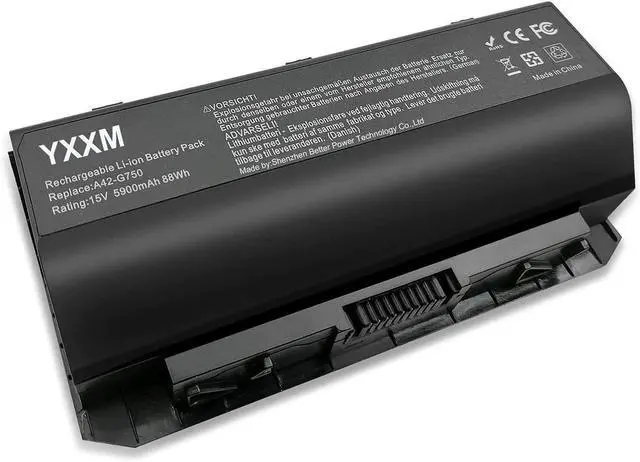
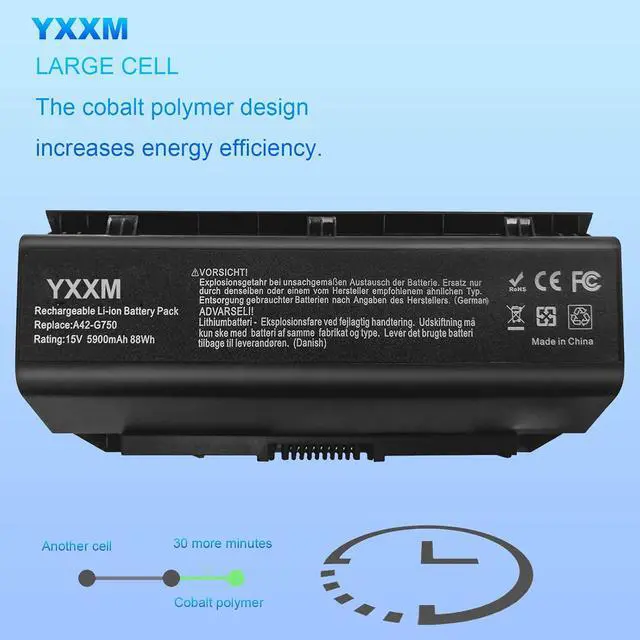
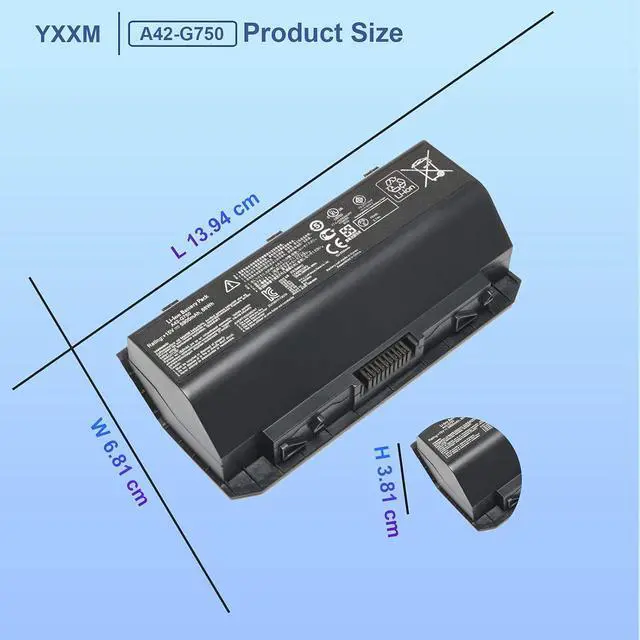


A42-G750 Laptop Battery for ASUS G750 G750JH G750J G750JM G750JS G750JW G750JX G750JZ ROG G750JH-DB71 T4106H G750JHA G750JM-DS71 Replacement 15V/5900mAh/88Wh Notebook Battery
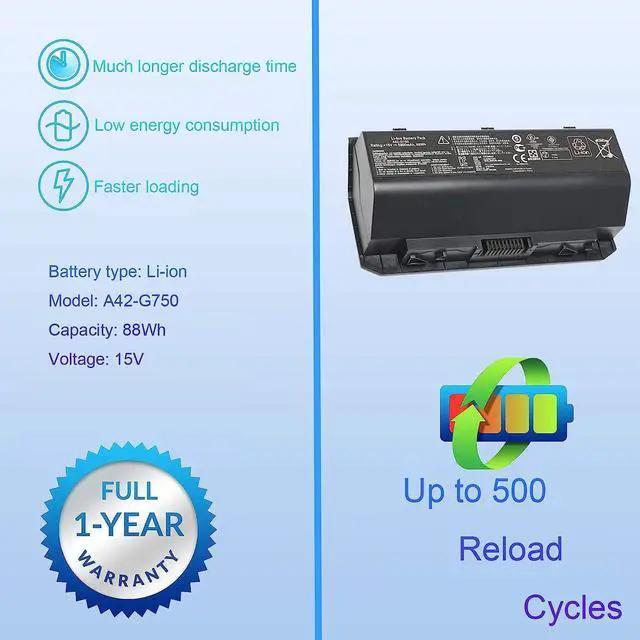
- for Asus A42-G750 Battery Capacity: 88Wh; Voltage: 15 V; Cell:8; Battery type: Li-ion.
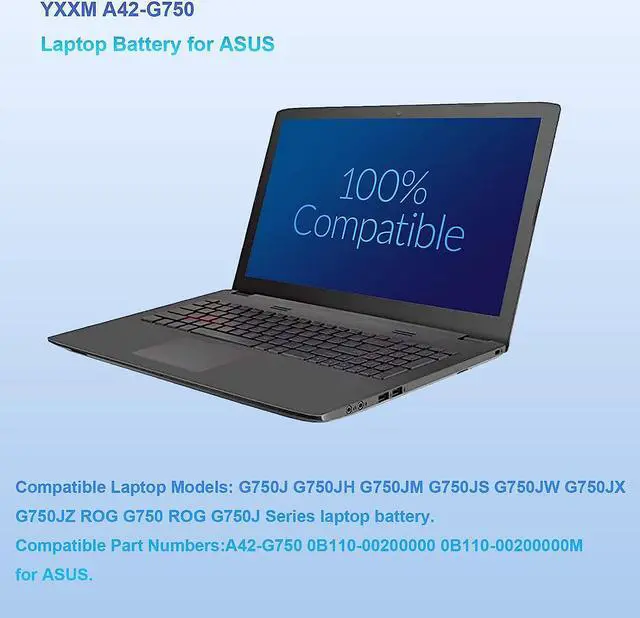
- Compatible Part Numbers:for ASUS G750JW battery 0B110-00200000 0B110-00200000M.
- Compatible Laptop Models: For ASUS G750J Series, For ASUS G750JH Series, For ASUS G750JM Series,For ASUS G750JS Series, For ASUS G750JW Series,For ASUS G750JX Series,For ASUS G750JZ Series,For ASUS ROG G750 Battery Series, For ASUS ROG G750J Series laptop battery.
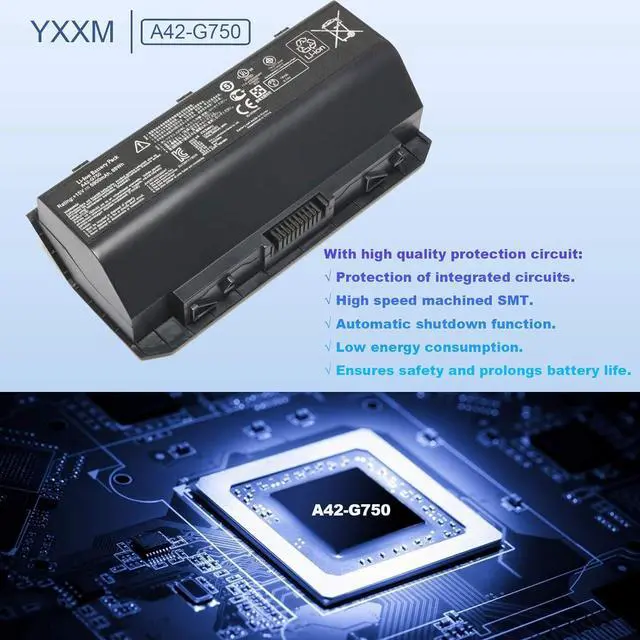
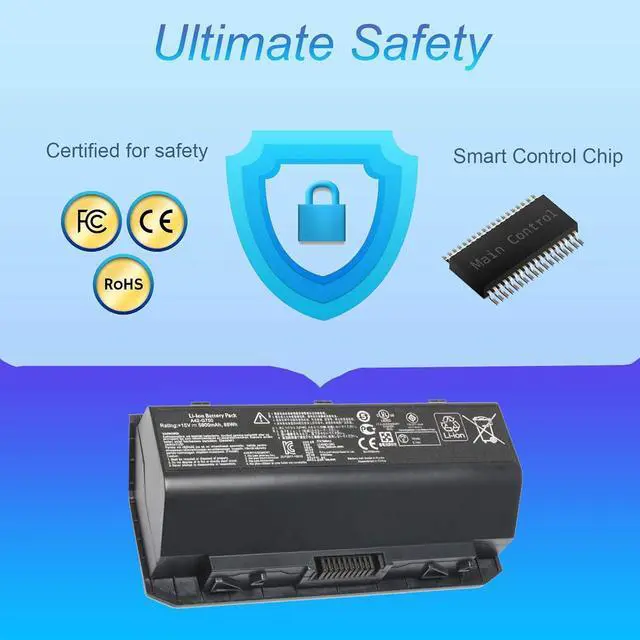
- Asus Battery Replacement G750 Quality Control:Up to 500 charging cycles over the battery life, state-of-the-art technology and safety precautions ensure that this battery works just as reliably as the original, CE certification, RoHs certification, EMC and EC tests passed.
- Perfect Aftermarket: A42-G750 laptop battery offer 60 day money back or replacement, 1 year warranty, 24/7 email support, we promise to help you solve any problems within 24 hours including refund.
+
+
Overview
Specs
Reviews
Battery type: Li-ion
Voltage: 15V
Capacity: 88 Wh
Color: Black
Warranty: 1 year warranty
Compatible Part Numbers:
for Asus Battery Replacement G750 0B110-00200000 0B110-00200000M for ASUS.
for Asus A42-G750 Battery Compatible Models:
For ASUS G750J Series, For ASUS G750JH Series, For ASUS G750JM Series.
For ASUS G750JS Series, For ASUS G750JW Battery Series,For ASUS G750JX Series.
For ASUS G750JZ Series,For ASUS ROG G750 Battery Series, For ASUS ROG G750J Series.
For ASUS ROG G750JH Series, For ASUS ROG G750JM Series, For ASUS ROG G750JS Series.
For ASUS ROG G750JW Series, For ASUS ROG G750JX Series, For ASUS ROG G750JZ Series laptop battery
Installing New Battery Frequently Asked Question Solution:
Q: Why my computer didn't recognize this battery or I install this battery and it doesn't seem to work?
A: The reason is residual power stored in the laptop components that was preventing the battery from working properly.
Please disconnecting the old battery, and holding down the power button for 20 seconds, then connect the new battery.
This drains the residual or flea power and once the laptop is reassembled the battery will function properly.
Voltage: 15V
Capacity: 88 Wh
Color: Black
Warranty: 1 year warranty
Compatible Part Numbers:
for Asus Battery Replacement G750 0B110-00200000 0B110-00200000M for ASUS.
for Asus A42-G750 Battery Compatible Models:
For ASUS G750J Series, For ASUS G750JH Series, For ASUS G750JM Series.
For ASUS G750JS Series, For ASUS G750JW Battery Series,For ASUS G750JX Series.
For ASUS G750JZ Series,For ASUS ROG G750 Battery Series, For ASUS ROG G750J Series.
For ASUS ROG G750JH Series, For ASUS ROG G750JM Series, For ASUS ROG G750JS Series.
For ASUS ROG G750JW Series, For ASUS ROG G750JX Series, For ASUS ROG G750JZ Series laptop battery
Installing New Battery Frequently Asked Question Solution:
Q: Why my computer didn't recognize this battery or I install this battery and it doesn't seem to work?
A: The reason is residual power stored in the laptop components that was preventing the battery from working properly.
Please disconnecting the old battery, and holding down the power button for 20 seconds, then connect the new battery.
This drains the residual or flea power and once the laptop is reassembled the battery will function properly.
Warranty & Returns
Warranty, Returns, And Additional Information
Warranty
- Please contact the Seller directly for warranty information. Warranty information may also be found on the Manufacturer's website.
- CONTACT
Return Policies
- Return for refund within: 30 days
- Return for replacement within: 90 days
- This item is covered by E-Transit Limited Return Policy
Manufacturer Contact Info
- For a directory of all our manufacturers, please click below.
- Manufacturers Directory
LOADING...