


- Free 30-day Returns
$180.99
Ships from Hong Kong.
Sold by E-Transit Limited
Shipped by E-Transit Limited

Meet Your Seller

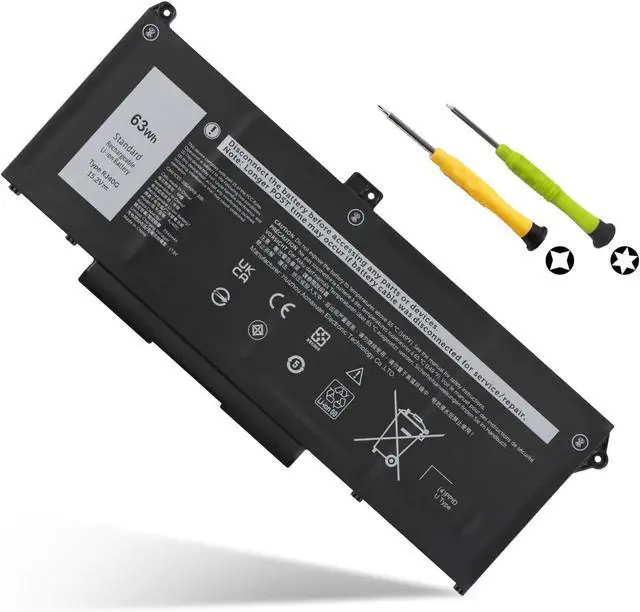
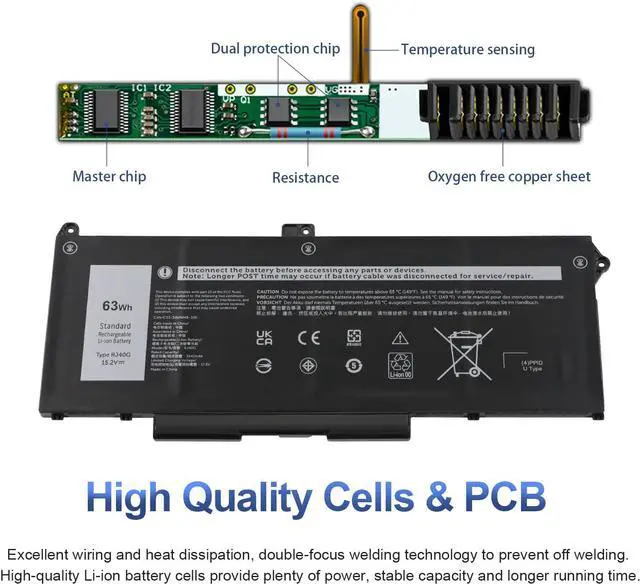
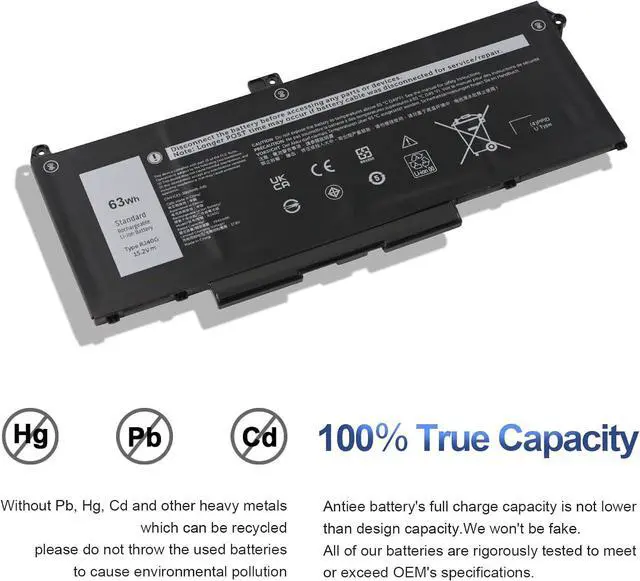


63Wh RJ40G Laptop Battery Replacement for Dell Latitude 14 5420 Latitude 15 5520 Precision 15 3560 Series P137G P137G001 P104F P104F001 P104F002 075X16 01K2CF WY9DX 0WK3F1 0M3KCN 005R42
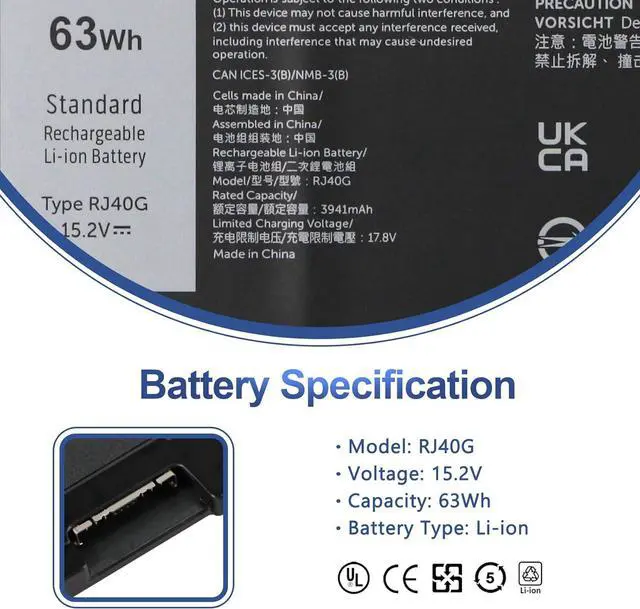
- SpecificationsBattery Type: Li-ion; Voltage: 15.2V; Capacity: 63Wh/3941mAh; Battery life: Up to 500 recharge cycles over the life of the battery.
- Compatible Part NumberRJ40G WY9DX 01K2CF 075X16 0WK3F1 0M3KCN.
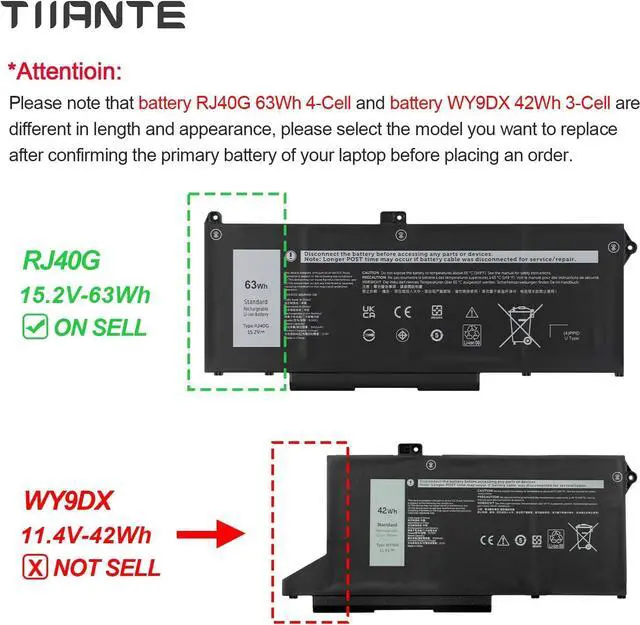
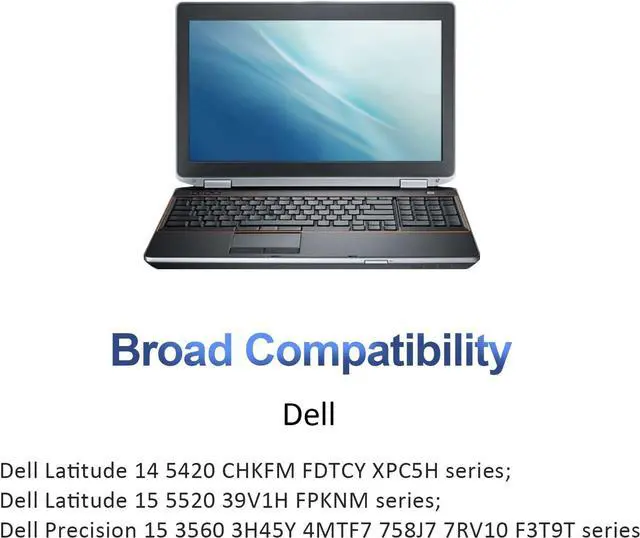
- Compatible Laptop ModelsFit for Dell Latitude 14 5420, Dell Latitude 15 5520, Dell Precision 3560, P137G P137G001 P104F P104F001 P104F002. (Note: Latitude 5420 5520 laptops are compatible with two types of batteries (RJ40G-63Wh and WY9DX-42Wh), please select the correct battery model according to the original battery of your laptop.)
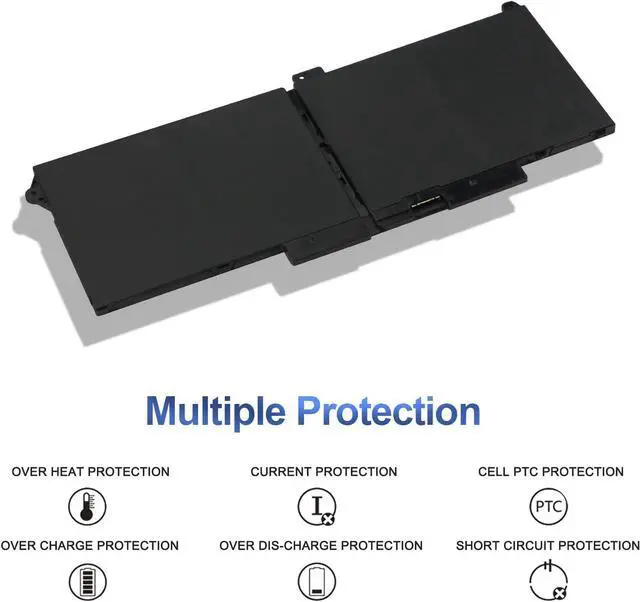
- Quality Assurance100% new from manufacturer, every battery has passed factory testing, grade A cells ensure fast charges and low power consumption, built-in circuit protection ensures both safety and stability. CE / FCC / RoHS Certified for safety.
- Perfect After-saleWelcome to email us if you have any issues, questions or concerns, we promise to resolve the problem within 24 hours. We guarantee 30 days money-back and 12-month warranty.
+
+
Overview
Specs
Reviews
Dell Latitude 14 5420 series Dell Latitude 14 5420 CHKFM Dell Latitude 14 5420 FDTCY Dell Latitude 14 5420 XPC5H.Dell Latitude 15 5520 series Dell Latitude 15 5520 39V1H Dell Latitude 15 5520 FPKNM.Dell Precision 15 3560 series Dell Precision 15 3560 3H45YDell Precision 15 3560 4MTF7 Dell Precision 15 3560 758J7Dell Precision 15 3560 7RV10 Dell Precision 15 3560 F3T9T.Compatible Models:Dell P137G P137G001 ,Dell P104F P104F001 P104F002. Install A New Battery:
1. You need to turn off your laptop and disconnect the power.
2. Remove the old battery, carefully install the new battery on the battery case, and connect the wiring of the new battery.
3. If you don't understand the above steps, you can search for the video about laptop battery installation on YouTube. Maybe it will help you.
Battery Troubleshooting:
1.Maybe it is caused by a loose battery, please remove the battery and reinstall it again.
2.Maybe due to conductive material damaged which the laptop motherboard and battery anode and cathode contact position, you can try to confirm it with your original battery.
3.Check whether the battery drive is in normal condition, if not, download the corresponding driver software to update.
4.When the computer is turned on, if it is not recognised, it is recommended to update the BIOS settings or please disconnecting the old battery, and holding down the power button for 20 seconds, then connect the new battery.Try a few more times.
Compatible Laptop Models:
1. You need to turn off your laptop and disconnect the power.
2. Remove the old battery, carefully install the new battery on the battery case, and connect the wiring of the new battery.
3. If you don't understand the above steps, you can search for the video about laptop battery installation on YouTube. Maybe it will help you.
Battery Troubleshooting:
1.Maybe it is caused by a loose battery, please remove the battery and reinstall it again.
2.Maybe due to conductive material damaged which the laptop motherboard and battery anode and cathode contact position, you can try to confirm it with your original battery.
3.Check whether the battery drive is in normal condition, if not, download the corresponding driver software to update.
4.When the computer is turned on, if it is not recognised, it is recommended to update the BIOS settings or please disconnecting the old battery, and holding down the power button for 20 seconds, then connect the new battery.Try a few more times.
Compatible Laptop Models:
Warranty & Returns
Warranty, Returns, And Additional Information
Warranty
- Please contact the Seller directly for warranty information. Warranty information may also be found on the Manufacturer's website.
- CONTACT
Return Policies
- Return for refund within: 30 days
- Return for replacement within: 90 days
- This item is covered by E-Transit Limited Return Policy
Manufacturer Contact Info
- For a directory of all our manufacturers, please click below.
- Manufacturers Directory
LOADING...