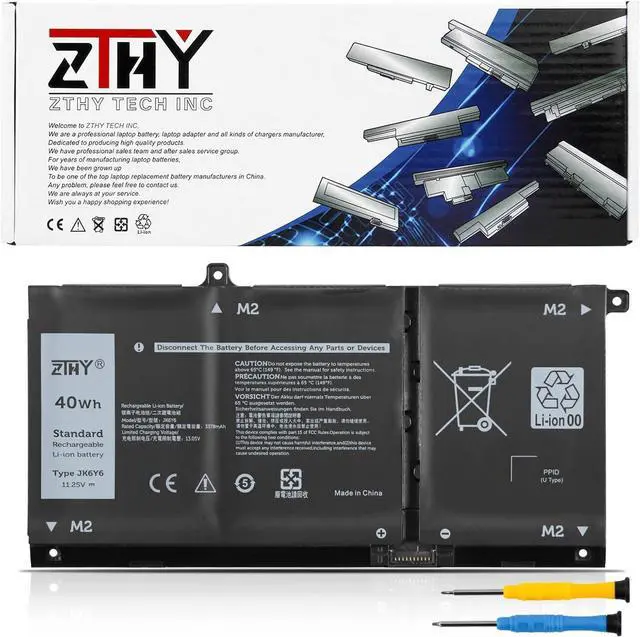
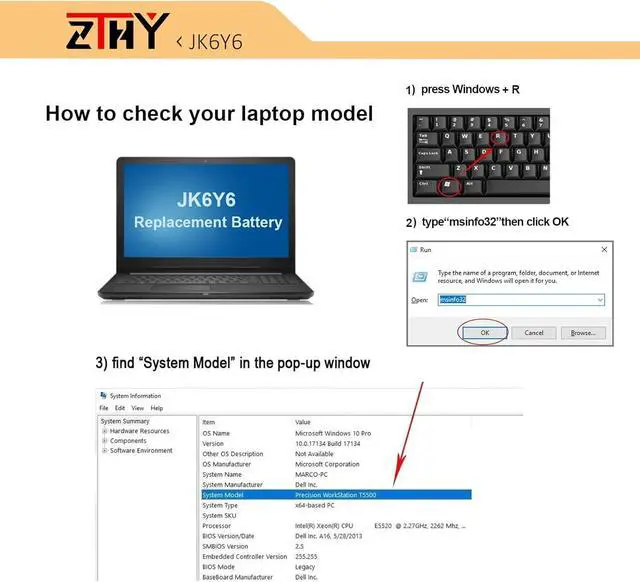
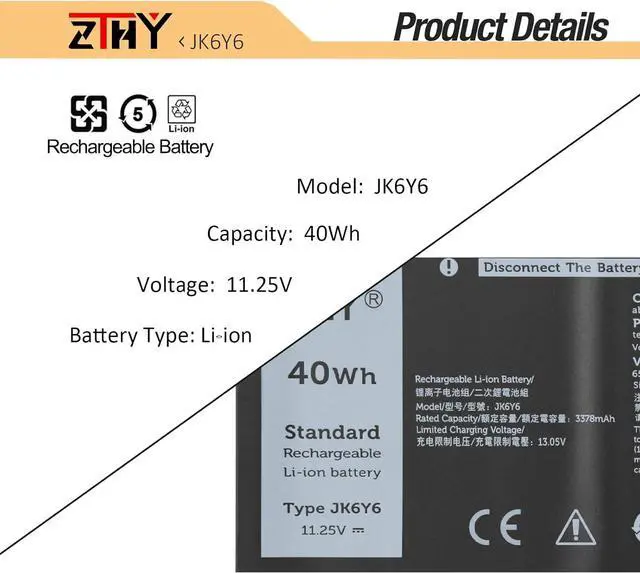
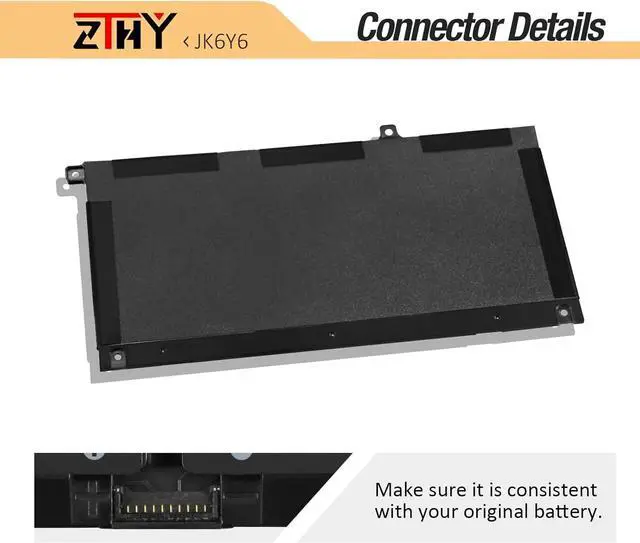
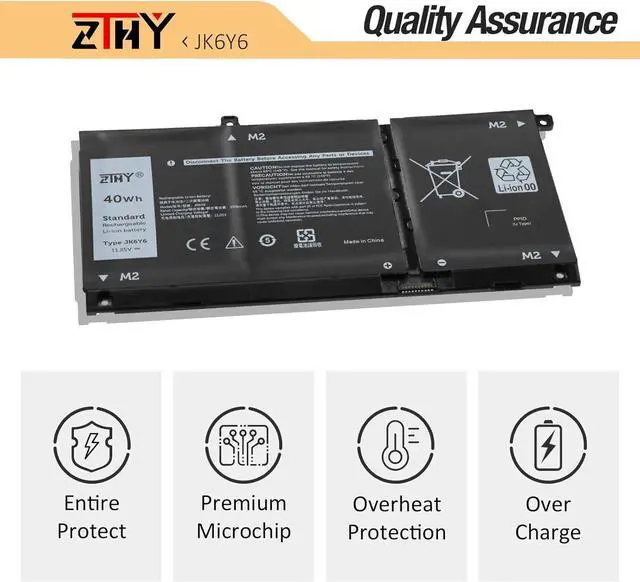
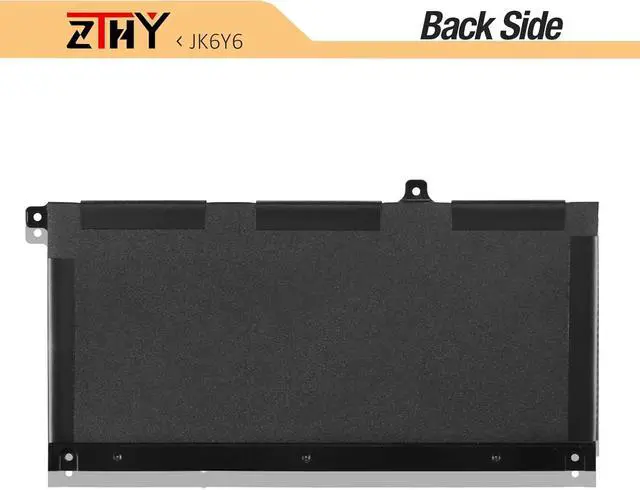
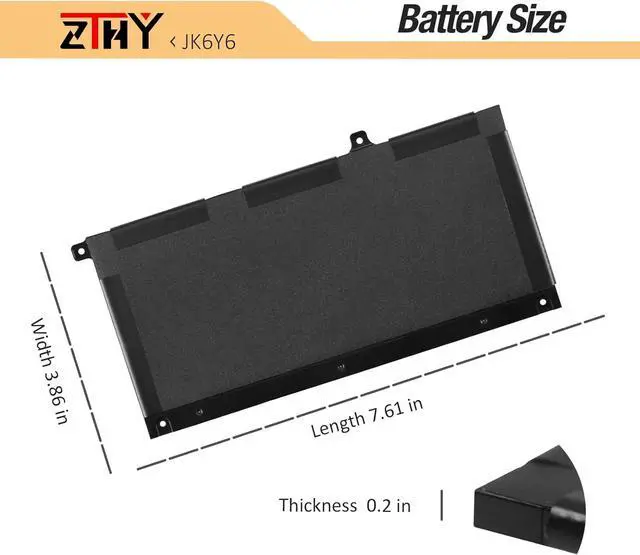
Compatible Part NumberJK6Y6 C5KG6 CF5RH H5CKDCompatible ModelReplacement for Dell Latitude 3120 3140 3410 3510 Series;Compatible ModelReplacement for Dell Latitude 3120 3140 2-in-1 Series;Compatible ModelReplacement for Dell Inspiron 13 5300 5301 7300 Series;Compatible ModelReplacement for Dell Inspiron 13 7300 7306 7500 7506 2-in-1 Silver Series;Compatible ModelReplacement for Dell Inspiron 14 5401 5402 5408 5409 Series;Compatible ModelReplacement for Dell Inspiron 14 5400 5406 7405 2-in-1 Series;Compatible ModelReplacement for Dell Inspiron 15 5501 5502 5505 5508 5509 SeriesCompatible ModelReplacement for Dell Vostro 5300 5401 5402 5502 Series;Compatible ModelReplacement P126G P126G002 P126G004 P102F P102F002 P130G Series;Compatible ModelReplacement P129G P129G001 P129G002 P101F P101F001 Series.Important NoteNOT fit for Dell Inspiron 7300 2-in-1 Black; NOT fit for Dell Inspiron 7306 2-in-1 Black; NOT fit for Dell Inspiron 7500 2-in-1 Black; NOT fit for Dell Inspiron 7506 2-in-1 Black;Important NoteBefore purchasing, please open your laptop case, check and confirm your original battery model and appearance, compared with our battery image, make sure that's what you need. Especially the location of the connector and the cable length (long or short). There are three different batteries, please check the model you need before buying. 40Wh JK6Y6(ASIN: B094Y183QW) or 53Wh H5CKD(ASIN: B07GGT8QLT) battery battery.AttentionPlease open the back cover of your laptop to check the original battery size and capacity before placing an order. Please scroll down to the list to purchase. What do I need to be aware of when I receive a battery?
You need to check its appearance, confirm the model, read the instruction manual. Cycle and charge it 5 to 6 times to activate the maximum usage space of the battery. When not in use temporarily, charge the battery to 50%-60%.
What should I do if laptop won't boot up after installing a new battery?
1.Check if the battery is properly seated and connections are clean. 2.Try charging it or use the adapter alone to start. 3.Examine hardware links, like RAM and adapters. 4.Reset BIOS settings if needed. 5.Enter Safe Mode to fix system issues.
How should I do if the battery is not recognised?
If it is not recognised, it is recommended to update the BIOS settings or please disconnecting the old battery, and holding down the power button for 20 seconds, then connect the new battery.
What should I do if the battery expands?
1.Power off your laptop and disconnect it from any power source. 2.Carefully remove the swollen battery from the laptop in a well-ventilated area, avoid pressing or squeezing the battery during removal.
What can you do if you are not satisfied with the battery?
Please Contact ZTHY, click on "ZTHY TECH", you can see "question" on the page.we'll help you. Our battery have 12 months replace a new one and 30 days moeny back guarrante.
1) Please click ZTHY TECH, we will help you solve it.
2) Please be assured that we will take the responsibility for each product we sold.
3) 30-days after purchase, we offer a no-questions-asked return policy.
4)12 months from the date of purchase, If the product fails, we will replace it with a new one.
1) You need to turn off your laptop and disconnect the power.
2) Disconnect the connection between the old battery and the motherboard to avoid unnecessary damage caused by disassembling the battery. Then unscrew the old battery screws one by one and carefully save each screw.
3) Remove the old battery, carefully install the new battery on the battery case, screw in the screw, and connect the wiring of the new battery.
4) If you don't understand the above steps, you can search for the video about laptop battery installation on YouTube. Maybe it will help you.
1)Discharge the new battery use to 10%(not to 0%) and then charge to 95%, and cycle 3-4 times.
2) D