Q: How to access the extended mode?
Note: only support max 2-screen extension
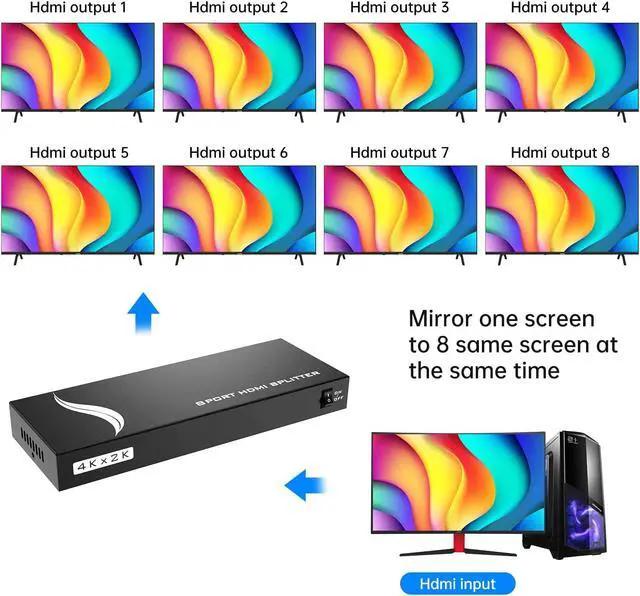
A: 1. For laptops, pls press WIN + P, then drag target windows to the other 8 monitors ( 8 screens are the same display)
2. For desktop PC: pls use one VGA or DP cable to connect the host PC with another monitor, then HDMI cable with PC and splitter (other 8 HDMI cables with 8 monitors and splitter), then press WIN + P, then drag target windows to other 8 monitors ( 8 screens are same display)
Q: What is an HDMI Splitter?
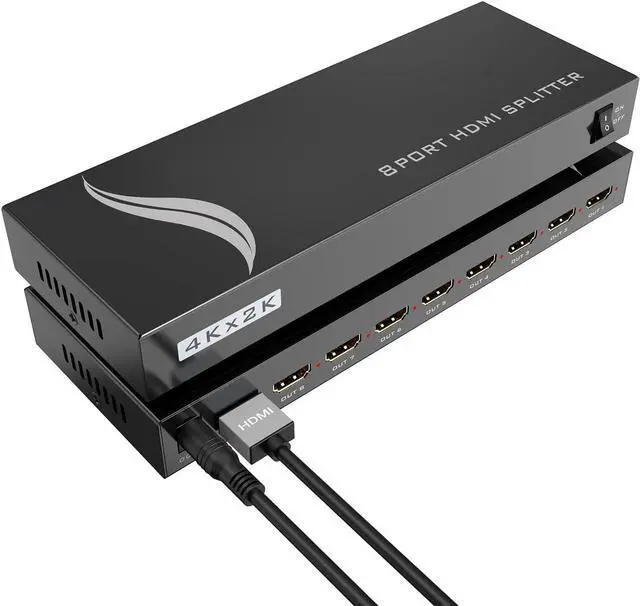
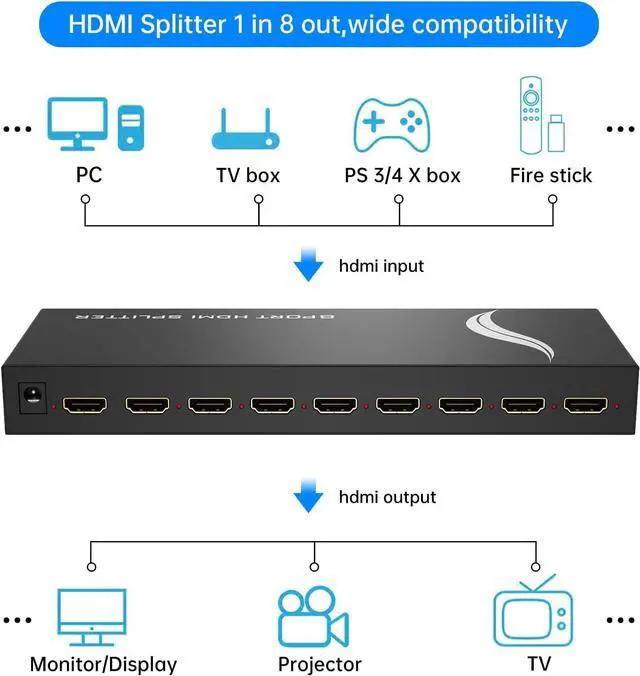
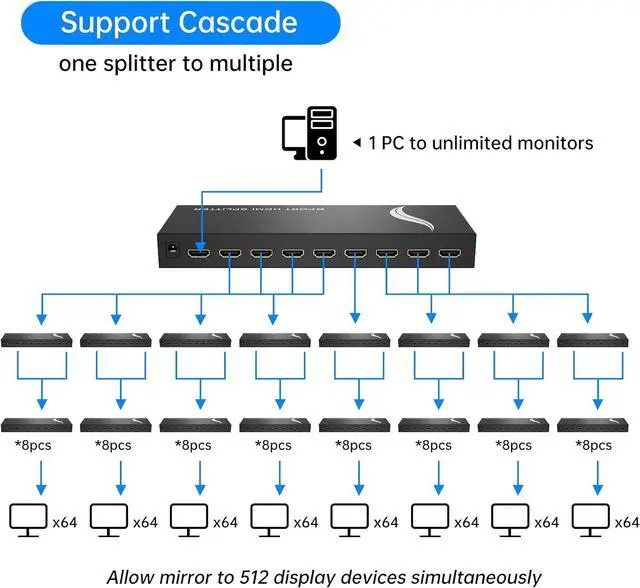
A: HDMI Splitter is a device that you can share your HDMI source into four separate HDMI displays simultaneously.
Q: Can A HDMI Splitter be used like a Switcher?
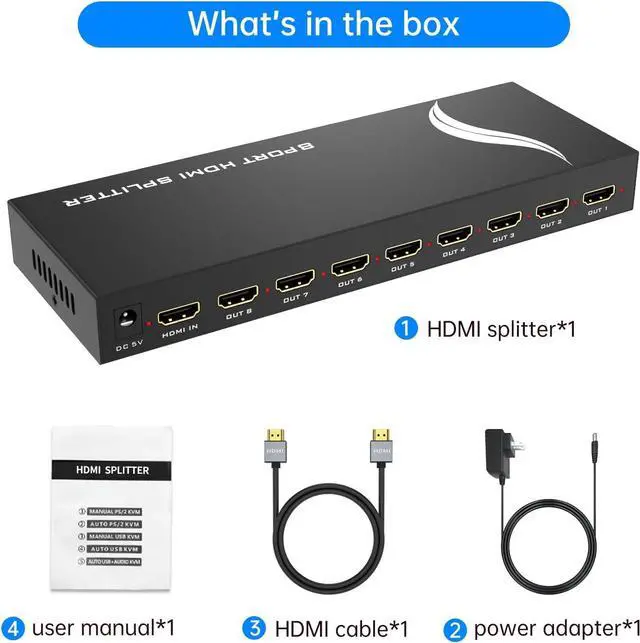
A: No, HDMI Splitter is 1 in 8 out, for 8 outputs sharing 1input), The switcher is for 1 output sharing multiple inputs.
Q: Can this HDMI Splitter extend the display?
A: Yes, it supports extension but does not extend between outputs. It supports extend signals from the input and output.