


- Free 30-day Returns
$106.99
Ships from Hong Kong.
Sold by E-Transit Limited
Shipped by E-Transit Limited

Meet Your Seller

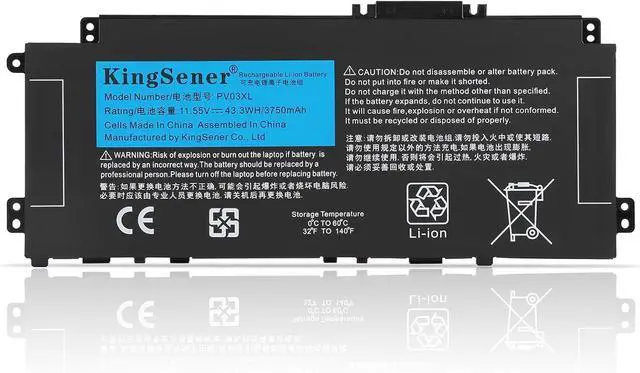
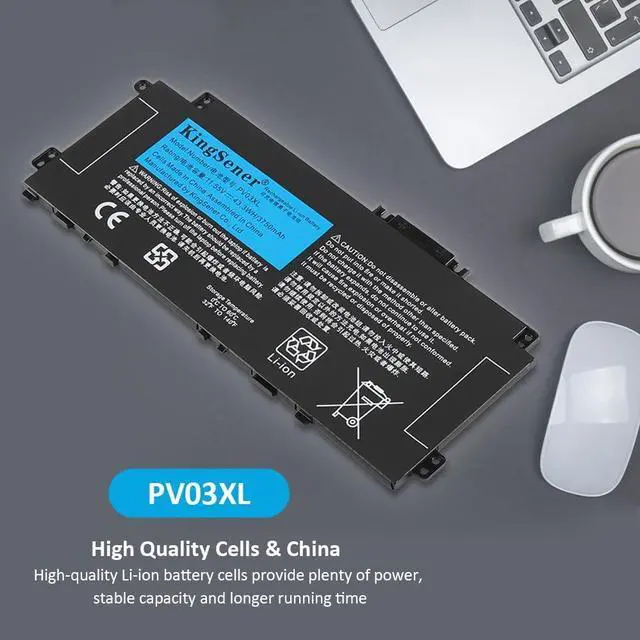
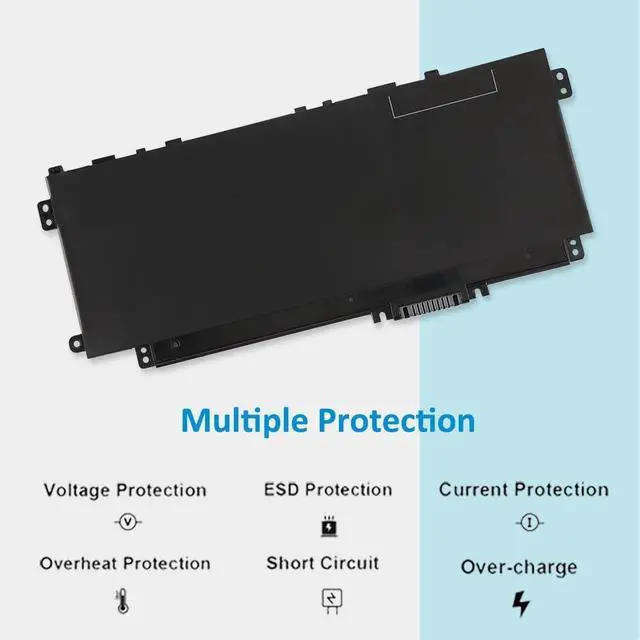
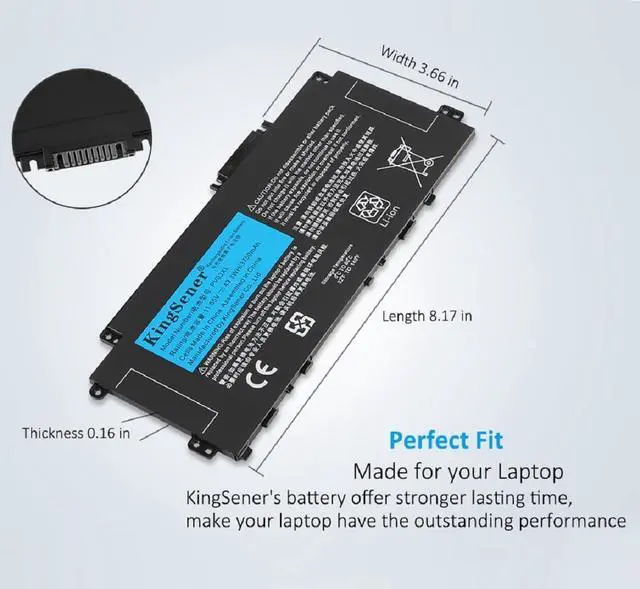
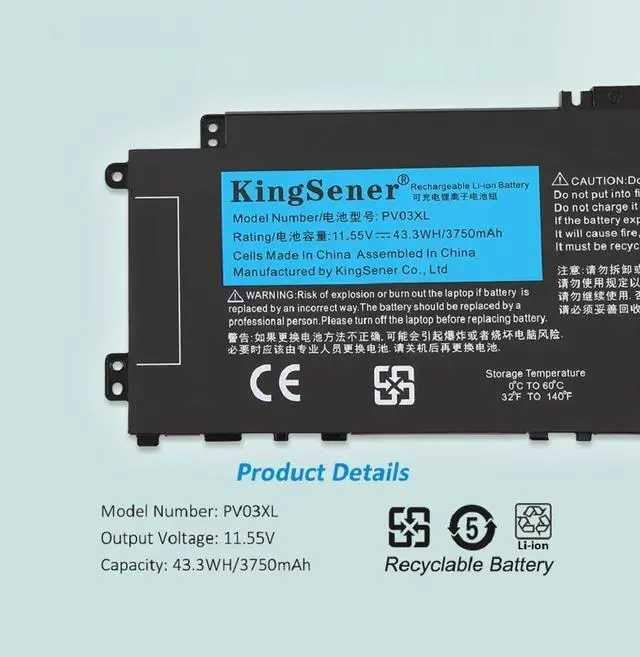
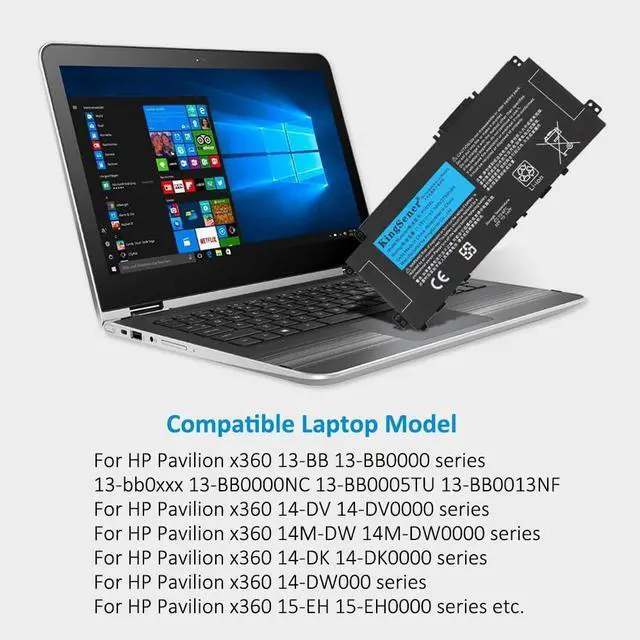



PV03XL PP03XL 43.3Wh Laptop Battery for HP Pavilion x360 14M-DW 14-DV 14-DW 13-BB 14-DK 15-EH 14m-dw0xxx dw0023dx dw1023dx dw1013dx dw0013dx 14-dv0xxx dw0xxx dw1xxx 13-bb0xxx L83388-421
- Specification:Model Number:PV03XL.Capacity: 43.3WH/3750mAh. Voltage: 11.55V. Condition: New. Battery's full charge capacity is not lower than design capacity
- Replacement for Part Number:PV03XL;PP03XL;L83393-005;L83388-421;L83388-AC1;M01118-AC1;HSTNN-LB8S;HSTNN-DB9X;HSTNN-OB1P;M01118-421;M01144-005;3ICP/5/68/73;TPN-Q243;TPN-Q244
- Compatible Models:For HP Pavilion x360 13-BB 13-BB0000 series;HP Pavilion x360 14-DV 14-DV0000 series;HP Pavilion x360 14M-DW 14M-DW0000 series;HP Pavilion x360 14-DK 14-DK0000 series;HP Pavilion x360 14-DW000 series;HP Pavilion x360 15-EH 15-EH0000 series
- KingSener Tips:For the initial installation, please reinstall and check the interface fully connected, discharge the battery to 5%(not to 0%) and then charge to 95%, and cycle 3-4 times
- Battery Use Tips:Up to 500 recharge cycles over the life of the battery. The actual operation time will depend on how much electricity is required by the device and how you use it
+
+
Overview
Specs
Reviews
First, turn off the laptop and disconnect the power Open the back cover of the notebook, disconnect the connection between the old battery and the motherboardthen remove the old battery with a tool Remove the old battery, put the new laptop battery into the battery box, then connect the wires of the new battery, and finally close the back cover of the laptop to complete If you have questions about installing a new battery, you can search for the installation of laptop/tablet models on YouTube. This method may help you
How should I charge my laptop battery?
It is suggested to charge the battery before the power runs out completely. It is best to charge when the remaining power is about 5-10%, and the battery should be charged in a relatively dry place.
How should I preserve my laptop battery when I dont use it?
The ideal preservation method is to charge the battery to about 40%.the battery should be used once a month, which can not only good preservation of the battery but also prevent the battery from being damaged by the complete loss of power
How to get KingSener service and support?
Step 1: You can find us directly from your account. Locate the order and click the "Problem with this order?" button.Step 2: Select the "Contact Seller" button to send us a message. We would be glad to solve any problem for you within 24 hours.
How to install the battery PV03XL PP03XL 43.3Wh Laptop Battery for HP Have Higher Battery Life and Better Experience Anytime and Anywhere How should I charge my laptop battery?
How should I preserve my laptop battery when I dont use it?
How to get KingSener service and support?
How should I charge my laptop battery?
It is suggested to charge the battery before the power runs out completely. It is best to charge when the remaining power is about 5-10%, and the battery should be charged in a relatively dry place.
How should I preserve my laptop battery when I dont use it?
The ideal preservation method is to charge the battery to about 40%.the battery should be used once a month, which can not only good preservation of the battery but also prevent the battery from being damaged by the complete loss of power
How to get KingSener service and support?
Step 1: You can find us directly from your account. Locate the order and click the "Problem with this order?" button.Step 2: Select the "Contact Seller" button to send us a message. We would be glad to solve any problem for you within 24 hours.
How to install the battery PV03XL PP03XL 43.3Wh Laptop Battery for HP Have Higher Battery Life and Better Experience Anytime and Anywhere How should I charge my laptop battery?
How should I preserve my laptop battery when I dont use it?
How to get KingSener service and support?
Warranty & Returns
Warranty, Returns, And Additional Information
Warranty
- Please contact the Seller directly for warranty information. Warranty information may also be found on the Manufacturer's website.
- CONTACT
Return Policies
- Return for refund within: 30 days
- Return for replacement within: 90 days
- This item is covered by E-Transit Limited Return Policy
Manufacturer Contact Info
- For a directory of all our manufacturers, please click below.
- Manufacturers Directory
LOADING...