


- Free 30-day Returns
$161.99
Ships from Hong Kong.
Sold by E-Transit Limited
Shipped by E-Transit Limited

Meet Your Seller

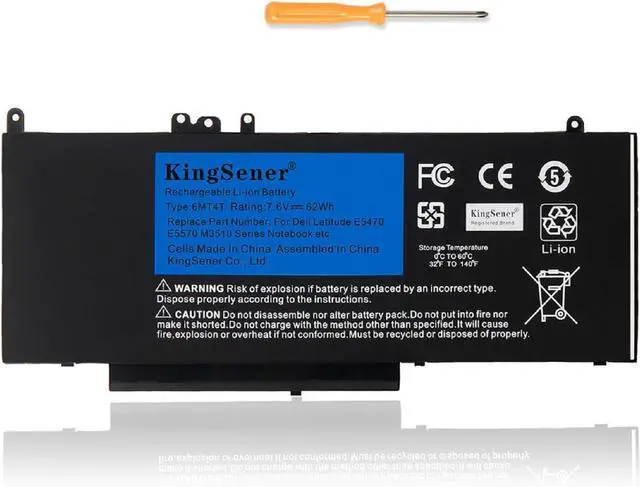
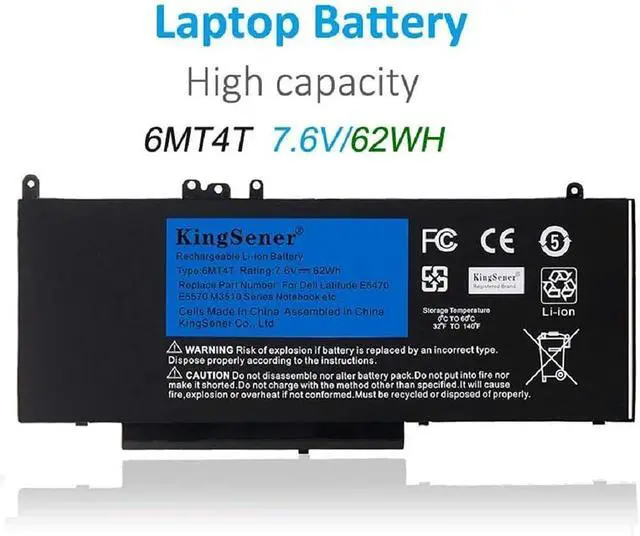
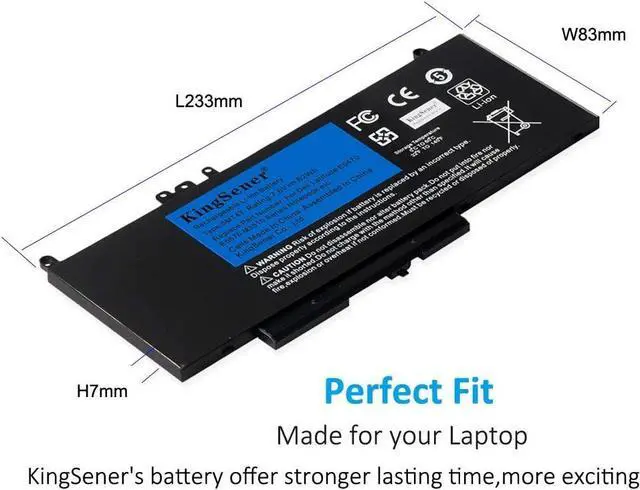
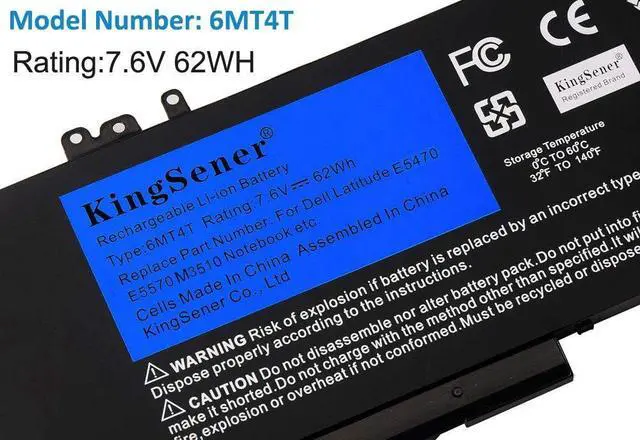
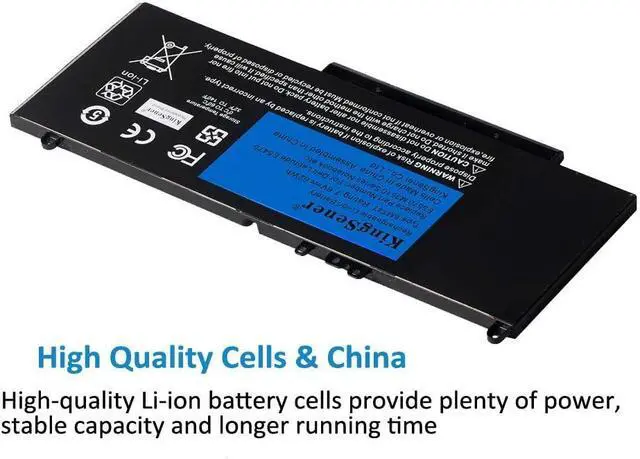


6MT4T Laptop Battery Replacement for Dell Latitude E5470 E5570 M3510, 14 5470, 15 5570, 15 3510, 7V69Y 79VRK 07V69Y TXF9M Series Tablet Notebook Battery, 62WH/7.6V
- Replace Part Number:6MT4T | 7V69Y | 79VRK | 07V69Y | TXF9M
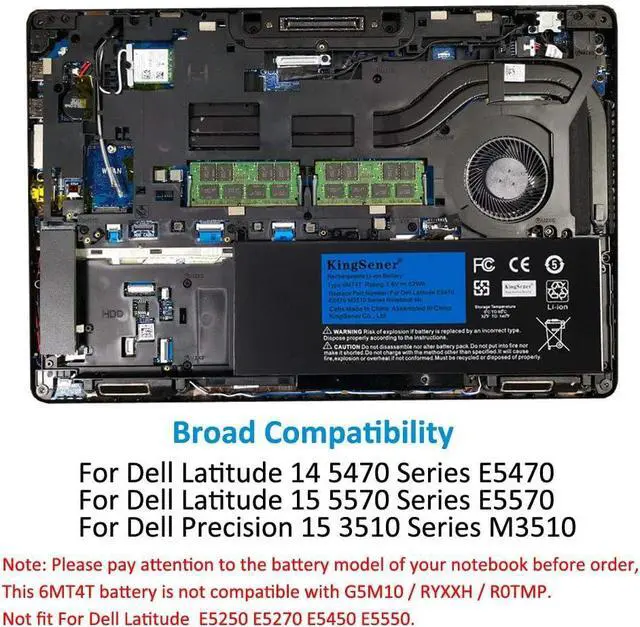
- Compatible Laptop Model:For Dell Latitude 14 5470 Series; For Dell Latitude E5470 Series; For Dell Latitude 15 5570 Series; For Dell Latitude E5570 Series; For Dell Precision 15 3510 Series; For Dell Precision M3510 Series
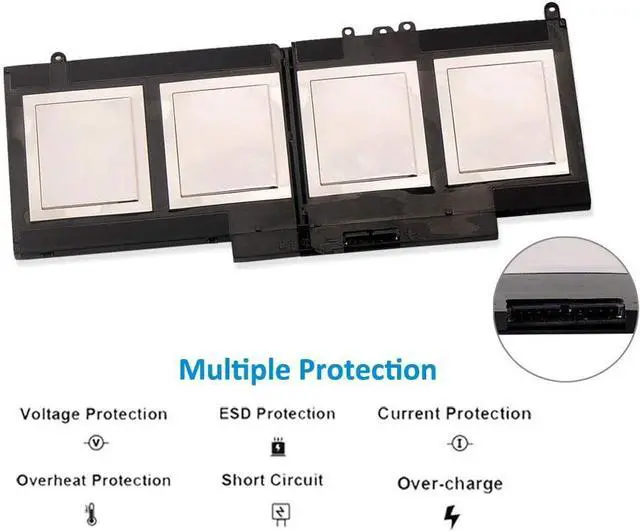
- Specifications:Battery Model: 6MT4T; Capacity: 62WH; Voltage: 7.6V; Battery Type: Li-ion. More than 500 Recharge Cycles For the Life Of the Battery. Good Performance A++ Cells Ensure Fast Charges and Low Power Consumption
- Battery Use Tips:Up to 500 recharge cycles over the life of the battery. The actual operation time will depend on how much electricity is required by the device and how you use it
- Please Note:Please open the back cover of the laptop before ordering and make sure that the original battery model is consistent with the listing. After getting the battery, please install the battery correctly, make sure that the battery connector is firmly connected to the laptop motherboard, and use the ori
+
+
Overview
Specs
Reviews
Replace Part Number:6MT4T | 7V69Y | 79VRK | 07V69Y | TXF9M
Compatible Laptop Model:For Dell Latitude 14 5470 Series; For Dell Latitude E5470 Series; For Dell Latitude 15 5570 Series; For Dell Latitude E5570 Series; For Dell Precision 15 3510 Series; For Dell Precision M3510 Series
Specifications:Battery Model: 6MT4T; Capacity: 62WH; Voltage: 7.6V; Battery Type: Li-ion. More than 500 Recharge Cycles For the Life Of the Battery. Good Performance A++ Cells Ensure Fast Charges and Low Power Consumption
Battery Use Tips:Up to 500 recharge cycles over the life of the battery. The actual operation time will depend on how much electricity is required by the device and how you use it
Please Note:Please open the back cover of the laptop before ordering and make sure that the original battery model is consistent with the listing. After getting the battery, please install the battery correctly, make sure that the battery connector is firmly connected to the laptop motherboard, and use the original charger to charge the laptop.Discharge the new battery to 5% (not 0%), then charge and cycle 3-4 times to wake up the new battery.
Compatible Laptop Model:For Dell Latitude 14 5470 Series; For Dell Latitude E5470 Series; For Dell Latitude 15 5570 Series; For Dell Latitude E5570 Series; For Dell Precision 15 3510 Series; For Dell Precision M3510 Series
Specifications:Battery Model: 6MT4T; Capacity: 62WH; Voltage: 7.6V; Battery Type: Li-ion. More than 500 Recharge Cycles For the Life Of the Battery. Good Performance A++ Cells Ensure Fast Charges and Low Power Consumption
Battery Use Tips:Up to 500 recharge cycles over the life of the battery. The actual operation time will depend on how much electricity is required by the device and how you use it
Please Note:Please open the back cover of the laptop before ordering and make sure that the original battery model is consistent with the listing. After getting the battery, please install the battery correctly, make sure that the battery connector is firmly connected to the laptop motherboard, and use the original charger to charge the laptop.Discharge the new battery to 5% (not 0%), then charge and cycle 3-4 times to wake up the new battery.
Warranty & Returns
Warranty, Returns, And Additional Information
Warranty
- Please contact the Seller directly for warranty information. Warranty information may also be found on the Manufacturer's website.
- CONTACT
Return Policies
- Return for refund within: 30 days
- Return for replacement within: 90 days
- This item is covered by E-Transit Limited Return Policy
Manufacturer Contact Info
- For a directory of all our manufacturers, please click below.
- Manufacturers Directory
LOADING...