


- Free 30-day Returns
$169.99
Ships from Hong Kong.
Sold by E-Transit Limited
Shipped by E-Transit Limited

Meet Your Seller

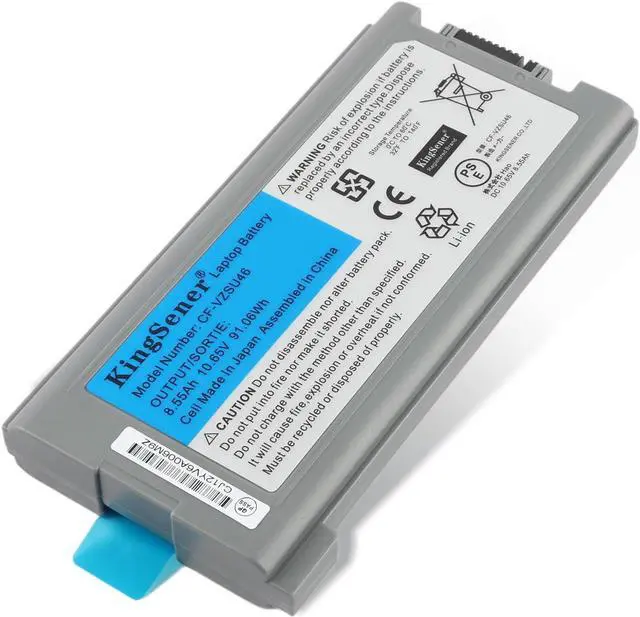
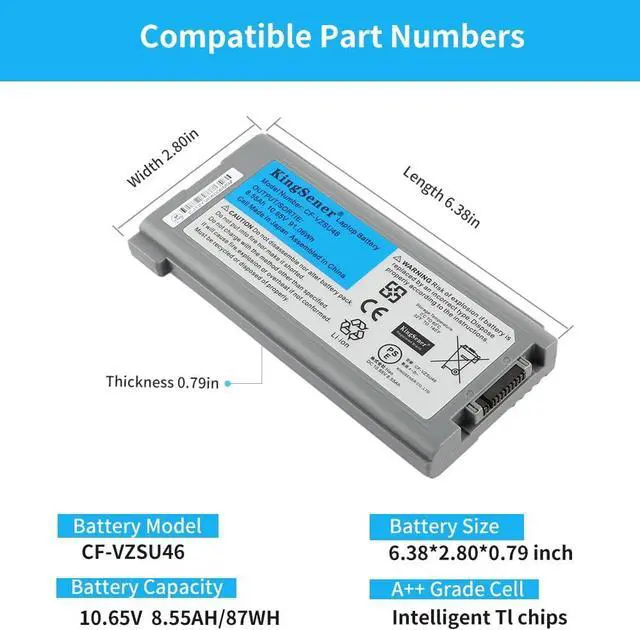
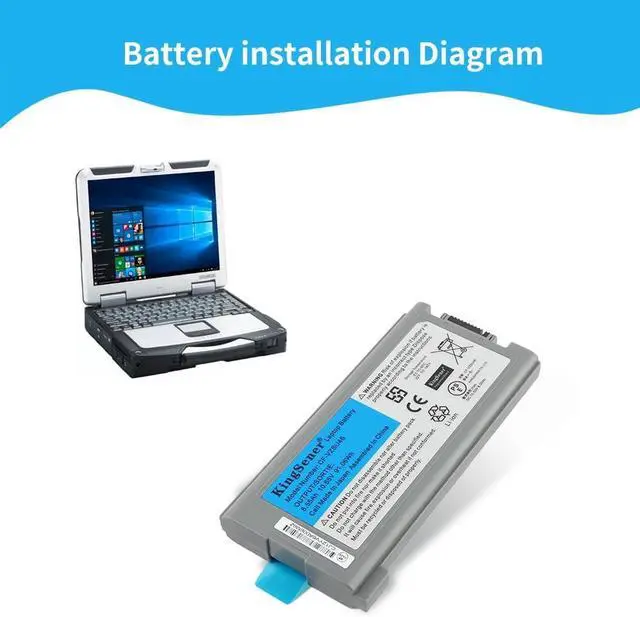
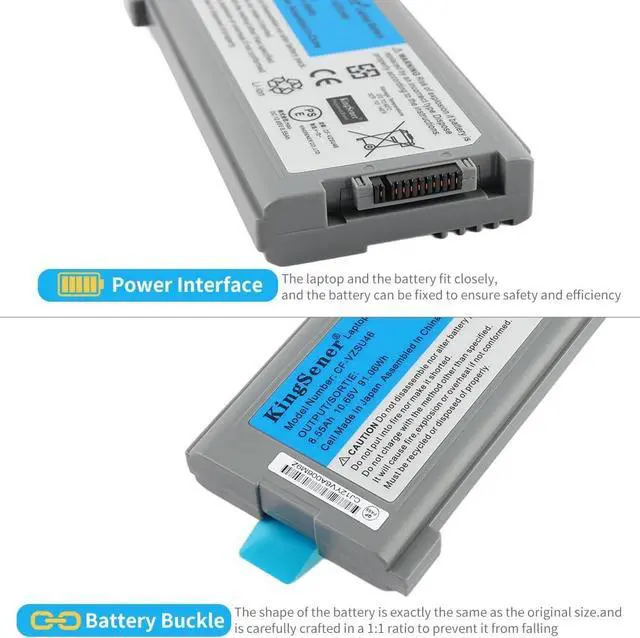
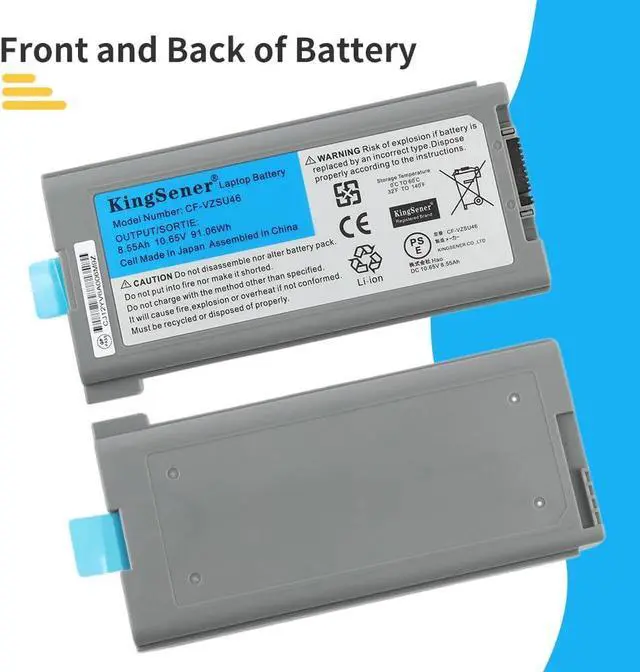


CF-VZSU46 Laptop Battery Replacement for Panasonic Toughbook CF-VZSU46AU CF-VZSU46U CF-VZSU46S CF-VZSU46R CF-VZSU71U CF-30 CF-31 CF-53 Series Netbook Computer Batteries 87WH/10.65V
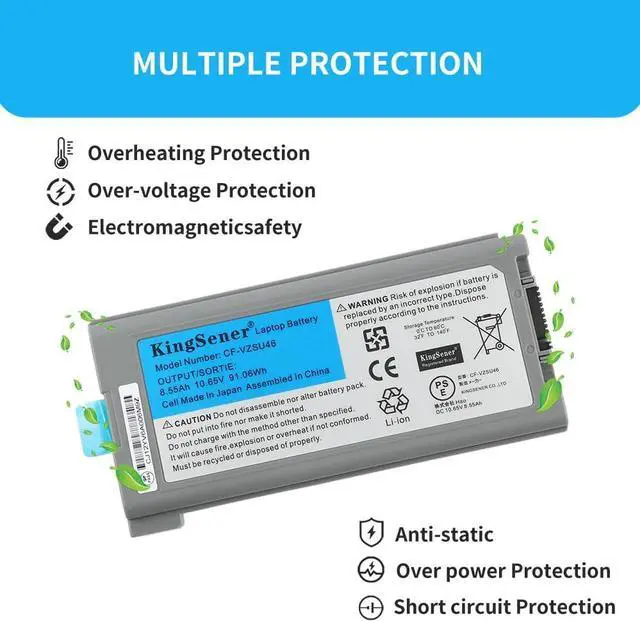
- Battery Type:Li-ion Capacity:8.55AH/87WH Voltage:10.65V. High quality built-in circuit protection board guarantee durable usage and safety. More than 500 recharge cycles for the life of the battery
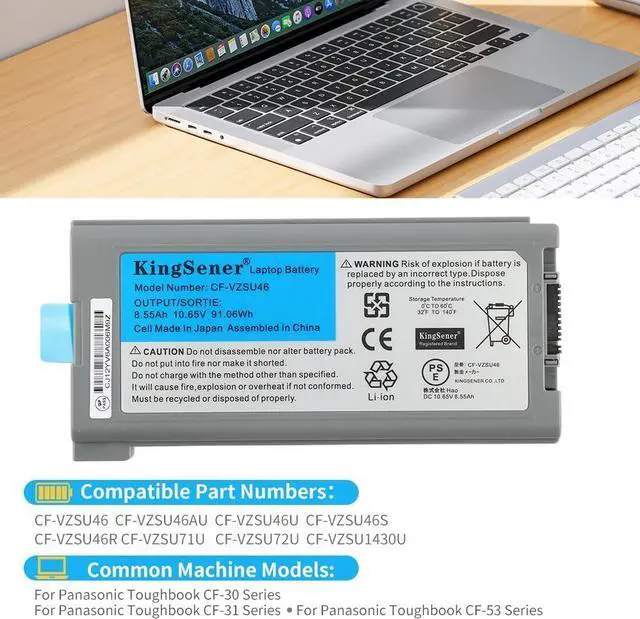
- Replace Part Numbers: CF-VZSU46; CF-VZSU46AU; CF-VZSU46U; CF-VZSU46S; CF-VZSU46R ;CF-VZSU71U; CF-VZSU72U;CF-VZSU1430U
- Replacement For Laptop Model : Panasonic Toughbook CF-30 Series;CF-31 Series;CF-53 Series
- KingSener Tips:For the initial installation, please reinstall and check the interface fully connected, discharge the battery to 5%(not to 0%) and then charge to 95%, and cycle 3-4 times
- PLEASE NOTE:Please open the back cover of the laptop before ordering and make sure that the original battery model is consistent with the listing. After getting the battery, please install the battery correctly, make sure that the battery connector is firmly connected to the laptop motherboard, and use the original charger to charge the laptop.Discharge the new battery to 5% (not 0%), then charge and
+
+
Overview
Specs
Reviews
KingSener Brand, leading a new era of technology.
KingSener is a professional manufacturer of laptop batteries and computer power supplies, established in 2005 with more than 10 years of experience. KingSener specializes in providing high-quality, cost-effective laptop batteries and other 3C electronic products to global customers.
Easily cope with any environment, giving you a longer battery life experience.
How to check your laptop model
1Press Windows+R button 2Typemsinfo32and click ok 3Find system model in pop up window
Tips for using the battery
1. Please discharge the new battery capacity to 5%, not 0%, and then charge to 95%, and cycle 3-4 times before normal use. 2. Do not connect the adapter for a long time while using the battery. It can damage the battery. 3. Do not use or store the battery in hot or humid conditions. 4. If you remove the battery for a long time, charge more than 80% at least once within a month. 5. Do not disassemble, crush or puncture the battery. 6. Do not dispose of the battery in fire or water.
We give you what you need
KingSener is a professional manufacturer of laptop batteries and computer power supplies, established in 2005 with more than 10 years of experience. KingSener specializes in providing high-quality, cost-effective laptop batteries and other 3C electronic products to global customers.
Easily cope with any environment, giving you a longer battery life experience.
How to check your laptop model
1Press Windows+R button 2Typemsinfo32and click ok 3Find system model in pop up window
Tips for using the battery
1. Please discharge the new battery capacity to 5%, not 0%, and then charge to 95%, and cycle 3-4 times before normal use. 2. Do not connect the adapter for a long time while using the battery. It can damage the battery. 3. Do not use or store the battery in hot or humid conditions. 4. If you remove the battery for a long time, charge more than 80% at least once within a month. 5. Do not disassemble, crush or puncture the battery. 6. Do not dispose of the battery in fire or water.
We give you what you need
Warranty & Returns
Warranty, Returns, And Additional Information
Warranty
- Please contact the Seller directly for warranty information. Warranty information may also be found on the Manufacturer's website.
- CONTACT
Return Policies
- Return for refund within: 30 days
- Return for replacement within: 90 days
- This item is covered by E-Transit Limited Return Policy
Manufacturer Contact Info
- For a directory of all our manufacturers, please click below.
- Manufacturers Directory
LOADING...