• $84.99
  • Free 30-day Returns
Ships from United States.
Price alert
Shop it at NeweggBusiness.

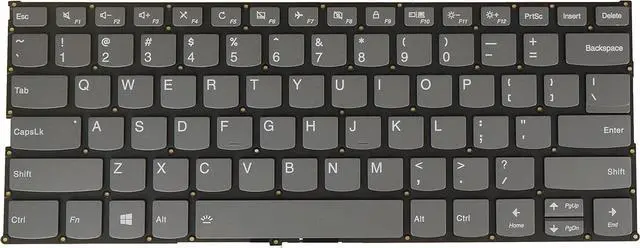
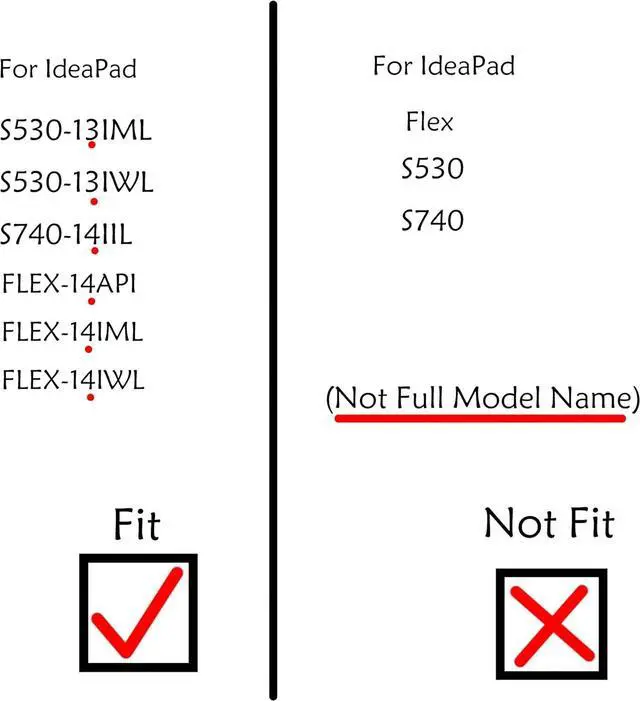
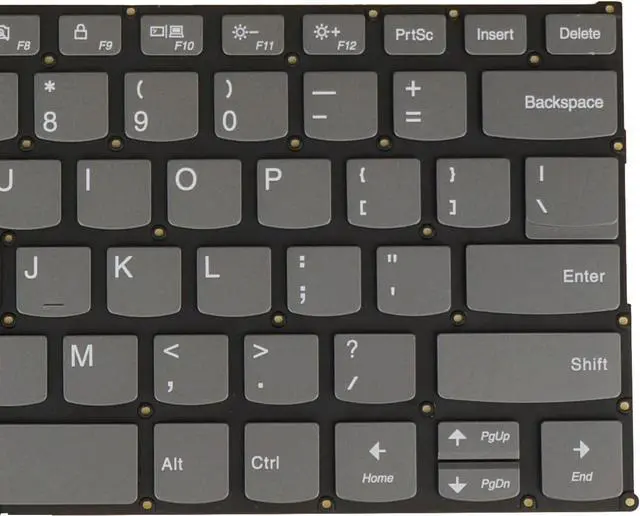
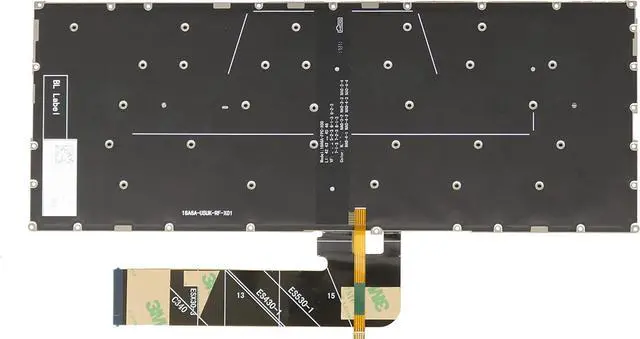
US Keyboard for Lenovo Ideapad FLEX-14API FLEX-14IML FLEX-14IWL S530-13IML S530-13IWL S740-14IIL PD4SB-US Backlit Gray

  • Brand New, Tested before Shipping.
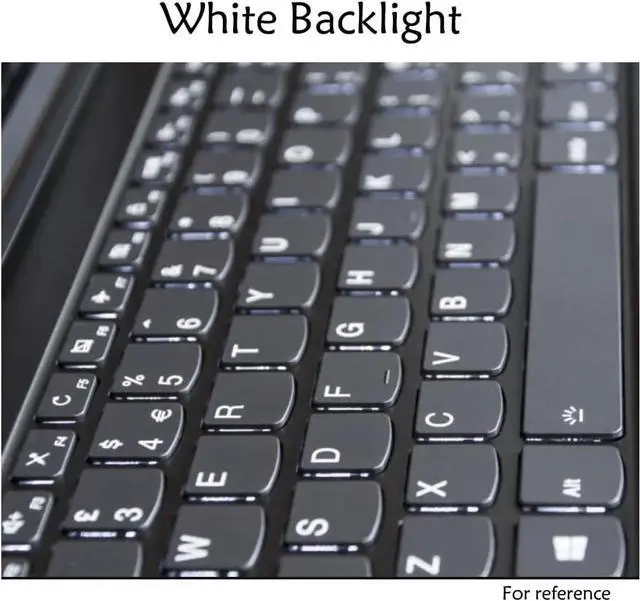
  • Layout: US || Frame: Without Frame || Backlight: With Backlight
  • Compatible Part NO.: PD4SB-US SN20Q40627 LCM17J6 LCM17J63USJ686 PK131721A00 PK132791A00
  • 1) There are more than one factories of keyboards, we may ship a compatible one if an exact part NO. is not available in stock. 2) If you need the keys only not whole keyboard, please contact us to check the design of the key hinges before you place an order. 3) If you want to update non-backlit keyboard to backlit one, Please check there is a backlit-connector on your motherboard so that the backlit feature will work.
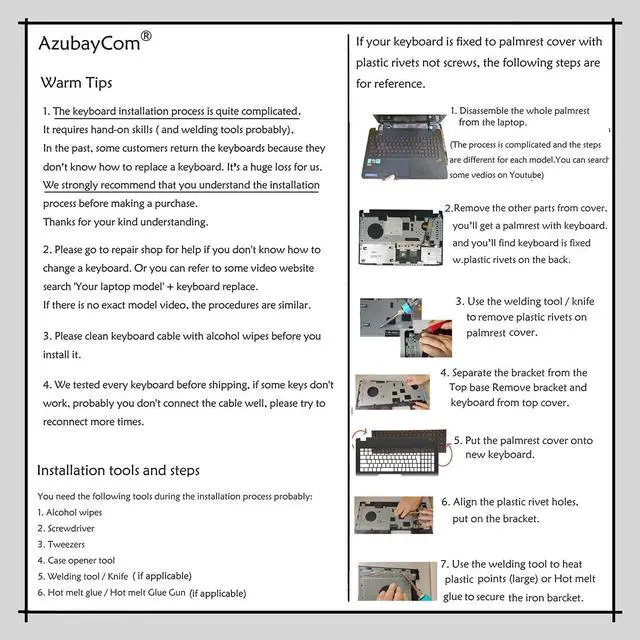
  • 4) If some keys don't work after installed, it is most likely that you don't connect well the ribbon cable of our keyboard with your laptop,please try to reconnect more times. 5) Please clean the keyboard cable and connector base on the motherboard before you install it. 6) Please use an anti-static tool when your are dealing with the internal laptop parts. 7) After installing the k
+
+
Overview
Specs
Reviews
Brand New, Tested before Shipping.
Layout: US || Frame: Without Frame || Backlight: With Backlight
Compatible Part NO.: PD4SB-US SN20Q40627 LCM17J6 LCM17J63USJ686 PK131721A00 PK132791A00
1) There are more than one factories of keyboards, we may ship a compatible one if an exact part NO. is not available in stock. 2) If you need the keys only not whole keyboard, please contact us to check the design of the key hinges before you place an order. 3) If you want to update non-backlit keyboard to backlit one, Please check there is a backlit-connector on your motherboard so that the backlit feature will work.
4) If some keys don't work after installed, it is most likely that you don't connect well the ribbon cable of our keyboard with your laptop,please try to reconnect more times. 5) Please clean the keyboard cable and connector base on the motherboard before you install it. 6) Please use an anti-static tool when your are dealing with the internal laptop parts. 7) After installing the keyboard, you may need to update the driver or restart your laptop for your keyboard to work.

Warranty & Returns

Warranty, Returns, And Additional Information

Warranty

  • Please contact the Seller directly for warranty information. Warranty information may also be found on the Manufacturer's website.
  • CONTACT

Return Policies

Manufacturer Contact Info

LOADING...