shippingWe‘re shipping as usual! The Canada Post strike only affects certain remote deliveries and PO Boxes. Details
shipping Holiday Shipping Details & Extended Holiday Returns
  • $110.99
  • Free 30-day Returns
  • Ships from United States.
    Price alert
    Shop it at NeweggBusiness.

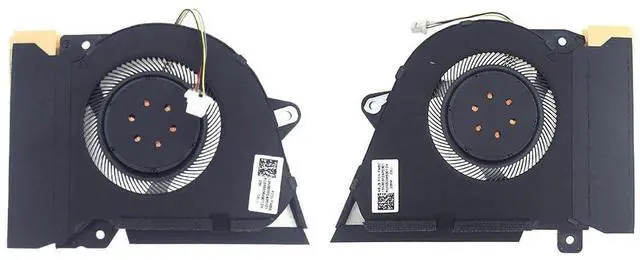
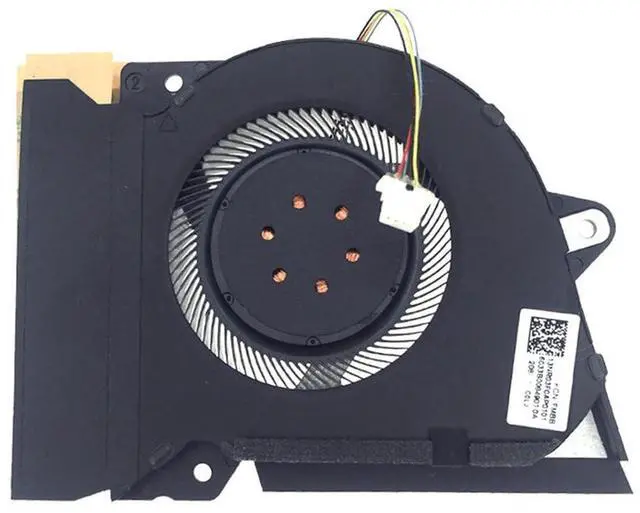
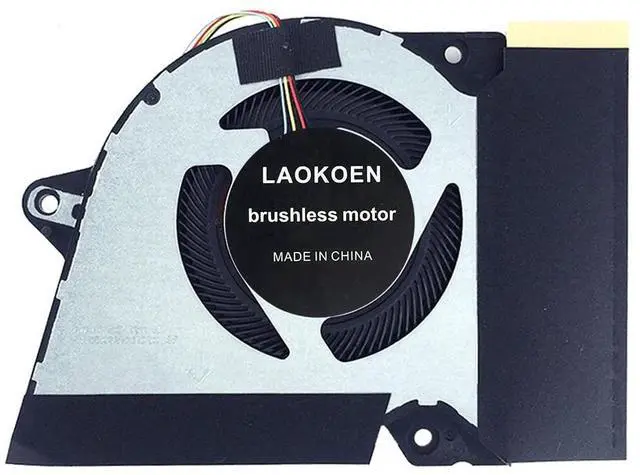
    New Replacement Cooling Fans for ASUS ROG Zephyrus G14 GA401I GA401IV GA401IH GA401IH-BR7N2BL Laptop Series P/N:13NR03F0AP0101 DFSCK22105182H FMBB 13NR03F0AP0301 DFSCK22115181H FMBC 12V 1A Fan

    • Compatible models: for ASUS ROG Zephyrus G14 GA401I GA401IV GA401IH GA401IH-BR7N2BL laptop Series (4-Pin 4-Wire) P/N:13NR03F0AP0101 DFSCK22105182H FMBB 13NR03F0AP0301 DFSCK22115181H FMBC 12V 1A Fan.
    • Applicable scenarios:Solve the error, abnormal noise, and high temperature of your laptop fan, so that your laptop fan can operate normally again!
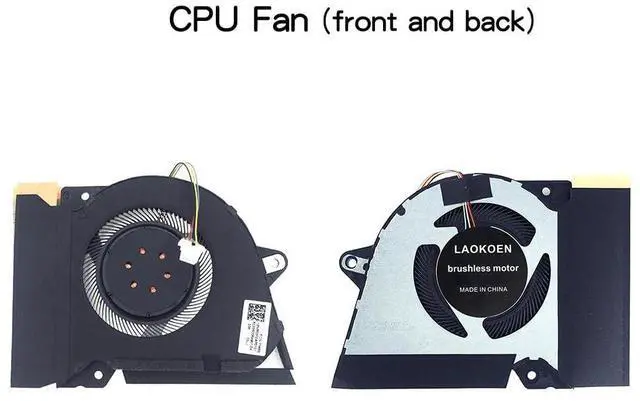
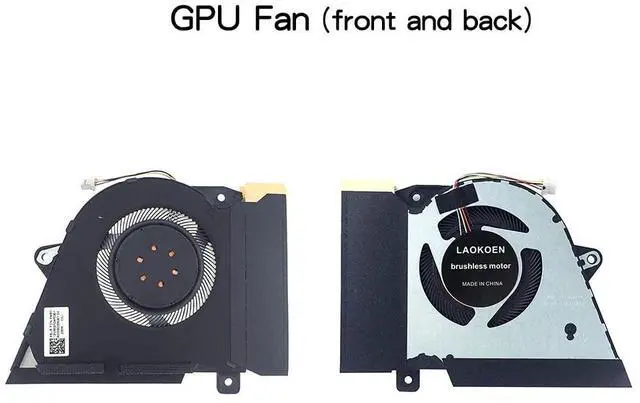
    • Note: Please check the compatible models before purchasing and compare the sample fan Pictures If you have any questions about what kind of fan you need, please contact us.
    • If you are not sure whether it is the correct item you need, please confirm with us.Thank you.If you have any questions, please feel free to contact us. We will get back to you in time to help you solve the problem.
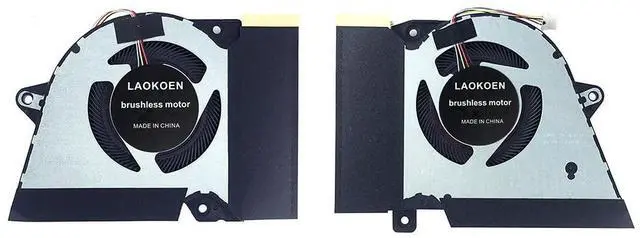
    • Please be sure to check the fan diagram and the fan code indicated in the picture!! Laptops with the same model number sometimes may have different types, Please carefully check the displayed picture and fan code to make sure it is the same as your laptop fa
    +
    +
    Overview
    Specs
    Reviews
    Please check the compatible model and compare the sample pictures, make sure this is the correct Cooling Fans you need! Please contact us if you have any issue!

    *Parameter: 12V1A
    *Old and New: brand new
    *Warranty time:90 days
    *Package Include: 2 x Fan,
    *Compatible Models: for ASUS ROG Zephyrus G14 GA401I GA401IV Series laptop.
    *Applicable scenarios: Solve the error, abnormal noise, and high temperature of your laptop fan, so that your laptop fan can operate normally again!

    *Special attention: 1. Disassembly is risky, and installation needs to be cautious. If you cant install it yourself, its best to ask a professional to help install it. 2.Before replacing the notebook fan, remember to shut down the computer and power off the computer to avoid damage to the motherboard due to static electricity. In addition, do not reverse The fan plug is installed to avoid burning the fan.

    Warranty & Returns

    Warranty, Returns, And Additional Information

    Warranty

    • Please contact the Seller directly for warranty information. Warranty information may also be found on the Manufacturer's website.
    • CONTACT

    Return Policies

    Manufacturer Contact Info

    LOADING...