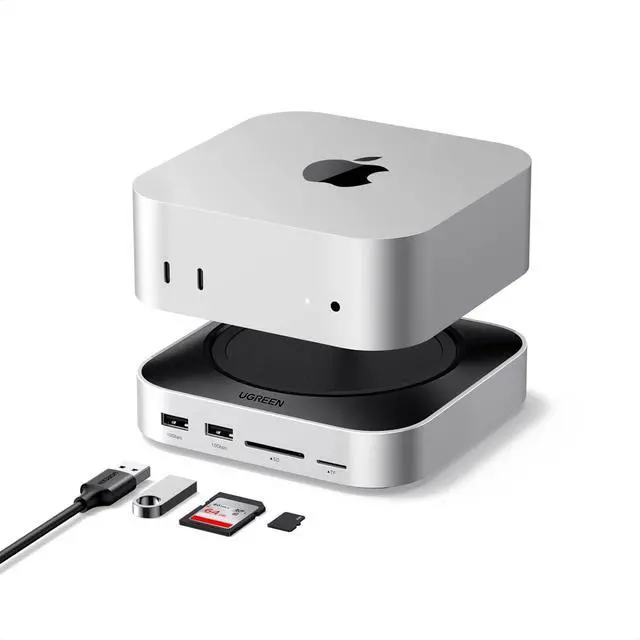
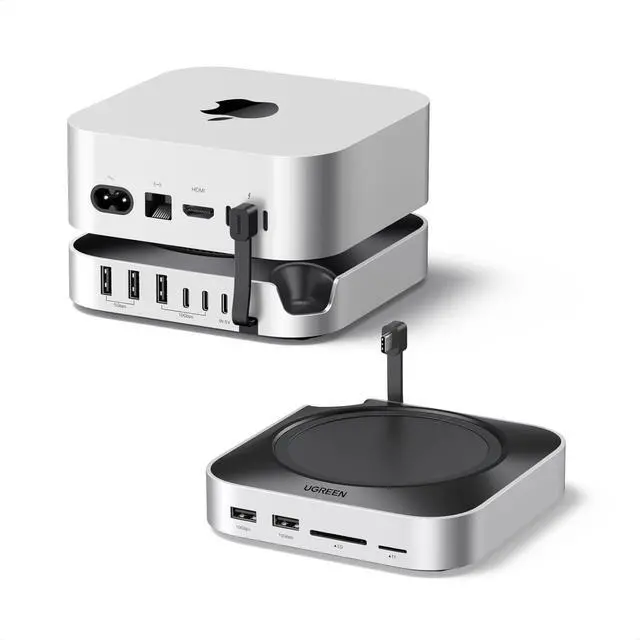
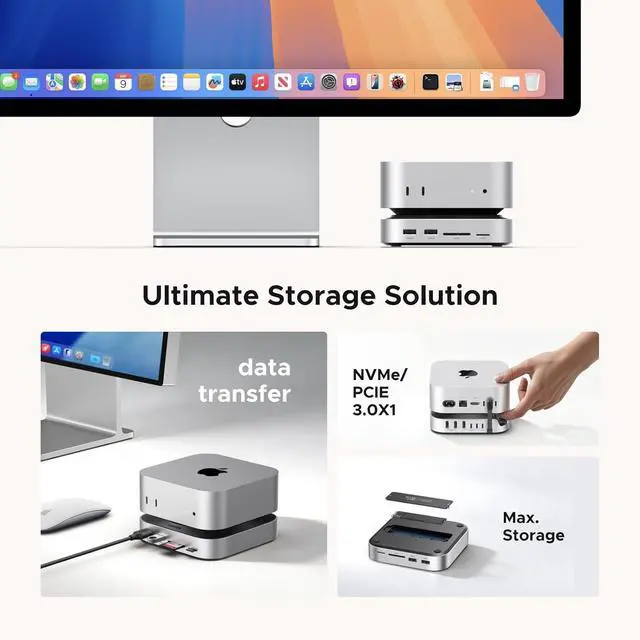
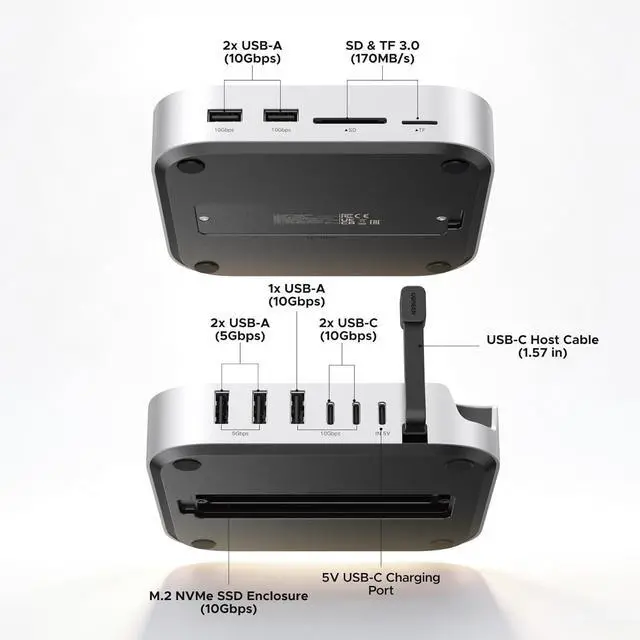
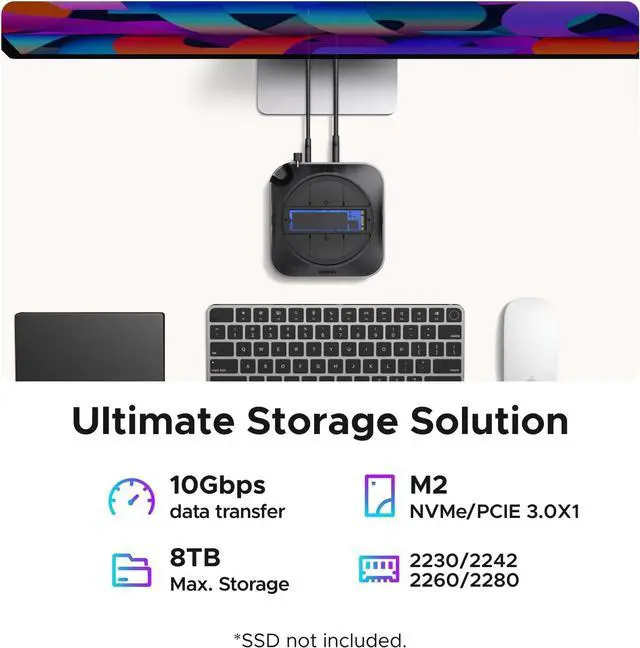
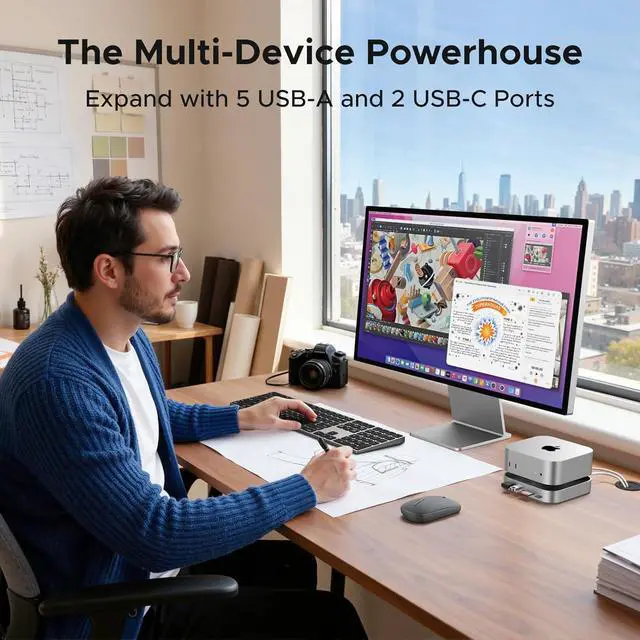
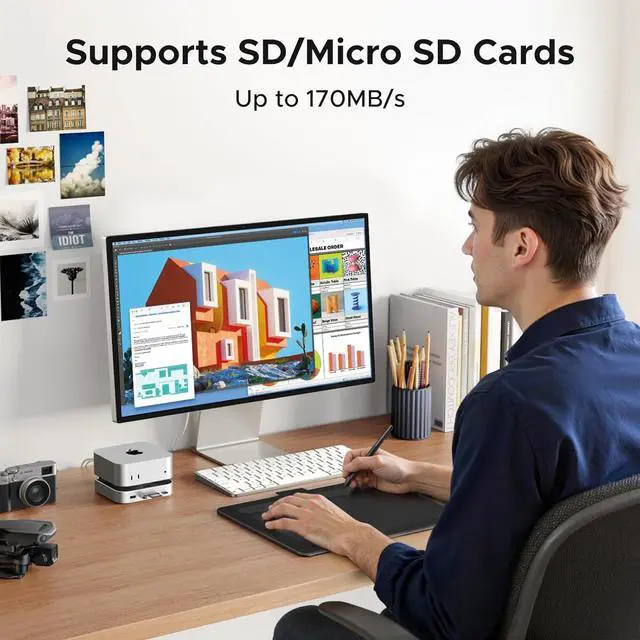
18TB Storage2Supports NVMe SSDs 3High-speed Transmission4SD/TF 170MB/s5More orderly and tidy Can the product charge mobile devices such as phones and tablets?
No. The downstream USB port on the product is current-limited, providing a low charging current. It does not advertise support for mobile device charging.
Why does wireless mouse become slow or unusable when connected to the dock?
The receiver frequency band of the mouse is close to the USB 3.0 frequency band of the docking station, which may cause interference. Therefore, it is recommended to use the mouses receiver separately from the 3.0 devices on the product.
Can the dock be powered by a power adapter that supports the PD protocol?
Yes, power adapters that support PD are generally compatible with 5V and can be used.
Can the USB-C male port on the product be connected to other devices using an extension cable?
No. Using an extension cable will cause unstable data transmission or slow data transfer speeds and is not recommended.
1. If multiple peripherals are connected to the product, it is recommended to use an external power adapter.2. Downstream USB ports share the bandwidth of the upstream port. Using both ports simultaneously will result in data transfer speed drops.3.Always power off the M.2 drive before installing it. Never power on the drive or the hub to avoid damaging the drive or the hub.4.Before removing a storage device, safely eject it. Direct removal may damage files or the disk. Why does the dock gets hot?
Can the product charge mobile devices such as phones and tablets?
Why does wireless mouse become slow or unusable when connected to the dock?
Can the dock be powered by a power adapter that supports the PD protocol?
Can the USB-C male port on the product be connected to other devices using an extension cable?
Notes: