• $132.99
  • Free 30-day Returns
  • Ships from Hong Kong.
    Price alert
    Shop it at NeweggBusiness.

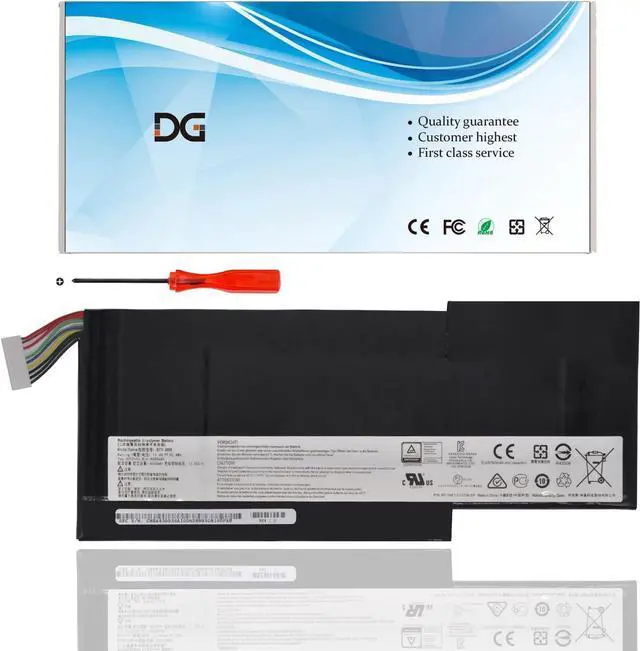
    New BTY-M6K Laptop Battery for MSI Stealth Pro GS63VR 7RG 7RG-005 GF63 Thin 8RC 8RD 9SC 9SCXR 8RD-050NL 010ES GF75 Thin 3RD 8SC 8RD 8RC 8RX 9SC 9SC-088CN MS-17B4 MS-16K3 (11.4V 52.4Wh)

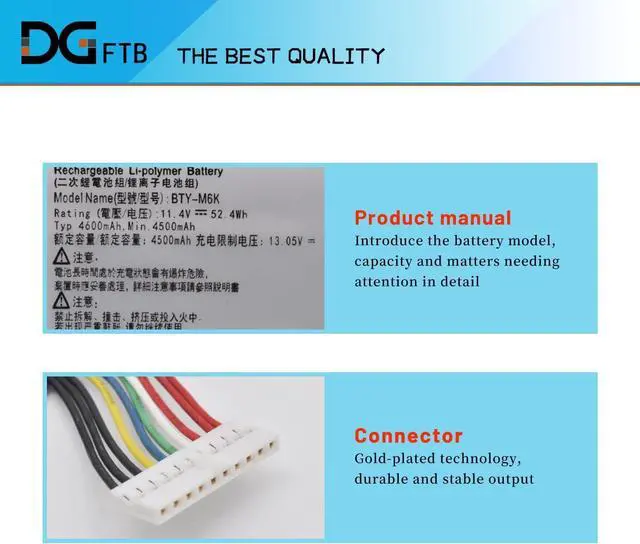
    • Replacement Battery TypeLi-ion; Voltage:11.4V; Capacity:52.4Wh/4600mAh.
    • Compatible P/NBTY-M6K MS-17B4 MS-16K3.
    • Compatible ModelsFor MSI GF63 8RC 8RC-040XPL 8RC-005CN GF63 8RD 8RD-006CN 8RD-031TH 9SC 9SC-088CN 9SC-089CN Series; For MSI GF63 Thin 9SC 9SC-089CN Series; For MSI GF75 Thin 8RD 8RD-059PL 8RD-014CN 8RC 8RC-206RU Series; For MSI GF75 Thin 8RD 8RD-059PL 8RD-014CN 8RD-076IN 8RC Series; For MSI GF75 8RD 8RD-076IN 8RD-001 8RC-039XTR 8RC-077IN 8SC 9SC-069CN 9SC-070CN Series; For MSI GS63VR 7RG 7RG-005 Stealth Pro Series; For MSI GS73VR 7RG Series.
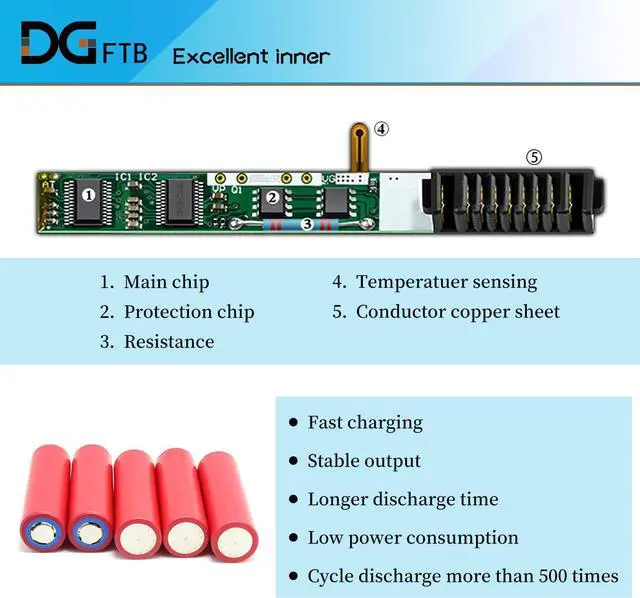
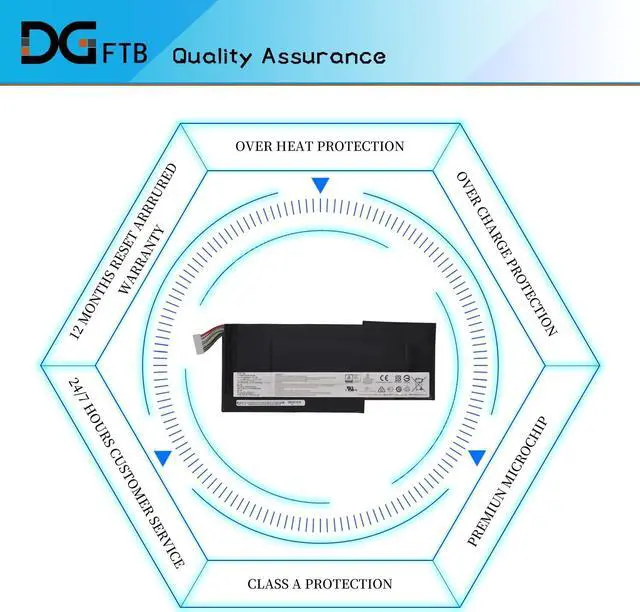
    • DG QualityGrade A cells mitigate the risk of battery leakage and maximize output stability. Built-in circuit protection, enhances safety of usage and extends battery life.
    • DG TIPSFor the initial installation, please reinstall and check the interface fully connected, discharge the battery to 5%(not to 0%) and then charge to 95%, and cycle 3-4 times.

    +
    +
    Overview
    Specs
    Reviews
    Replacement Battery TypeLi-ion; Voltage:11.4V; Capacity:52.4Wh/4600mAh.
    Compatible P/NBTY-M6K MS-17B4 MS-16K3.
    Compatible ModelsFor MSI GF63 8RC 8RC-040XPL 8RC-005CN GF63 8RD 8RD-006CN 8RD-031TH 9SC 9SC-088CN 9SC-089CN Series; For MSI GF63 Thin 9SC 9SC-089CN Series; For MSI GF75 Thin 8RD 8RD-059PL 8RD-014CN 8RC 8RC-206RU Series; For MSI GF75 Thin 8RD 8RD-059PL 8RD-014CN 8RD-076IN 8RC Series; For MSI GF75 8RD 8RD-076IN 8RD-001 8RC-039XTR 8RC-077IN 8SC 9SC-069CN 9SC-070CN Series; For MSI GS63VR 7RG 7RG-005 Stealth Pro Series; For MSI GS73VR 7RG Series.
    DG QualityGrade A cells mitigate the risk of battery leakage and maximize output stability. Built-in circuit protection, enhances safety of usage and extends battery life.
    DG TIPSFor the initial installation, please reinstall and check the interface fully connected, discharge the battery to 5%(not to 0%) and then charge to 95%, and cycle 3-4 times.

    Warranty & Returns

    Warranty, Returns, And Additional Information

    Warranty

    • Please contact the Seller directly for warranty information. Warranty information may also be found on the Manufacturer's website.
    • CONTACT

    Return Policies

    Manufacturer Contact Info

    LOADING...