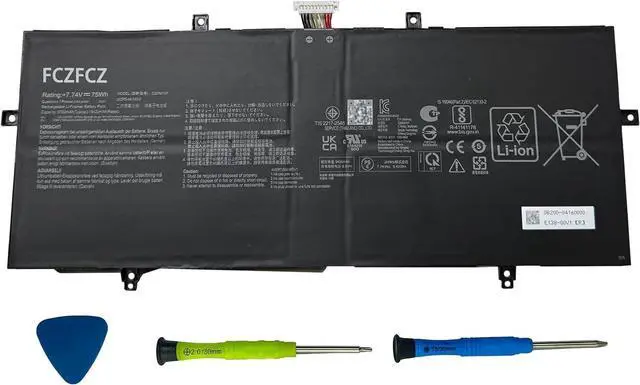
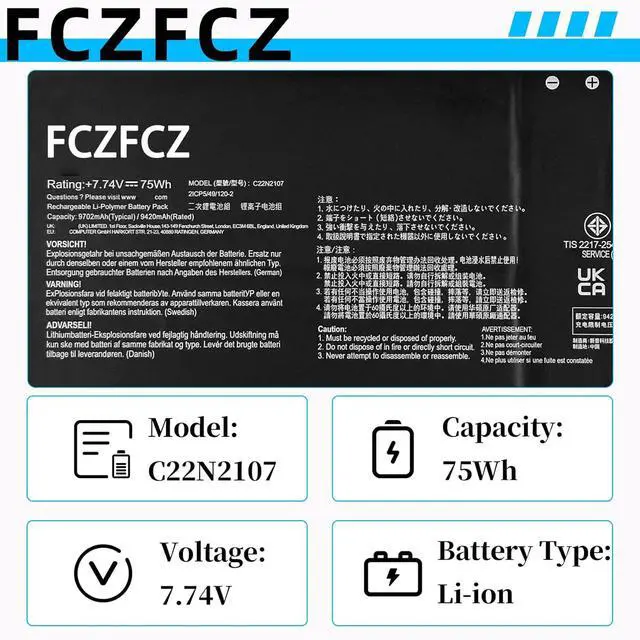
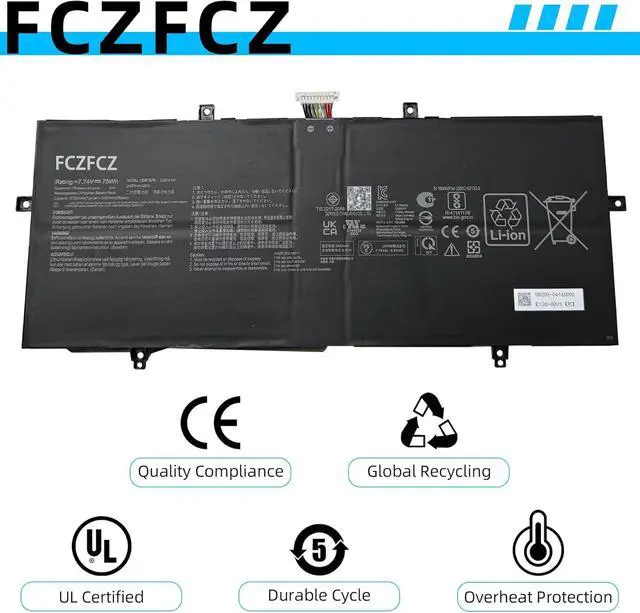
SpecificationsBattery Model: C22N2107 // Voltage:7.74V // Capacity:75Wh 9690mAh // Color:Black // Condition:Brand New.
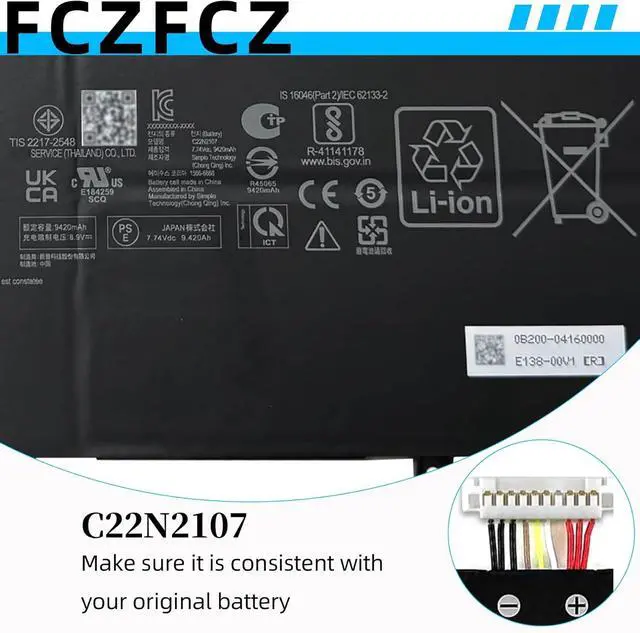
Replacement for Part NumberC22N2107 0B200-04160000
Compatible with Machine Modelsfor Asus ZenBook 14 OLED UX3402ZA Series: UX3402ZA-DS71T UX3402ZA-KM022W UX3402ZA-KM023W UX3402ZA-KM020W UX3402ZA-KM064W UX3402ZA-KM531WS UX3402ZA-KM731WS UX3402ZA-KP377W UX3402ZA-KP382W; for Asus ZenBook 14 OLED UX3402VA Series: UX3402VA-0082B1360P UX3402VA-KM004W UX3402VA-KM005W UX3402VA-KM064W UX3402VA-KM108W UX3402VA-KM157W UX3402VA-KM168W UX3402VA-KM208W UX3402VA-KM209W UX3402VA-KN158W UX3402VA-KP147W; for Asus Zenbook 14 2022 UX4302ZA Series; for Asus Zenbook 14 OLED Q409ZA Q409ZA-EVOI5256BL Series; for Asus ZenBook 14 OLED UM3402 Series; for Asus ZenBook 14 OLED UM3402DA Series; for Asus ZenBook 14 OLED UX3402QA Series
Compatible with Machine Modelsfor Asus ZenBook 14 OLED UM3402MA Series; for Asus Zenbook 14 OLED UM3402YA Series: UM3402YA-716512B0W UM3402YA-AOG58031WS UM3402YA-DS71 UM3402YA-KM061W UM3402YA-KM063W UM3402YA-KM067W UM3402YA-KM069W UM3402YA-KM074W UM3402YA-KM091 UM3402YA-KM096W UM3402YA-KM115W UM3402YA-KM511WS UM3402YA-KP095W UM3402YA-KP101W UM3402YA-OLED063W; for Asus ZenBook 14 UM3402Y Series: UM3402YA-BS51-CB UM3402YA-DB74T UM3402YA-DS71; for Asus ZenBook 14 UM3402YAR Series: UM3402YAR-BS51T-CB UM3402YAR-DS71T-CA
Compatible with Machine Modelsfor Asus Zenbook 14 Flip OLED UP3404VA Series: UP3404VA-DS54T UP3404VA-KN026W UP3404VA-KN055W UP3404VA-KN058W UP3404VA-KN060W UP3404VA-KN089W UP3404VA-KN117W UP3404VA-KN139W UP3404VA-KN596WS
SafetyAll FCZFCZ products are Certified by CE, UL for safety. Each battery is factory tested before shipment and at good condition, and have its mark. Built-in circuit protection ensures both safety and stability. Each battery has high capacity to provide enduring, continual use.
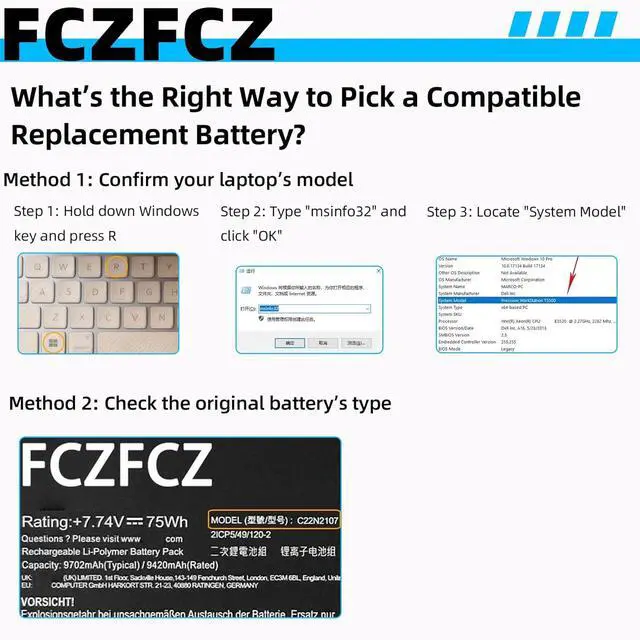
InstructionsPlease open the back cover of the laptop before purchasing and confirm that the original battery type is the same as the picture. Please read the battery instruction manual carefully before installing the battery. Please install the battery correctly and ensure that the battery interface and the motherboard are firmly connected. Please use the original charger to charge the laptop. After battery installation, discharge the new battery to 5% (not 0%), then charge and cycle 3-4 times to wake up the new battery.