• $400.99
  • Ships from Hong Kong.
    Price alert
    Shop it at NeweggBusiness.

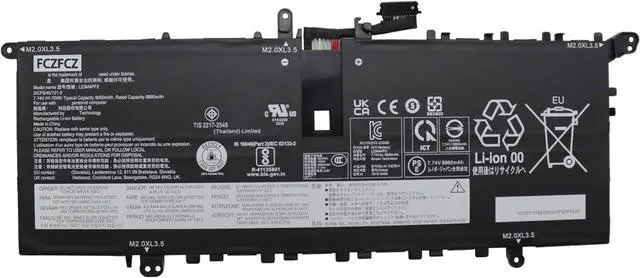
    L23M4PF2 Battery 70Wh 9050mAh Replacement for Lenovo Yoga Slim 7-14Q8X9 Series Laptop SB11N42050 5B11N42049 L23C4PF2 SB11N42052 5B11N42051 7.74V 4-Cell

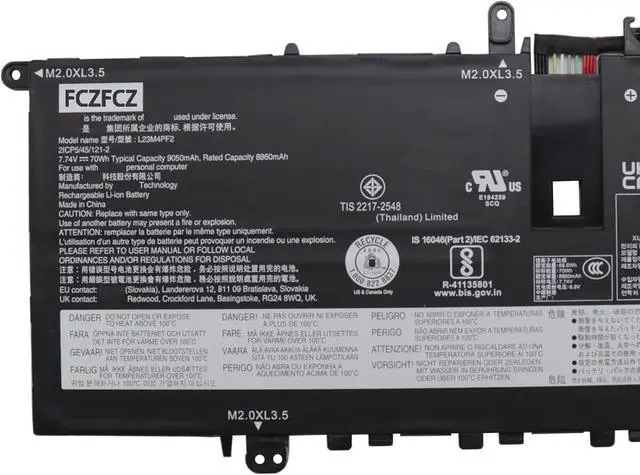
    • SpecificationsBattery Model:L23M4PF2 // Voltage:7.74V // Capacity:70Wh 9050mAh 4-cell // Color:Black; Condition:Brand New.
    • Replacement Part NumberL23M4PF2 SB11N42050 5B11N42049 L23C4PF2 SB11N42052 5B11N42051
    • Compatible Machine Modelsfor Lenovo Yoga Slim 7-14Q8X9 (Type: 83ED) Series. More...
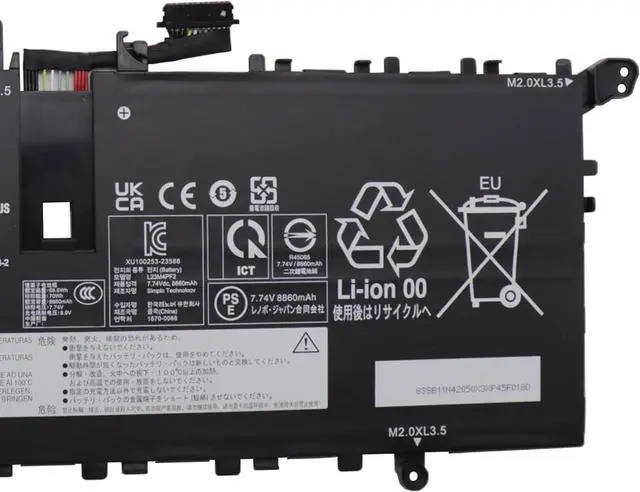
    • SafetyAll FCZFCZ products are Certified by CE, UL for safety. Each battery is factory tested before shipment and at good condition, and have its mark. built-in circuit protection ensures both safety and stability. Each battery has high capacity to provide enduring, continual use.
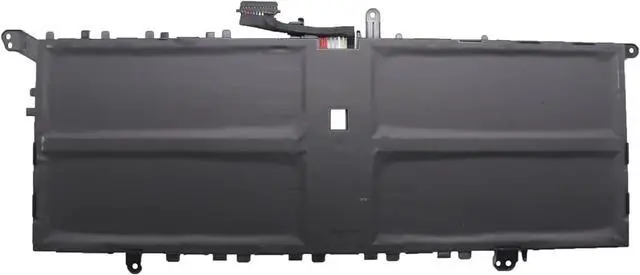
    • InstructionsPlease open the back cover of the laptop before purchasing and confirm that the original battery type is the same as the picture. Please read the battery instruction manual carefully before installing the battery. Please install the battery correctly and ensure that the battery interface and the motherboard are firmly connected. Please use the original charger to charge the laptop. After battery i
    +
    +
    Overview
    Specs
    Reviews
    SpecificationsBattery Model:L23M4PF2 // Voltage:7.74V // Capacity:70Wh 9050mAh 4-cell // Color:Black; Condition:Brand New.
    Replacement Part NumberL23M4PF2 SB11N42050 5B11N42049 L23C4PF2 SB11N42052 5B11N42051
    Compatible Machine Modelsfor Lenovo Yoga Slim 7-14Q8X9 (Type: 83ED) Series. More...
    SafetyAll FCZFCZ products are Certified by CE, UL for safety. Each battery is factory tested before shipment and at good condition, and have its mark. built-in circuit protection ensures both safety and stability. Each battery has high capacity to provide enduring, continual use.
    InstructionsPlease open the back cover of the laptop before purchasing and confirm that the original battery type is the same as the picture. Please read the battery instruction manual carefully before installing the battery. Please install the battery correctly and ensure that the battery interface and the motherboard are firmly connected. Please use the original charger to charge the laptop. After battery installation, discharge the new battery to 5% (not 0%), then charge and cycle 3-4 times to wake up the new battery.

    Warranty & Returns

    Warranty, Returns, And Additional Information

    Warranty

    • Please contact the Seller directly for warranty information. Warranty information may also be found on the Manufacturer's website.
    • CONTACT

    Return Policies

    Manufacturer Contact Info

    LOADING...