• $192.99
  • Ships from Hong Kong.
    Price alert
    Shop it at NeweggBusiness.

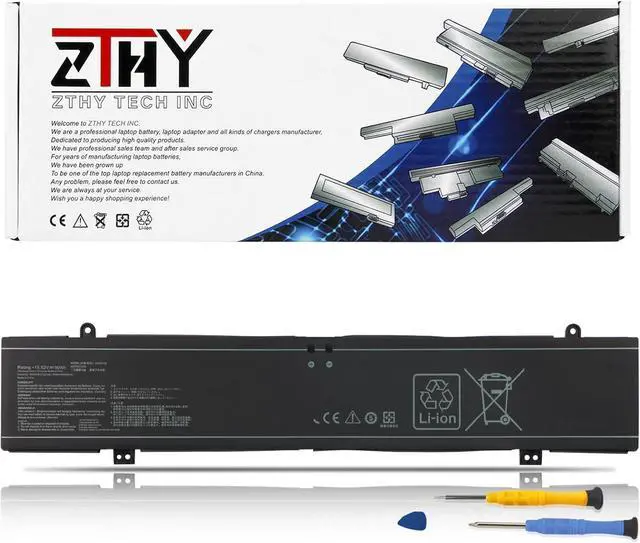
    ZTHY 90Wh C41N2109 Battery Compatible with ASUS Rog Flow X16 GV601RE GV601RW GV601RM GV601VI Strix G16 G614J G614JV Strix G18 G814J G814JI Scar 16 G634JY G634JZ 18 G834JY G834JZ Zephyrus M16 GU604V

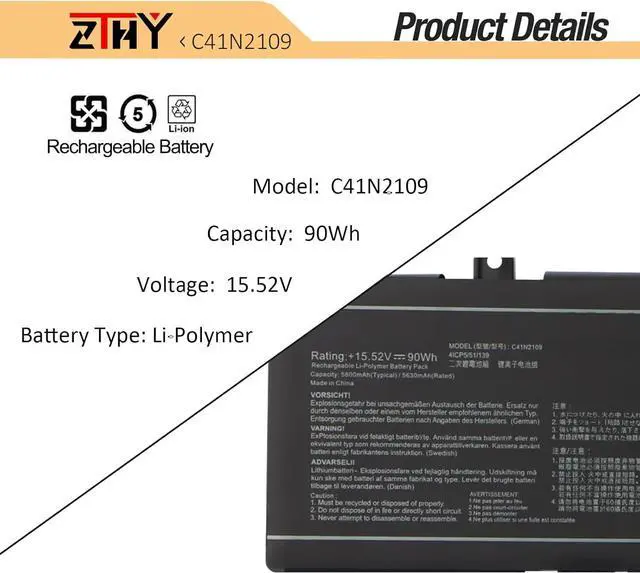
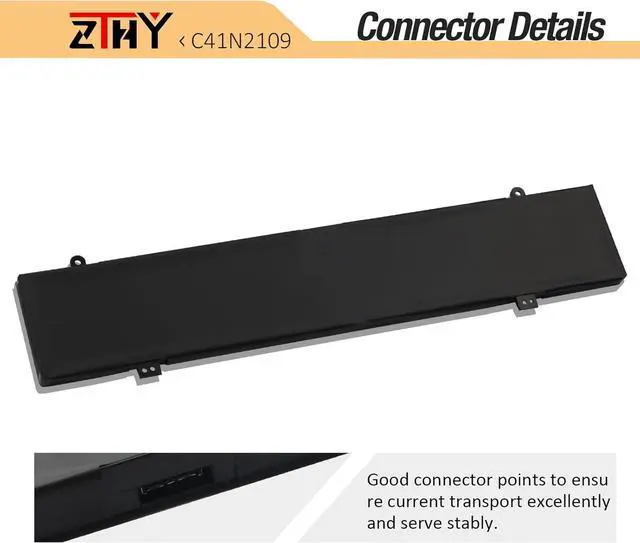
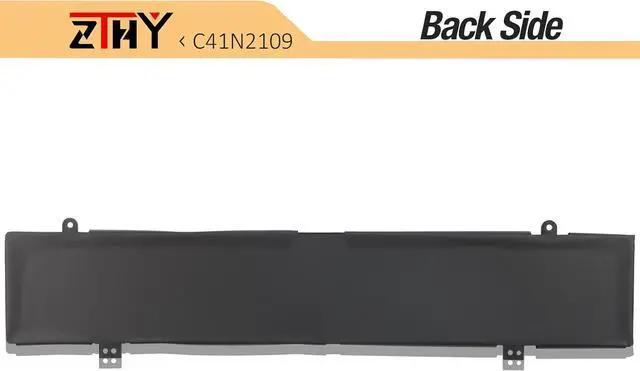
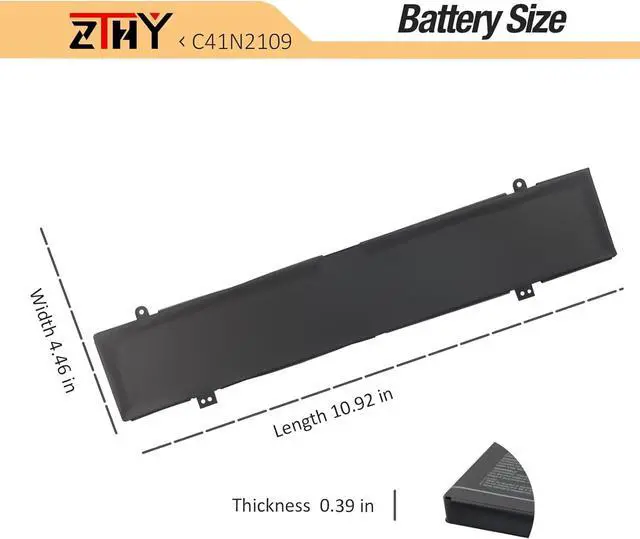
    • Specifications: Battery type: Li-ion. Color: Black. Voltage: 15.52V. Capacity: 90Wh/5800mAh/4 cells.100% New from Manufacturer. Up to 500 recharge cycles over the life of the battery
    • Compatible Part Number: Fit for C41N2109 0B200-04200000 0B20004200000 4ICP5/51/139
    • Compatible Models: Fit for ASUS ROG Flow X16 GV601RE GV601RE-M5051W GV601RE-M5057X GV601RE-M6004W GV601RE-M6026W GV601RE-M6027W Series; for ASUS ROG Flow X16 GV601RW GV601RW-M5110X GV601RW-M5102W GV601RW-M5053W Series; for ASUS ROG Flow X16 GV601RM GV601RM-M5120X GV601RM-M5133W GV601RM-M5119W Series; for ASUS ROG Strix SCAR 18 G834 Series
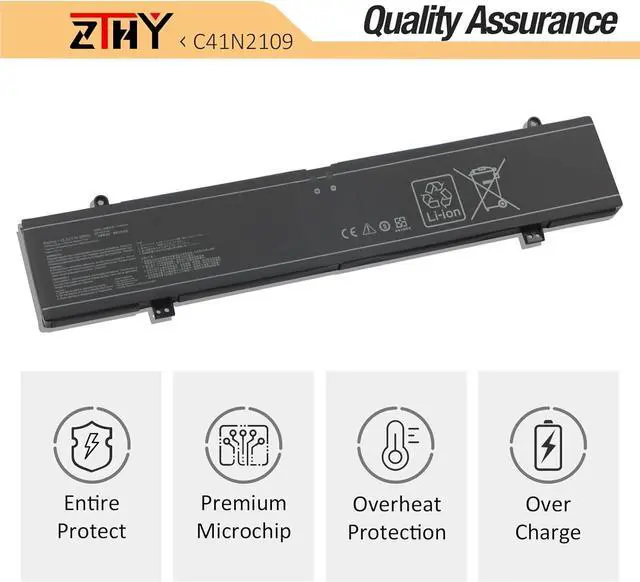
    • Security: All ZTHY products are Certified by CE, UL for safety. Strict guidelines for compatibility, and standards compliance for environment safety
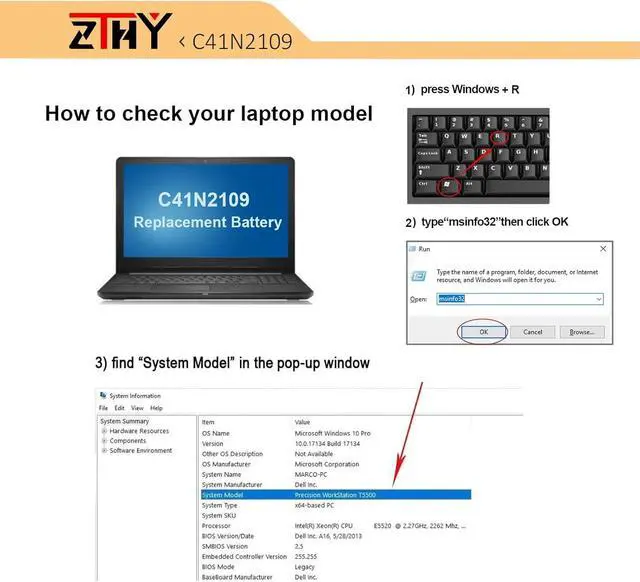
    • Note: If the new battery is not recognized during the initial installation, please reinstall and check if the interface is fully connected. Discharge the new battery to 10-20% (not 0%), then charge and cycle 3-4 times to wake up the new ba
    +
    +
    Overview
    Specs
    Reviews
    Specifications: Battery type: Li-ion. Color: Black. Voltage: 15.52V. Capacity: 90Wh/5800mAh/4 cells.100% New from Manufacturer. Up to 500 recharge cycles over the life of the battery
    Compatible Part Number: Fit for C41N2109 0B200-04200000 0B20004200000 4ICP5/51/139
    Compatible Models: Fit for ASUS ROG Flow X16 GV601RE GV601RE-M5051W GV601RE-M5057X GV601RE-M6004W GV601RE-M6026W GV601RE-M6027W Series; for ASUS ROG Flow X16 GV601RW GV601RW-M5110X GV601RW-M5102W GV601RW-M5053W Series; for ASUS ROG Flow X16 GV601RM GV601RM-M5120X GV601RM-M5133W GV601RM-M5119W Series; for ASUS ROG Strix SCAR 18 G834 Series
    Security: All ZTHY products are Certified by CE, UL for safety. Strict guidelines for compatibility, and standards compliance for environment safety
    Note: If the new battery is not recognized during the initial installation, please reinstall and check if the interface is fully connected. Discharge the new battery to 10-20% (not 0%), then charge and cycle 3-4 times to wake up the new battery

    Warranty & Returns

    Warranty, Returns, And Additional Information

    Warranty

    • Please contact the Seller directly for warranty information. Warranty information may also be found on the Manufacturer's website.
    • CONTACT

    Return Policies

    Manufacturer Contact Info

    LOADING...