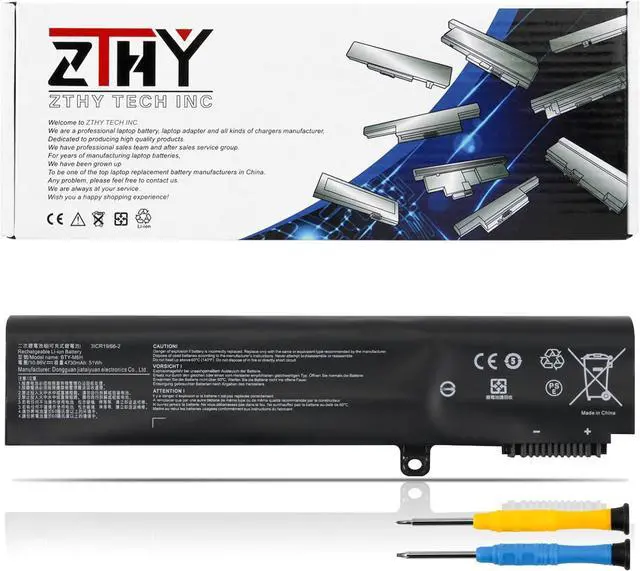
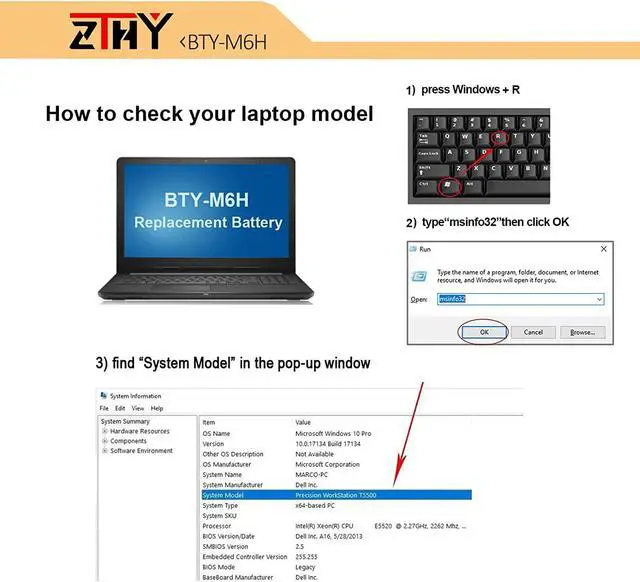
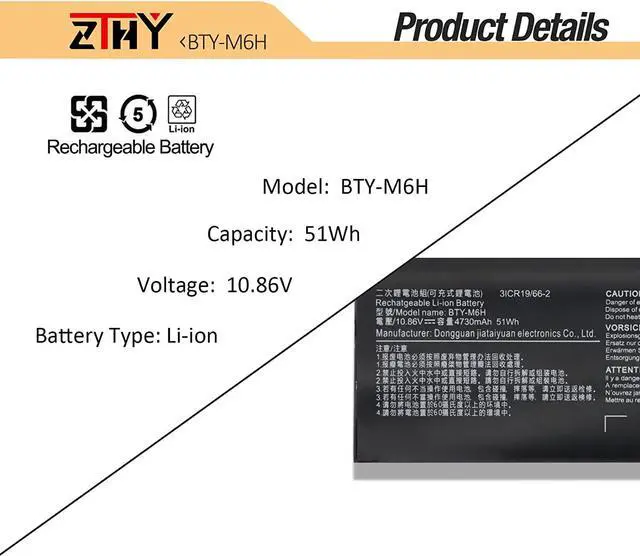
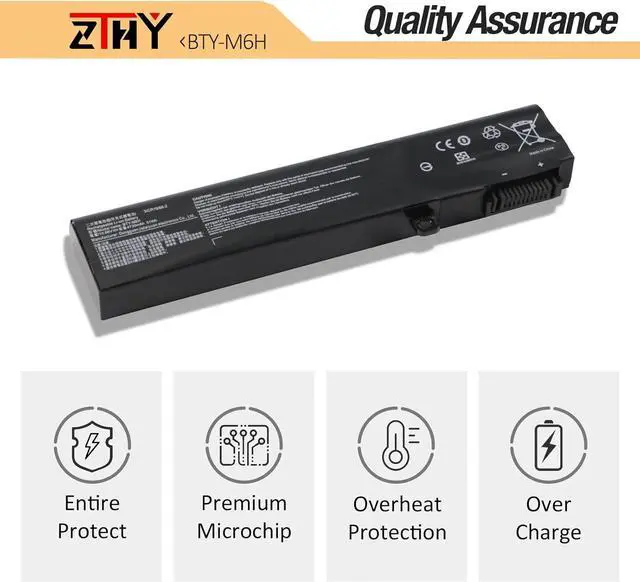
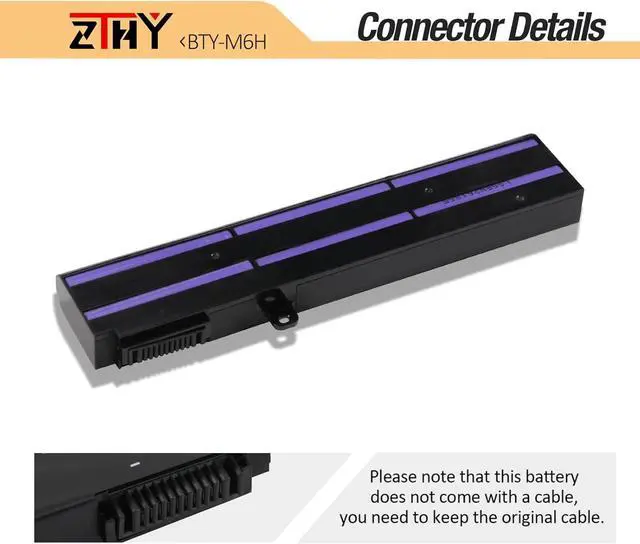
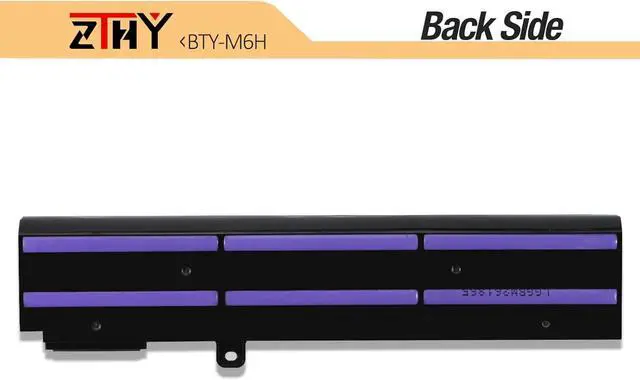
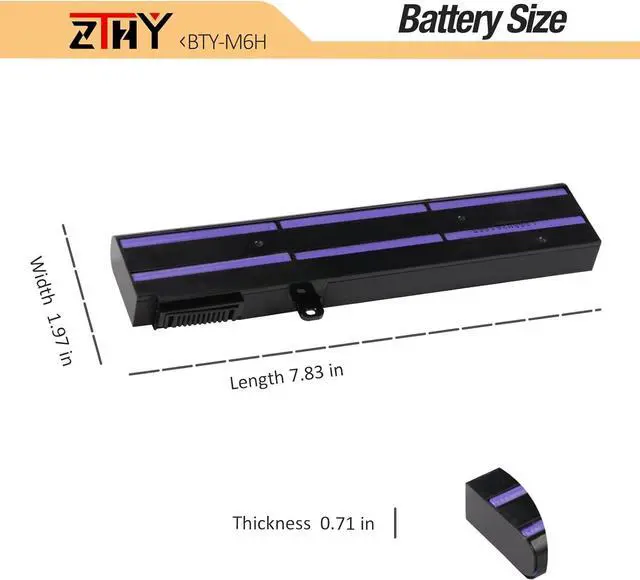
Compatible Laptop Models:(Ctrl + f check your model):
For MSI GE62 Series: 6QC-490XCN, 6QF-203XCN, 6QD-1077XCN, 2QC-264XCN, 2QD-007XCN, 6QC-867XCN, 6QC-489XCN, 2QE-052CN, 2QD-647XCN, 2QF-255XCN,6QF-202XCN, 6QF-013XCN, 6QF-057XCN, 2QC-648XCN, 2QE-216XCN, 2QE-053XCN, 6QD-060XCN, 2QD-059XCN, 6QD-237XCN, 6QD-026XCNFor MSI GE62VR Series: GE62VR, 7RF-672CN, GE62VR 6RF-078CN, GE62VR 6RF-010CNFor MSI GE62 MVR Series: GE62MVR 7RG-001CNFor MSI GE63 Series: GE63 RAIDER RGB 8RFFor MSI GE72 Series: 6QF-073XCN, 6QC-287XCN, 6QD-001XCN, 2QE-039CN, 2QC-257XCN, 6QC-289XCN, 6QD-843CN, 2QD-059XCN, 6QF-020XCN, 2QD-018XCN, 2QE-040XCN, 2QF-258XCNFor MSI GE72VR Series: GE72VR 6RF-090CN, GE72VR 6RF-013CN, GP72VR 7RF-297CNFor MSI GE72 MVR Series: GE72 MVR 7RG-039CNFor MSI GP62 Series: 2QE-215XCN, 6QG-1071XCN, 2QE-218XCN, 6QG-1281CN, 6QF-1462CN, 2QE-275XCN, 6RF-215CNFor MSI GP62VR Series: GP62 6QG-1281CNFor MSI GP62 MVR Series: GP62MVR 7RFX-844CN, GP62MVR 7RF-433CN, GP62MVR 6RF-215CNFor MSI GP72 Series: 7REX-445CNFor MSI GP72VR Series: GP72VR 7RF-297CN, GP72VR 6RF-242CNFor MSI GP72 MVR Series: GP72MVR 7RFX-621CNFor MSI GL62 Series: 6QD-021XCN, 6QF-626XCN, 6QD-251XCNFor MSI GL62M Series: GL62M 7RD-224CN, GL62M 7RD-223CN, GL62M 7RD-412CN, GL62M 7RD-602CNFor MSI GL62VR Series: GL62VR 7RFX-848CNFor MSI GL72 Series: 6QF-404XCN, 7RDX-623CN, 6QF-493XCNFor MSI GL72MSeries: GL72M 7RDX-684CN, GL72M 7REX-817CNFor MSI PE60 Series: 6QE-491XCN, 6QE-238XCN, 2QE-044XCNFor MSI PE70 Series: 2QE-049XCNMSI GE75 Raider,MSI CX62 6QD
Note : Please confirm your original battery is the same as in the picture.
1, You need to turn off your laptop and disconnect the power.
2, Disconnect the connection between the old battery and the motherboard to avoid unnecessary damage caused by disassembling the battery. Then unscrew the old battery screws one by one and carefully save each screw.
3, Remove the old battery, carefully install the new battery on the battery case, screw in the screw, and connect the wiring of the new battery.
4, If you don't understand the above steps, you can search for the video about laptop battery installation on You Tube. Maybe it will help you.
1) Please click ZTHY TECH, we will help you solve it.
2) Please be assured that we will take the responsibility for each product we sold.
3) 30-days after purchase, we offer a no-questions-asked return policy.
4)12 months from the date of purchase, If the product fails, we will replace it with a new one.
1) You need to turn off your laptop and disconnect the power.
2) Disconnect the connection between the old battery and the motherboard to avoid unnecessary damage caused by disassembling the battery. Then unscrew the old battery screws one by one and carefully save each screw.
3) Remove the old battery, carefully install the new battery on the battery case, screw in the screw, and connect the wiring of the new battery.
4) If you don't understand the above steps, you can search for the video about laptop battery installation on YouTube. Maybe it will help you.
1)Discharge the new battery use to 10%(not to 0%) and then charge to 95%, and cycle 3-4 times.
2) Do not disassemble, crush or puncture. Do not dispose of in fire or water.
3) If you remove the battery for a long time, charge more than 80% at least one time within one month.
4) Don't connect the adapter for a long time while using the battery. It may damage the battery.
5)When using the battery, care should be taken to prevent exposure and moisture.
1) Could be caused by battery loss. Please re-install the battery and make sure that the battery cable and the motherboard interface are tightly inserted.
2) Maybe due to conductive material damage which the laptop motherboard and battery anode and cathode contact position, you can try to confirm it with your original battery.
3) Check whether the battery drive is in normal condition, if not, download the c