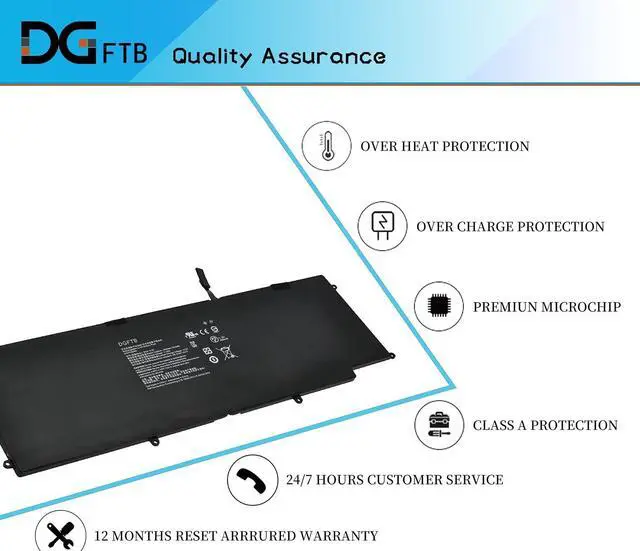
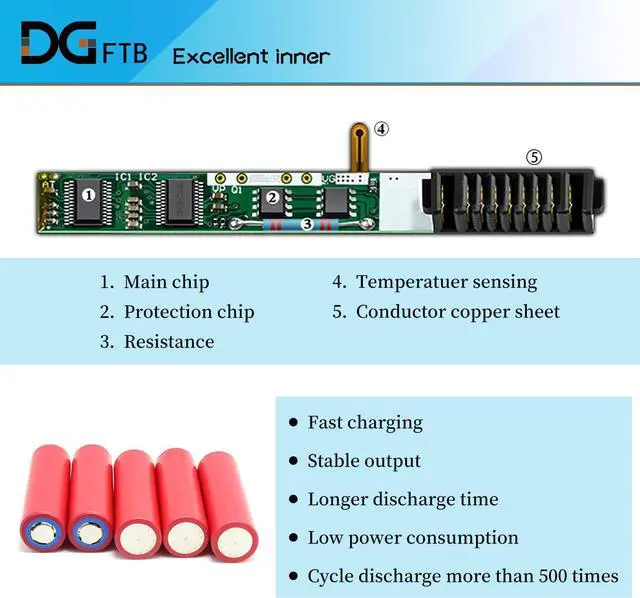
We are a professional laptop battery provider,
We are always working hard to ensure high quality laptop battery standards.
Your satisfaction is our team goal, your support is our most precious wealth.
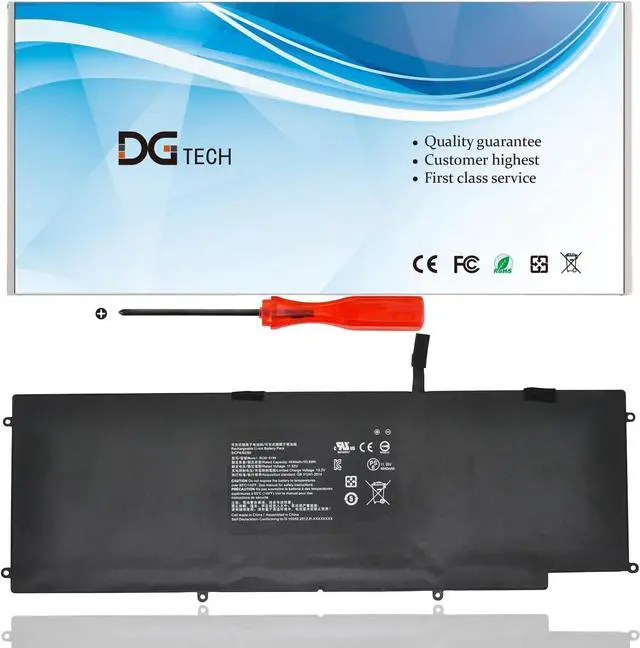
Battery Type: Li-ion
Battery Condition: Brand New
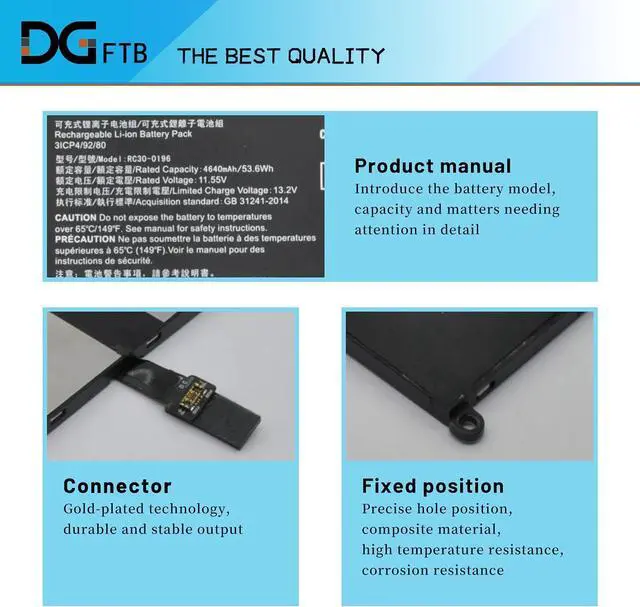
Battery Voltage:11.1V
Battery Capacity: Capacity: 53.6Wh / 4640mAh
Condition: 100% New from Manufacturer, Grade A Cell
Compatible with Part Numbers: Razer Blade RC30-0196 3ICP4/92/80
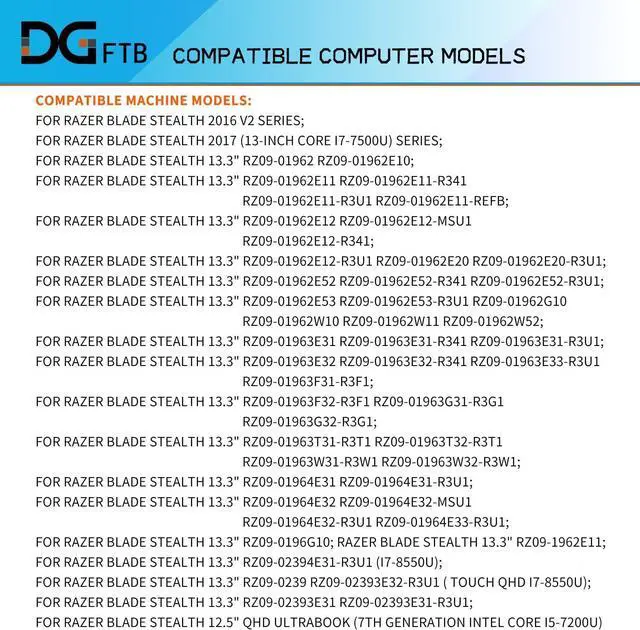
Razer Blade Stealth 13 2017 Series: Razer Blade Stealth RZ09-0239 13.3" Touch QHD i7-8550u Razer Blade Stealth RZ09-0196 13.3" 2017 with i7-7500U Razer Blade Stealth RZ09-02393E31 Razer Blade Stealth RZ09-02393E32 Razer Blade Stealth RZ09-02394E31 Razer Blade Stealth RZ09-02394E32 Razer Blade Stealth RZ09-02394G32 Razer Blade Stealth RZ09-01963E31 Razer Blade Stealth RZ09-01963E32 Razer Blade Stealth RZ09-01963E33 Razer Blade Stealth RZ09-01964E31 Razer Blade Stealth RZ09-01964E32 Razer Blade Stealth RZ09-01964E33 Razer Blade Stealth RZ09-0196G10 Razer Blade Stealth RZ09-02393E31-R3U1 Razer Blade Stealth RZ09-02393E32-R3U1 Razer Blade Stealth RZ09-02394E31-R3U1 Razer Blade Stealth RZ09-02394E32-R3U1 Razer Blade Stealth RZ09-02394G32-R3G1 Razer Blade Stealth RZ09-01963E31-R3U1 Razer Blade Stealth RZ09-01963E32-R3U1 Razer Blade Stealth RZ09-01963E33-R3U1 Razer Blade Stealth RZ09-01964E31-R3U1 Razer Blade Stealth RZ09-01964E32-R3U1 Razer Blade Stealth RZ09-01964E33-R3U1
1, Disconnect the connection between the old battery and the motherboard to avoid unnecessary damage caused by disassembling the battery. Then unscrew the old battery screws one by one and carefully save each.
2, Remove the old battery, carefully install the new battery on the battery case, and connect the wiring of the new battery.
3, If you don't understand the above steps, you can search for the video about laptop battery installation on Website. Maybe it will help you
Welcome to DGTFB Specification: Install A New Battery: