• $130.99
  • Ships from Hong Kong.
    Price alert
    Shop it at NeweggBusiness.

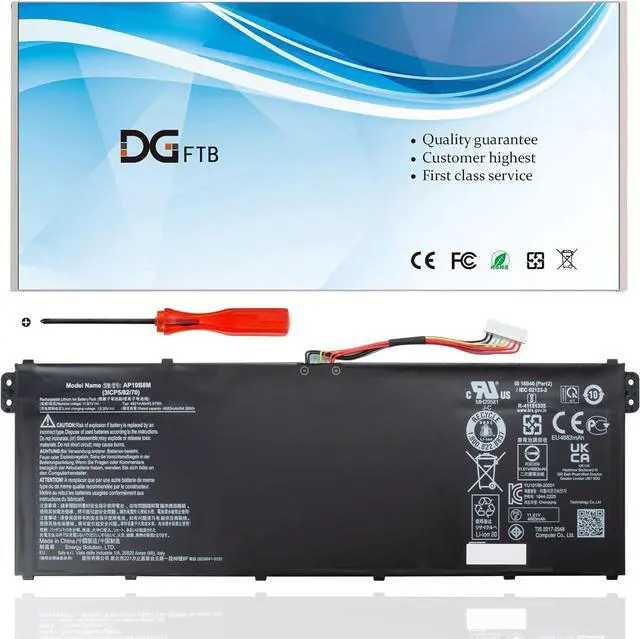
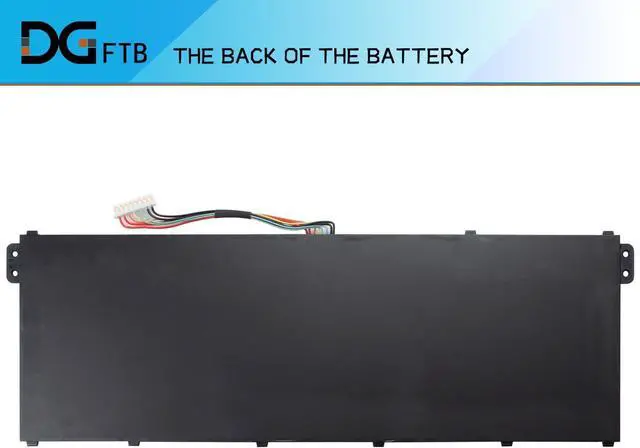
    DGFTB AP19B8M New Laptop Battery for for Acer Swift 3 Series SF314-59 SF314-59-78Z8 TravelMate P4 TMP414-51 TMP414-51-54HA Porsche Design Book RS AP714-51GT-75VS 3ICP5/82/70 (11.61V 55.97W/4821mAh)

    • Replacement Battery TypeVoltage: 11.61V; Capacity: 55.97W/4821mAh/3-Cel.
    • Compatible P/NAP19B8M, KT0030G024, 3ICP5/82/70.
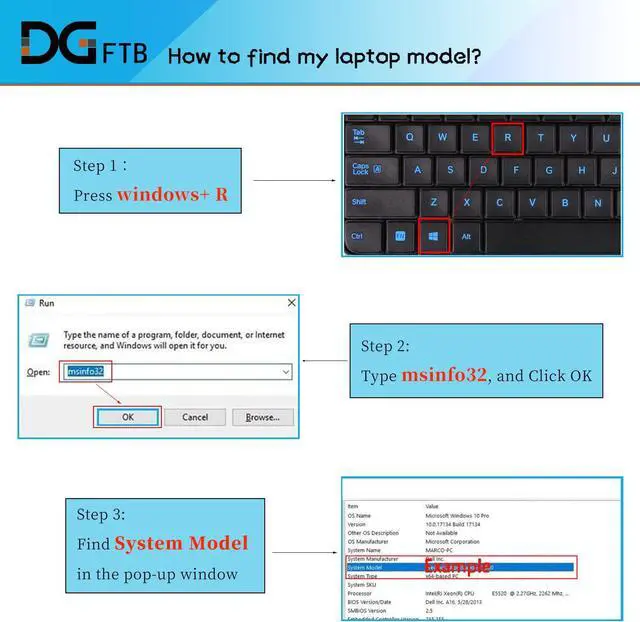
    • Compatible Models for Acer TravelMate P4 TMP414-51 Swift 3 SF314-59 Porsche Design Book RS AP714-51GT-75VS RS AP714-51GT-70MY Series. Swift 3 SF314-59-56NN, SWIFT 3 SF314-59-79ZH, SWIFT 3 SF314-59-59PH, Swift 3 SF314-59-72CL, SWIFT 3 SF314-59-74E8, SWIFT 3 SF314-59-78HB,TravelMate P4 TMP414-51-59VT, Swift 3 SF314-59-55GU, Swift 3 SF314-59-78VT, Swift 3 SF314-59-58D8, SWIFT 3 SF314-59-58YN, SWIFT 3 SF314-59-70US, SWIFT 3 SF314-59-7353 series.
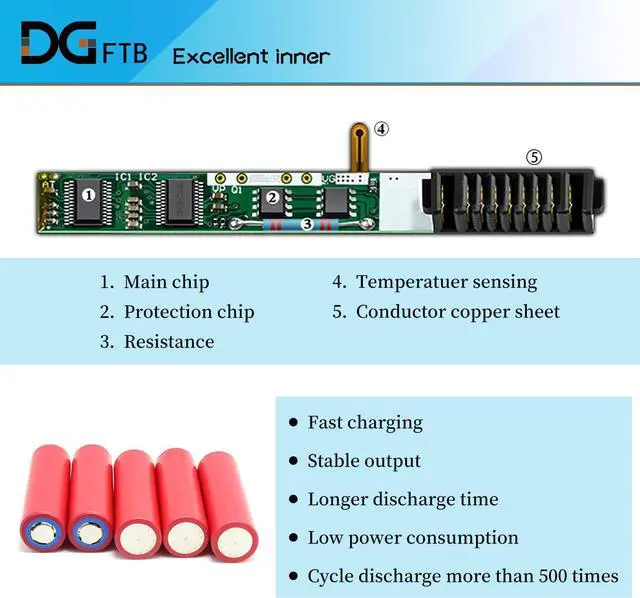
    • DG QualityGrade A cells mitigate the risk of battery leakage and maximize output stability. Built-in circuit protection, enhances safety of usage and extends battery life.
    • DG TIPSFor the initial installation, please reinstall and check the interface fully connected, discharge the battery to 5%(not to 0%) and then charge to 95%, and cycle 3-4 times.

    +
    +
    Overview
    Specs
    Reviews
    Replacement Battery TypeVoltage: 11.61V; Capacity: 55.97W/4821mAh/3-Cel.
    Compatible P/NAP19B8M, KT0030G024, 3ICP5/82/70.
    Compatible Models for Acer TravelMate P4 TMP414-51 Swift 3 SF314-59 Porsche Design Book RS AP714-51GT-75VS RS AP714-51GT-70MY Series. Swift 3 SF314-59-56NN, SWIFT 3 SF314-59-79ZH, SWIFT 3 SF314-59-59PH, Swift 3 SF314-59-72CL, SWIFT 3 SF314-59-74E8, SWIFT 3 SF314-59-78HB,TravelMate P4 TMP414-51-59VT, Swift 3 SF314-59-55GU, Swift 3 SF314-59-78VT, Swift 3 SF314-59-58D8, SWIFT 3 SF314-59-58YN, SWIFT 3 SF314-59-70US, SWIFT 3 SF314-59-7353 series.
    DG QualityGrade A cells mitigate the risk of battery leakage and maximize output stability. Built-in circuit protection, enhances safety of usage and extends battery life.
    DG TIPSFor the initial installation, please reinstall and check the interface fully connected, discharge the battery to 5%(not to 0%) and then charge to 95%, and cycle 3-4 times.

    Warranty & Returns

    Warranty, Returns, And Additional Information

    Warranty

    • Please contact the Seller directly for warranty information. Warranty information may also be found on the Manufacturer's website.
    • CONTACT

    Return Policies

    Manufacturer Contact Info

    LOADING...