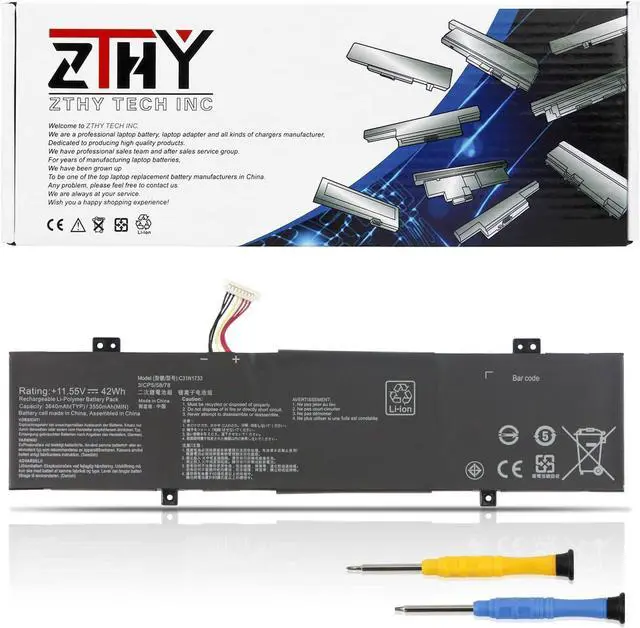
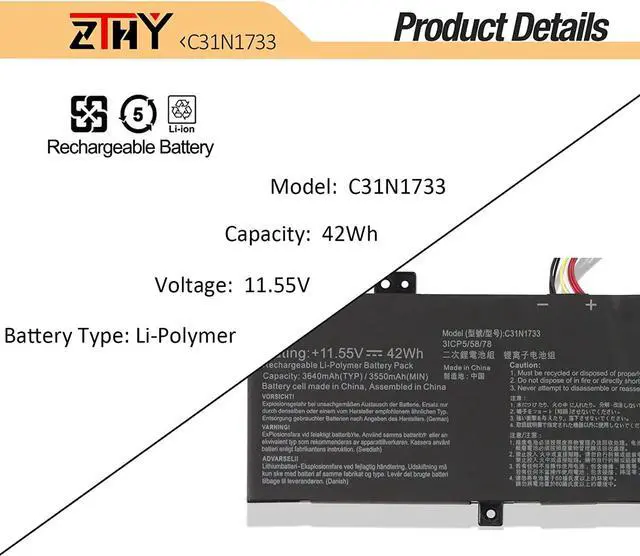
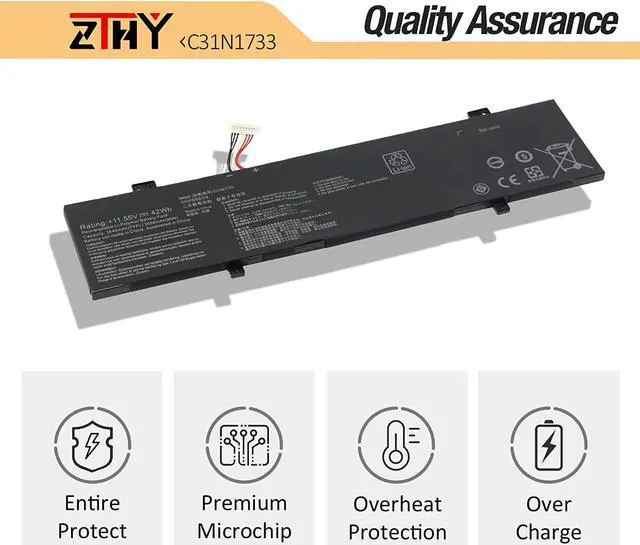
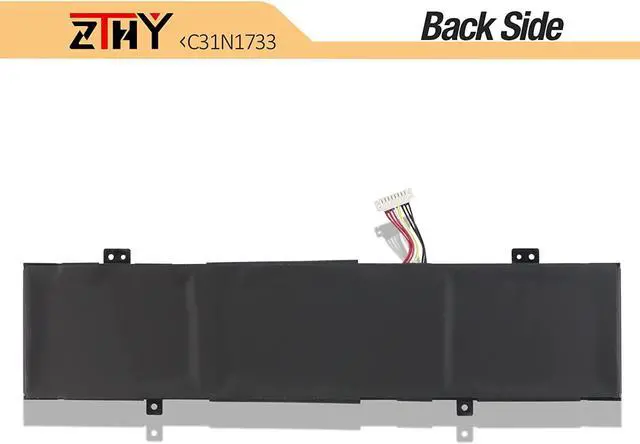
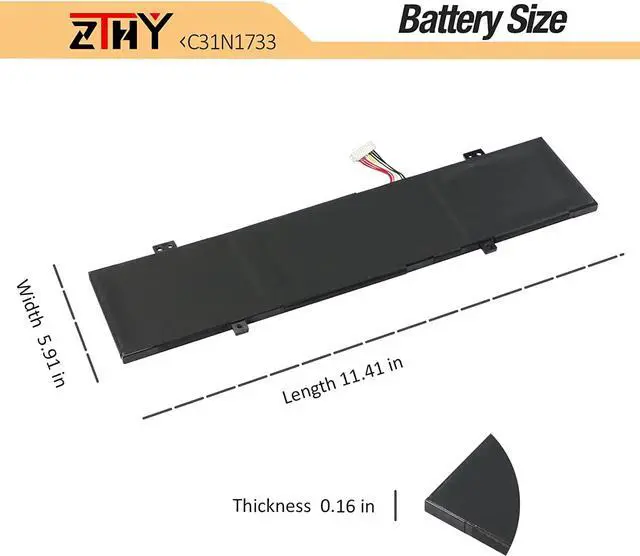
Compatible with Part Numbers:
C31N17333ICP5/58/780B200-029700000B200-02970100
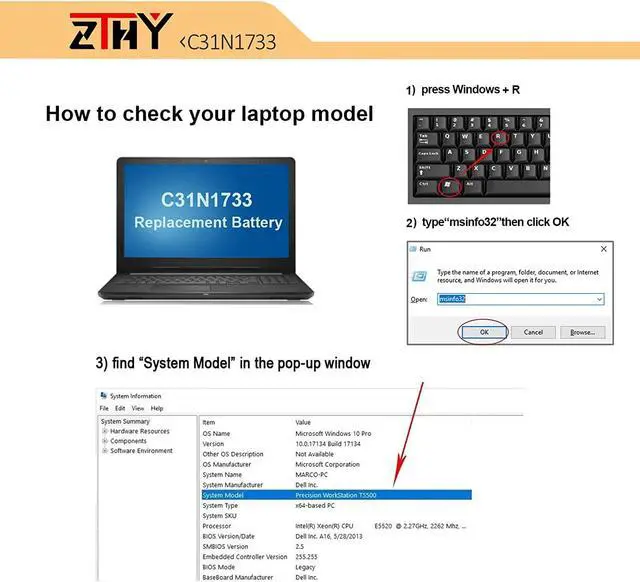
Compatible Model Numbers (please use ctrl+f to search for your laptop model):
Asus VivoBook Flip 14 TP412U Series Notebook,
Asus VivoBook Flip 14 TP412FA Series
TP412FA-DB72T, TP412FA-EC011T, TP412FA-EC013T, TP412FA-EC020T, TP412FA-EC026T, TP412FA-OS31T,
TP412FA-SB55T, TP412FA-SB51T, TP412FA-AP8201T, TP412FA-AP8503T, TP412FA-DB72T, TP412FA-DS51T,
TP412FA-EC010T, TP412FA-EC015T, TP412FA-EC020T, TP412FA-EC035T, TP412FA-EC043T, TP412FA-EC064T,
TP412FA-EC079T, TP412FA-EC082T, TP412FA-EC106T, TP412FA-EC111T, TP412FA-EC117T, TP412FA-EC131T,
TP412FA-EC134T, TP412FA-EC175T, TP412FA-EC180T, TP412FA-EC199T, TP412FA-EC200T, TP412FA-EC214T,
TP412FA-EC223T, TP412FA-EC224T, TP412FA-EC226R, TP412FA-EC260T, TP412FA-EC272R, TP412FA-EC301T,
TP412FA-EC302T, TP412FA-EC309T, TP412FA-EC339T, TP412FA-EC350R, TP412FA-EC362T, TP412FA-EC363RA,
TP412FA-EC369T, TP412FA-EC371TS, TP412FA-EC372TS, TP412FA-EC379R, TP412FA-EC385T, TP412FA-EC389T,
TP412FA-EC415T, TP412FA-EC417T, TP412FA-EC418T, TP412FA-EC433R, TP412FA-EC452T, TP412FA-EC473T,
TP412FA-EC477T, TP412FA-EC491T, TP412FA-EC499T, TP412FA-EC500T, TP412FA-EC551T, TP412FA-EC551TBE,
TP412FA-EC573T, TP412FA-EC579T, TP412FA-EC598T, TP412FA-EC611T, TP412FA-EC641T, TP412FA-EC870T, TP412FA-EC924T,
Asus VivoBook Flip 14 TP412UA Series
TP412UA-0061B8130U, TP412UA-1A, TP412UA-1B, TP412UA-AS8202T, TP412UA-DB21T, TP412UA-DB71T,
TP412UA-EC035T, TP412UA-EC036T, TP412UA-EC039T, TP412UA-EC047T, TP412UA-EC056T, TP412UA-EC058T,
TP412UA-EC059T, TP412UA-EC060T, TP412UA-EC075T, TP412UA-EC076T, TP412UA-EC089T, TP412UA-EC090T,
TP412UA-EC092T, TP412UA-EC098T, TP412UA-EC101T, TP412UA-EC109T, TP412UA-EC114T, TP412UA-EC115T,
TP412UA-EC123T, TP412UA-EC127T, TP412UA-EC139T, TP412UA-EC141T, TP412UA-EC173T, TP412UA-EC207T,
TP412UA-EC231T, TP412UA-EC249T, TP412UA-EC305T, TP412UA-EC969T, TP412UA-IH31T, TP412UA-S8130,
TP412UA-AS8202T, TP412UA-DB21T, TP412UA-DB31T, TP412UA-DB51T, TP412UA-DB71T, TP412UA-EC034T,
TP412UA-EC036T, TP412UA-EC039T, TP412UA-EC047T, TP412UA-EC053R, TP412UA-EC053T, TP412UA-EC055T,
TP412UA-EC056T, TP412UA-EC057T, TP412UA-EC059T, TP412UA-EC069R, TP412UA-EC069T, TP412UA-EC072T,
TP412UA-EC076T, TP412UA-EC085T, TP412UA-EC090T, TP412UA-EC093T, TP412UA-EC113T, TP412UA-EC114TS,
TP412UA-EC115T, TP412UA-EC123T, TP412UA-EC123TS, TP412UA-EC130T, TP412UA-EC226T, TP412UA-EC231T,
TP412UA-EC232T, TP412UA-EC244T, TP412UA-EC298R, TP412UA-EC305T, TP412UA-EC312T, TP412UA-EC752T,
TP412UA-EC947T, TP412UA-EC969T, TP412UA-IH31T, TP412UA-S8130, TP412UA-XB51T, TP412UA-EC238T
1, You need to turn off your laptop and disconnect the power.
2, Disconnect the connection between the old battery and the motherboard to avoid unnecessary damage caused by disassembling the battery. Then unscrew the old battery screws one by one and carefully save each screw.
3, Remove the old battery, carefully install the new battery on the battery case, screw in the screw, and connect the wiring of the new battery.
4, If you don't understand the above steps, you can search for the video about laptop battery installation on YouTube. Maybe it will help you.
1) Please click ZTHY TECH, we will help you solve it.
2) Please be assured that we will take the responsibility for each product we sold.
3) 30-days after purchase, we offer a no-questions-asked return policy.
4)12 months from the date of purchase, If the product fails, we will replace it with a new one.
1) You need to turn off your laptop and disconnect the power.
2) Disconnect the connection between the old battery and the motherboard to avoid unnecessary damage caused by disassembling the battery. Then unscrew the old battery screws one by one and carefully save each screw.
3) Remove the old battery, carefully install the new battery o