• $100.99
  • Ships from Hong Kong.
    Price alert
    Shop it at NeweggBusiness.

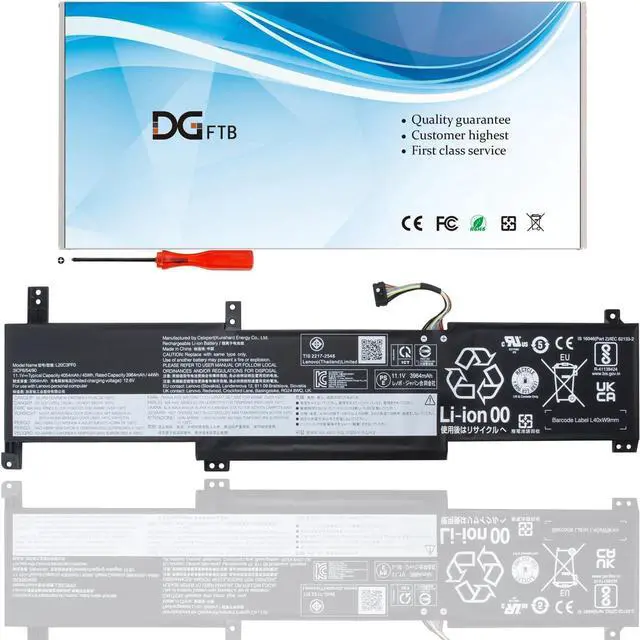
    L20M3PF0 L20C3PF0 laptop battery for Lenovo IdeaPad 3-14ITL6 3-15ITL6 3-17ITL6 S14 V14 V15 V17 G2-ITL G3-IAP K14 Series L20C3PF0 L20L2PF0 L20B2PF0 L20C2PF0 L20M2PF0 L20M2PF8 (11.1V 45Wh/4054mAh)

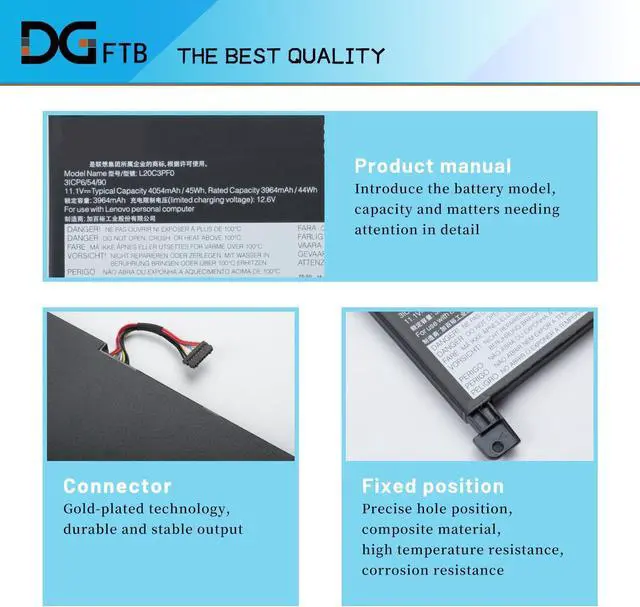
    • Replacement Battery TypeLi-ion; Voltage:11.4V; Capacity:45Wh/4054mAh/3-Cell.
    • Compatible P/NL20L3PF0 SB11B36276 5B11B36283,L20M3PF0 SB11B36274 5B11B36279,L20C3PF0 SB11B36277 5B11B36275,L20L2PF0 SB11B36281 5B11B36285,L20B2PF0 SB11B36272 5B11B36278,L20M2PF8 SB11C94113 5B11C94112,L20C2PF0 SB11B36284 5B11B36273,L20M2PF0 SB11B36282 5B11B36280.
    • Compatible Models for Lenovo S14 G2-ITL G3-IAP series; for Lenovo V14 G2-ITL G2-ALC G2-IJL G3-IAP G3-ABA series; for Lenovo V15 G2-ITL G2-ALC G2-IJL G3-ABA G3-IAP series; for Lenovo V15 G3-IAP CTO series; for Lenovo V17 G2-ITL G3-IAP series; for Lenovo IdeaPad 3-14ADA6 3-14ITL6 3-14ALC6 3-14ABA7 3-14IAU7 3-15ADA6 3-15ALC6 3-15ITL6 3-15IAU7 3-15ABA7 3-17ADA6 3-17ALC6 3-17ITL6 3-17IAU7 3-17ABA7 series; for Lenovo K14 (Type: 21CS, 21CT, 21CV, 21CU) series.
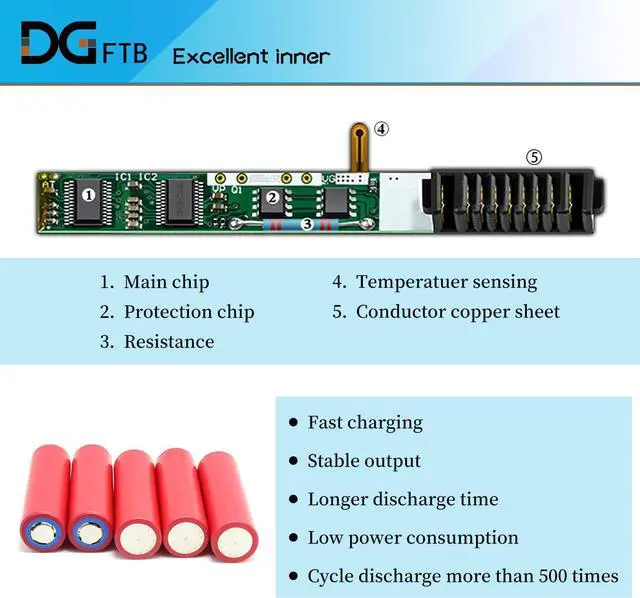
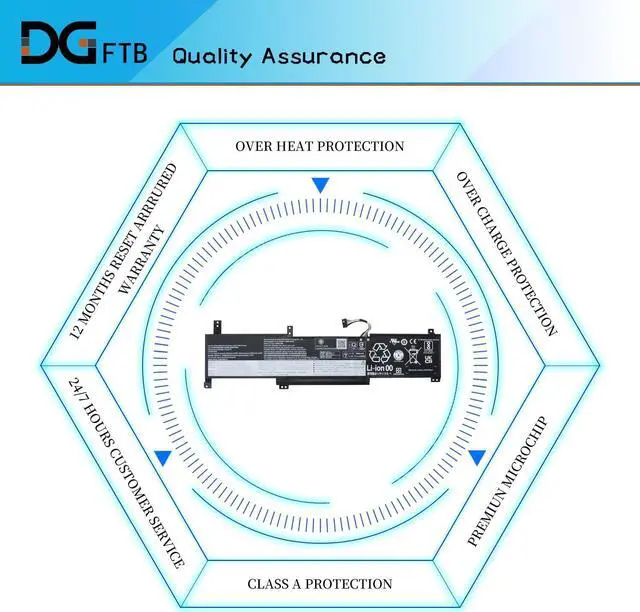
    • DG QualityGrade A cells mitigate the risk of battery leakage and maximize output stability. Built-in circuit protection, enhances safety of usage and extends battery life.
    • DG TIPSFor the
    +
    +
    Overview
    Specs
    Reviews
    We are a professional laptop battery provider,
    We are always working hard to ensure high quality laptop battery standards.
    Your satisfaction is our team goal, your support is our most precious wealth.
    Note:
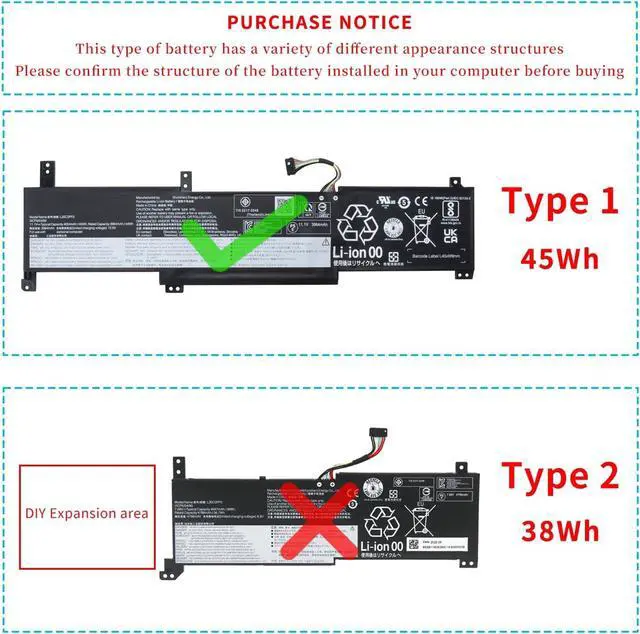
    There are two battery models: 45Wh L20M3PF0 and 38Wh L20M2PF0. This is selling model 45Wh L20M3PF0.
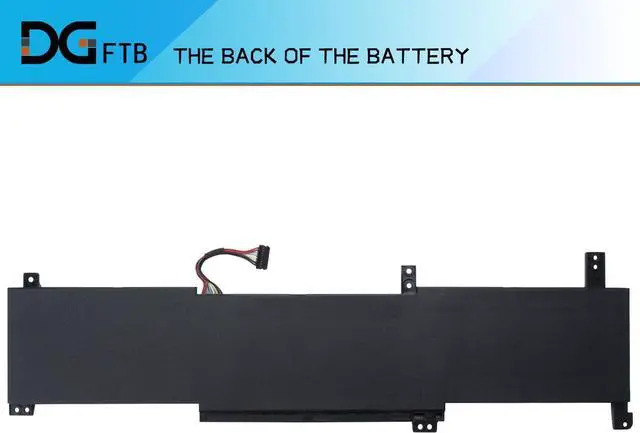
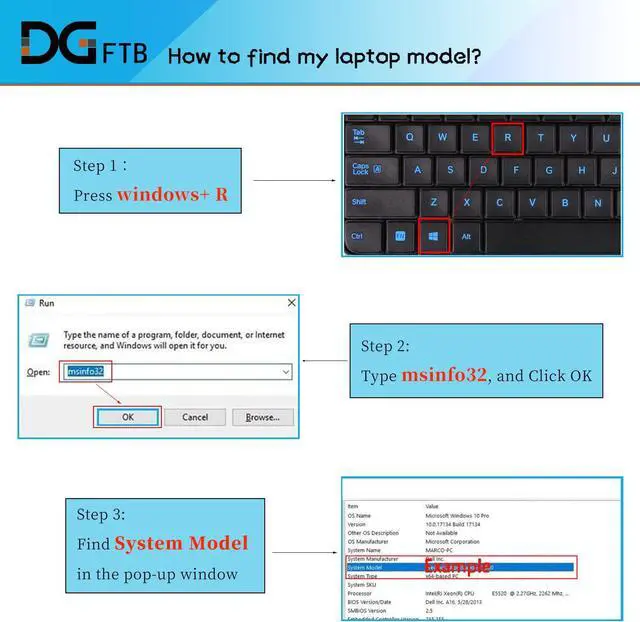
    Please open the back cover of your laptop to check the original battery size and capacity before placing an order
    Voltage: 11.4V
    Capacity: 45Wh/4054mAh/3-Cell
    Battery Condition: Brand New
    Battery Type: Lithium Ion
    Compatible Part Numbers:
    L20L3PF0 SB11B36276 5B11B36283, L20M3PF0 SB11B36274 5B11B36279 L20C3PF0 SB11B36277 5B11B36275, L20L2PF0 SB11B36281 5B11B36285
    L20B2PF0 SB11B36272 5B11B36278, L20M2PF8 SB11C94113 5B11C94112 L20C2PF0 SB11B36284 5B11B36273, L20M2PF0 SB11B36282 5B11B36280
    1, Disconnect the connection between the old battery and the motherboard to avoid unnecessary damage caused by disassembling the battery. Then unscrew the old battery screws one by one and carefully save each.
    2, Remove the old battery, carefully install the new battery on the battery case, and connect the wiring of the new battery.
    3, If you don't understand the above steps, you can search for the video about laptop battery installation on Website. Maybe it will help you
    Welcome to DGTFB Specification: Install A New Battery:

    Warranty & Returns

    Warranty, Returns, And Additional Information

    Warranty

    • Please contact the Seller directly for warranty information. Warranty information may also be found on the Manufacturer's website.
    • CONTACT

    Return Policies

    Manufacturer Contact Info

    LOADING...