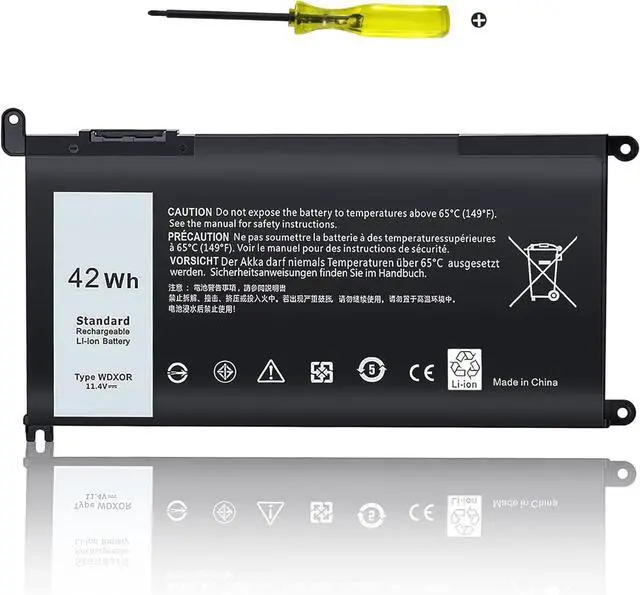
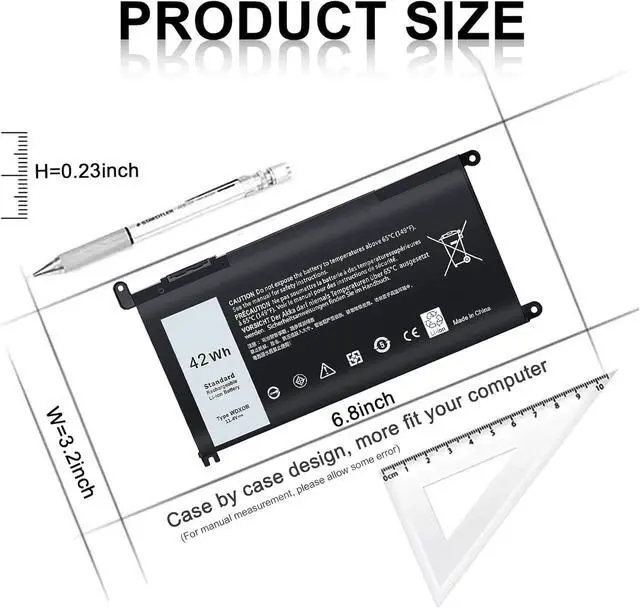
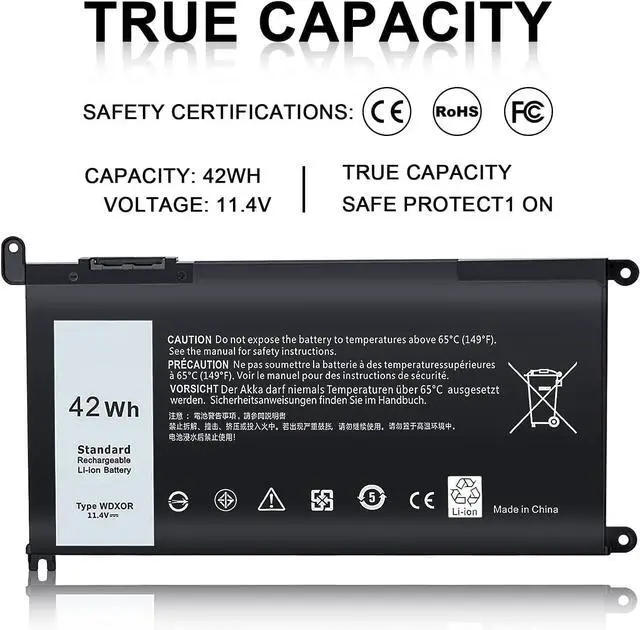
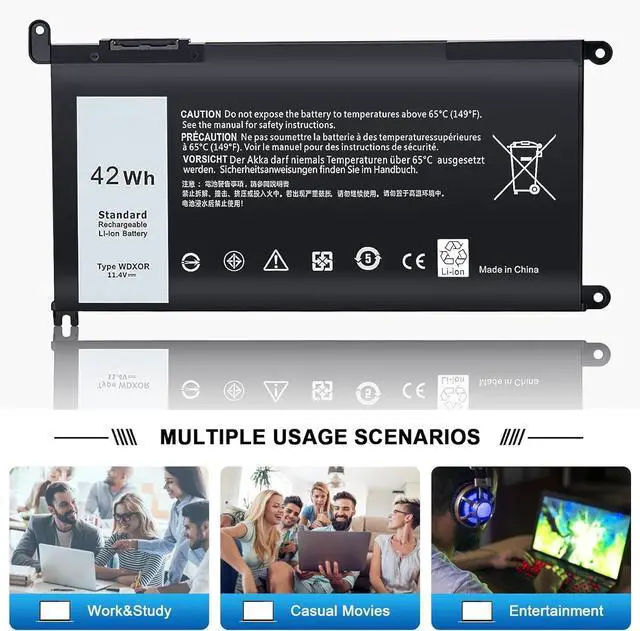
Inspiron 13 Series5368 5378 5379 7368 7378 7375 5379Inspiron 14 Series3482 5480 5481 5482 5488 7460 7472Inspiron 15 3000 Series3583 5565 5567 5568 5578 5538 5584 5583 5580 5575 5570 5775 5579 7560 7570 7580 7586 7573 7572 7579 7569 7570 P58FInspiron 17 5000 Series5765 5767 5770 5769 5768Inspiron 13 14 15 17 Series13-5368 13-5378 13-5379 13-7368 13-7378 14-7460 15-5538 15-5565 15-5567 15-5568 15-5578 15-7560 15-7569 15-7570 15-7579 17-5765 17-5767 17-5770Inspiron 15-5567 Series15-5567-D1745L 15-5567-D1745A 15-5567-D1725A 15-5567-D1625R 15-5567-D1625L 15-5567-D1625A 15-5567-D1545A 15-5567-D1525R 15-5567-D1525A 15-5567-D2645A 15-5567-D2645RInspiron 15MF Series15MF-1508TA 15MF-PRO-1508T INS 15MF PRO-1508TInspiron 13MF Series13MF PRO-D1508TS 13MF PRO-D1708TS 13MF-2505T INS 13MF-D1208TA 13MF-D1508TA 13MF-D2205TA 13MF-D2505TA "INS 13MF-D2605TA"Inspiron 14-7460 Series14-7460-D1525G 14-7460-D1525S 14-7460-D1605G 14-7460-D1605S 14-7460-D1625S 14-7460-D1725G 14-7460-D1725SInspiron 15-7560 Series15-7560-D1505S 15-7560-D1525S 15-7560-D1545G 15-7560-D1545S 15-7560-D1605S 15-7560-D1645G 15-7560-D1645S 15-7560-D1725S 15-7560-D1745GVostro Series5468 5568 5568D 5471 3480 3481 3583 5481 5468D 5581 5741Vostro 14 5468D Series14-5468D-1305S 14-5468D-1525G 14-5468D-1525S 14-5468D-1605S 14-5468D-1625G 14-5468D-1745S 14-5468D-2525SVostro 15-5568D Series15-5568D-1325S 15-5568D-1525L 15-5568D-1525S 15-5568D-1625S 15-5568D-1645L 15-5568D-1745S 15-5568D-1845SLatitude Series3180 3189 3480 3580 3379 3490 3590 3340 3400 3390 3500 3190 3300 3380Part NumberWDX0R P69G001 P58F P58F001 P75F P66F P69G 3CRH3 0WDX0R T2JX4 C4HCW 0C4HCW FC92N Part Number0FC92N 03CRH3 0T2JX4 CYMGM P74G Y3F7Y YRDD6 Y3F7YWDXOR FW8KR 8YPRW 0Y3F7Y P74G001 The battery should be fully charged for the first time (usually more than 12 hours) and discharged 2-3 times to make the new battery fully awake.
Pls kindly noted that the battery must be full charged before first use.
You need to turn off your laptop and disconnect the power.Turn the laptop to the back, install a new battery, and fix it with a tool.When the computer is turned on, if it is not recognised, it is recommended to update the BIOS settings or please disconnecting the old battery, and holding down the power button for 20 seconds, then connect the new battery.Do Discharge the new battery use to 5%(not to 0%) and then charge to 95%, and cycle 3-4 times.
TSKYBEAR Compatible with Dell(NOTE:Please press [Ctrl + F] to serach your model) Maintenance knowledge of laptop battery