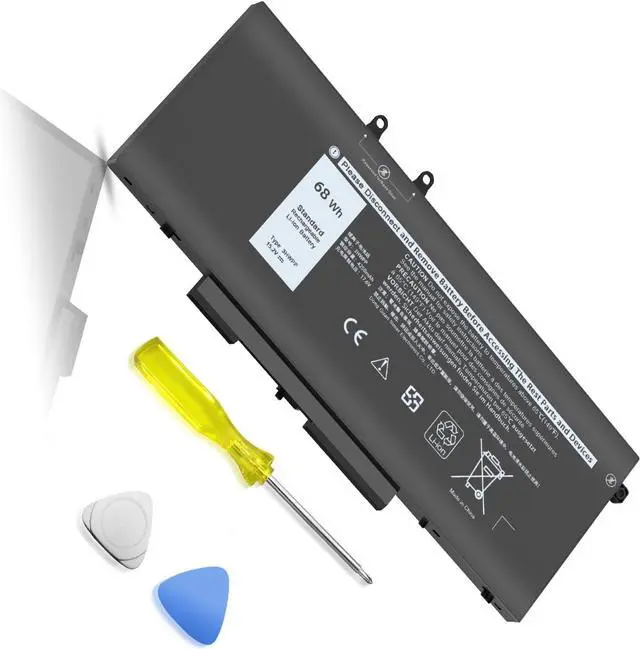
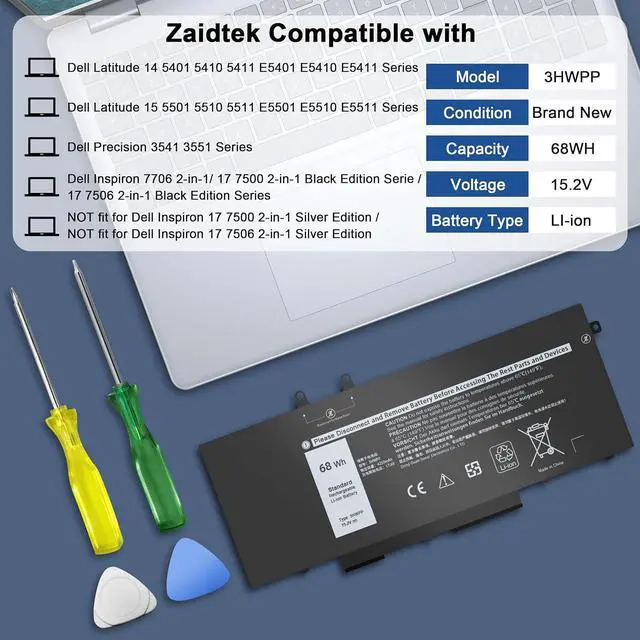
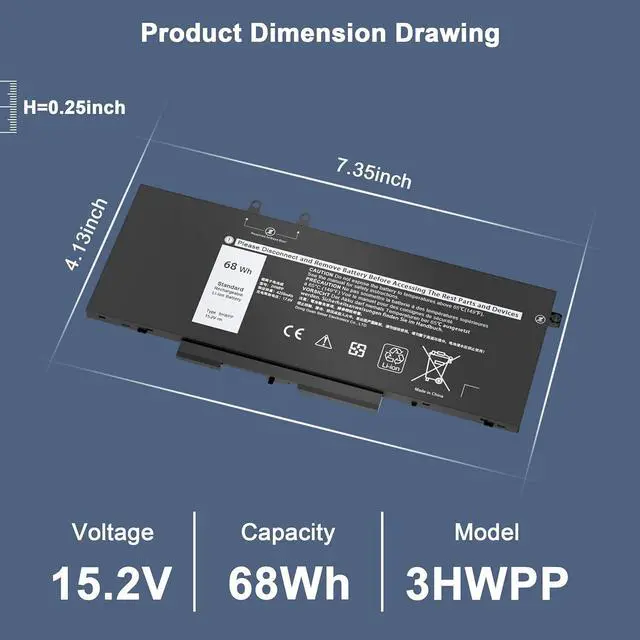
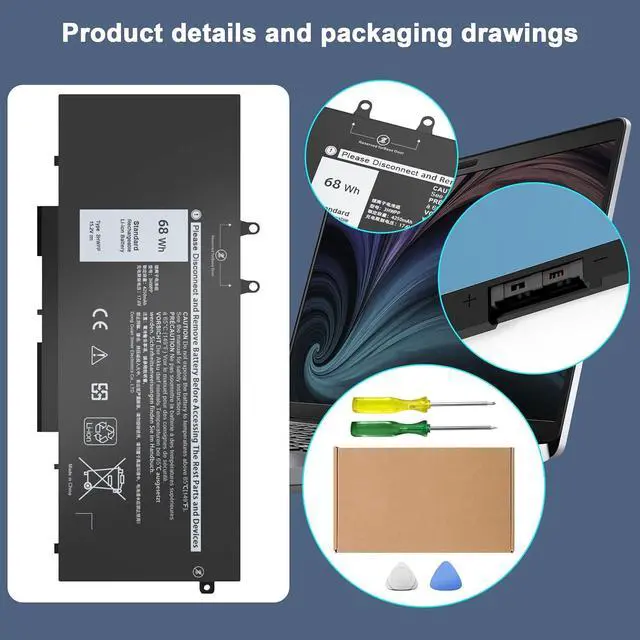
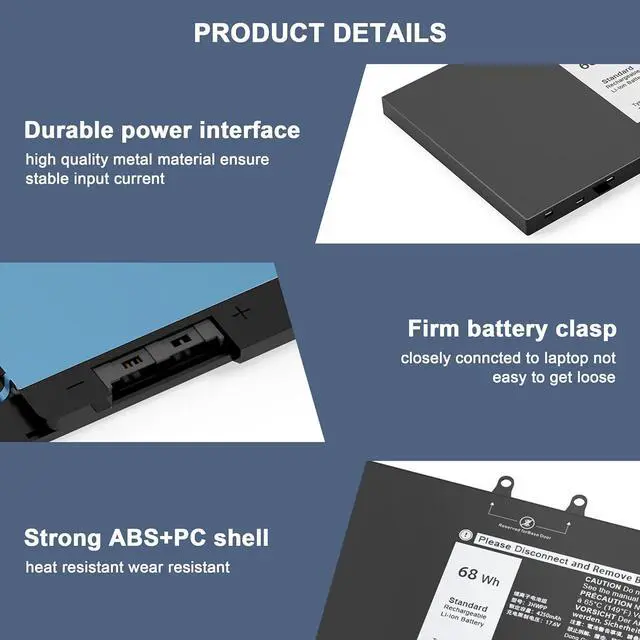
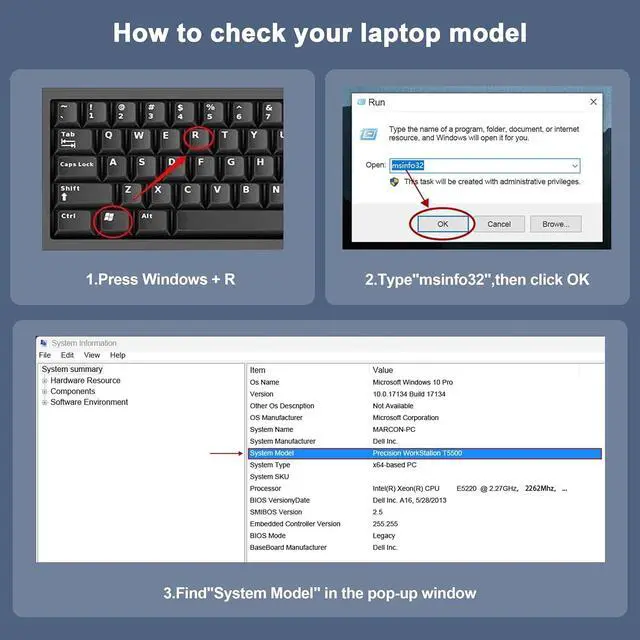
Latitude 14 Series5401 5410 5411 E5401 E5410 E5411 SeriesLatitude 15 Series5501 5510 5511 E5501 E5510 E5511 SeriesCompatible ModelPrecision 3541 3551 SeriesCompatible Model5765 5767 5770 5769 5768Compatible ModelInspiron 17 7706 2-in-1 SeriesCompatible ModelCompatible with Dell Inspiron 17 7500 2-in-1 Black Edition Series (NOT fit for Dell Inspiron 17 7500 2-in-1 Silver Edition)Compatible Model Compatible with Dell Inspiron 17 7506 2-in-1 Black Edition Series (NOT fit for Dell Inspiron 17 7506 2-in-1 Silver Edition)Compatible Model3HWPP batteryCompatible withDell Inspiron 17 7500/7506 2-in-1 Black Edition (What we sell)Part Number3HWPP 03HWPP 10X1J N2NLL 1VY7F 3YNXM 451-BCMN 01VY7F 451-BCMNNoteNOT fit for Dell Inspiron 17 7500 2-in-1 Silver Edition Series; NOT fit for Dell Inspiron 17 7506 2-in-1 Silver Edition Series.AttentionPlease open the back cover of your laptop to check the original battery size and capacity before placing an order. Please scroll down to the list to purchase. The battery should be fully charged for the first time (usually more than 12 hours) and discharged 2-3 times to make the new battery fully awake.
Pls kindly noted that the battery must be full charged before first use.
You need to turn off your laptop and disconnect the power.Turn the laptop to the back, install a new battery, and fix it with a tool.When the computer is turned on, if it is not recognised, it is recommended to update the BIOS settings or please disconnecting the old battery, and holding down the power button for 20 seconds, then connect the new battery.Do Discharge the new battery use to 5%(not to 0%) and then charge to 95%, and cycle 3-4 times.
TSKYBEAR Compatible with Dell(NOTE:Please press [Ctrl + F] to serach your model) Maintenance knowledge of laptop battery