• $537.99
  • Free 30-day Returns
  • Ships from Hong Kong.
    Price alert
    Shop it at NeweggBusiness.

    Meet Your Seller

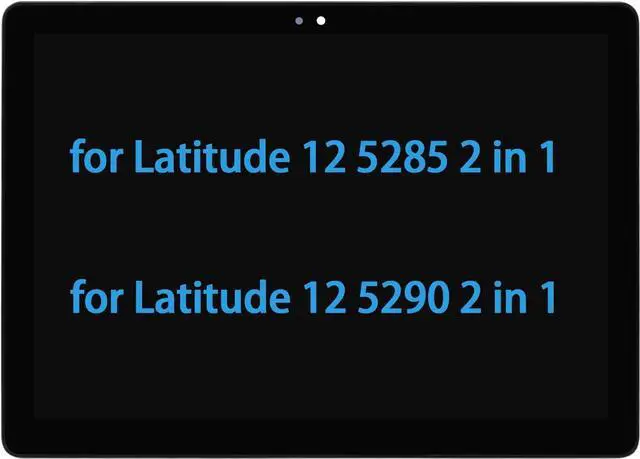
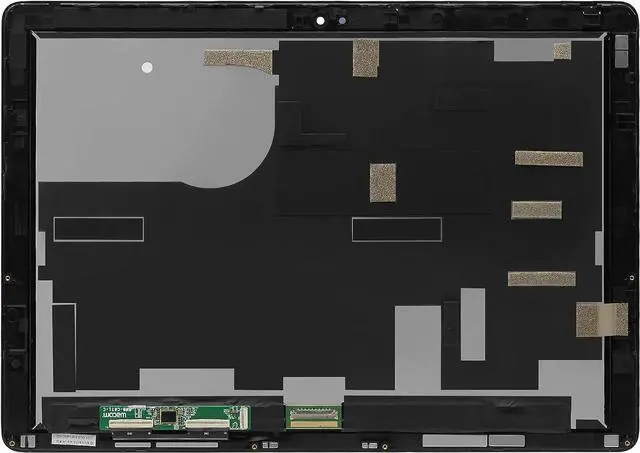
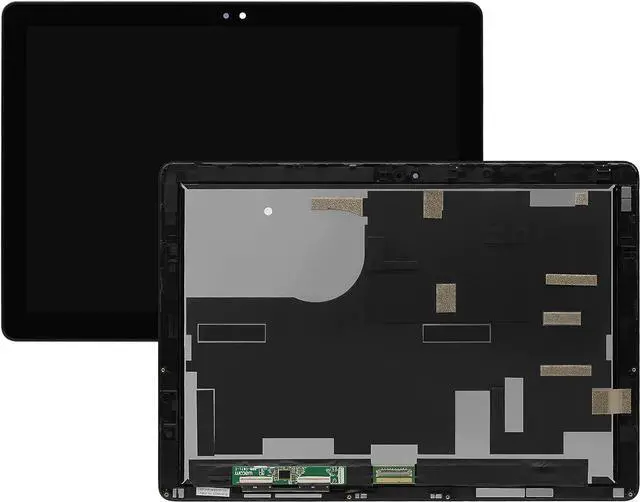
    12.3" LCD Replacement for DELL Latitude 12 5285 5290 Tablet 2 in 1 Assembly with Bezel VKJCN 0VKJCN 1920×1080 LCD LED Touch Screen Digitizer Assembly

    • 1. Compatible Model: for DELL Latitude 12 5285 5290 Tablet 2 in 1 VKJCN 0VKJCN lcd screen replacement Resolution: 1920x1080
    • 2. Resolution: 1920x1080Size: 12.3 inchesBacklight: LED LCDWarranty: 3 months
    • 3. It will be tested and packed carefully before shipping. Please turn off the power before assembly and we provide a 3-month warranty for quality problems
    • 4. 90% of the problems reported by customers that the product does not work may be caused by loose interfaces. Check the interface carefully to ensure that it is fully connected.
    • 5. Please do not damage the packing after receiving the goods. After 95% of customers contact us, the problems on the screen have been solved perfectly. Please contact us when you find any problems on the screen, and we will provide a perfect solution.
    +
    +
    Overview
    Specs
    Reviews
    Compatible Model: for DELL Latitude 12 5285 5290 Tablet 2 in 1 VKJCN 0VKJCN lcd screen replacement
    Screen Resolution : 1920x1080; Screen Size : 12.3"
    Display Technology : LCD Touch Assembly; Warranty : 3-month warranty
    Note : Please install it Very Professionally, if Not, Please Do Not Try. (You need to Pull Off the Power Adaptor & Battery Cable when install)
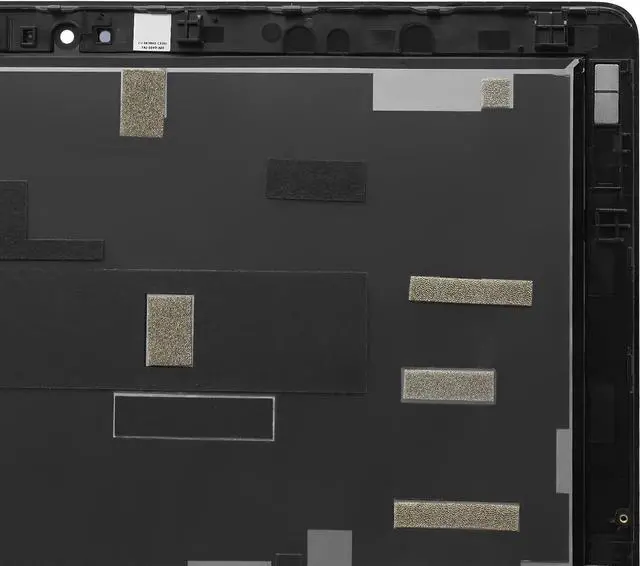
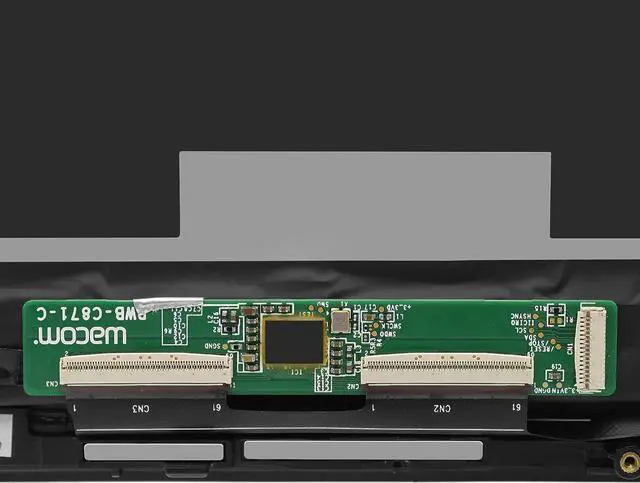
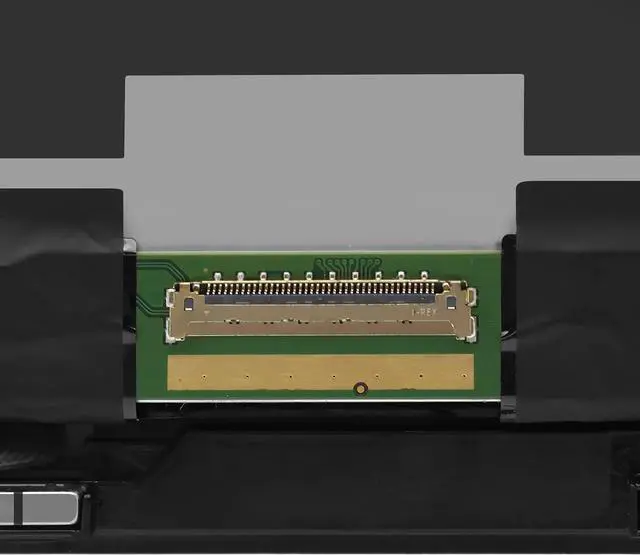
    Images show actual product, please verify all connectors and specifications carefully.Be careful to take the screen out of the box.This product should be very careful when installation, we are not responsible for the damage in the process of installation.
    IF THE TOUCH SCREEN DOES NOT WORK,PLEASE FOLL OW THE STEPS BEL OW(ORCONTACT CUSTOMER SERVICE) :
    1. Right-click "My Notebook" on the desktop,and first open the properties.
    2. Right click on "Device Manager"
    3. Right click on "Manual Input Device" 4. Right click on "i2C HID Device"
    5. Click "Uninstall Device"
    6. Refresh

    Warranty & Returns

    Warranty, Returns, And Additional Information

    Warranty

    • Please contact the Seller directly for warranty information. Warranty information may also be found on the Manufacturer's website.
    • CONTACT

    Return Policies

    Manufacturer Contact Info

    LOADING...