• $130.99
  • Free 30-day Returns
  • Ships from Hong Kong.
    Price alert
    Shop it at NeweggBusiness.

    Meet Your Seller

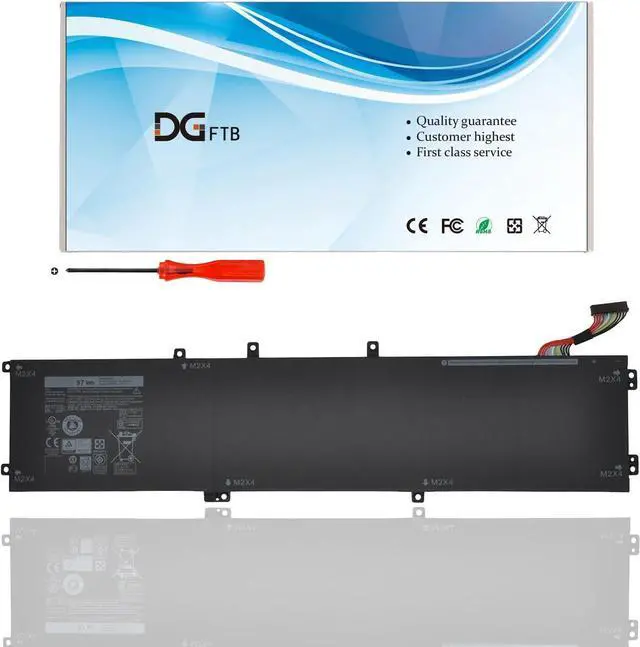
    DGFTB 6GTPY 97Wh New Laptop Battery for Dell XPS 15 9550 9560 9570 7590 Precision 5510 5520 5530 M5520 Workstation Series PN 5XJ28 5D91C GPM03 5041C 5D91C P2719H P56F002 11.4V 6cells

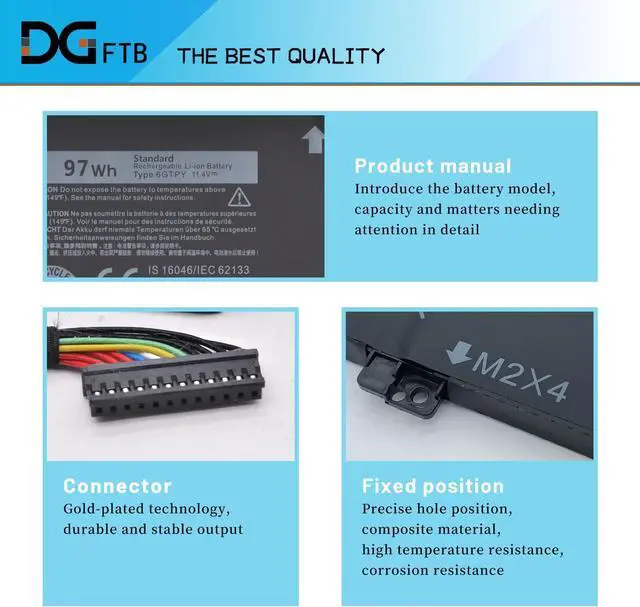
    • Replacement Battery TypeLi-ion; Voltage: 11.4V; Capacity: 97Wh/6cells.
    • Compatible P/N6GTPY, 5041C, 05041C, 5D91C, 5XJ28, GPM03, P56F002, P56F001, P56F.
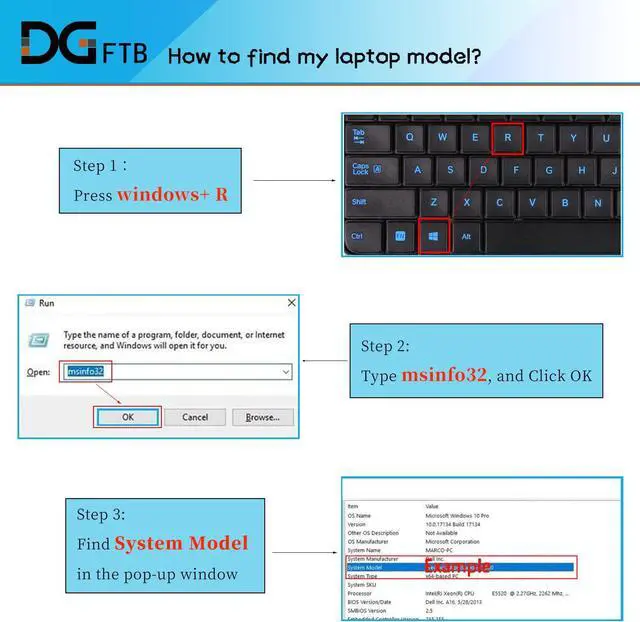
    • Compatible Modelsfor Dell Precision Series: for Dell Precision 5510, 5520, M5520, 5530, 5540, for Dell XPS 15 9550 Series: for Dell XPS 15 9550 Series, for Dell XPS 15 9560 Series: for Dell XPS 15 2017 9560, for Dell XPS 15-9560-D1745, for Dell XPS 15-9560-D1845T, for Dell XPS 15-9560-D1645
    • Compatible Modelsfor Dell XPS 15 9570 Series: for Dell XPS 15-9570, for Dell XPS 15 2018 9570, for Dell XPS 15-9570-D1541, for Dell XPS 15-9570-D1945T, for Dell XPS 15-9570-D1841, for Dell XPS 15 7590 Series: for Dell XPS 15-7590, 7591, 7500 7501.
    • DG TIPSFor the initial installation, please reinstall and check the interface fully connected, discharge the battery to 5%(not to 0%) and then charge to 95%, and cycle 3-4 times.
    +
    +
    Overview
    Specs
    Reviews
    We are a professional laptop battery provider,
    We are always working hard to ensure high quality laptop battery standards.
    Your satisfaction is our team goal, your support is our most precious wealth.
    for Dell XPS 15 9560 series
    XPS 15-9560; XPS 15 2017 9560; XPS 15-9560-D1545; XPS 15-9560-D1645;
    XPS 15-9560-D1745; XPS 15-9560-D1845; XPS 15-9560-D1845T; XPS 15 9560 i7-7700HQ
    for Dell XPS 15 9570 series
    XPS 15-9570; XPS 15 2018 9570; XPS 15-9570-D1501; XPS 15-9570-D1541;
    XPS 15-9570-D1605; XPS 15-9570-D1741; XPS 15-9570-D1841;
    XPS 15-9570-D1941T; XPS 15-9570-D1945T; XPS 15 9570 i7 UHD
    for Dell XPS 15 9550 series
    for Dell XPS 15 7590 series
    for Dell Precision M5510 5510 M5520 5520 Workstation Series
    1, Disconnect the connection between the old battery and the motherboard to avoid unnecessary damage caused by disassembling the battery. Then unscrew the old battery screws one by one and carefully save each.
    2, Remove the old battery, carefully install the new battery on the battery case, and connect the wiring of the new battery.
    3, If you don't understand the above steps, you can search for the video about laptop battery installation on Website. Maybe it will help you
    Welcome to DGTFB Compatible Machine Models: Install A New Battery:

    Warranty & Returns

    Warranty, Returns, And Additional Information

    Warranty

    • Please contact the Seller directly for warranty information. Warranty information may also be found on the Manufacturer's website.
    • CONTACT

    Return Policies

    Manufacturer Contact Info

    LOADING...