


- Free 30-day Returns
$190.99
Ships from Hong Kong.
Sold by E-Transit Limited
Shipped by E-Transit Limited

Meet Your Seller

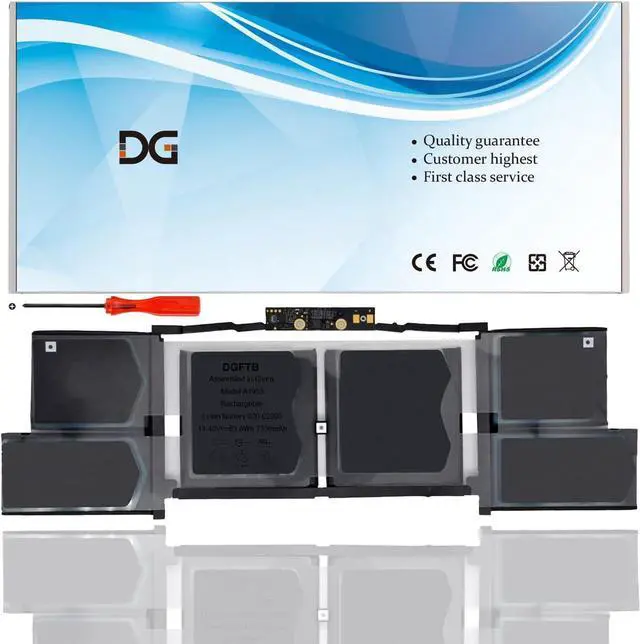
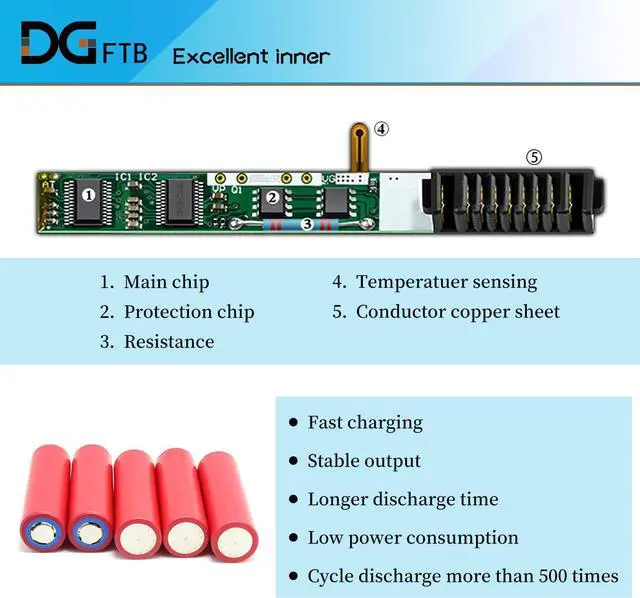
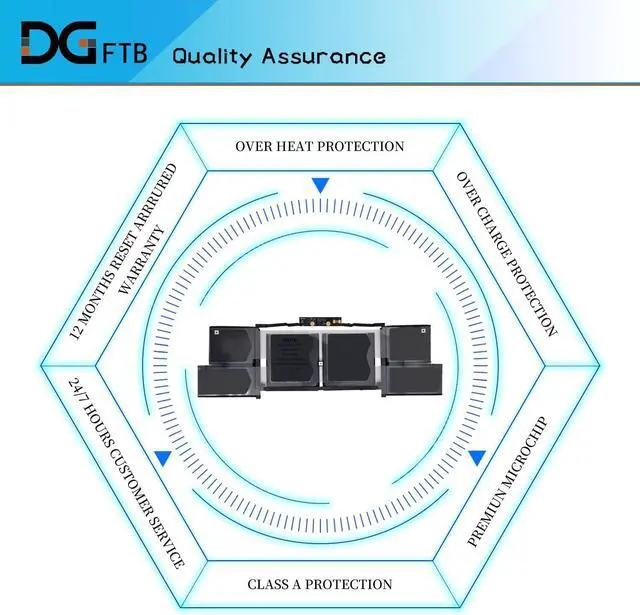



DGTECH A1953 Replacement Laptop Battery Compatible with Apple MacBook 15" A1990 (11.40V 83.6Wh 7336mAh)
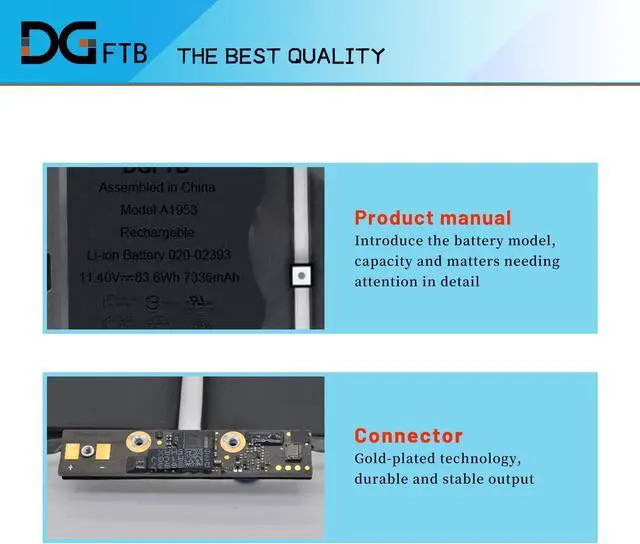
- Replacement Battery Type: Li-ion; Voltage: 11.40V; Capacity: 83.6Wh 7336mAh
- Compatible P/N: A1953
- Compatible Models for: Apple MacBook 15" A1990
- Battery Condition: Brand New
- Instructions for use: Please use the remaining battery capacity to reach 5-10% for the first time,and then charge to 95%,This process can be cycled 3 -5 times, which is beneficial to comprehensive to activate maximum capacity of lithium ions. Do not disassemble, crush or puncture. Do not dispose of in fire or water. If you remove battery for a long time, charge more than 80% at least one time within one months. When using the battery, care should be taken to prevent exposure and moisture.
+
+
Overview
Specs
Reviews
We are a professional laptop battery provider,
We are always working hard to ensure high quality laptop battery standards.
Your satisfaction is our team goal, your support is our most precious wealth.
Voltage: 11.40V
Capacity: 83.6Wh 7336mAh
Condition: Brand New
Battery Type: li-ion polymer
Compatible Part Numbers:
A1953, A1990 (EMC 3215) , A1990 (EMC 3359)
1,Disconnect the connection between the old battery and the motherboard to avoid unnecessary damage caused by disassembling the battery. Then unscrew the old battery screws one by one and carefully save each.
2, Remove the old battery, carefully install the new battery on the battery case, and connect the wiring of the new battery.
3, If you don't understand the above steps, you can search for the video about laptop battery installation on Website. Maybe it will help you
Welcome to DGTFB Specification: Install A New Battery:
We are always working hard to ensure high quality laptop battery standards.
Your satisfaction is our team goal, your support is our most precious wealth.
Voltage: 11.40V
Capacity: 83.6Wh 7336mAh
Condition: Brand New
Battery Type: li-ion polymer
Compatible Part Numbers:
A1953, A1990 (EMC 3215) , A1990 (EMC 3359)
1,Disconnect the connection between the old battery and the motherboard to avoid unnecessary damage caused by disassembling the battery. Then unscrew the old battery screws one by one and carefully save each.
2, Remove the old battery, carefully install the new battery on the battery case, and connect the wiring of the new battery.
3, If you don't understand the above steps, you can search for the video about laptop battery installation on Website. Maybe it will help you
Welcome to DGTFB Specification: Install A New Battery:
Warranty & Returns
Warranty, Returns, And Additional Information
Warranty
- Please contact the Seller directly for warranty information. Warranty information may also be found on the Manufacturer's website.
- CONTACT
Return Policies
- Return for refund within: 30 days
- Return for replacement within: 90 days
- This item is covered by E-Transit Limited Return Policy
Manufacturer Contact Info
- For a directory of all our manufacturers, please click below.
- Manufacturers Directory
LOADING...