
Your Browsing History
- Free 30-day Returns
$130.99
Ships from Hong Kong.
Sold by E-Transit Limited
Shipped by E-Transit Limited

Meet Your Seller

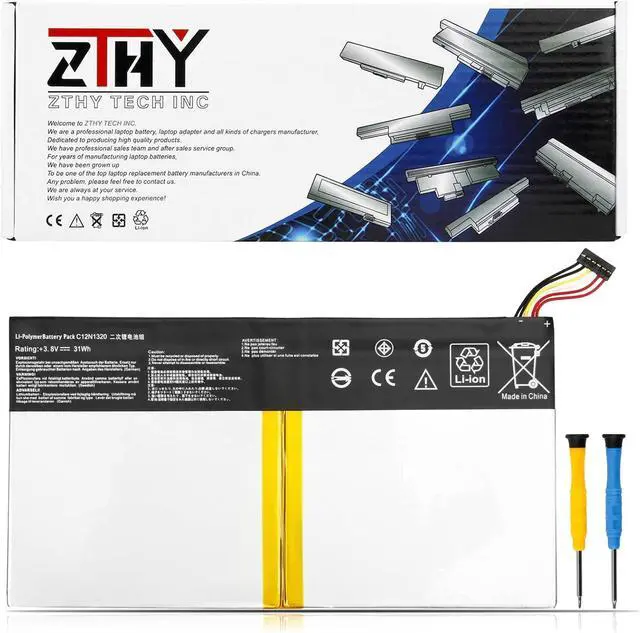
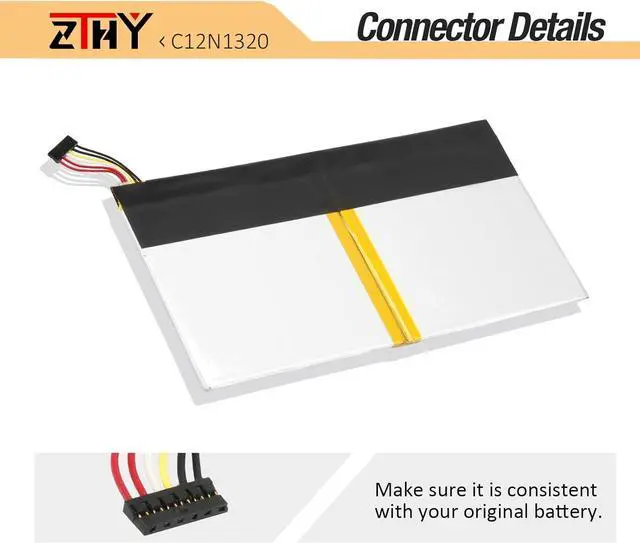
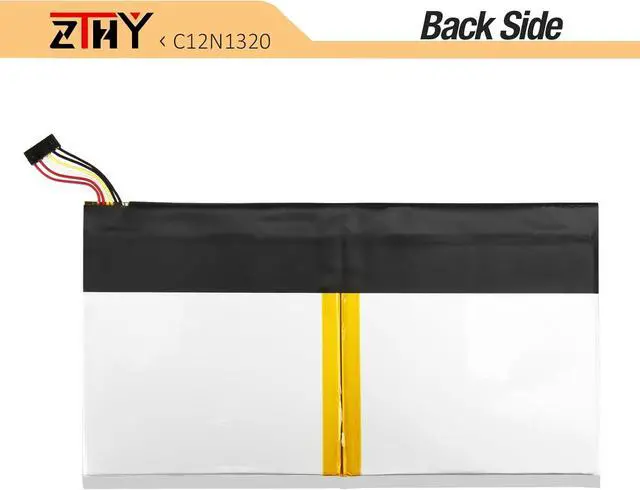
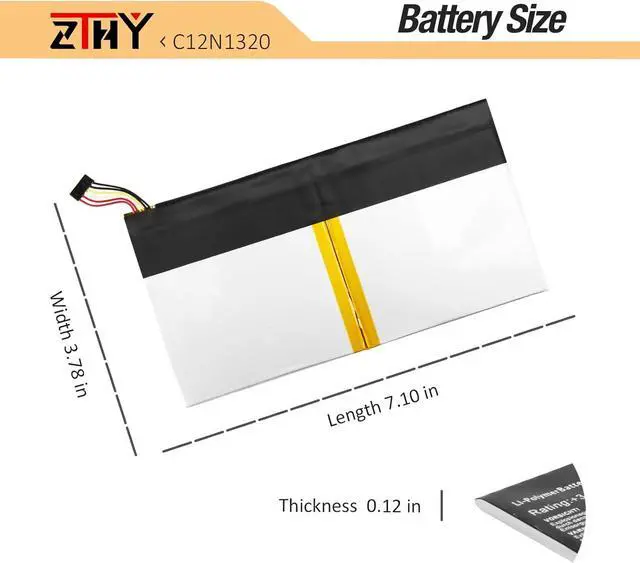


ZTHY 31WH C12N1320 Laptop Battery Replacement for ASUS Transformer Book T100 T100T T100TA T100TA-C1 GR T100TAL T100TAF T100TAM R104TA H100TA Series 10.1'' Tablet PC 2in1 Notebook 0B200-00720300 3.8V
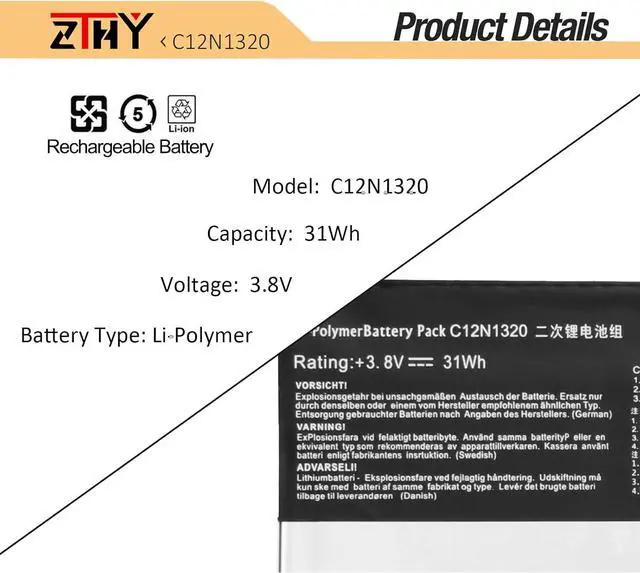
- Specification: Battery Type: Li-Polymer; Voltage: 15.4V; Capacity: 60.76WH/3744mAh; Battery life: Up to 500 recharge cycles over the life of the battery
- Compatible Part Number:Replacement for C12N1320 0B200-00720000 0B200-00720200 0B200-00720300 C12PN9C 0B200-00720400 0B200-00720100
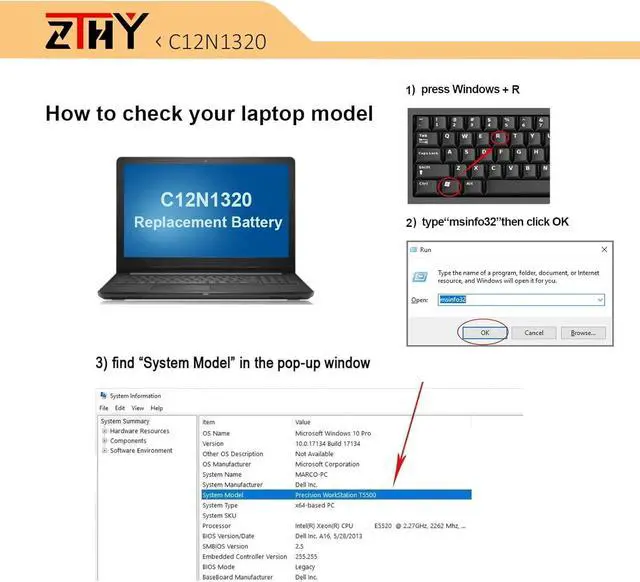
- Compatible Models:Replacement for ASUS Transformer Book T100 T100T T100TA T100TA-C1 GR T100TAL T100TAF T100TAM Series 10.1" Tablet PC 2in1 Notebook Convertible Battery.This battery does not compatible with Transformer Book H100HA, R104HA, T100HA
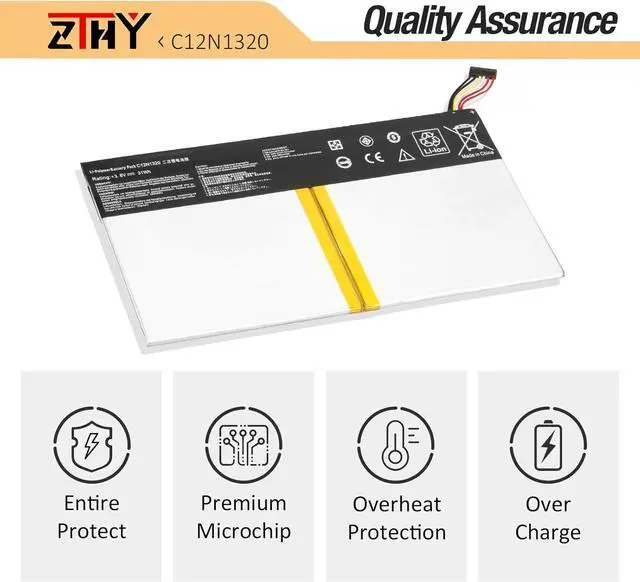
- SecurityAll ZTHY products are Certified by CE, UL for safety. Strict guidelines for compatibility, and standards compliance for environment safety
- Note: If the new battery is not recognized during the initial installation, please reinstall and check if the interface is fully connected. Discharge the new battery to 10-20% (not 0%), then charge and cycle 3-4 times to wake up the new battery
+
+
Overview
Specs
Reviews
Specification: Battery Type: Li-Polymer; Voltage: 15.4V; Capacity: 60.76WH/3744mAh; Battery life: Up to 500 recharge cycles over the life of the battery
Compatible Part Number:Replacement for C12N1320 0B200-00720000 0B200-00720200 0B200-00720300 C12PN9C 0B200-00720400 0B200-00720100
Compatible Models:Replacement for ASUS Transformer Book T100 T100T T100TA T100TA-C1 GR T100TAL T100TAF T100TAM Series 10.1" Tablet PC 2in1 Notebook Convertible Battery.This battery does not compatible with Transformer Book H100HA, R104HA, T100HA
SecurityAll ZTHY products are Certified by CE, UL for safety. Strict guidelines for compatibility, and standards compliance for environment safety
Note: If the new battery is not recognized during the initial installation, please reinstall and check if the interface is fully connected. Discharge the new battery to 10-20% (not 0%), then charge and cycle 3-4 times to wake up the new battery
Compatible Part Number:Replacement for C12N1320 0B200-00720000 0B200-00720200 0B200-00720300 C12PN9C 0B200-00720400 0B200-00720100
Compatible Models:Replacement for ASUS Transformer Book T100 T100T T100TA T100TA-C1 GR T100TAL T100TAF T100TAM Series 10.1" Tablet PC 2in1 Notebook Convertible Battery.This battery does not compatible with Transformer Book H100HA, R104HA, T100HA
SecurityAll ZTHY products are Certified by CE, UL for safety. Strict guidelines for compatibility, and standards compliance for environment safety
Note: If the new battery is not recognized during the initial installation, please reinstall and check if the interface is fully connected. Discharge the new battery to 10-20% (not 0%), then charge and cycle 3-4 times to wake up the new battery
Warranty & Returns
Warranty, Returns, And Additional Information
Warranty
- Please contact the Seller directly for warranty information. Warranty information may also be found on the Manufacturer's website.
- CONTACT
Return Policies
- Return for refund within: 30 days
- Return for replacement within: 90 days
- This item is covered by E-Transit Limited Return Policy
Manufacturer Contact Info
- For a directory of all our manufacturers, please click below.
- Manufacturers Directory
LOADING...