• $168.99
  • Free 30-day Returns
  • Ships from Hong Kong.
    Price alert
    Shop it at NeweggBusiness.

    Meet Your Seller

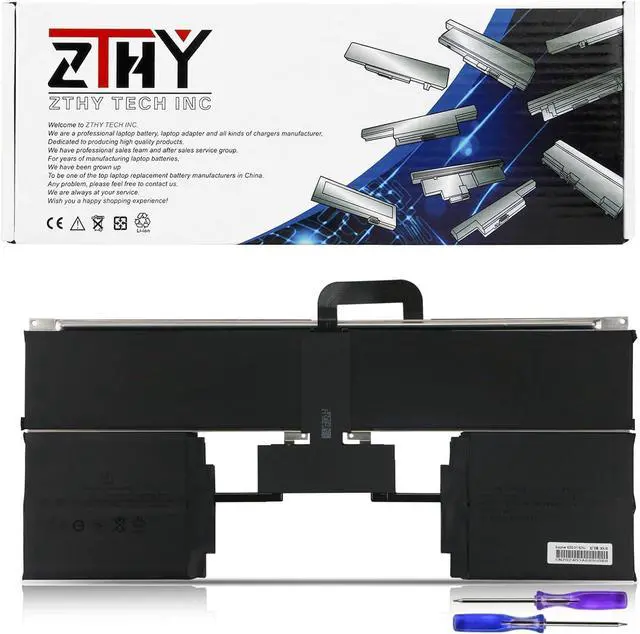
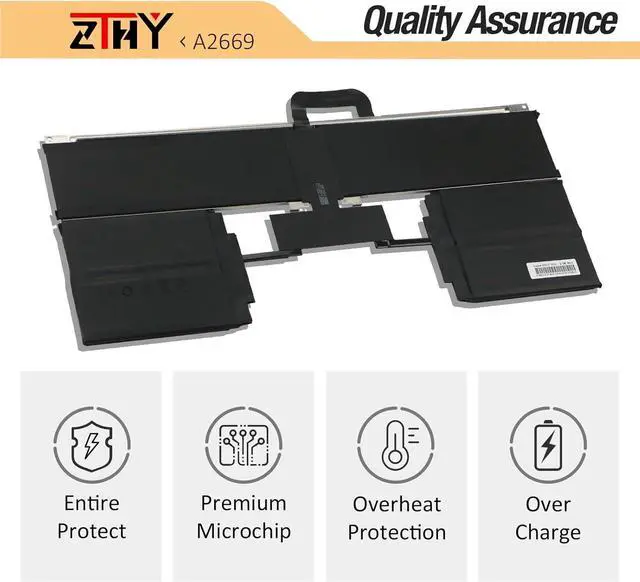
    ZTHY A2669 A2681 Laptop Battery Replacement for MacBook Air 13" M2 2022 A2681 (EMC 4074) 661-26150 MLY03LL/A MLY13LL/A MLY23LL/A MLY33LL/A MLY43LL/A MLXX3LL/A MLXW3LL/A MLXY3LL/A Series 52.6Wh 11.54V

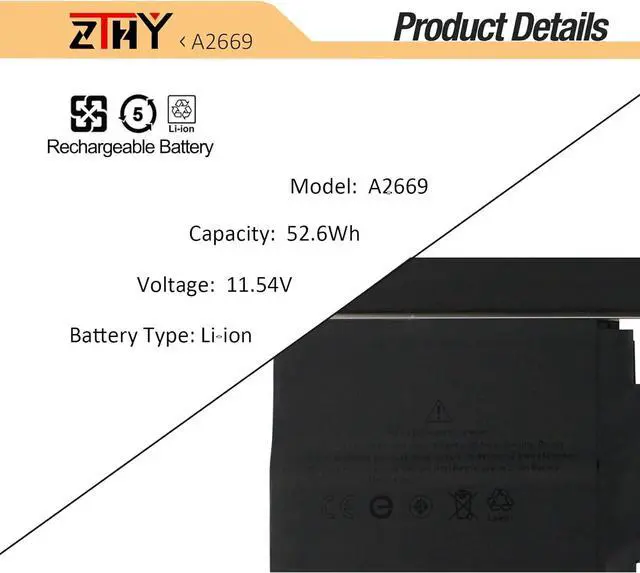
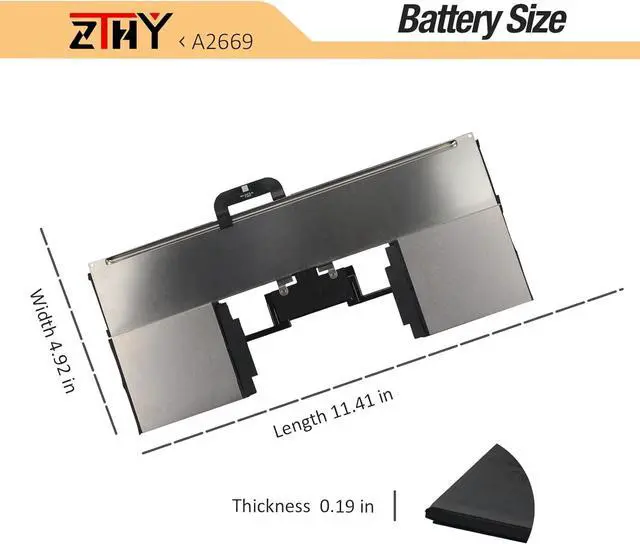
    • Specification: Battery Type: Li-ion. Voltage: 11.54V. Capacity: 52.6Wh/4561mAh/6-Cell. Battery life: Up to 500 recharge cycles over the life of the battery
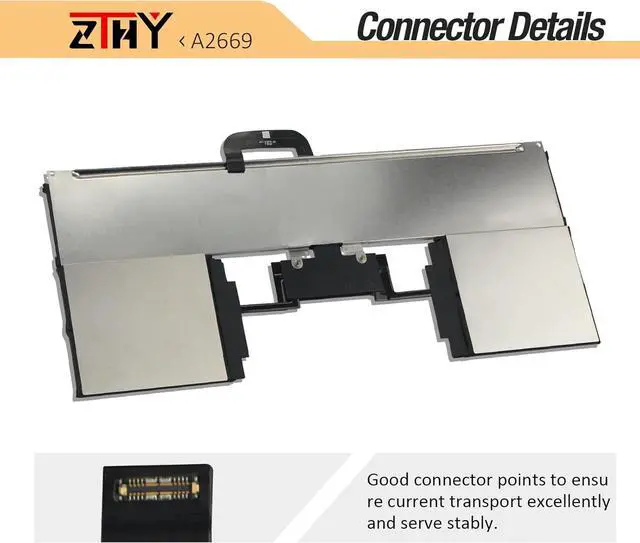
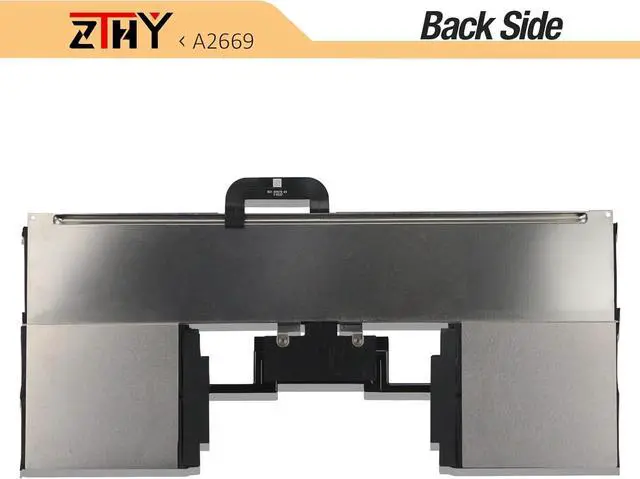
    • Compatible Part Number: A2669 A2681 661-26150
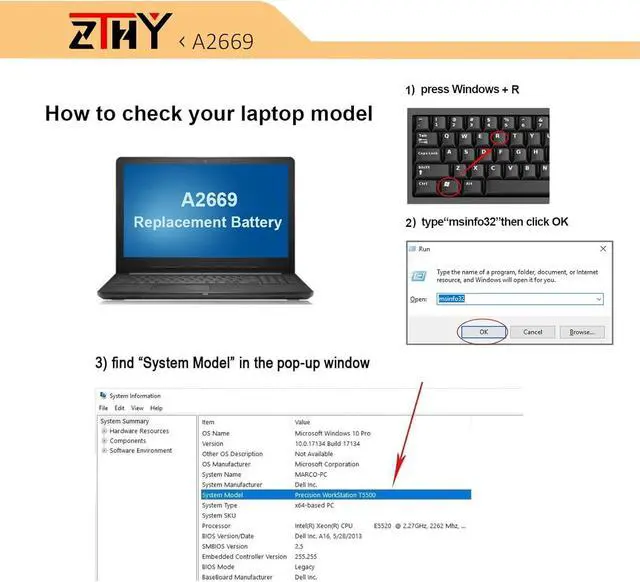
    • Compatible Models: Replacement for MacBook AIR 13" M2 2022 A2681, A2681 (EMC 4074), MLY43LL/A, MLY33LL/A, MLY13LL/A, MLY23LL/A, MLXX3LL/A, MLXW3LL/A, MLXY3LL/A, MLY03LL/A.
    • Attention: The battery disassembly of this MacBook is a bit complicated, especially removing the glued battery from the MacBook Pro. We recommend that you search for related battery replacement videos on the Internet in advance, or seek the help of professional technicians when installing the battery. We will not take any responsibility for any damage caused by improper operation. Hope to understand.
    • Note: To save you time and money, please open the back cover of your laptop to confirm that your battery is the same as the described in the picture before ordering. If the new battery is not recognized during the ini
    +
    +
    Overview
    Specs
    Reviews
    Specification: Battery Type: Li-ion. Voltage: 11.54V. Capacity: 52.6Wh/4561mAh/6-Cell. Battery life: Up to 500 recharge cycles over the life of the battery
    Compatible Part Number: A2669 A2681 661-26150
    Compatible Models: Replacement for MacBook AIR 13" M2 2022 A2681, A2681 (EMC 4074), MLY43LL/A, MLY33LL/A, MLY13LL/A, MLY23LL/A, MLXX3LL/A, MLXW3LL/A, MLXY3LL/A, MLY03LL/A.
    Attention: The battery disassembly of this MacBook is a bit complicated, especially removing the glued battery from the MacBook Pro. We recommend that you search for related battery replacement videos on the Internet in advance, or seek the help of professional technicians when installing the battery. We will not take any responsibility for any damage caused by improper operation. Hope to understand.
    Note: To save you time and money, please open the back cover of your laptop to confirm that your battery is the same as the described in the picture before ordering. If the new battery is not recognized during the initial installation, please reinstall and check if the interface is fully connected. Discharge the new battery to 10-20% (not 0%), then charge and cycle 3-4 times to wake up the new battery

    Warranty & Returns

    Warranty, Returns, And Additional Information

    Warranty

    • Please contact the Seller directly for warranty information. Warranty information may also be found on the Manufacturer's website.
    • CONTACT

    Return Policies

    Manufacturer Contact Info

    LOADING...