• $110.99
  • Free 30-day Returns
  • Ships from Hong Kong.
    Price alert
    Shop it at NeweggBusiness.

    Meet Your Seller

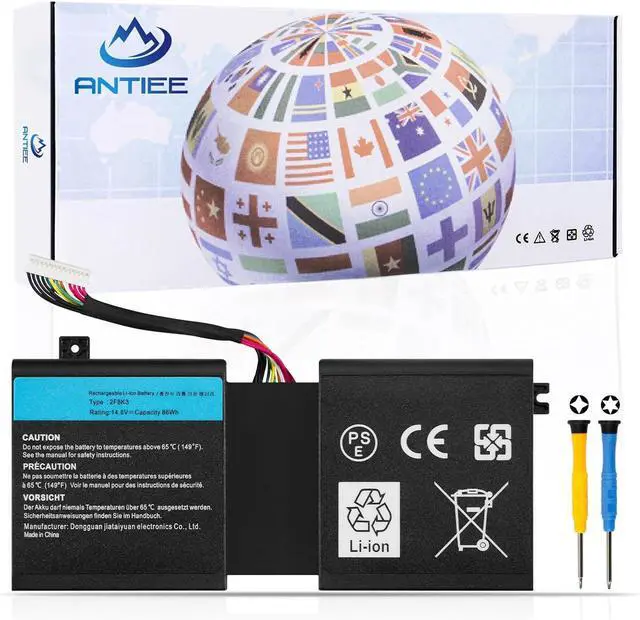
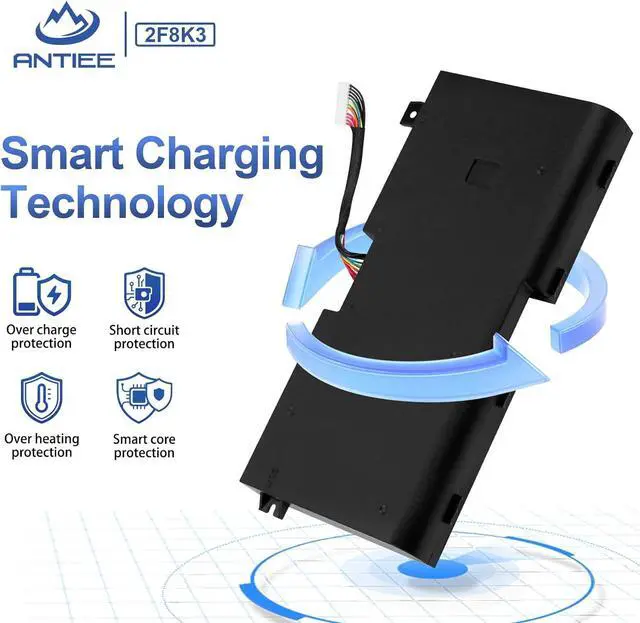
    TIIANTE 14.8V 86Wh 5700mAh 2F8K3 Notebook Battery Replacement for Dell Alienware 17 R1 17X M17X R5 Alienware 18 R1 18X M18X R3 Series Gaming Laptop 02F8K3 KJ2PX 0KJ2PX G33TT 0G33TT 0NU209 451-BBCB

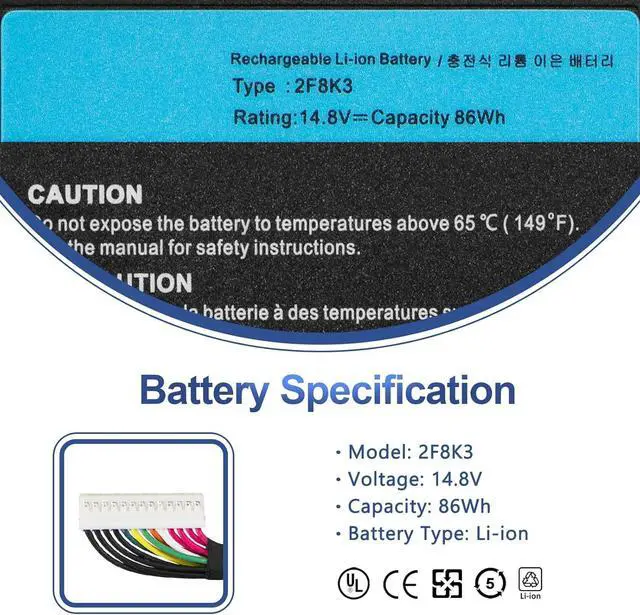
    • Specifications: Battery Type: Li-ion; Voltage: 14.8V; Capacity: 86Wh/5700mAh; Battery life: Up to 500 recharge cycles over the life of the battery.
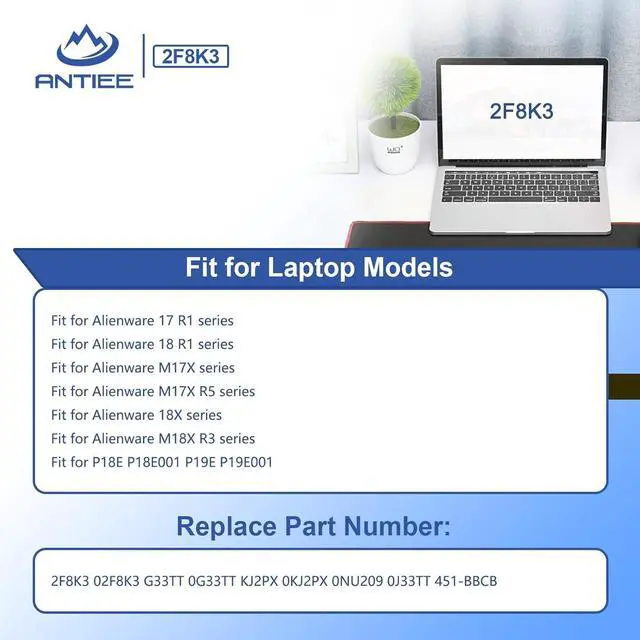
    • Compatible Part Number:2F8K3 02F8K3 0G33TT 0J33TT 0KJ2PX 0NU209 451-BBCB G33TT KJ2PX Laptop Battery.
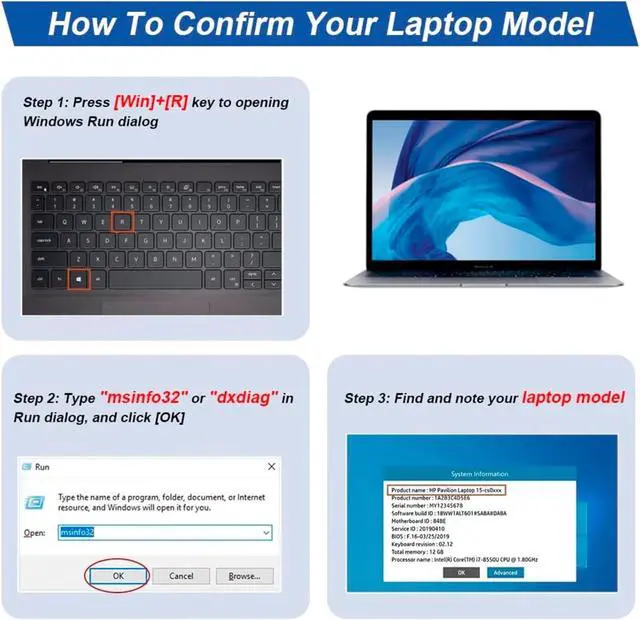
    • Compatible Laptop Models: Dell 17(2013) R1 P18E P18E001 17X M17X-R5, 18 R1 P19E P19E001 18X M18X-R3 Series ALW18D-1768 ALW18D-1788 ALW18D-2768 ALW18D-4778 ALW18D-4788 ALW18D-5778 ALW18D-5788 ALW18D-6768 ALW18D-6868 ALW17D-5648 ALW17D-1728 ALW17D-2728 ALW17D-5948 ALW17D-5848 ALW17D-1948 (See Description fit Laptop Models)Notebook
    • Security:New from Manufacturer. Up to 500 recharge cycles over the life of the battery. CE-/FCC-Certified for safety.
    • Perfect After-sale:Welcome to email us if you have any issues, questions or concerns, we will resolve the problem within 24 hours.
    +
    +
    Overview
    Specs
    Reviews
    Welcome to ANTIEE
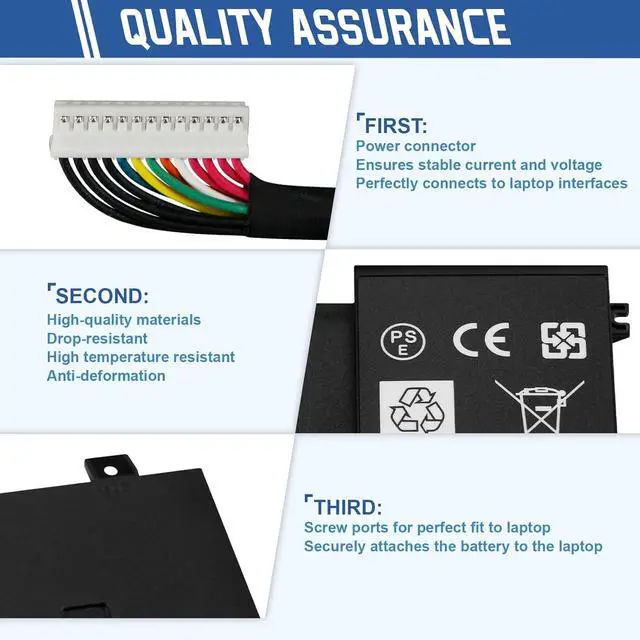
    We are a manufacturer specializing in various laptop batteries and tablet batteries. We emphasizes the basic product concept of high-quality, safety and reliability. ANTIEE Laptop batteries are 100% DIRECT from Manufacturer with over 10 years' Laptop Battery Production and Research experience.
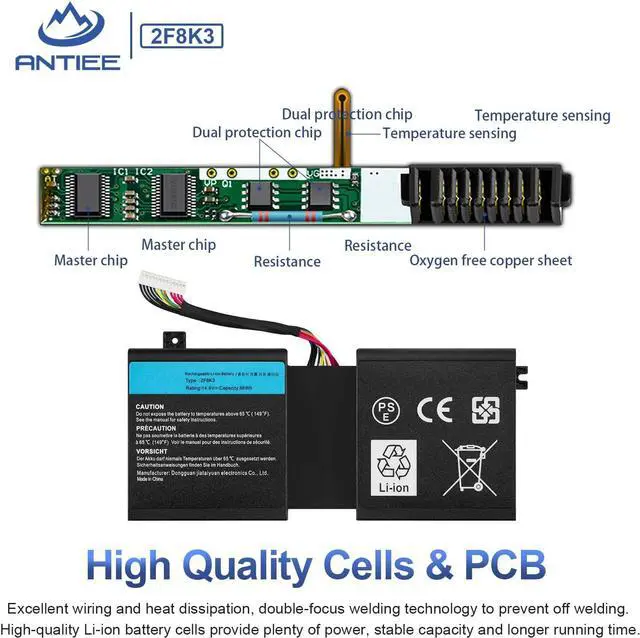
    We are always working hard to ensure high quality laptop battery standards through multiple quality checks. Every one of our replacement notebook batteries are tested. With multi-protections such as short circuit, overheat, and overload, you can rest assured that you are in good hands. ANTIEE promises to deliver each customer to valuable, efficient and reliable battery. Let your notebook get more freedom.
    Item does not include instructions. You can search for tutorials from Google. It is best to check the tutorial before DIY, so as to avoid unnecessary losses during the disassembly process.
    Before disassembling your laptop, put the old battery charge below 25%. If a fully charged lithium battery is accidentally punctured, it will have serious consequences.
    Protect your screen and touchpad. Keep every screw you removed.
    Do not reverse the positive and negative. Make sure the power connector is fully seated, the tabs needed to touch the metal.

    Skills For Installing A New Battery:

    Warranty & Returns

    Warranty, Returns, And Additional Information

    Warranty

    • Please contact the Seller directly for warranty information. Warranty information may also be found on the Manufacturer's website.
    • CONTACT

    Return Policies

    Manufacturer Contact Info

    LOADING...