
Your Browsing History
- Free 30-day Returns
$100.99
Ships from Hong Kong.
Sold by E-Transit Limited
Shipped by E-Transit Limited

Meet Your Seller

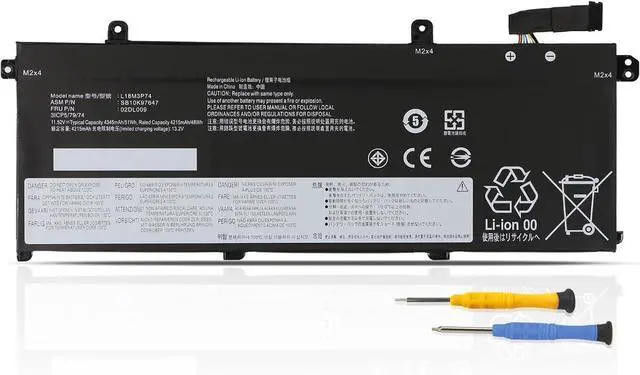
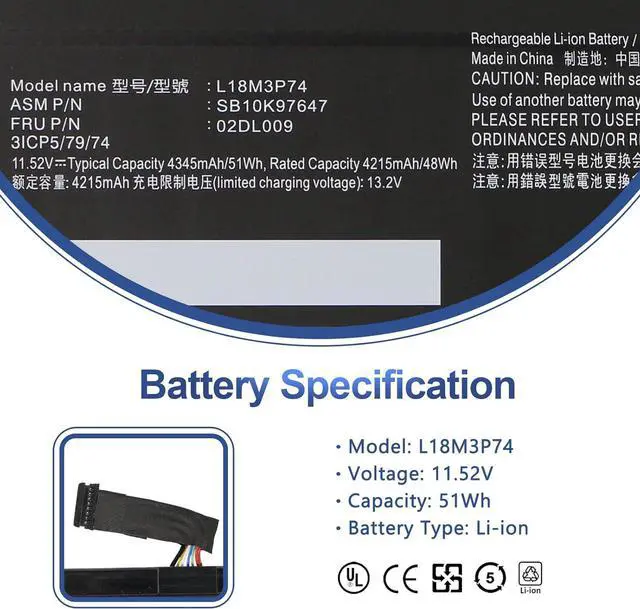
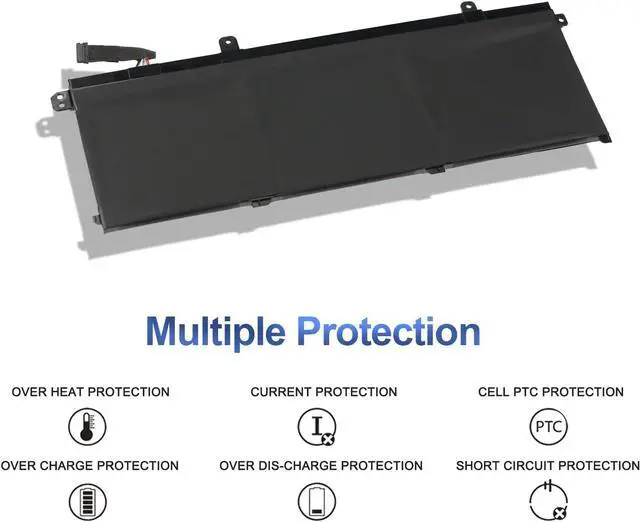
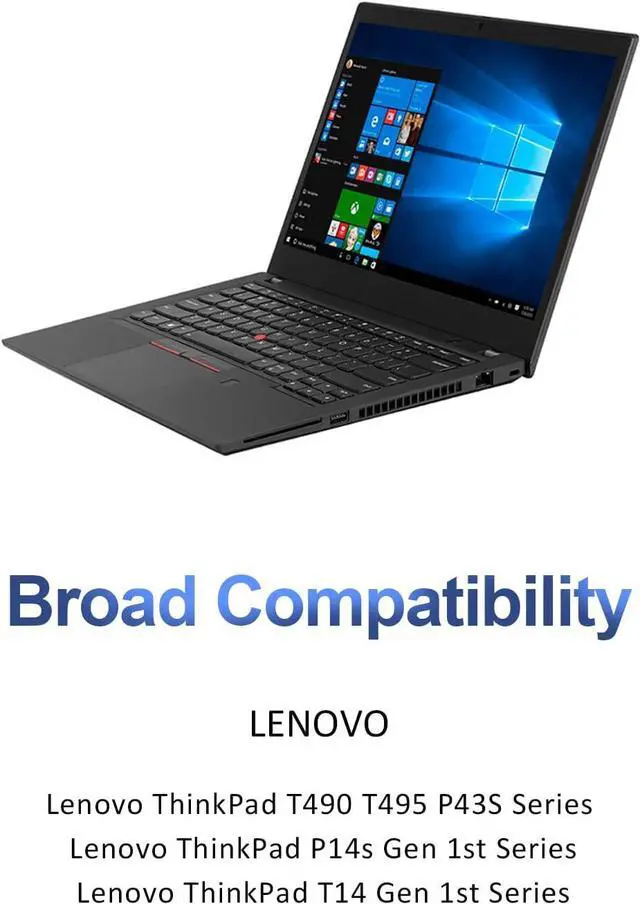
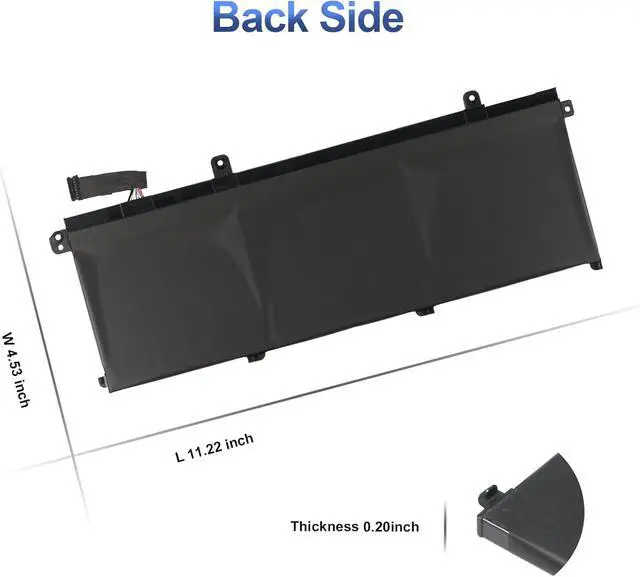


51Wh L18C3P72 L18M3P73 L18M3P74 02DL009 SB10K97647 Battery for Lenovo ThinkPad T490 T495 P43S T14 P14s Gen 1st 2nd Series L18C3P71 L18L3P73 L18M4P73 L18M4P74 02DL007 02DL008 02DL010 SB10K97648
- Specifications:Battery Type: Li-ion; Voltage: 11.55V; Capacity: 51Wh/4345mAh; Battery life: Up to 500 recharge cycles over the life of the battery
- Compatible Part Number:L18M3P74 L18M3P73 L18C3P71 L18C3P72 L18L3P73 L18M4P73 L18M4P74 02DL007 02DL008 02DL009 02DL010 SB10K97645 SB10K97646 SB10K97647 SB10K97648 SB10T83197 SB10T83122 SB10T83148 SB10T83149 SB10W51929 SB10W51928 5B10W51829 5B10W51830 5B10W13906 5B10W13905 5B10W13877 5B10W13954
- Compatible Laptop Models:Fit for Lenovo ThinkPad T490-20Q9 20QH 20RY, ThinkPad T495-20NJ 20NK, ThinkPad P43S-20RH, ThinkPad P14S Gen 1/ Gen 2, ThinkPad T14 Gen 1-20S2 20S3 20UD, and ThinkPad T14 Gen 2 series
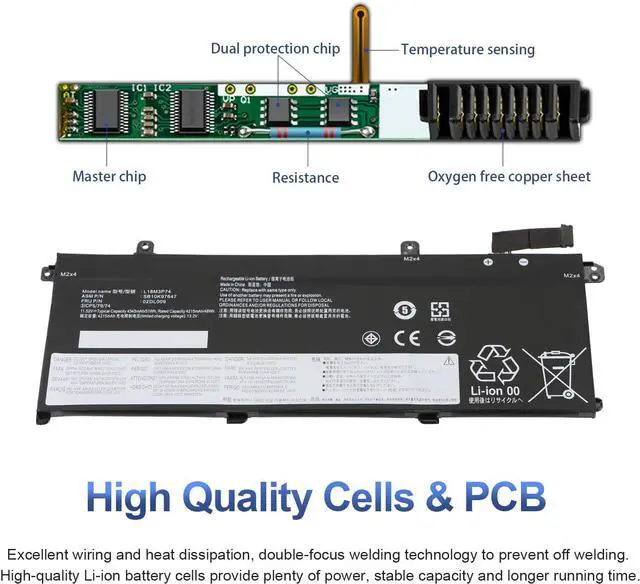
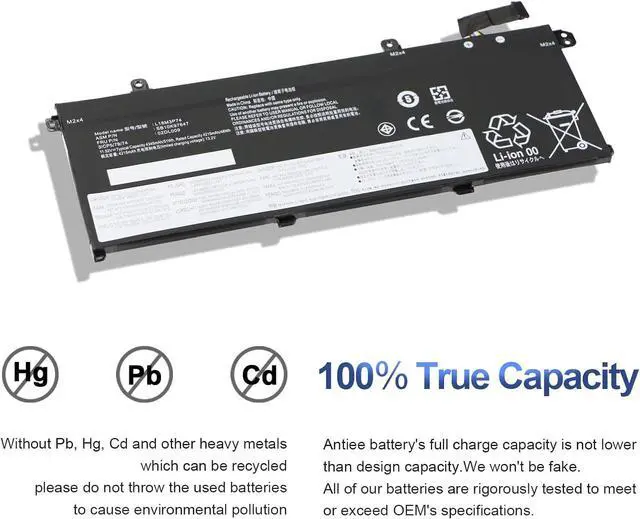
- Quality Assurance:100% new from manufacturer, every battery has passed factory testing, grade A cells ensure fast charges and low power consumption, built-in circuit protection ensures both safety and stability. CE / FCC / RoHS Certified for safety
- Question:You can click on seller store name on right corner you can see "Ask a question" on the p
+
+
Overview
Specs
Reviews
Compatible Part Numbers:L18C3P71 L18C3P72 L18L3P73 L18M3P73 L18M3P74 L18M4P73 L18M4P74Compatible Part Numbers:02DL007 02DL008 02DL009 02DL010Compatible Part Numbers:SB10K97645 SB10K97646 SB10K97647 SB10K97648 SB10T83197 SB10T83122 SB10T83148 SB10T83149Compatible Part Numbers:SB10W51929 SB10W51928 5B10W51829 5B10W51830 5B10W13906 5B10W13905 5B10W13877 5B10W13954ThinkPad T490 Series:ThinkPad T490-20N20048GE;ThinkPad T490-20N20049GE;ThinkPad T490-20N3;ThinkPad T490-20N3001EGE;ThinkPad T490-20Q9;ThinkPad T490-20QH;ThinkPad T490-20RYThinkPad T495 Series:ThinkPad T495-20NJ0011PB;ThinkPad T495-20NJ0012GE;ThinkPad T495-20NKThinkPad P43S Series:ThinkPad P43S-20RH002SUSCompatible Models:ThinkPad P14S Gen 1st SeriesCompatible Models:ThinkPad P14S Gen 2nd SeriesThinkPad T14 Gen 1st Series:ThinkPad T14-20S2;ThinkPad T14-20S3;ThinkPad T14-20UD;ThinkPad T14-20UD0013GECompatible Models:ThinkPad T14 Gen 2nd Series Install A New Battery:
1. Disconnect the connection between the old battery and the motherboard to avoid unnecessary damage caused by disassembling the battery. Then unscrew the old battery screws one by one and carefully save each.
2. Remove the old battery, carefully install the new battery on the battery case, and connect the wiring of the new battery.
3. If you don't understand the above steps, you can search for the video about laptop battery installation on YouTube. Maybe it will help you.
Battery can't be recognized by my laptop:
Remove all battery drivers
Remove battery
Connect laptop using AC charger, double check no battery drivers installed
Connect battery
Drivers will install automatically
Full charge the battery by ac adapter
Leave charger and let the battery drain to shut off
Compatible Laptop Models:
1. Disconnect the connection between the old battery and the motherboard to avoid unnecessary damage caused by disassembling the battery. Then unscrew the old battery screws one by one and carefully save each.
2. Remove the old battery, carefully install the new battery on the battery case, and connect the wiring of the new battery.
3. If you don't understand the above steps, you can search for the video about laptop battery installation on YouTube. Maybe it will help you.
Battery can't be recognized by my laptop:
Remove all battery drivers
Remove battery
Connect laptop using AC charger, double check no battery drivers installed
Connect battery
Drivers will install automatically
Full charge the battery by ac adapter
Leave charger and let the battery drain to shut off
Compatible Laptop Models:
Warranty & Returns
Warranty, Returns, And Additional Information
Warranty
- Please contact the Seller directly for warranty information. Warranty information may also be found on the Manufacturer's website.
- CONTACT
Return Policies
- Return for refund within: 30 days
- Return for replacement within: 90 days
- This item is covered by E-Transit Limited Return Policy
Manufacturer Contact Info
- For a directory of all our manufacturers, please click below.
- Manufacturers Directory
LOADING...