1) Please click ZTHY TECH, we will help you solve it.
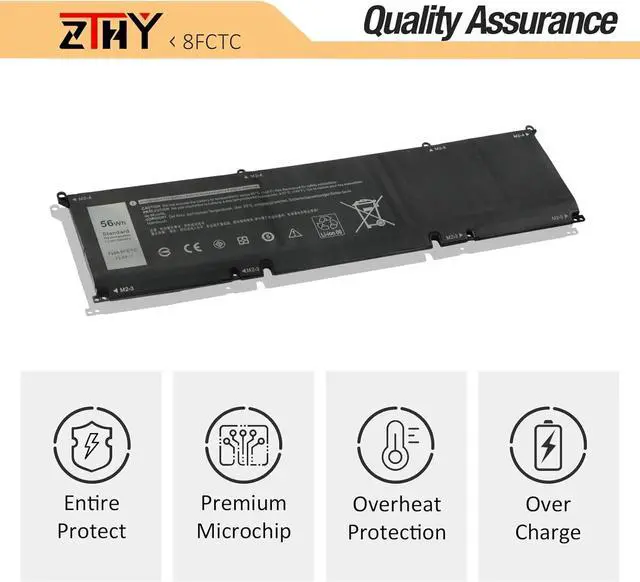
2) Please be assured that we will take the responsibility for each product we sold.
3) 30-days after purchase, we offer a no-questions-asked return policy.
4)12 months from the date of purchase, If the product fails, we will replace it with a new one.
1) You need to turn off your laptop and disconnect the power.
2) Disconnect the connection between the old battery and the motherboard to avoid unnecessary damage caused by disassembling the battery. Then unscrew the old battery screws one by one and carefully save each screw.
3) Remove the old battery, carefully install the new battery on the battery case, screw in the screw, and connect the wiring of the new battery.
4) If you don't understand the above steps, you can search for the video about laptop battery installation on YouTube. Maybe it will help you.
1)Discharge the new battery use to 10%(not to 0%) and then charge to 95%, and cycle 3-4 times.
2) Do not disassemble, crush or puncture. Do not dispose of in fire or water.
3) If you remove the battery for a long time, charge more than 80% at least one time within one month.
4) Don't connect the adapter for a long time while using the battery. It may damage the battery.
5)When using the battery, care should be taken to prevent exposure and moisture.
1) Could be caused by battery loss. Please re-install the battery and make sure that the battery cable and the motherboard interface are tightly inserted.
2) Maybe due to conductive material damage which the laptop motherboard and battery anode and cathode contact position, you can try to confirm it with your original battery.
3) Check whether the battery drive is in normal condition, if not, download the corresponding driver software to update.
1.Turn off the laptop.
2.Unplug AC power.
3.Remove the battery.
4.Replace AC power.
5.Turn on laptop,allow OS to boot.
6.Once logged in to the machine,perform a normal shut donw.
7.Unplug AC power.
8.Replace battery.
1, Change your laptop power plan settings, and choose the power saver plan. Then Change advanced power settings, and scroll down to find Processor power management. Click the On-battery option and reduce the processor state to 20%.
2, Always keep your laptop neat and clean. The dust easily enters the hardware through the vents which are meant to release the heat generated from various computer components.
3, Close Wi-Fi, Bluetooth, and other settings. This can help your computer save precious battery life.
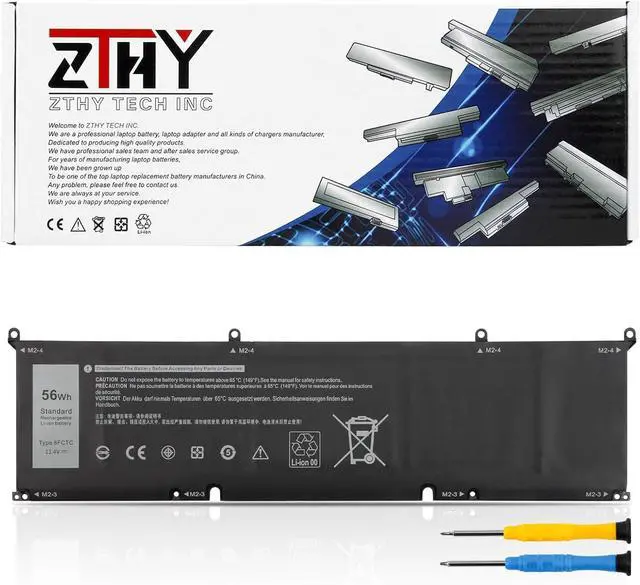
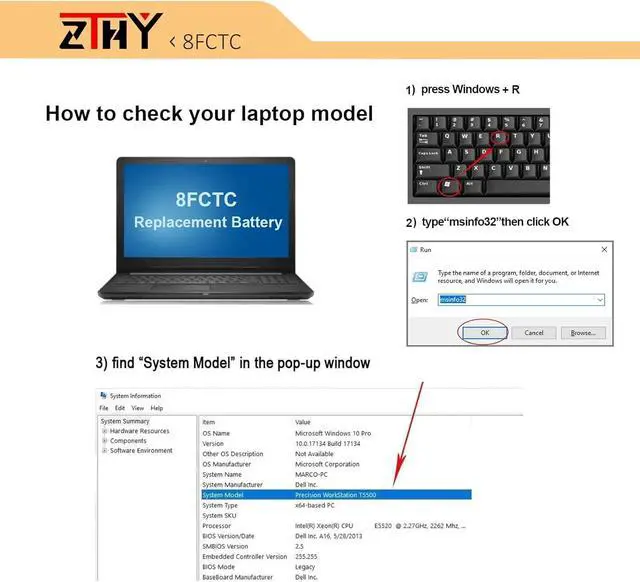
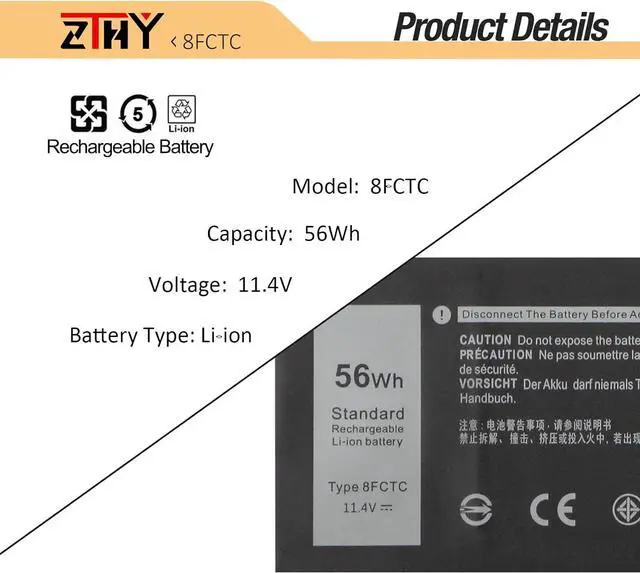
Compatible Part Number8FCTC 69KF2 08FCTC 70N2F 070N2F M59JH 0M59JH P8P1P 0P8P1P DVG8M 0DVG8MCompatible ModelReplacement for Dell Alienware M15 2020 ALW15M-5758WCompatible ModelReplacement for Dell Alienware M15 R3 2020 SeriesCompatible ModelReplacement for Dell Alienware M15 R3 P87F SeriesCompatible ModelReplacement for Dell Alienware M15 R4 M15 R5 M15 R6 M15 R7 SeriesCompatible ModelReplacement for Dell Alienware M15 R4 2021 SeriesCompatible ModelReplacement for Dell Alienware m15 Ryzen Edition R5 SeriesCompatible ModelReplacement for Dell Alienware m15 R7 AMD SeriesCompatible ModelReplacement for Dell Alienware m16 R1 SeriesCompatible ModelReplacement for Dell Alienware m16 R1 AMD SeriesCompatible ModelReplacement for Dell Alienware M17 2020 SeriesCompatible ModelReplacement for Dell Alienware M17 R3 P45E SeriesCompatible ModelReplacement for Dell Alienware M17 R4 SeriesCompatible ModelReplacement fo Dell Precision 5550 5560 5570 SeriesCompatible ModelReplacement for Dell XPS 15 9500 9510 9520 9530 SeriesCompatible ModelReplacement for Dell XPS 15 9500 Core i7 4K UHDCompatible ModelReplacement for Dell G15 5510 5511 5520 5525 5530 SeriesCompatible ModelReplacement for Dell G15 5515 Ryzen Edition SeriesCompatible ModelReplacement for Dell G15 5521 Special Edition SeriesCompatible ModelReplacement for Dell G15 5535 SeriesCompatible Model