
Your Browsing History


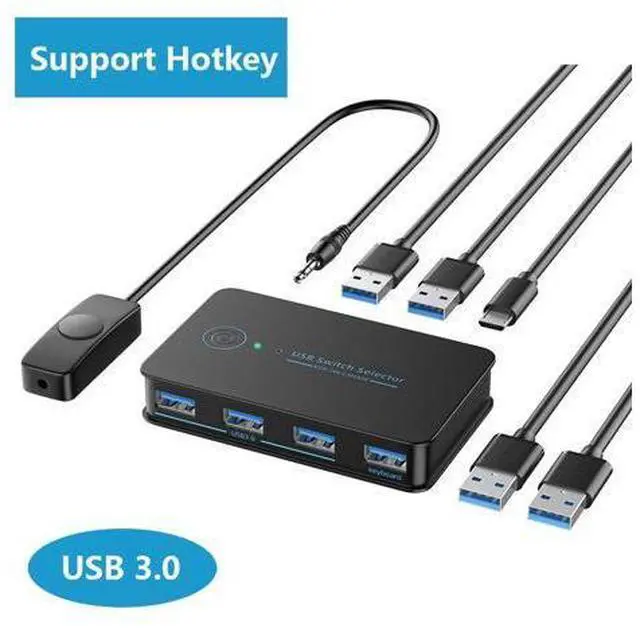

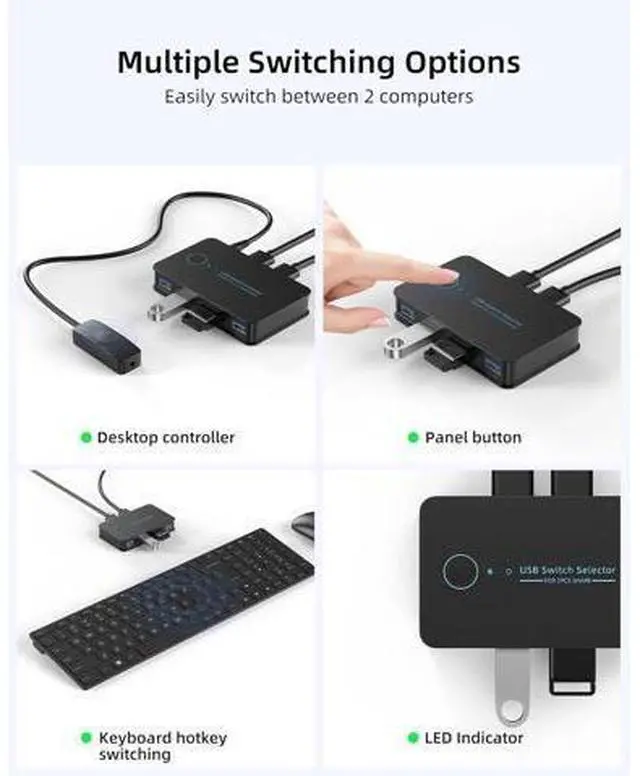


USB 3.0 Switch 2 in 4 Ouit, USB Switcher for 2 Computers Share 4 USB for Printer Keyboard Mouse, Scanner, USB KVM Switch Selector with 2 USB 3.0 Cables, Support Hotkey/Button/Wired Remote Switching
Limited time offer, ends 08/31 By Truespan Living
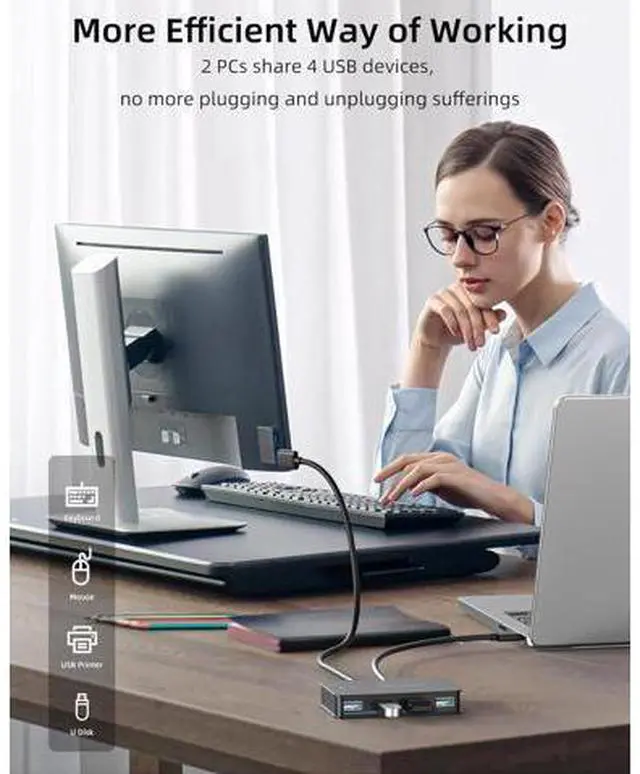
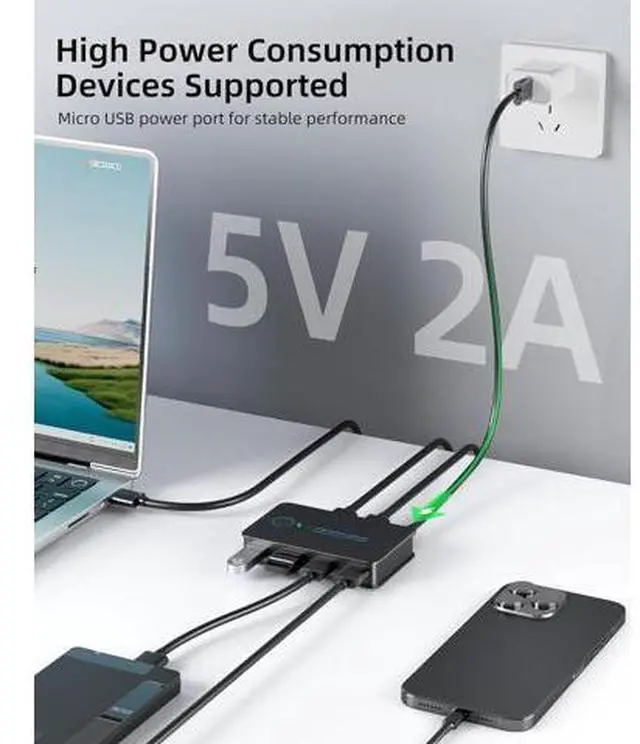
- 2 PCs Share Multiple Devices: This 2 in 4 out USB 3.0 switch can share 4 USB 3.0 peripherals devices between 2 computers, and can also connect printers, scanners, mouse, keyboards etc(Bluetooth equipment also support).; With 4xUSB 3.0 ports: the USB 3.0 sw
+
+
Overview
Specs
Reviews
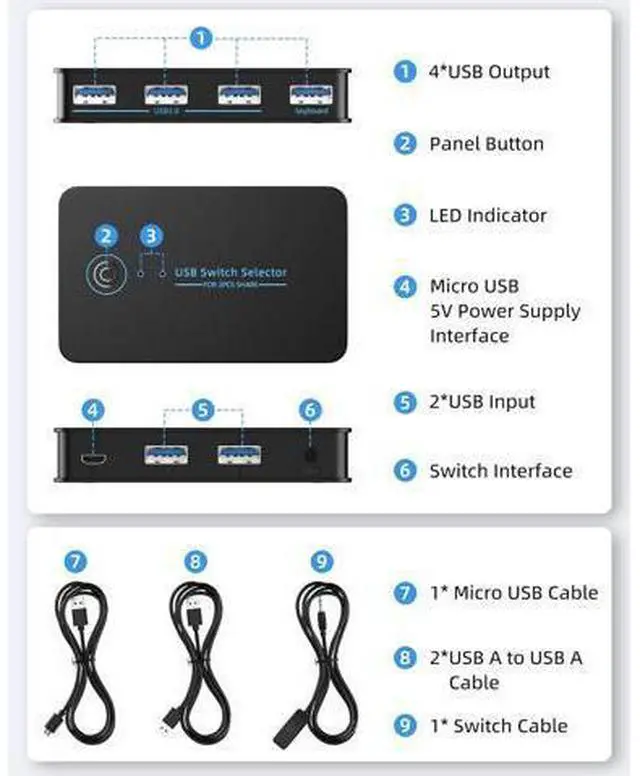
Using the steps 1. Connect the USB switch input ports to your PC or laptop with the USB To Cables. 2. connect your external USB devices to the USB switch output ports. 3. Press the switch button to select the input computer. 4. Turn on the switch through the USB port to access devices like external HDD, digital video cameras and more. Hotkey operation instructions 1. When using the keyboard switching function, ensure that the keyboard is connected to the keyboard port of the KVM switcher. The keyboard switching function is unavailable on other USB ports.
2. On or off the hot key: Double-click the right CTRL+A key on the big keyboard to open the hot key. The default state is on. If it is not closed, you do not need to perform this operation. Double-click the right CTRL +B key on the big keyboard to close the hotkey. You can press this operation to close the hotkey when it is not in use. 3.
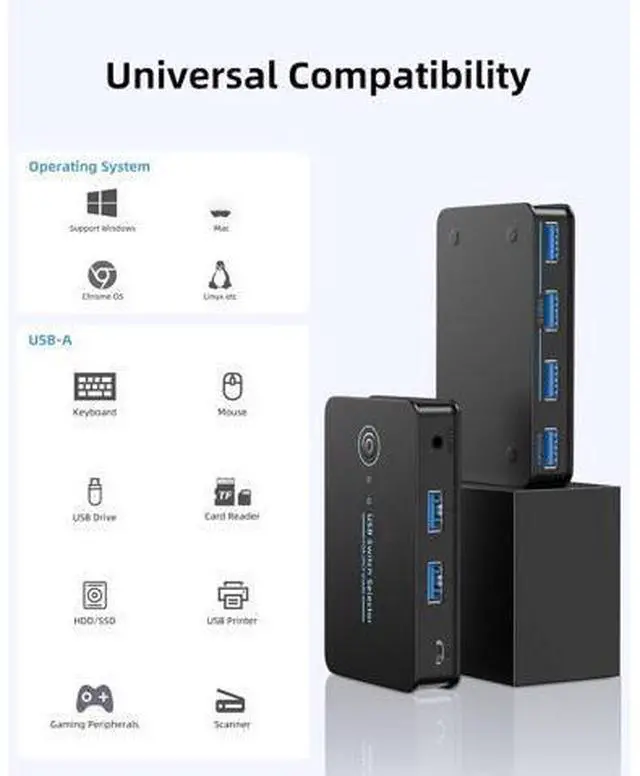
Switching mode: Double-click the right CTRL key +1/2 on the big keyboard to switch to the 1/2 host; You can also double-click the*key +1/2 on the right kepad to switch to the 1/2 host. 4 Port USB 3.0 Design, Ultra-fast transfer speed This USB KVM switch supports ultra-fast USB 3.0 data transfer rates of up to 5Gbps (10 times faster than USB 2.0 ), very fast and convenience. If your device only has USB 2.0 ports or lower, you won't be able to export USB 3.0 speeds. The maximum output speed depends on the maximum speed your device can output. Support for multiple devices and systems This USB 3.0 swi
2. On or off the hot key: Double-click the right CTRL+A key on the big keyboard to open the hot key. The default state is on. If it is not closed, you do not need to perform this operation. Double-click the right CTRL +B key on the big keyboard to close the hotkey. You can press this operation to close the hotkey when it is not in use. 3.
Switching mode: Double-click the right CTRL key +1/2 on the big keyboard to switch to the 1/2 host; You can also double-click the*key +1/2 on the right kepad to switch to the 1/2 host. 4 Port USB 3.0 Design, Ultra-fast transfer speed This USB KVM switch supports ultra-fast USB 3.0 data transfer rates of up to 5Gbps (10 times faster than USB 2.0 ), very fast and convenience. If your device only has USB 2.0 ports or lower, you won't be able to export USB 3.0 speeds. The maximum output speed depends on the maximum speed your device can output. Support for multiple devices and systems This USB 3.0 swi
Warranty & Returns
Warranty, Returns, And Additional Information
Warranty
- Please contact the Seller directly for warranty information. Warranty information may also be found on the Manufacturer's website.
- CONTACT
Return Policies
- Return for refund within: 30 days
- Return for replacement within: 90 days
- This item is covered by Truespan Living Return Policy
Manufacturer Contact Info
- For a directory of all our manufacturers, please click below.
- Manufacturers Directory
LOADING...