
Your Browsing History
Ships from China.

Meet Your Seller

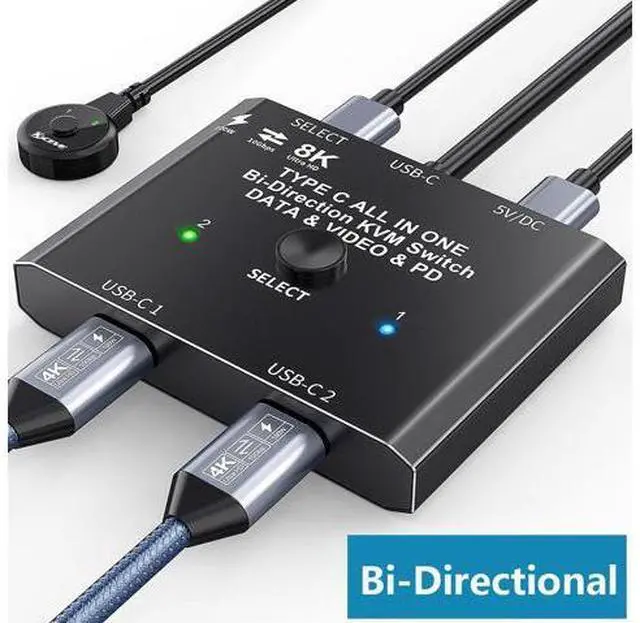
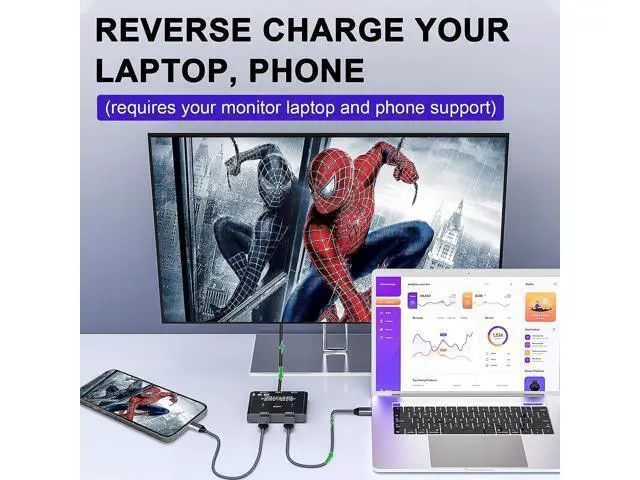


USB C Switch 2 in 1 Out / 1 in 2 Out, Bi-Directional USB C Switcher 2 Computers, USB C KVM Switch Support 8K @30Hz 4K @120Hz Video,10Gbps Data Transfer,2 USB-C Cables and Wired Controller Included
Limited time offer, ends 09/15 By Truespan Living
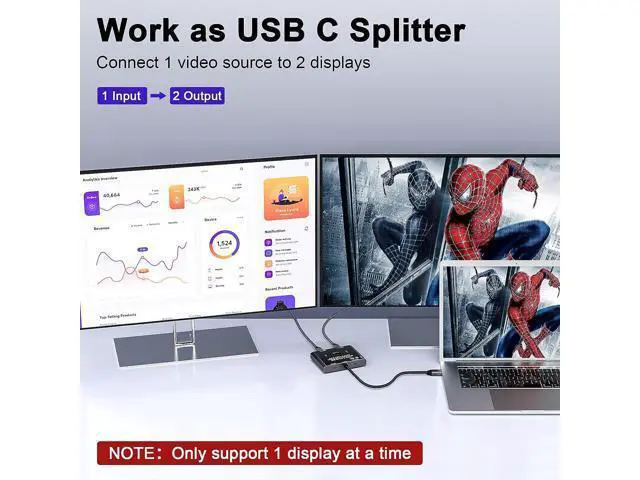
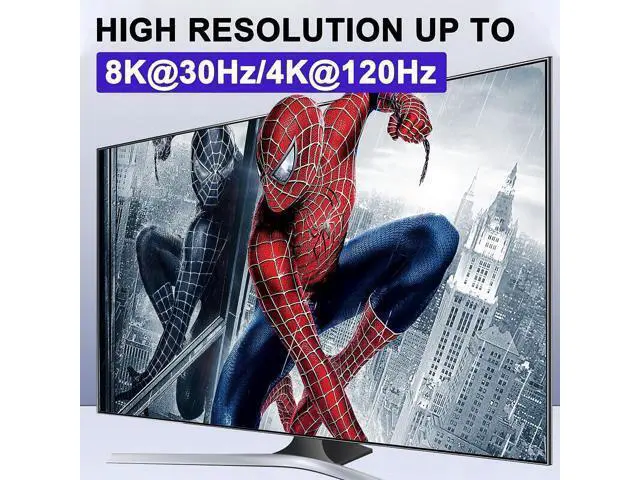
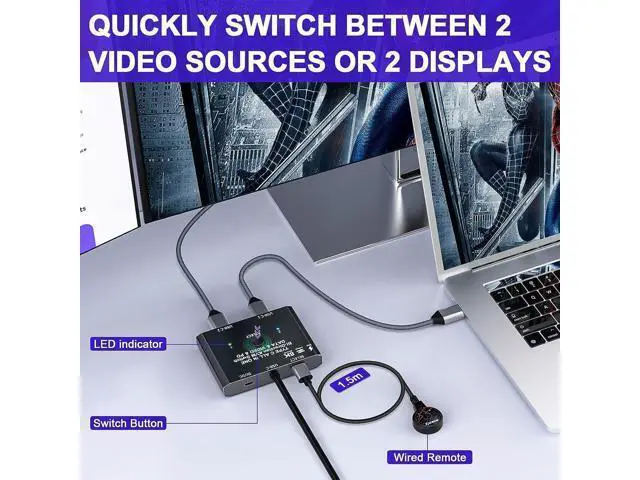
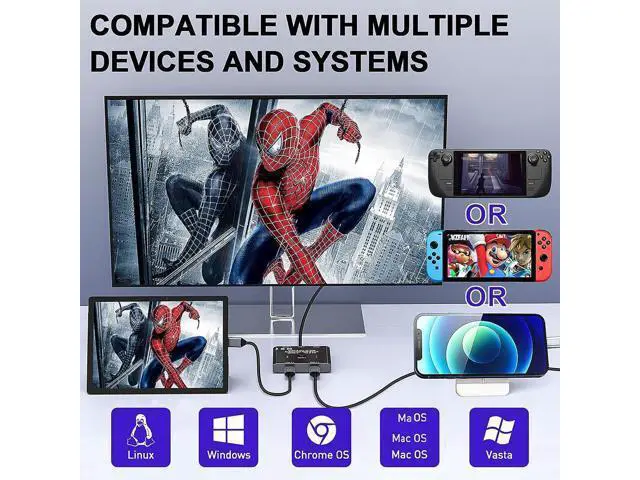
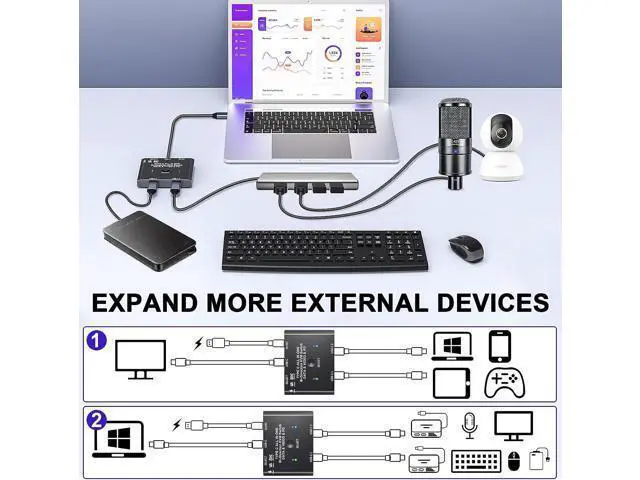
- [Bidirectional USB C Switch] This USB-C switch allows 2 USB-C video source share 1 display or 1 source share 2 displays.Such as laptops, tablets and other devices that are compatible with USB-C Alt DP (Alternate Display Port mode).NOTE:Two displays CANNOT display simultaneously. You need to use a standard USB-C USB3.1 version Gen-2 Cable to connect this switch.; [10Gbps Data Transfer Rate] Supports a maximum transfer speed of 10Gbps (USB3.1 Gen2) to transfer music, movies or an entire season of TV shows in seconds.; [8K Ultra HD Video Output] You can output max 8K@30Hz 4K@120Hz 1080P@165Hz via our USB C Switch to your USB-C or HDM1 Displays. Support ultra-wide screen output (3440*1440, etc.).; [Great Compatibility & Button Switching] Driver-free for Windows, Mac OS and Linux,Compatible with most Thunderbolt 3 devices,Not compatible with Ma-c-Book Pro.Plug and play.You can press the button or the wired remote to switch the input source.LED indicate the active source.
+
+
Overview
Specs
Reviews
Bi-Directional USB C Switch/Spliiter with 8K Video Transfer and 10Gbps Data Work as a USB C switcher, 2 video sources share 1 monitor. You can share 1 display device by one-click switching between video sources such as computer, laptop, tablet and game console (monitor with HDMI port require USB-C to HDMI adapter). Work as a USB C spliiter, 1 video source share 2 displays. One video source can be switched between two display devices. Please note that it is not a USB-C hub, so 2 monitors cannot work simultaneously. Please follow the following instruction to operate: Connect the 2 included USB 3.1 Gen 2 Cable from our USB-C Switch's USB-C 1 and USB-C 2 Port to your USB-C Source Devices (or display devices); Connect the fixed USB-C cable at the USB-C position to the USB-C port of the monitor (or source device), please make sure that the USB-C port of the monitor supports video transmission and the video function is turned on; Connect the included USB power cable with the switch to the power supply (Must power the USB-C switch, otherwise the monitor won't show anything); Press the [Select] button to switch between the two video sources (or display devices). Widely applicable to a variety of video sources and display devices. Suitable for devices such as computers, laptops and tablets that compatible with USB-C Alt DP (Alternate Display Port Mode) One video source can be switched between two display devices or two video sources can be displayed on one display device (Two monitors CA
Warranty & Returns
Warranty, Returns, And Additional Information
Warranty
- Please contact the Seller directly for warranty information. Warranty information may also be found on the Manufacturer's website.
- CONTACT
Return Policies
- Return for refund within: 30 days
- Return for replacement within: 90 days
- This item is covered by Truespan Living Return Policy
Manufacturer Contact Info
- For a directory of all our manufacturers, please click below.
- Manufacturers Directory
LOADING...