This product supports cloning HDD/SSD from PC/Laptop to NVMe SSD.Please follow the steps below:
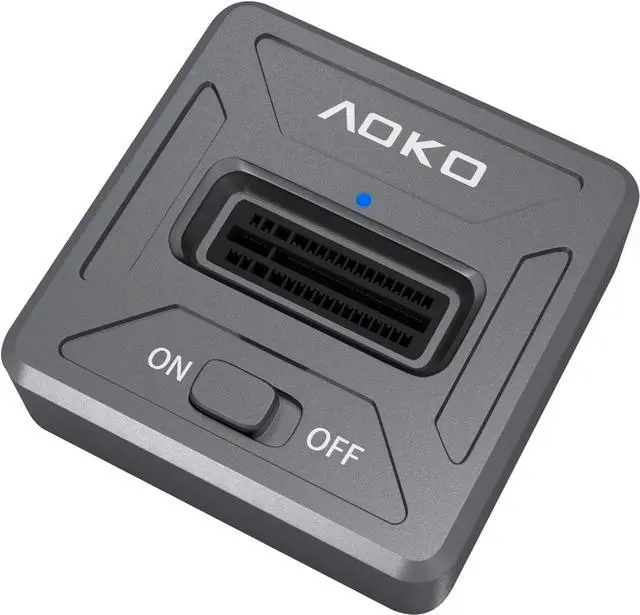
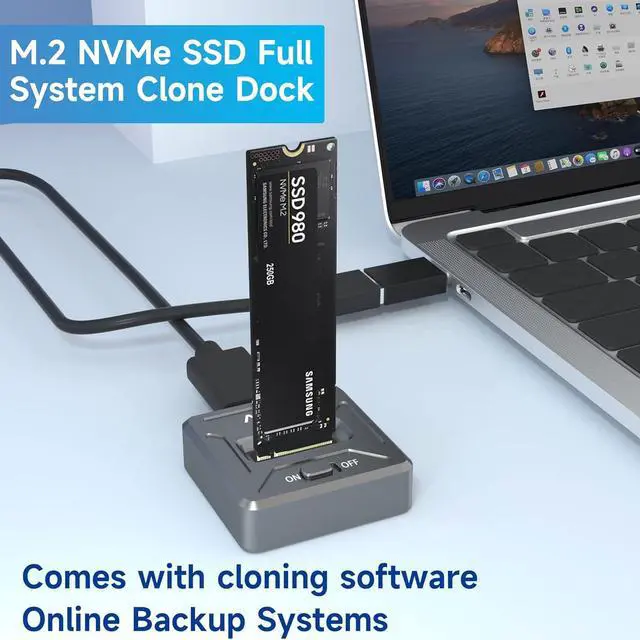
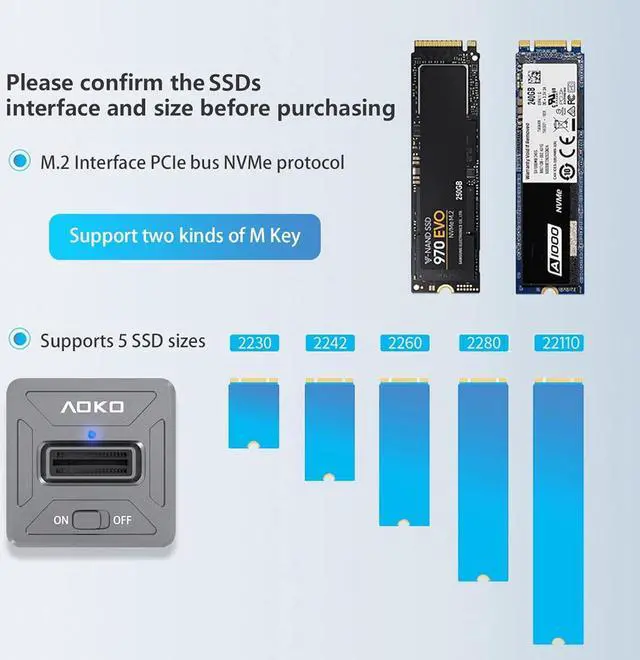
1. Insert the M.2 NVMe SSD into the NMe Docking Station Slot
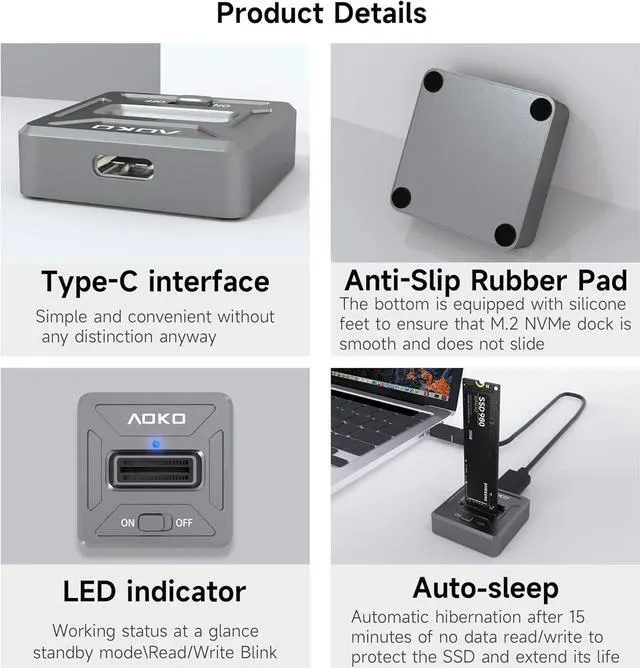
2. Connect the NVMe Docking Station to your Computer via a Data Cable.
3.Move the power switch to "ON" position.
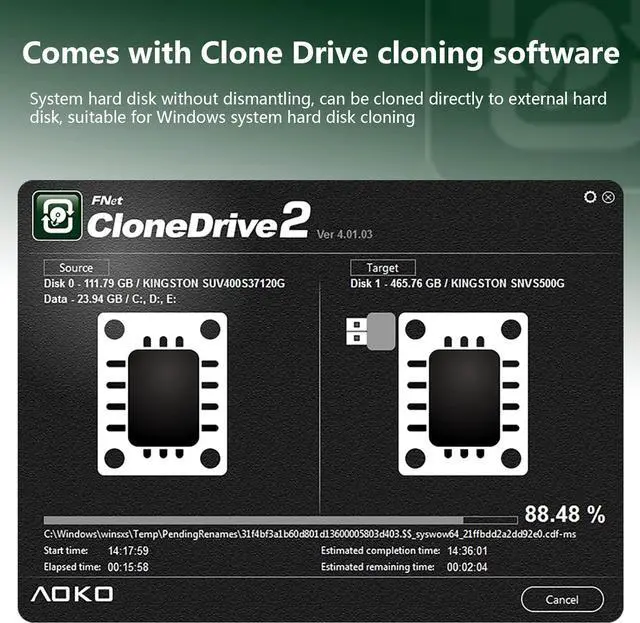
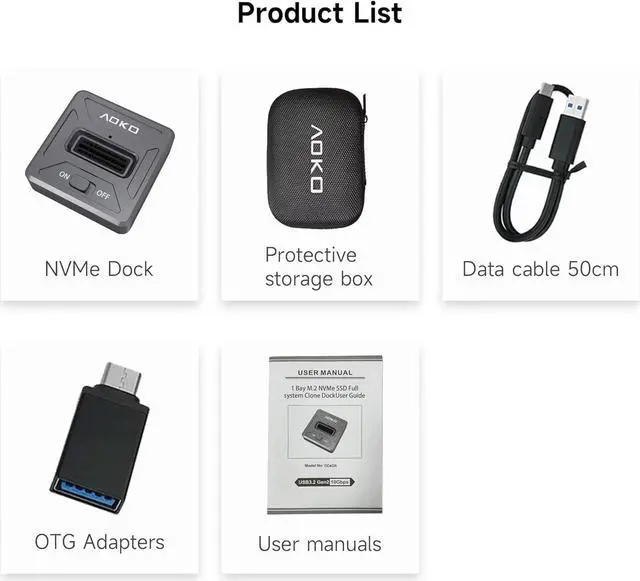
4.Insert the included USB flash drive into the USB port of your PC/laptop.After recognizing the USB flash drive, open it and see the NVMe Docking Station Cloning Software inside the flash drive, double-click it to open and install it, then activate it
Note: The NVME SSD on the NVMe SSD Clone Docking Station is the Target disk for receiving data and the capacity of this disk must be larger than the memory size of all files to be cloned (Source disk) on the HDD/SSD of the PC/laptop