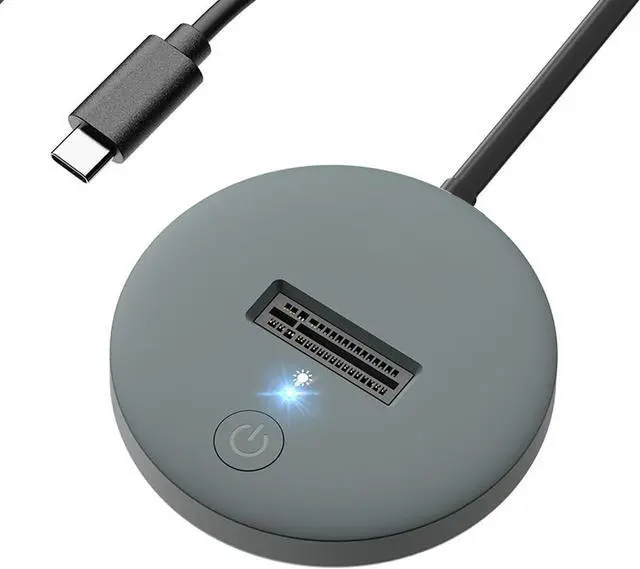
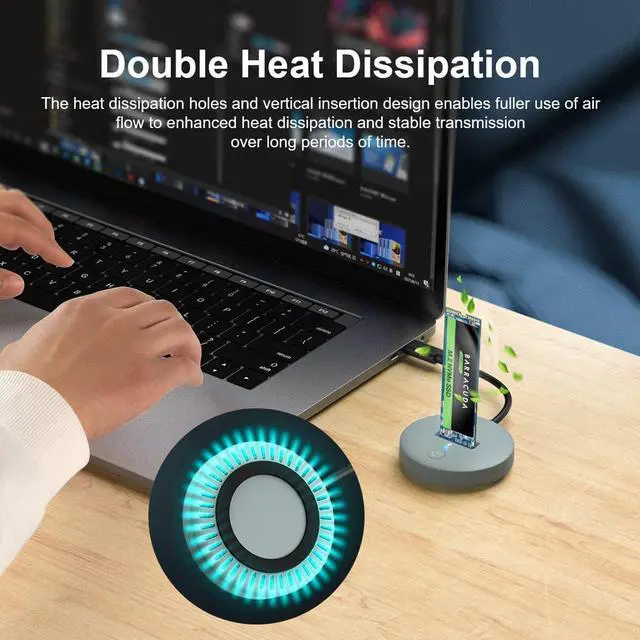
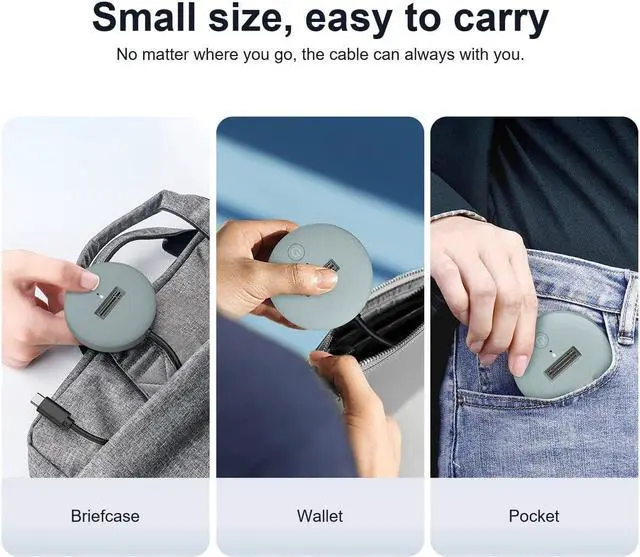
NVMe M.2 USB Docking Station
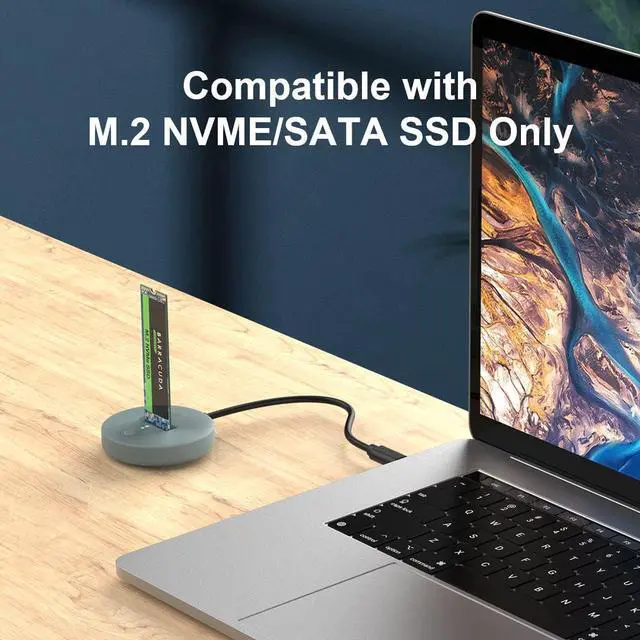
Supports M.2 NVMe SSD (hard disk not included)
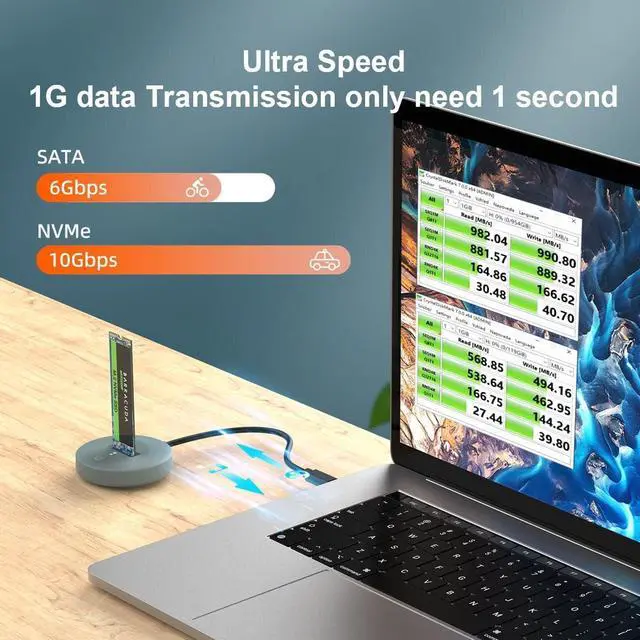
USB 3.2 Gen 2 standard (USB C port) for lightning-fast transfer speeds
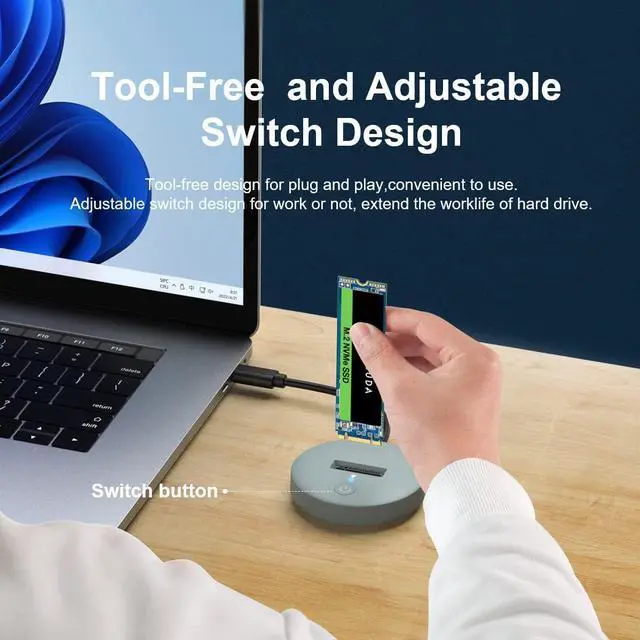
Plug-and-play, tool-free installation, no driver required
Supports connection with smartphones that support OTG function
Instructions for using the M.2 to USB Docking Station:
Plug the drive into the NVMe connector.
Use the USB cable to connect to your computer.
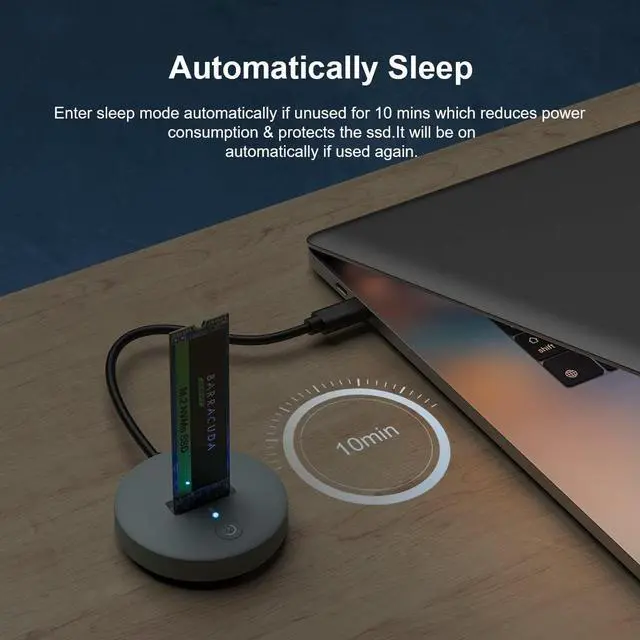
Press the power button and the M.2 status LED will illuminate to indicate that it's ready to use.
When using M.2 SSD for the first time, you need to format the disk (you must plug and unplug the SSD when the power is off to avoid damaging the data)
Please confirm the direction of the SSD before inserting the card slot to avoid damaging your hard disk.
Actual transfer speeds depend on the performance of your solid-state drive, the type of USB port, and the performance of your computer.
M.2 NVMe Docking Station, M.2 SSD to USB Reader Adapter Enclosure, NVMe M.2 SSD Base, Size for 2280 2260 2242 2230 Enclosure - K1698P
Share:
Found a lower price? Let us know. Although we can't match every price reported, we'll use your feedback to ensure that our prices remain competitive.