VisionTek Dual Display 4K Thunderbolt 4 Docking Station with 80W Power Delivery 901504
In the Box
VT5400 Docking Station | 120W DC 19V/6.32A Power Adapter | Thunderbolt 4 Cable (0.8m) | User Manual
Key Features
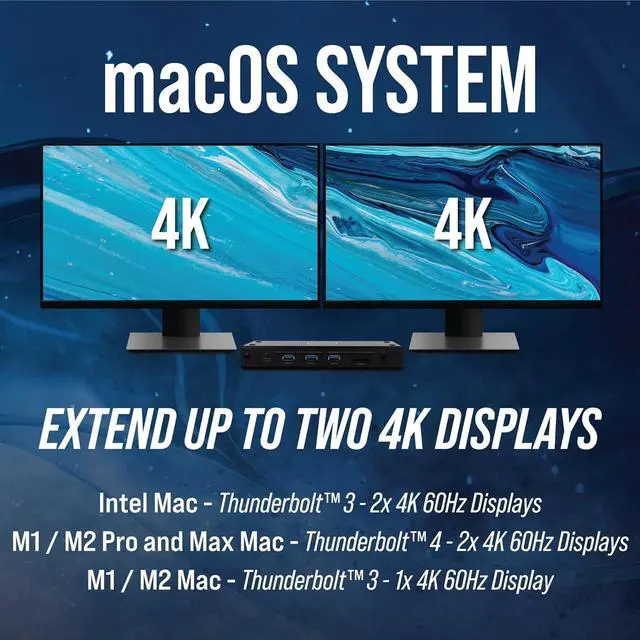
Supports 2 Displays HDMI, DP or Thunderbolt 3/4 via Thunderbolt 4 DP Alt Mode or 1 Display via USB-C DP Alt Mode
Thunderbolt 3/4 or USB-C DP Alt Mode connection to host system
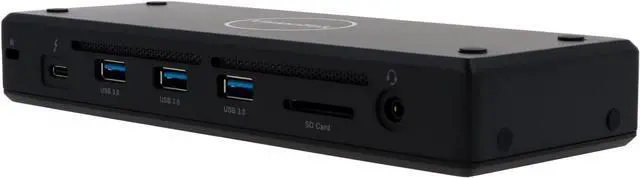
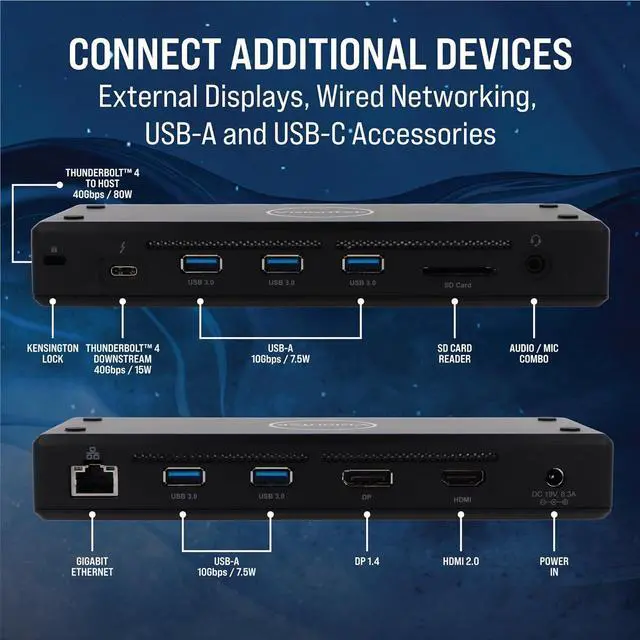
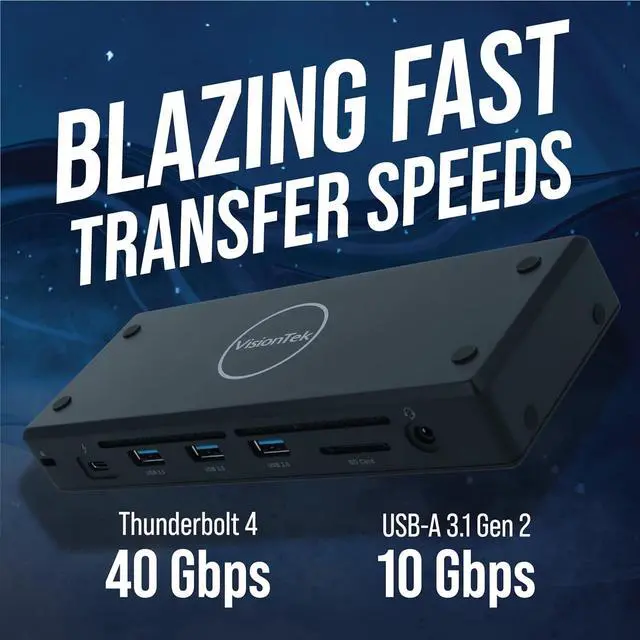
1x DP, 1x HDMI, 5x USB-A 10Gbps 7.5W, 1x Thunderbolt 4 40Gbps 15W Downstream, Audio, Ethernet, SD Reader, Kensington Lock
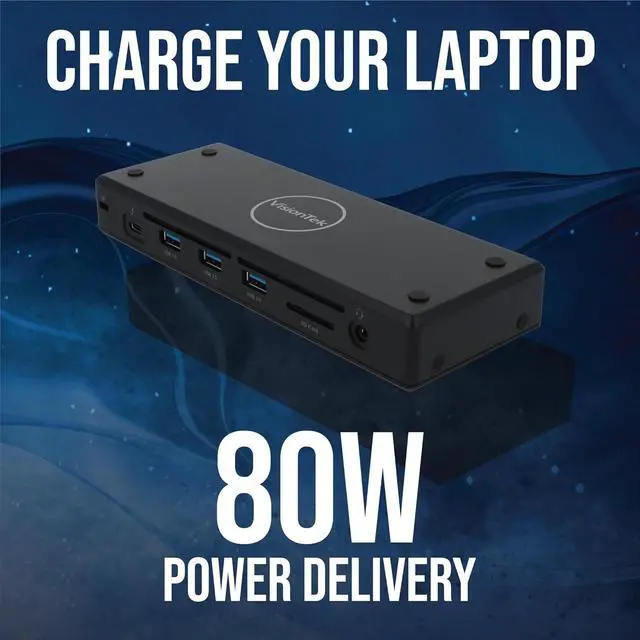
80W of Power Delivery via included power supply
15W Mobile Device Fast Charging from front Thunderbolt 4 port
Universal Compatibility with PC, Mac, Chromebook
Output video utilizing the power of your system and Thunderbolt 4. Connect up to 2x 4K displays via HDMI, DisplayPort or Thunderbolt 4.
Works in PC and Mac environments
Windows 11, 10
macOS 10.12 and later
ChromeOS
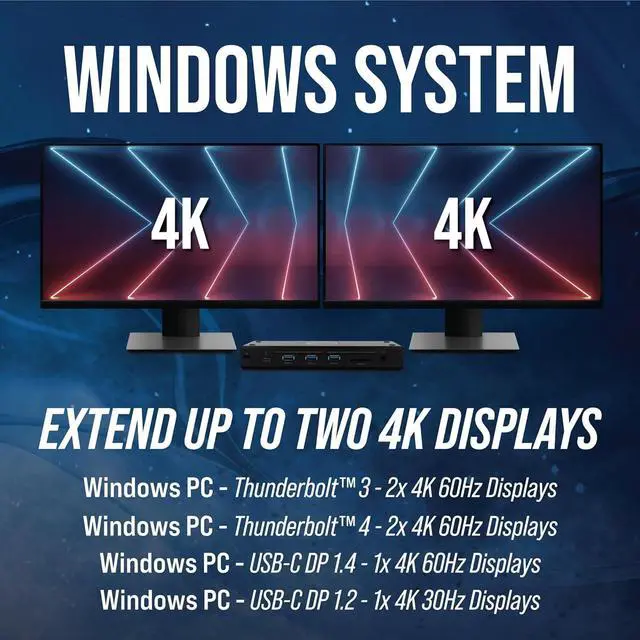
Compatible with Thunderbolt 3 /4 (2 Displays) Host Systems, USB-C host systems with DP Alt Mode (1 Display), USB4 (1 Display). Extend up to 2 monitors, transfer files, fast charge a mobile device and power your laptop all from a single port.
Enhance Productivity and Connectivity
Experience the productivity and convenience of dual external monitors via Thunderbolt 4 connection. Improving data and video performance, the VT5400 Thunderbolt 4 dock is ideal for content creators, gamers and streamers who want to record and capture video at the highest settings possible. Offering the most compatibility and best performance possible, the VT5400 docking station provides versatility without sacrificing power.
For Home & Office
Both at home and in an office setting, the VT5400 offers fast data transfer with files of every size and allows for connection to a host of standard peripherals, whether they require USB-C or USB Type-A connection ports.
Content Creation
Ideal for video editing, the VT5400 single display 8K resolution gives filmmakers the visual clarity they need for professional quality post-production.
Gaming
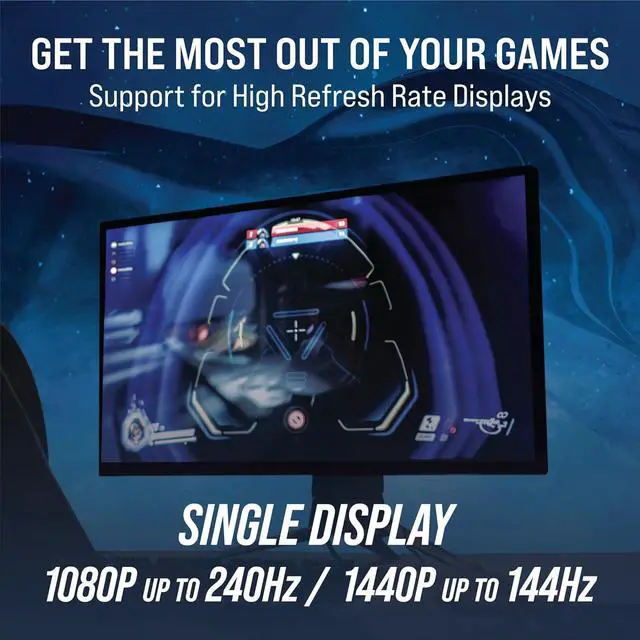
Thunderbolt 4 technology leverages the power of your CPU to improve performance. Connect a high refresh rate 1080P or 1440P display and get the most out of a Thunderbolt 4 equipped laptop. By connecting a Thunderbolt 4 port to a high-speed SSD allows gamers to take their gaming library portable.
Thunderbolt 4
Intels Thunderbolt 4 technology offers fast data transfer and DP Alt Mode video transmission over a single cable. With Thunderbolt 4, one port is now able to connect to every display, countless USB devices, and docking stations without digging for separate cables or adapters. This single-cable dock connection provides the highly valued connection that makes docking stations such a powerful solution.
USB-C DP Alt Mode
DP Alt Mode is an optional capability of USB Type-C that enables it to transfer video signals. Previously connecting to external monitors required the use of HDMI or DisplayPort adapters. However, with the introduction of DP Alt Mode, host devices can extend to an additional display using the USB-C cable directly without any adapters.
Operating System:Windows 11, 10|macOS 10.12 and later|ChromeOS
Hardware Requirements:Thunderbolt 3 / Thunderbolt 4 or USB-C Port with DP Alt Mode|USB-C Power Delivery Support
Note: Host System must support Thunderbolt 3 / Thunderbolt 4for 2 displays @ 4K 60Hz, USB-C DP 1.4for 1 display @ 4K 60Hz or USB-C DP 1.2 for 1 display @ 4K 30Hz
Supported Resolutions
Windows -Single Display Support:
DisplayPort or HDMI: Resolutions up to 3840 x 2160 @ 60Hz (4K), 2560 x 1440 @ 144Hz (1440P), 1920 x 1080 @ 240Hz
Thunderbolt 4 Resolutions up to 7,680 x 4320 @ 30Hz (8K)
Windows - Dual Display Support:
DisplayPort / HDMI / Thunderbolt 4: Resolutions up to 3840 x 2160 @ 60Hz (4K)
macOS - Single Display Support:
DisplayPort or HDMI: Res