



Meet Your Seller

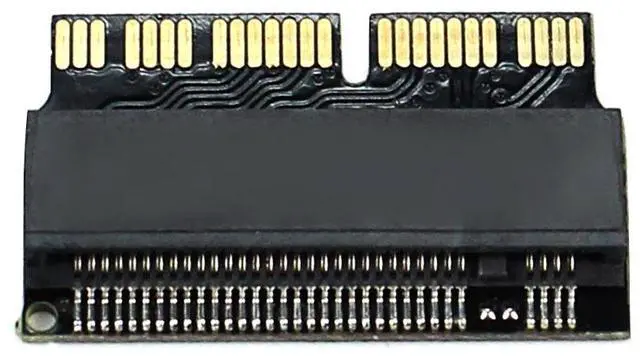
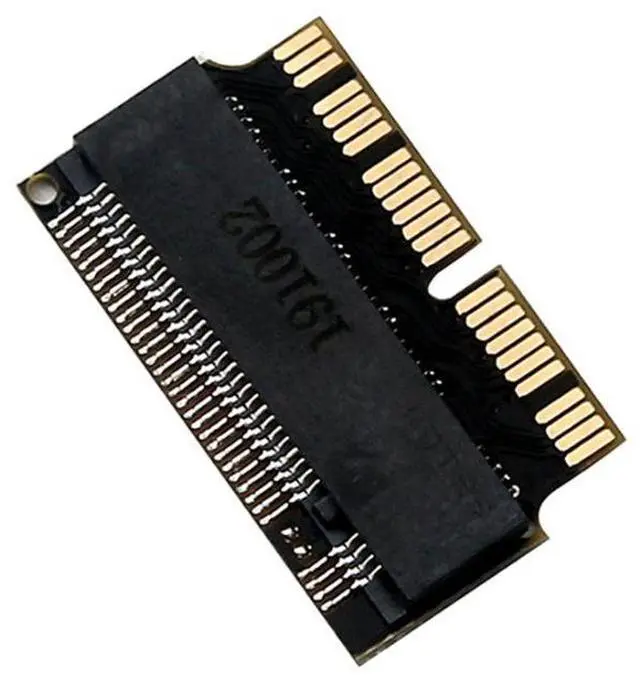
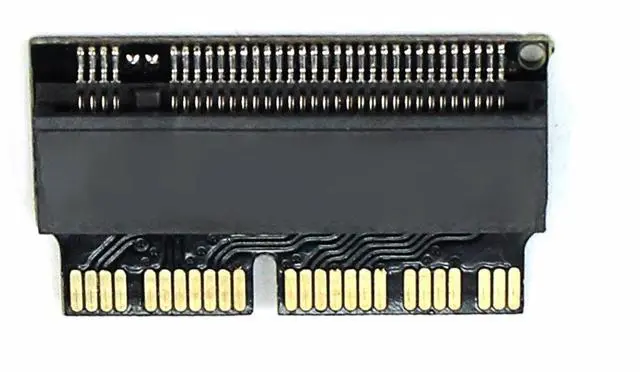
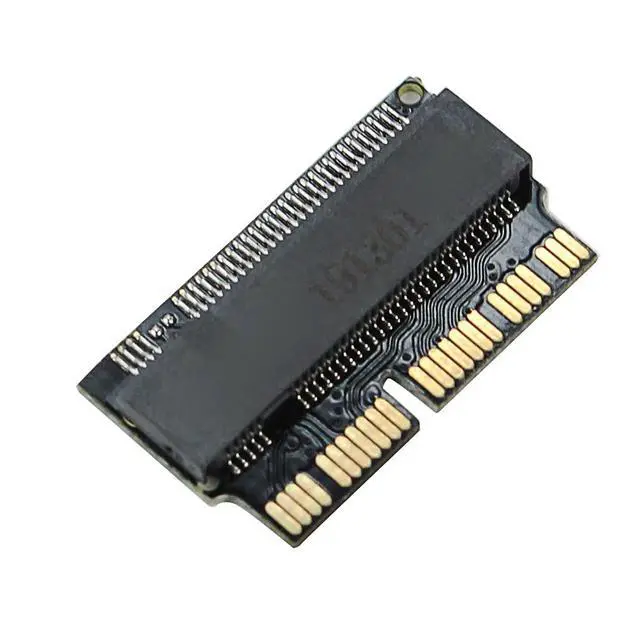
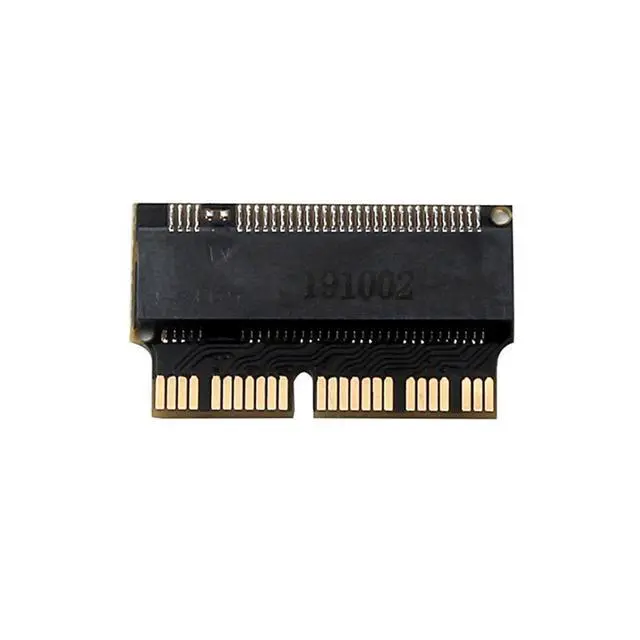
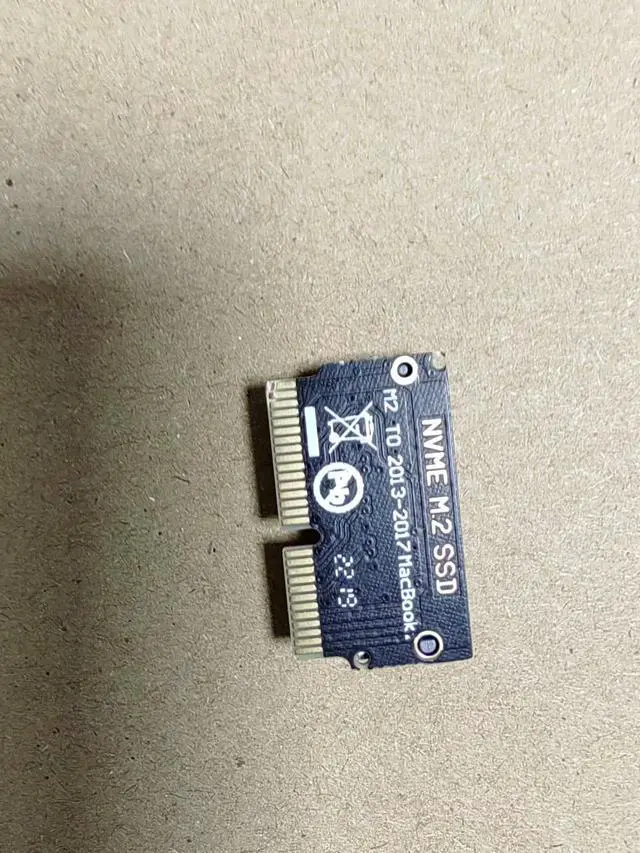
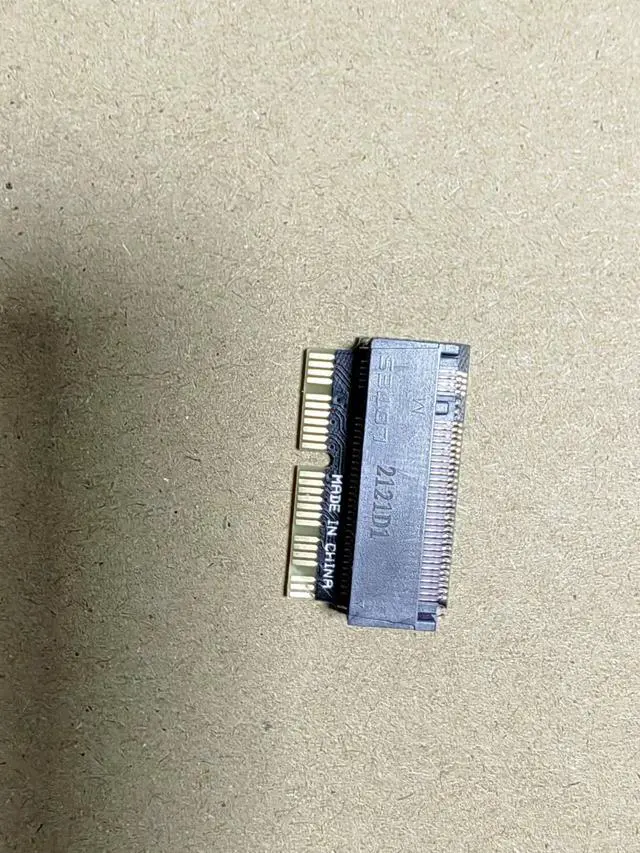


M.2 NVMe to MacBook Pro / Air SSD Adapter Card for 20132017 MacBook Pro / Air, Convert M.2 NVMe SSD to Apple Proprietary Interface, Upgrade Storage
Limited time offer, ends 11/01 By SlotNeat
- Product Description:
- This adapter card is designed to convert a 2280 (22mm × 80mm) PCIe x4 M.2 NGFF SSD must be AHCI protocol, NOT compatible with PCIe X4 NVMe protocol for use as a replacement SSD in 2013, 2014, and 2015 models of Apple MacBook Air A1465 / A1466 and 2013, 2014, and 2015 models of Apple MacBook Pro A1398 / A1502 laptops. Easy to use!
- Factory direct pricing affordable and competitive!
- Bulk stock available order directly, no bargaining.
- Important Note:
- When using a third-party SSD to replace the original Apple SSD in 2013-and-later models, the system may freeze or crash upon waking from sleep mode, requiring a restart to resume normal operation. Therefore, it is highly recommended to disable the system's sleep/hibernation function after installing the system.
- macOS: If sleep is not disabled, the system may hang after entering sleep (black screen). You will need to power off and reboot to get back into the system.
- Windows: After waking from sleep, the system may automatically restart. Some models running Windows 10 may not experience this issue.
+
+
Overview
Specs
Reviews
Product Description:
This adapter card is designed to convert a 2280 (22mm × 80mm) PCIe x4 M.2 NGFF SSD must be AHCI protocol, NOT compatible with PCIe X4 NVMe protocol for use as a replacement SSD in 2013, 2014, and 2015 models of Apple MacBook Air A1465 / A1466 and 2013, 2014, and 2015 models of Apple MacBook Pro A1398 / A1502 laptops. Easy to use!
Factory direct pricing affordable and competitive!
Bulk stock available order directly, no bargaining.
Important Note:
When using a third-party SSD to replace the original Apple SSD in 2013-and-later models, the system may freeze or crash upon waking from sleep mode, requiring a restart to resume normal operation. Therefore, it is highly recommended to disable the system's sleep/hibernation function after installing the system.
macOS: If sleep is not disabled, the system may hang after entering sleep (black screen). You will need to power off and reboot to get back into the system.
Windows: After waking from sleep, the system may automatically restart. Some models running Windows 10 may not experience this issue.
Compatible Replacement for Original SSDs in the Following Laptop Models:
Model Specific Models
2013 MacBook Pro Retina A1398 / A1502 ME864, ME865, ME866, ME293, ME294
2014 MacBook Pro Retina A1502 / A1398 MGX72, MGX82, MGX92, MGXA2, MGXC2
2015 MacBook Pro Retina A1502 / A1398 MF839, MF840, MF841, MJLQ2, MJLT2
20132014 MacBook Air A1465 / A1466 MD711, MD712, MD760, MD761
2015 MacBook Air A1465 / A1466 MJVM2, MJVP2, MJVE2, MJVG2
Also compatible with: Mac Pro ME253 / MD878, iMac A1419 (Late 2013 and newer)
Warranty & Returns
Warranty, Returns, And Additional Information
Warranty
- Please contact the Seller directly for warranty information. Warranty information may also be found on the Manufacturer's website.
- CONTACT
Return Policies
- Return for refund within: 30 days
- Return for replacement within: 90 days
- This item is covered by SlotNeat Return Policy
Manufacturer Contact Info
- For a directory of all our manufacturers, please click below.
- Manufacturers Directory
LOADING...