



Meet Your Seller

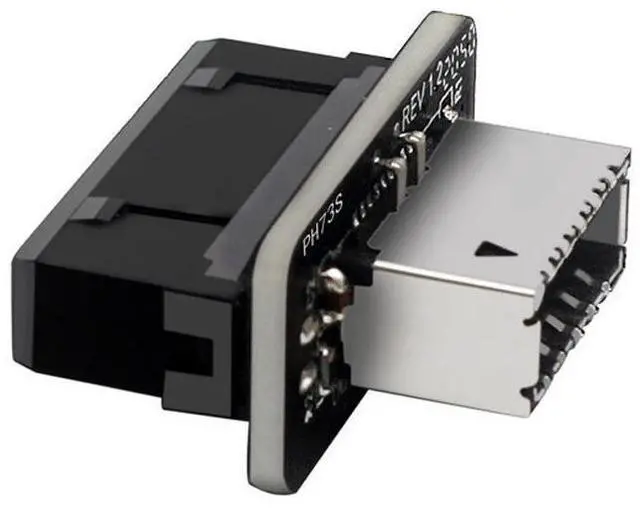
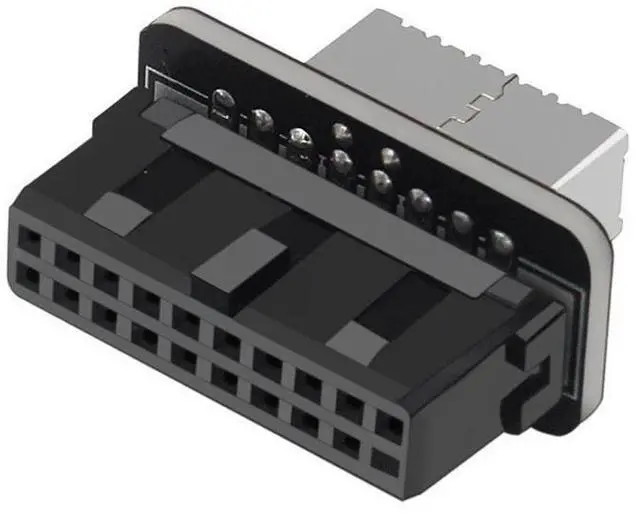
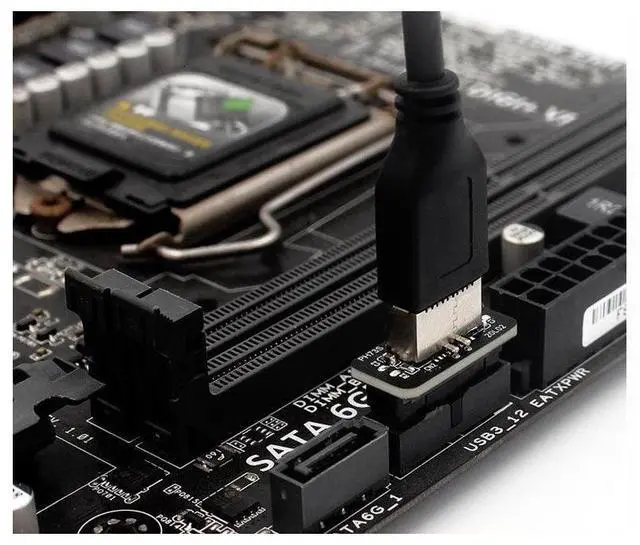
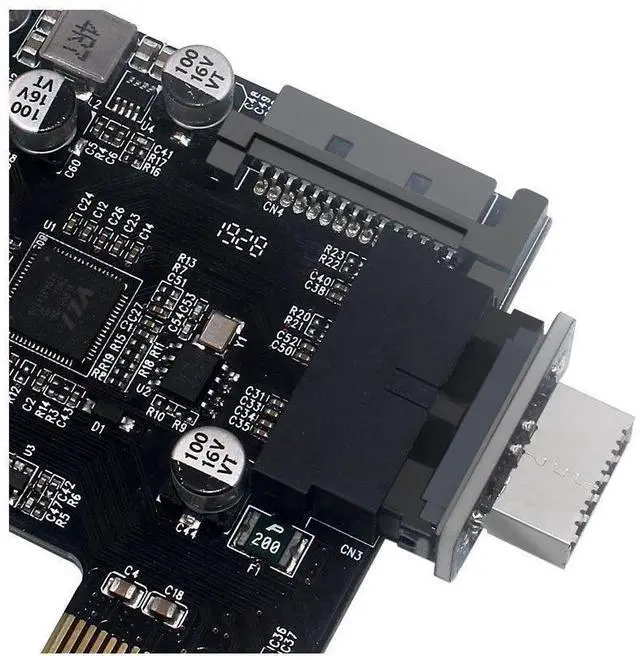


Motherboard Internal USB 3.0 20Pin/19P Header to Type-E A-Key USB 3.1 20 Pin Adapter for Type C Front Panel Chassis Bracket eokCXOY
Limited time offer, ends 11/01 By GGnix
- Convert the available USB 3.0 header of a motherboard into a USB 3.1 header;
- Data transfer speed is up to 10Gbps
- Compatible with all of common motherboards with USB 3.0 19 pin header.
- Providing a convenient solution for converting the available USB 3.0 header of a motherboard into a USB 3.1 header;
- Data transfer speed is up to 10Gbps, plug and play(Do not need to install drivers.)
- Connector A (motherboard): USB 3.0 internal 19/20 pin motherboard male housing header, Connector B (front panel): USB 3.1 A-Key 20 pin front panel female header;
- Compatible with all of common motherboards with USB 3.0 19 pin header.(Note: Does not work with USB 2.0 header.)
- Support systems: WINXP/WIN7/WIN8/WIN10 32/64BIT/MAC/Linux
+
+
Overview
Specs
Reviews
Motherboard Internal USB 3.0 20Pin/19P Header to Type-E A-Key USB 3.1 20 Pin Adapter for Type C Front Panel Chassis Bracket
Convert the available USB 3.0 header of a motherboard into a USB 3.1 header;
Data transfer speed is up to 10Gbps
Compatible with all of common motherboards with USB 3.0 19 pin header.
Feature
Providing a convenient solution for converting the available USB 3.0 header of a motherboard into a USB 3.1 header;
Data transfer speed is up to 10Gbps, plug and play(Do not need to install drivers.)
Connector A (motherboard): USB 3.0 internal 19/20 pin motherboard male housing header, Connector B (front panel): USB 3.1 A-Key 20 pin front panel female header;
Compatible with all of common motherboards with USB 3.0 19 pin header.(Note: Does not work with USB 2.0 header.)
Support systems: WINXP/WIN7/WIN8/WIN10 32/64BIT/MAC/Linux
Notice:KEY_TAB
Must install the adapter step by step to avoid shorting pins and motherboard damage.
1.Basically turn off your tower, unplug it, wait 10 seconds,
2.install the male end for USB C in (make sure it's the correct orientation),
3.Plug the adapter into the USB 3.0 header.
Doing this any other way may casue it either not being recognized, or usb drawing too much power warnings.
Warranty & Returns
Warranty, Returns, And Additional Information
Warranty
- Please contact the Seller directly for warranty information. Warranty information may also be found on the Manufacturer's website.
- CONTACT
Return Policies
- Return for refund within: 30 days
- Return for replacement within: 30 days
- This item is covered by GGnix Return Policy
Manufacturer Contact Info
- For a directory of all our manufacturers, please click below.
- Manufacturers Directory
LOADING...