Feature:
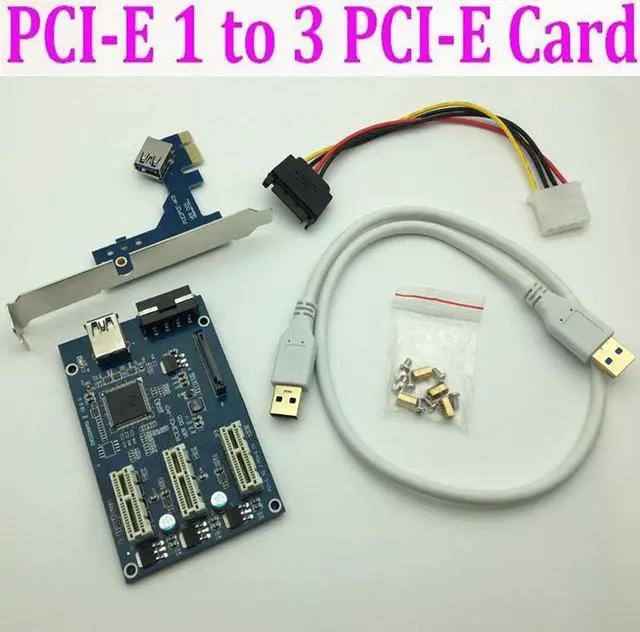
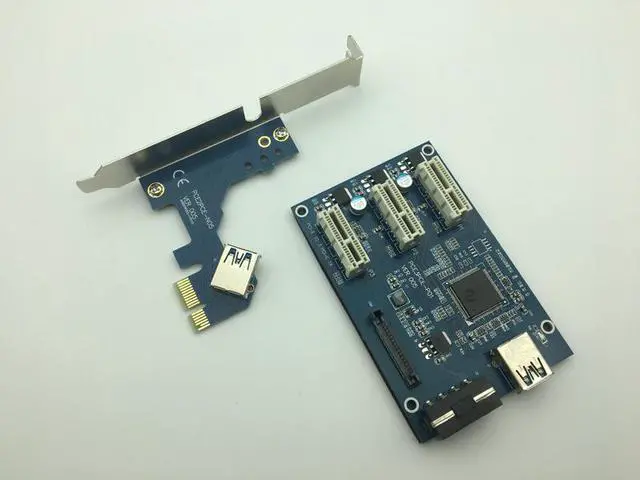
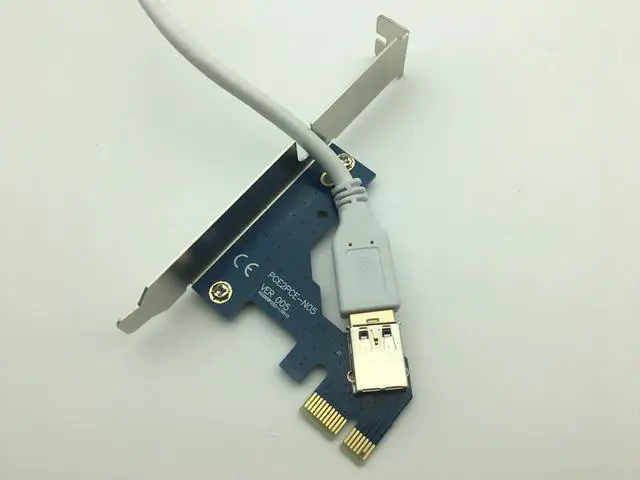
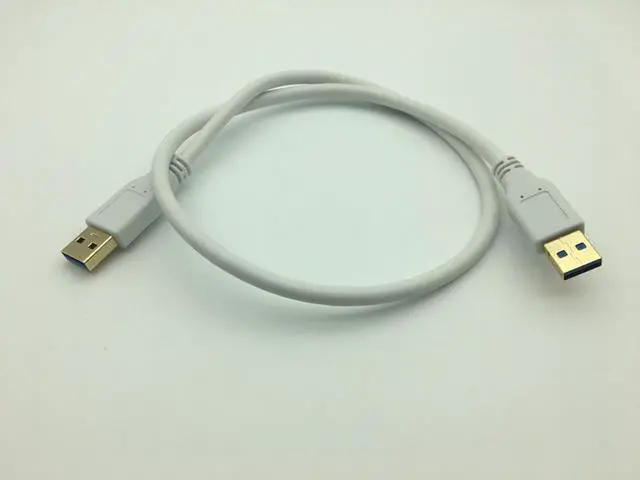
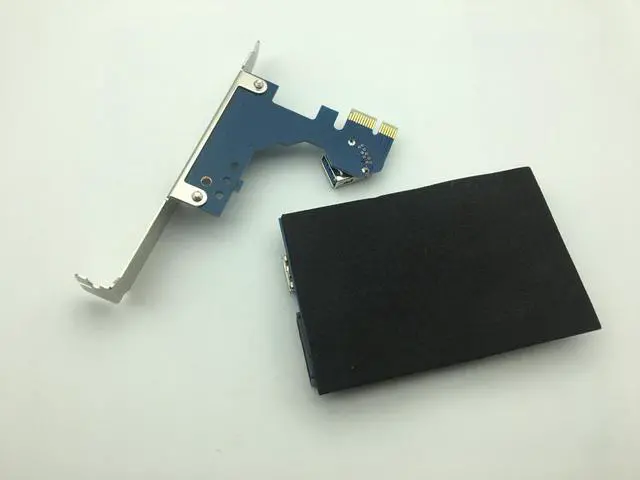
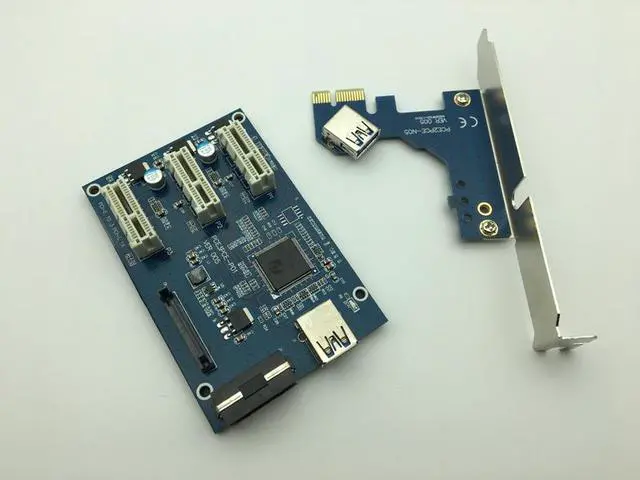
It consists of two parts, one main card, interface installed via PCI-E X1 on the motherboard, two equipment cards, both of which are connected together via USB 3.0 cable.
The device card use for switching PCI-E, PCI-E between.
But even USB 3.0, but also the theoretical bandwidth 5Gbps (625MB / s), one Into four Then remove the loss would only 150MB / s, and even PCI-E 1.x single-channel bandwidth also has 250MB / s, So this stuff more than enough to give you the best slots, there will not be enough bandwidth, not only for the performance requirements of the place. Therefore, the transferred PCI-E slot is the best version above 2.0, the 3.0 version is better.
2 layer PCB bard designing.
Compliant with PCI express 2.0, 1.1 Specification
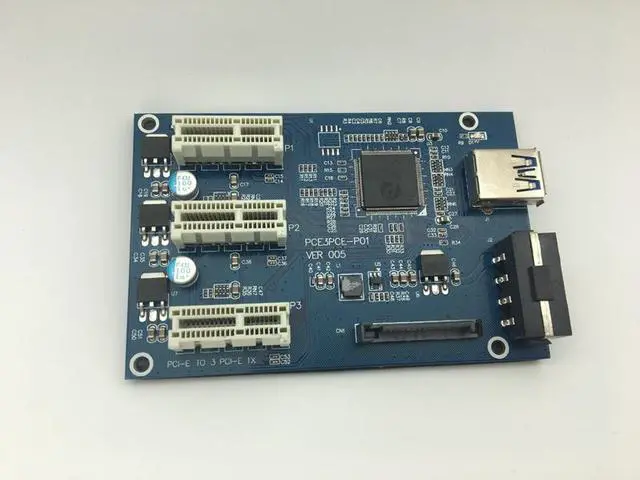
1-slot PCI-E 1X to 3 slot 1X riser card with high speed USB 3.0 cable.
High speed USB 3.0 shield cable is flexible for 1U,2U,3U chassis.
Support 3 port high speed PCIe 1X card.
Solid capacitor provide extra stable power supply for PCI-e card
Mainboard size:(L*W*H)9.70*6.30*1.30cm/3.82"*2.48"*0.51"
PCI-E Card size:(L*W*H)11.90*6.60*1.90cm/4.69"*2.60"*0.75"
USB cable length 0.6m
Quantity: 1set
First, when you use the adapter card, the computer needs to be turned off before they can plug the adapter card.
1. The first step, first of PCIe USB card plugged into the motherboard's PCIe slot.
2. Use USB3.0 data cable adapter to connect the ends of the two USB port. Plug in the power supply.
3.The third step: After completion of the above two steps, first in no hurry to insert your PCI-E card, start the computer to see if your computer has been identified to the riser card, if you did not find the card, repeat the above operation (Note: The first time to insert card to start the computer, into the system in general will be prompted to install new hardware, such as "PCI standard PCI-to-PCI bridge" , you need to wait for it to automatically install the complete, individual anti-virus software will prevent these files installation,note skipped), when your computer has been recognized the card,blue LED PCI slot on normal light, computer equipment manager in the system device will show an increase of several "PCI standard PCI-to-PCI bridge.
4. After completing the above three steps, turn off the computer, plug in your PCI-E card, to be careful not to insert the contrary.
5. then boot into the system, install PCI-E Card Driver
Packing list:
1 x Mainboard
1 x PCI x1 Card
1 x USB3.0 Cable(60cm)
1set x Screws


 We‘re shipping as usual! The Canada Post strike only affects certain remote deliveries and PO Boxes. Details
 Holiday Shipping Details & Extended Holiday Returns


