






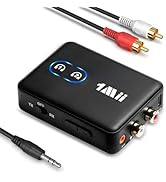
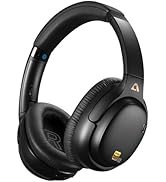
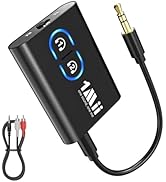
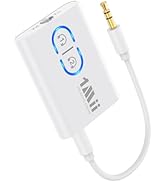


Dual Connection
Easily pair with two headphones simultaneously
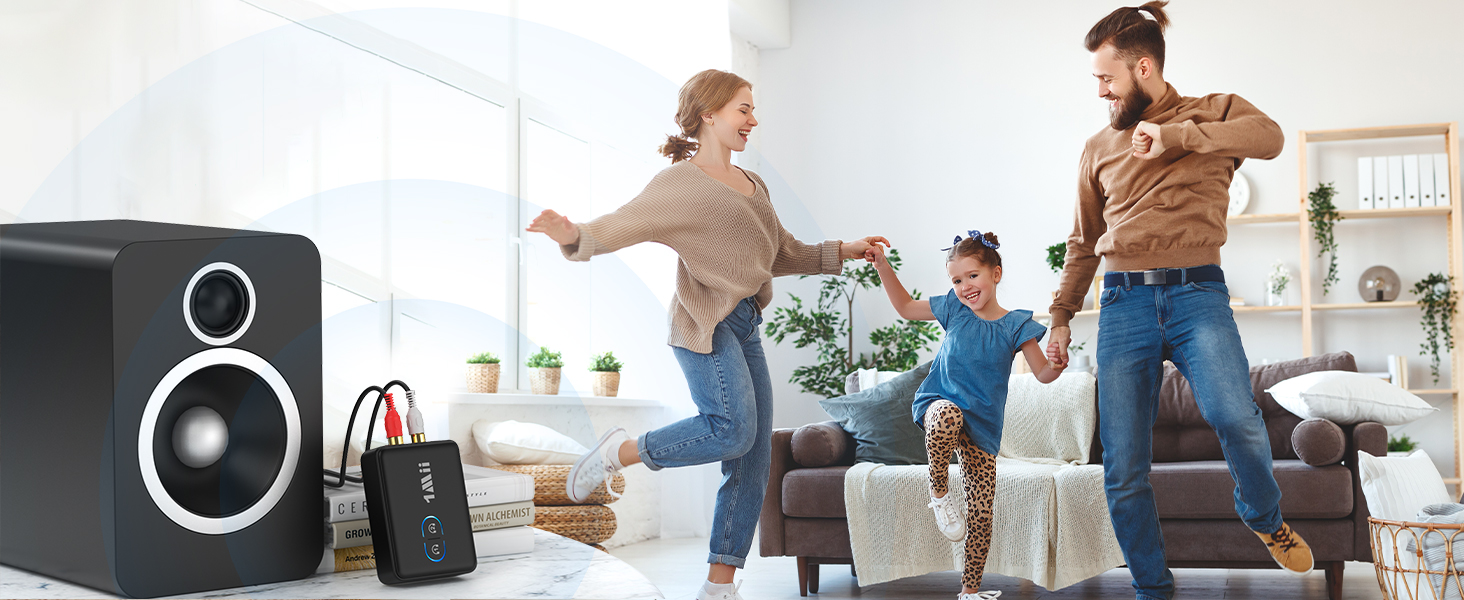
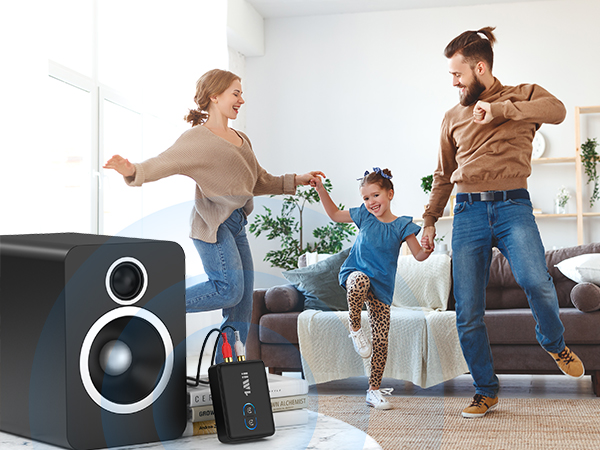
RX Mode
Connect to wired speaker to enjoy high-quality music with family
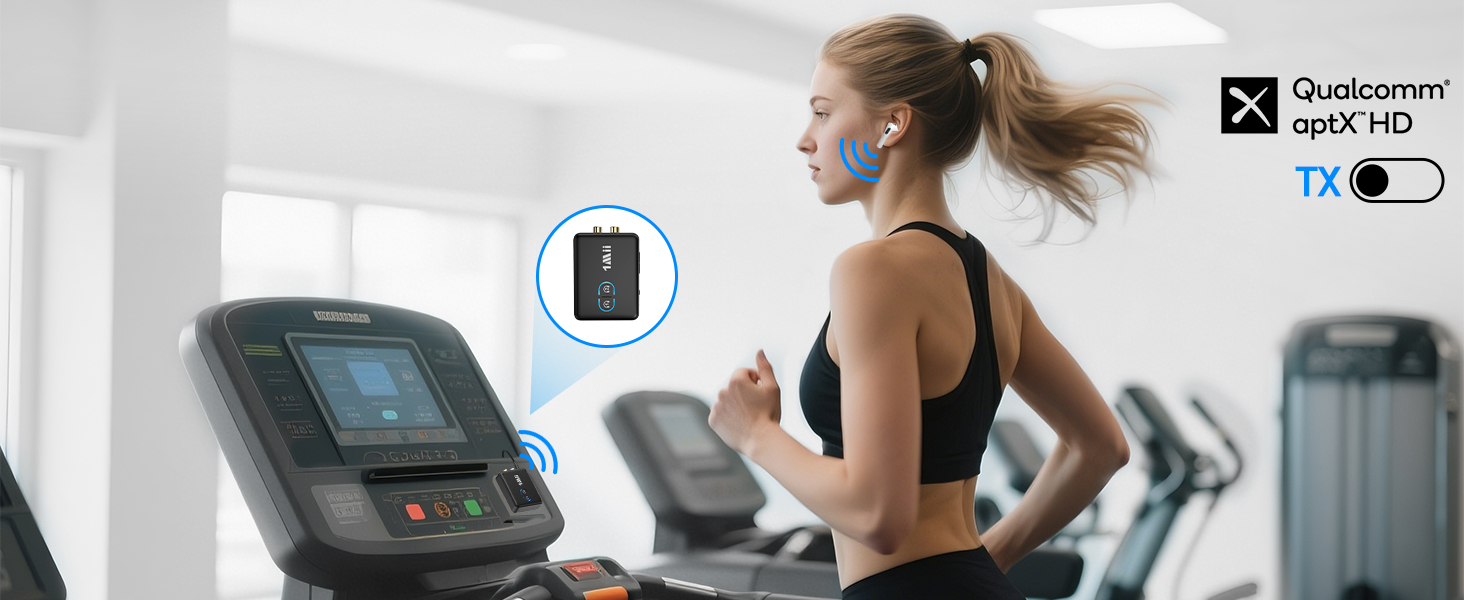
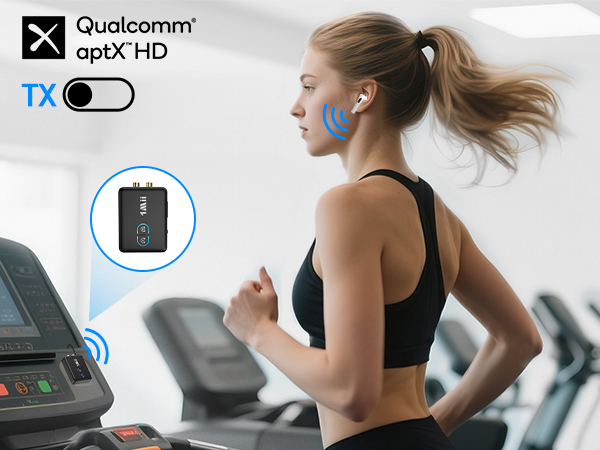
Move Freely, Train Wirelessly
Enjoy high definition audio while exercising
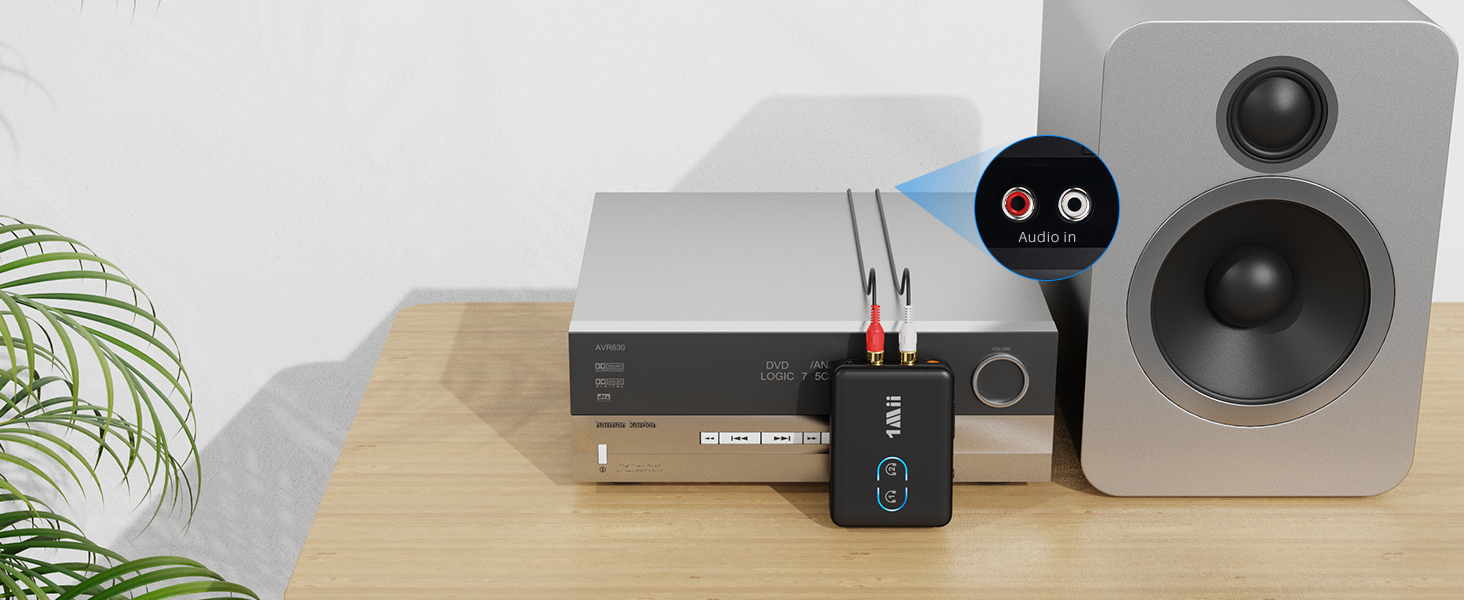
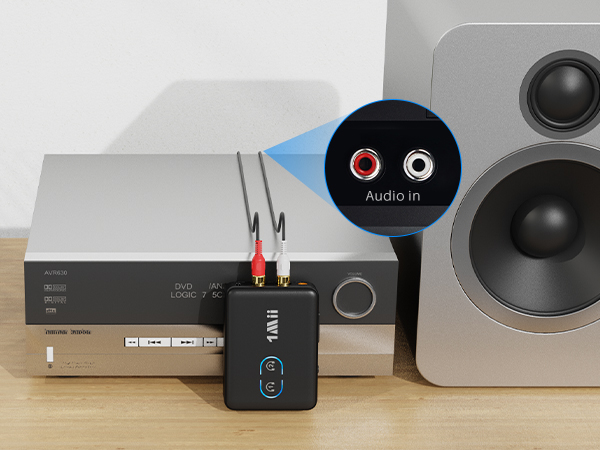
Add Bluetooth to An Old Stereo Receiver System
Get rid of wires, enjoy high-definition wireless music
please ensure plug into the AUDIO IN jack.
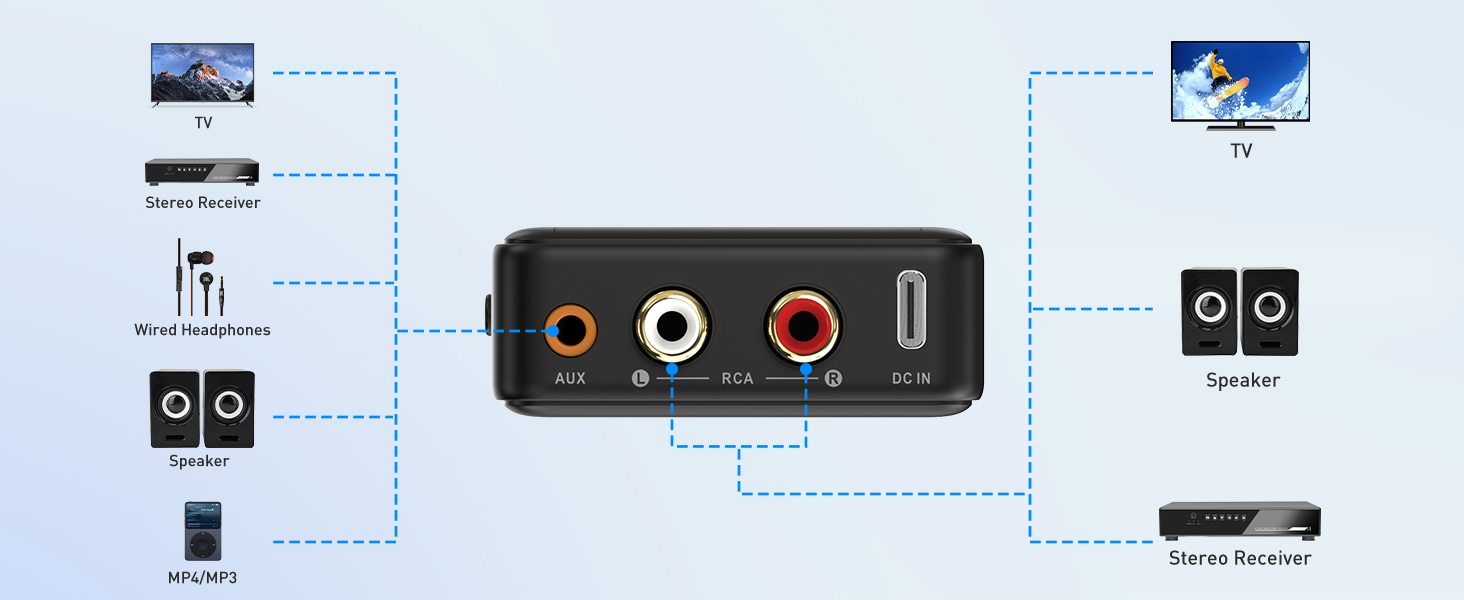


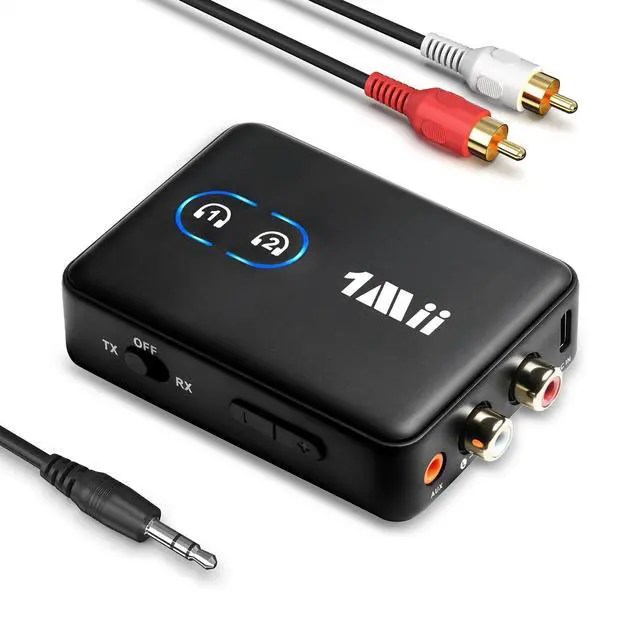
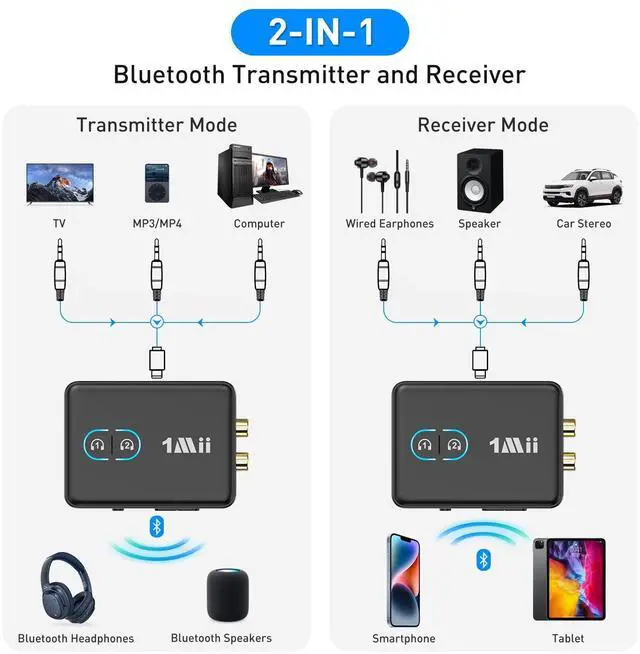
Use 1Mii ML302+ as a Bluetooth transmitter
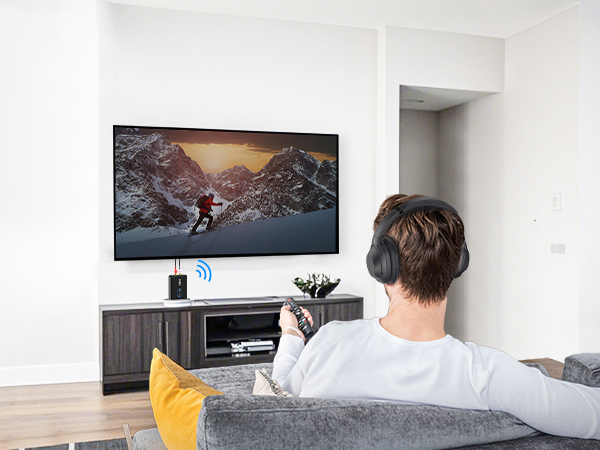
1. Switch to "TX" mode
2. Long press the BT Button#1 for about 2 seconds to enter pairing mode(LED flashing blue and red)
3. Set your Bluetooth headphones/soundbar/speaker also enter pairing mode
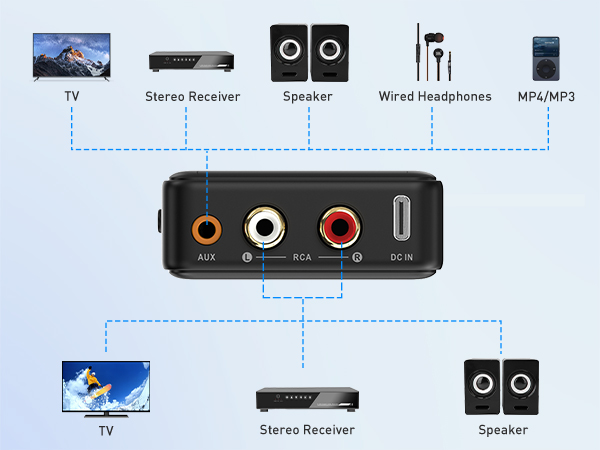
4. After pairing successfully (LED stop flashing), connect the ML302+ to the AUDIO OUT jack of PC/TV/MP3
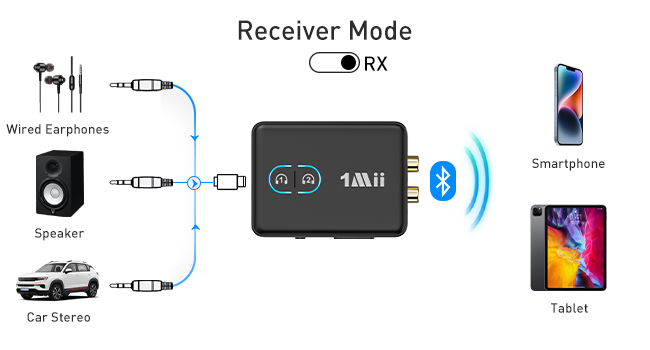
Use 1Mii ML302+ as a Bluetooth recevier
1. Switch to "RX" mode
2. Long press the BT Button#1 for about 2s to enter pairing mode(LED flashing blue and red)
3. Turn on the Bluetooth of your phone/tablet/laptop, tap "ML302+" to connect.
4. After pairing successfully, connect the ML302+ to the AUDIO IN jack of wired speaker/soundbar/earphones
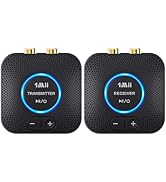
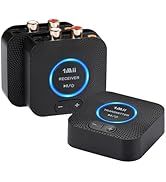
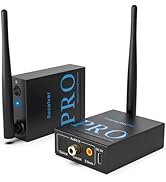
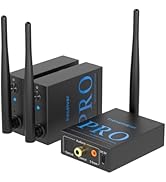
1Mii Wireless Transmitter/Receiver
 1Mii ML302+ |  ML300 | 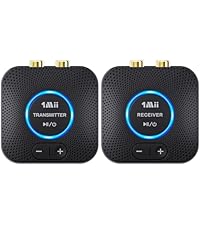 B06Set | 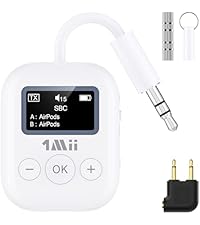 1Mii SafeFly Min | 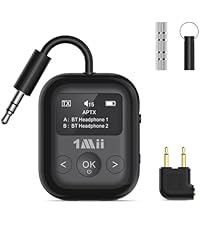 1Mii Safefly Min+ |  SafeFly Dot | 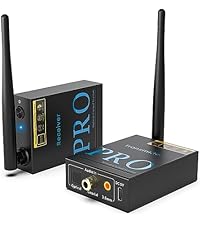 RT5066Pro | |
|---|---|---|---|---|---|---|---|
Customer Reviews | — | — | — | — | — | — | — |
Price | — | — | — | — | — | — | — |
Type | Bluetooth Transmitter&Receiver | Bluetooth Transmitter&Receiver | 2.4Ghz Transmitter Receiver | Bluetooth Transmitter | Bluetooth Transmitter&Receiver | Bluetooth Transmitter&Receiver | 2.4Ghz Transmitter Receiver |
Audio Codec Support | aptX-Adaptive/LL/HD/aptX/SBC | aptX-Adaptive/LL/HD/aptX/SBC | LC3 | aptX-Adaptive/LL/HD/aptX/SBC | aptX-Adaptive/LL/HD/aptX/SBC | aptX-Adaptive/LL/HD/aptX/SBC | SBC |
Audio Jack | 3.5mm AUX/2RCA | 3.5mm AUX/2RCA | 3.5mm AUX/2RCA | 3.5mm AUX/Dual-prong | 3.5mm AUX/Dual-prong | 3.5mm AUX/Dual-prong | 3.5mm AUX/2RCA |
Use for | TV/PC/Airplane/Gym/Boat/Stereo | TV/PC/Airplane/Gym/Boat/Stereo | TV/PC/Home Stereo/Speaker | TV/PC/Airplane/Gym | TV/PC/Airplane/Gym/Boat/Stereo | TV/PC/Airplane/Gym/Boat/Stereo | TV/PC/Home Stereo/Speaker |
Built-in Battery | ? | ? | ? | ? | ? | ? | ? |
Dual Connection | ? | ? | ? | ? | ? | ? | ? |
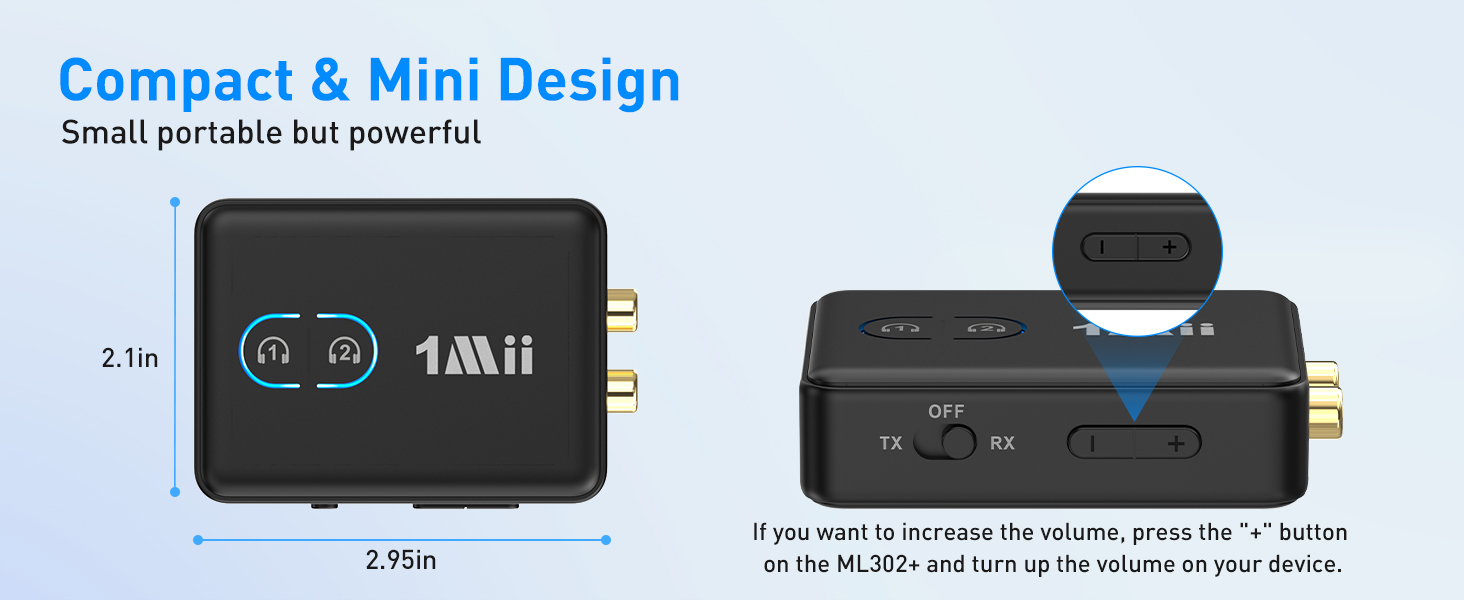
Volume+/- Control | ? | ? | ? | ? | ? | ? | ? |
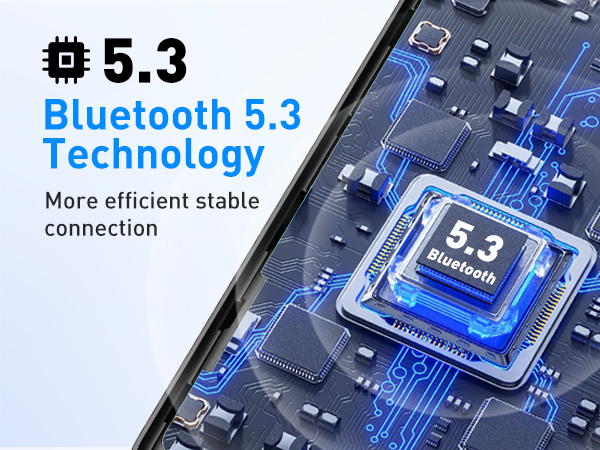
BT Version | BT5.3 | BT5.3 | 2.4Ghz | BT5.3 | BT5.3 | BT5.3 | 2.4Ghz |

Dual Connection
Easily pair with two headphones simultaneously
RX Mode
Connect to wired speaker to enjoy high-quality music with family
Move Freely, Train Wirelessly
Enjoy high definition audio while exercising
Add Bluetooth to An Old Stereo Receiver System
Get rid of wires, enjoy high-definition wireless music
please ensure plug into the AUDIO IN jack.

aptX Low Latency
Ensure synchronized audio and video while watching TV headphones required aptX-LL support
Use 1Mii ML302+ as a Bluetooth transmitter
1. Switch to "TX" mode
2. Long press the BT Button#1 for about 2 seconds to enter pairing mode(LED flashing blue and red)
3. Set your Bluetooth headphones/soundbar/speaker also enter pairing mode
4. After pairing successfully (LED stop flashing), connect the ML302+ to the AUDIO OUT jack of PC/TV/MP3
Use 1Mii ML302+ as a Bluetooth recevier
1. Switch to "RX" mode
2. Long press the BT Button#1 for about 2s to enter pairing mode(LED flashing blue and red)
3. Turn on the Bluetooth of your phone/tablet/laptop, tap "ML302+" to connect.
4. After pairing successfully, connect the ML302+ to the AUDIO IN jack of wired speaker/soundbar/earphones
| Q1 | Why the voice lag still here when use this Low latency ML302+ Bluetooth adapter with my Bluetooth headphones? |
|---|---|
| A1 | To achieve low latency, your Bluetooth headphones/speaker should also support function of aptX Low Latency. Or, the receiving device might use another codec (e.g. SBC, aptX), resulting in a 70-200ms audio delay which may be noticeable by some users. |
| Q2 | Can it be used for guitar or piano? |
| A2 | For live music or musical instruments like guitar or piano, we don't suggest using ML302+, please use the specialized adapter. |
| Q3 | How to change the audio codec? |
| A3 | Please double-click the Bluetooth button #1 to cycle change to different audio codecs. SBC(blue)/aptX Low Latency(white)/aptX HD(green)/aptX Adaptive(Yellow). Note: If your Bluetooth device does not support aptX Low Latency/aptX HD/aptX Adaptive, the light on ML302+ will not change to the specific colour to use the aptX Low Latency/aptX HD/aptX Adaptive audio codec. |
| Q4 | How to connect 2 Bluetooth headphones to ML302+? |
| A4 | 1. After successfully pairing with the first Bluetooth headset, press and hold Bluetooth button #2 again for 2 seconds to enter pairing mode (LED flashes red and blue). 2. Put your second Bluetooth headset in pairing mode. 3. After pairing is successful, the LED stops flashing. |
| Q5 | Why is there no sound or the volume is very low? |
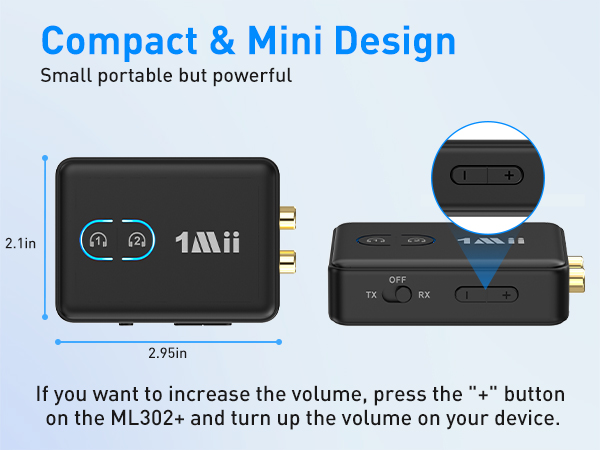
| A5 | 1. If you use the TX mode, please make sure plug the ML302+ into the AUDIO OUT jack of your device. If you use the RX mode, please make sure plug it into the AUDIO IN jack of your device. 2. Plug it fully into your device (you can unplug and plug again). 3.Please increase both the volume of the ML302+ and your device. |
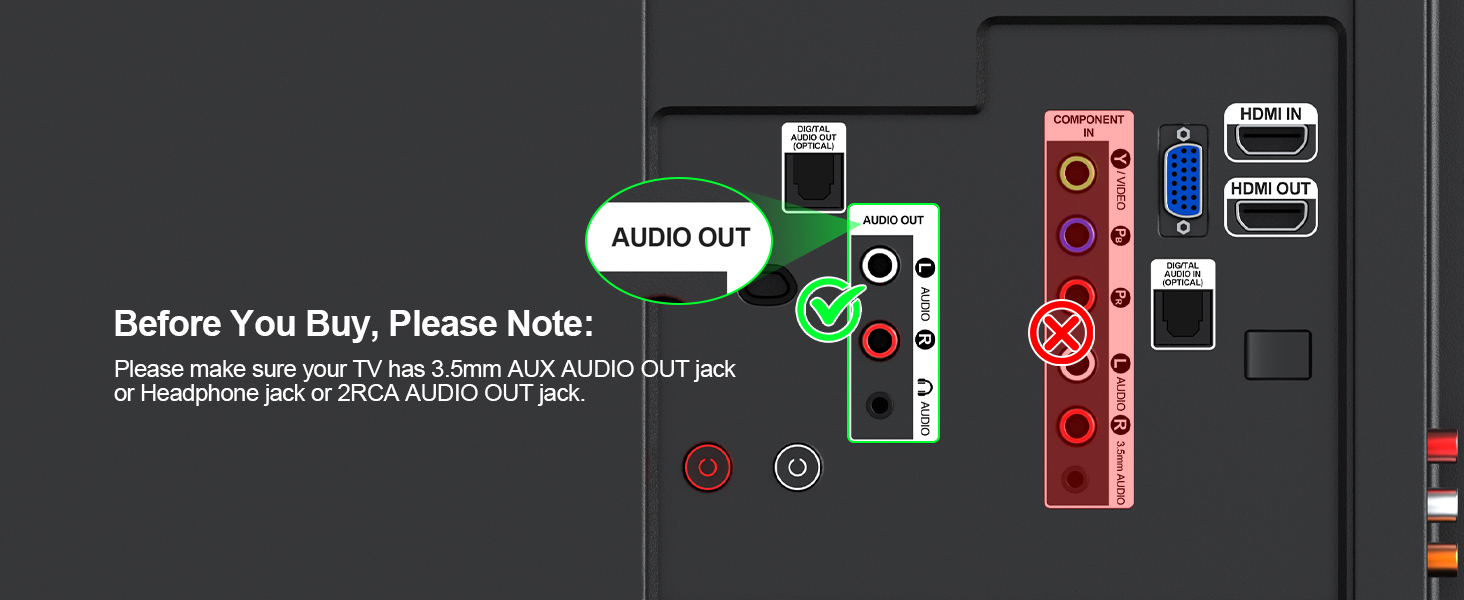
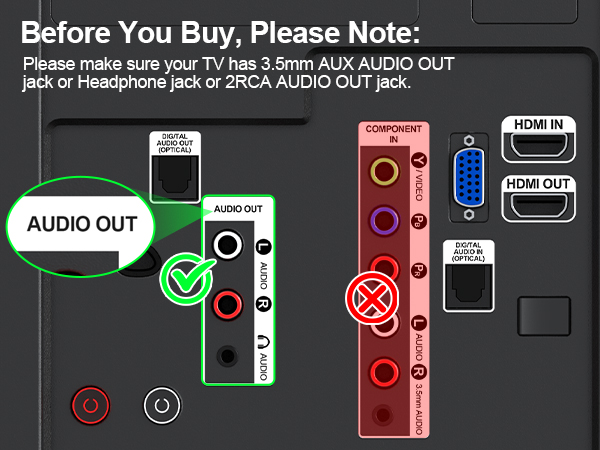
| Q6 | Does it work with any TV? |
| A6 | Please make sure your TV has 3.5mm AUX AUDIO OUT jack or Headphone jack or 2RCA AUDIO OUT jack. |
| Q7 | How to reset the 1Mii ML302+? |
| A7 | Press and hold the volume buttons "+"and "-" at the same time for 7 seconds to reset the device (LEDs flash purple 3 times, then the LEDs flash red and blue) |
1Mii Wireless Transmitter/Receiver
1Mii ML302+ | ML300 | B06Set | 1Mii SafeFly Min | 1Mii Safefly Min+ | SafeFly Dot | RT5066Pro |
|---|---|---|---|---|---|---|
| Customer Reviews | ||||||
| — | — | — | — | — | — | — |
| Price | ||||||
| — | — | — | — | — | — | — |
| Type | ||||||
| Bluetooth Transmitter&Receiver | Bluetooth Transmitter&Receiver | 2.4Ghz Transmitter Receiver | Bluetooth Transmitter | Bluetooth Transmitter&Receiver | Bluetooth Transmitter&Receiver | 2.4Ghz Transmitter Receiver |
| Audio Codec Support | ||||||
| aptX-Adaptive/LL/HD/aptX/SBC | aptX-Adaptive/LL/HD/aptX/SBC | LC3 | aptX-Adaptive/LL/HD/aptX/SBC | aptX-Adaptive/LL/HD/aptX/SBC | aptX-Adaptive/LL/HD/aptX/SBC | SBC |
| Audio Jack | ||||||
| 3.5mm AUX/2RCA | 3.5mm AUX/2RCA | 3.5mm AUX/2RCA | 3.5mm AUX/Dual-prong | 3.5mm AUX/Dual-prong | 3.5mm AUX/Dual-prong | 3.5mm AUX/2RCA |
| Use for | ||||||
| TV/PC/Airplane/Gym/Boat/Stereo | TV/PC/Airplane/Gym/Boat/Stereo | TV/PC/Home Stereo/Speaker | TV/PC/Airplane/Gym | TV/PC/Airplane/Gym/Boat/Stereo | TV/PC/Airplane/Gym/Boat/Stereo | TV/PC/Home Stereo/Speaker |
| Built-in Battery | ||||||
| ? | ? | ? | ? | ? | ? | ? |
| Dual Connection | ||||||
| ? | ? | ? | ? | ? | ? | ? |
| Volume+/- Control | ||||||
| ? | ? | ? | ? | ? | ? | ? |
| BT Version | ||||||
| BT5.3 | BT5.3 | 2.4Ghz | BT5.3 | BT5.3 | BT5.3 | 2.4Ghz |
New Releases
1Mii Bluetooth Transmitter
1Mii 2.4G TX+RX Set