


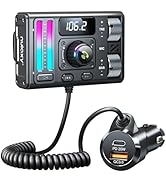
![Main image of 54W Bluetooth 5.3 Car Adapter Charger 4-Port Fast Charging [PD36W & QC3.0 18W], Wireless Radio FM Transmitter with Deep Bass Player, 5 Colors LED Backlit, Hands-Free Calling, Support USB Drive](https://c1.neweggimages.com/productimage/nb640/C595D2603020MI3JG2A.jpg)
![Alt view image 2 of 7 - 54W Bluetooth 5.3 Car Adapter Charger 4-Port Fast Charging [PD36W & QC3.0 18W], Wireless Radio FM Transmitter with Deep Bass Player, 5 Colors LED Backlit, Hands-Free Calling, Support USB Drive](https://c1.neweggimages.com/productimage/nb640/C595D2603020MI3LI84.jpg)
![Alt view image 3 of 7 - 54W Bluetooth 5.3 Car Adapter Charger 4-Port Fast Charging [PD36W & QC3.0 18W], Wireless Radio FM Transmitter with Deep Bass Player, 5 Colors LED Backlit, Hands-Free Calling, Support USB Drive](https://c1.neweggimages.com/productimage/nb640/C595D2603020MI3M071.jpg)
![Alt view image 4 of 7 - 54W Bluetooth 5.3 Car Adapter Charger 4-Port Fast Charging [PD36W & QC3.0 18W], Wireless Radio FM Transmitter with Deep Bass Player, 5 Colors LED Backlit, Hands-Free Calling, Support USB Drive](https://c1.neweggimages.com/productimage/nb640/C595D2603020MI3PRA7.jpg)
![Alt view image 5 of 7 - 54W Bluetooth 5.3 Car Adapter Charger 4-Port Fast Charging [PD36W & QC3.0 18W], Wireless Radio FM Transmitter with Deep Bass Player, 5 Colors LED Backlit, Hands-Free Calling, Support USB Drive](https://c1.neweggimages.com/productimage/nb640/C595D2603020MI3R48E.jpg)
![Alt view image 6 of 7 - 54W Bluetooth 5.3 Car Adapter Charger 4-Port Fast Charging [PD36W & QC3.0 18W], Wireless Radio FM Transmitter with Deep Bass Player, 5 Colors LED Backlit, Hands-Free Calling, Support USB Drive](https://c1.neweggimages.com/productimage/nb640/C595D2603020MI3WIF6.jpg)
![Alt view image 7 of 7 - 54W Bluetooth 5.3 Car Adapter Charger 4-Port Fast Charging [PD36W & QC3.0 18W], Wireless Radio FM Transmitter with Deep Bass Player, 5 Colors LED Backlit, Hands-Free Calling, Support USB Drive](https://c1.neweggimages.com/productimage/nb640/C595D2603020MI40K31.jpg)






We Care What You Care

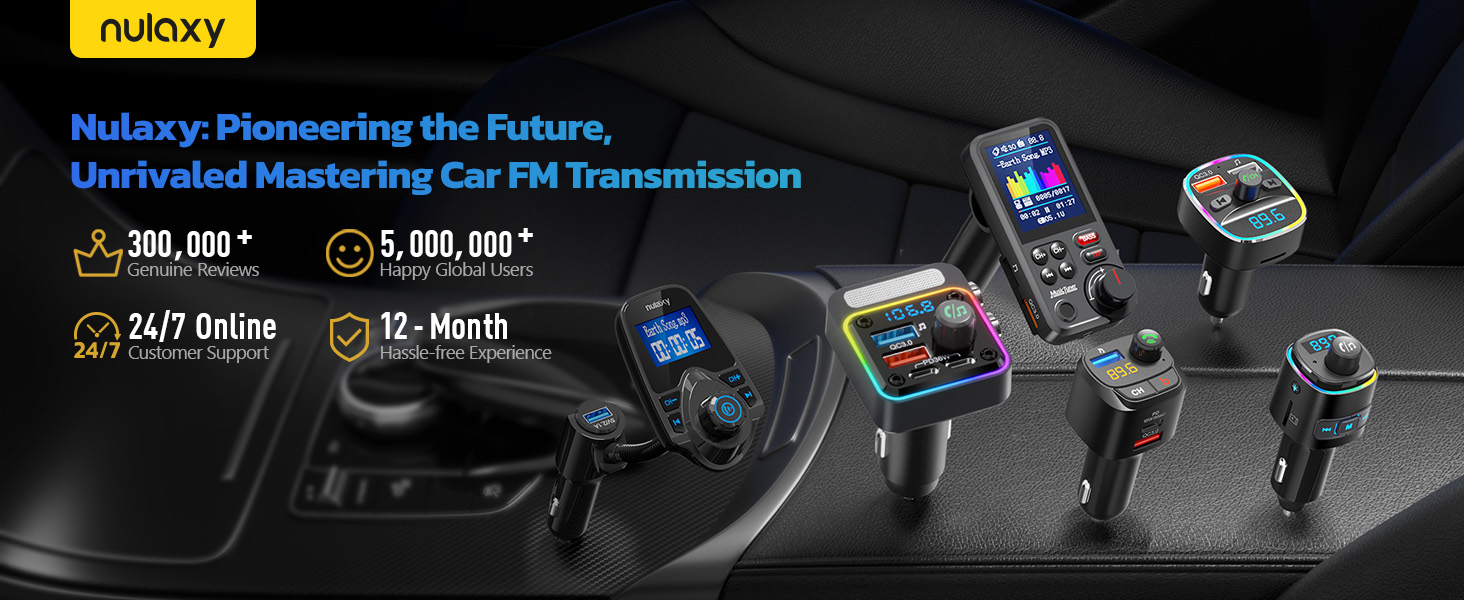
![Nulaxy 2-in-1 Bluetooth Transmitter Receiver with Screen [Shows Battery & Connected Devices] Airp...](//c1.neweggimages.com/sellingpilot/modules/product/a-plus/ca8f2a70c7b402f171b65873baa7e98699cf9c5b6157125c2f3b0273003571c2.jpg)
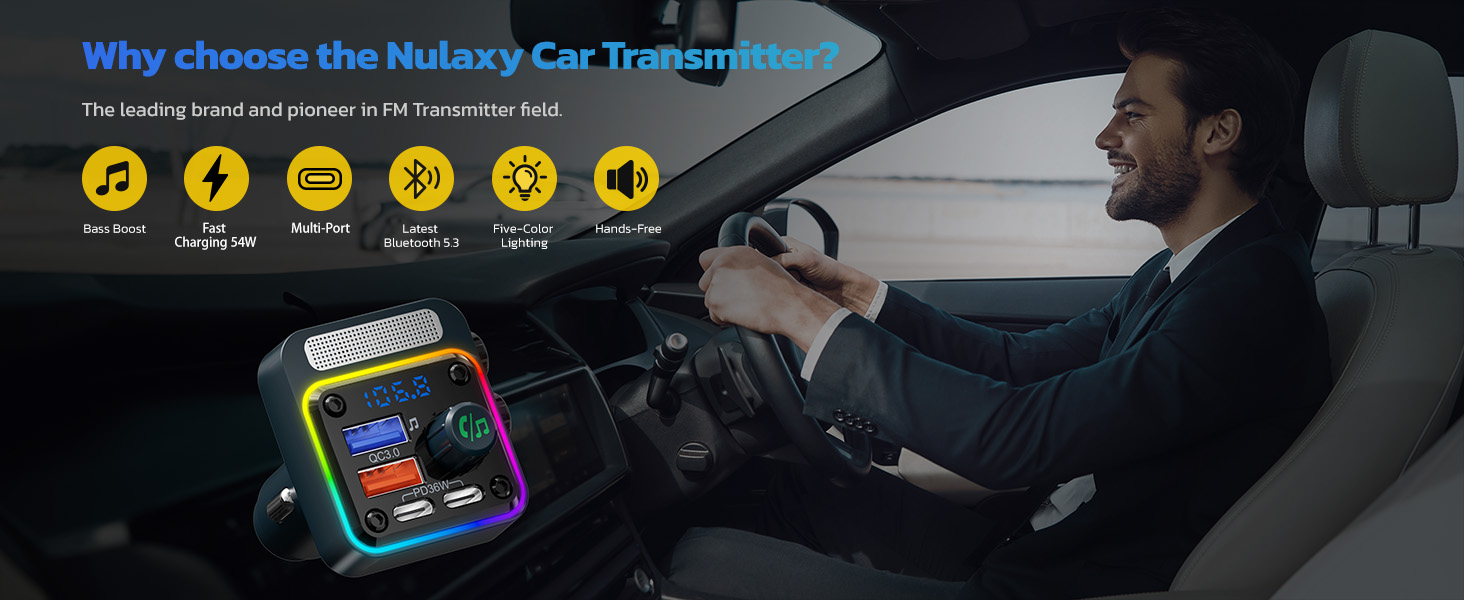
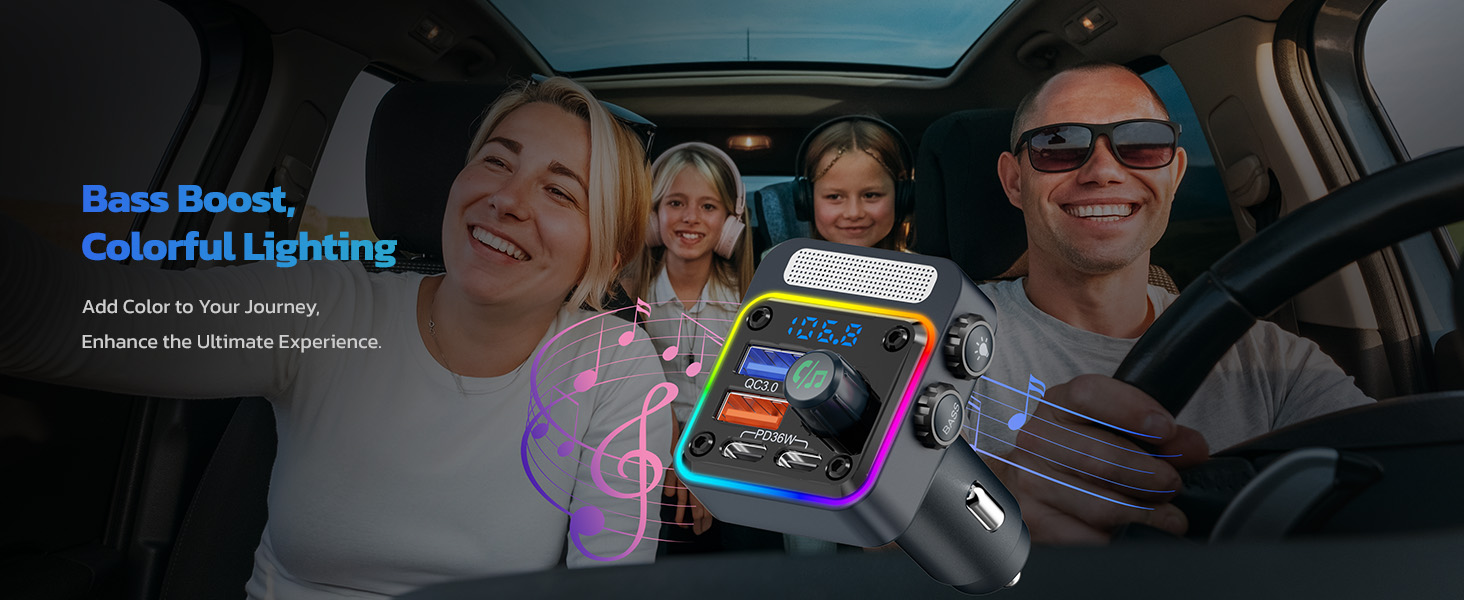
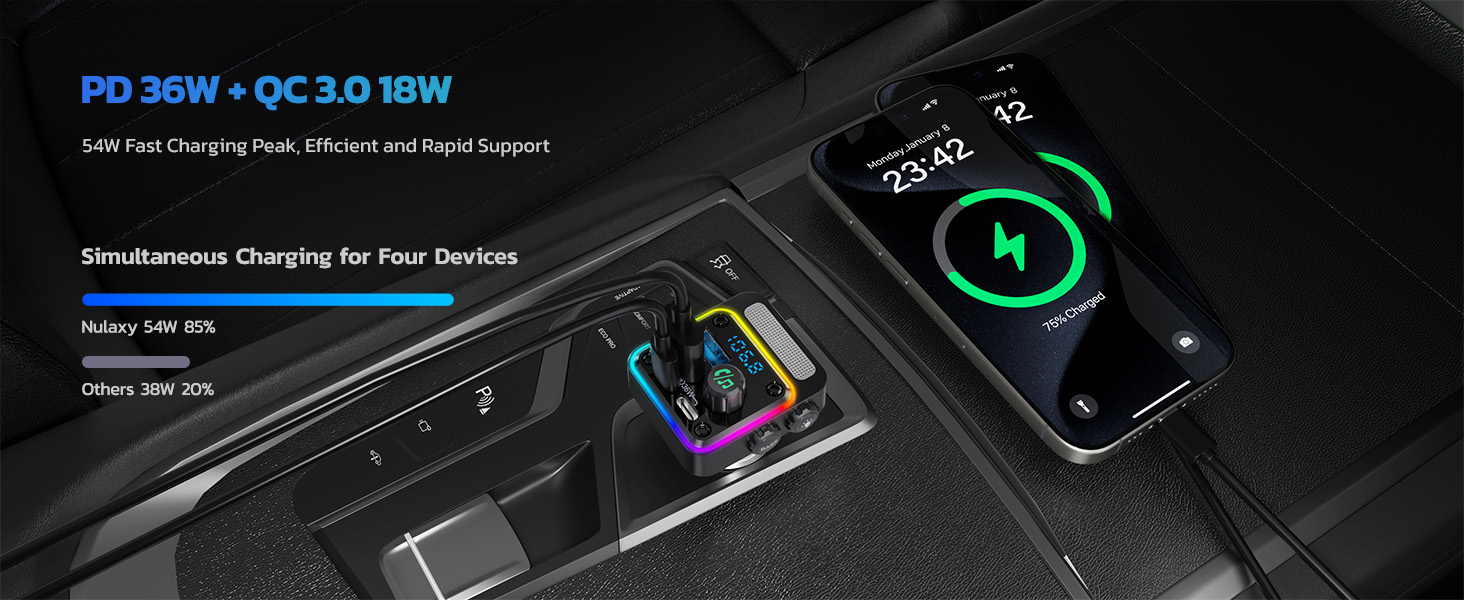
![Nulaxy 54W Bluetooth 5.3 Car Adapter Charger 4-Port Fast Charging [PD36W & QC3.0 18W], Wireless R...](//c1.neweggimages.com/sellingpilot/modules/product/a-plus/acff526433dbd9975714a88397fd88c57af9698dbc501ce6ba7099a08f117f1a.jpg)
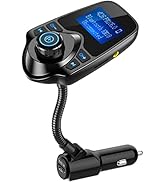
Bluetooth & fm transmitter
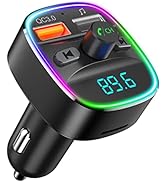
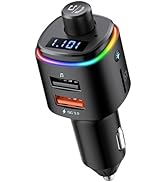
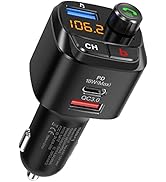
Bluetooth Car Adapter
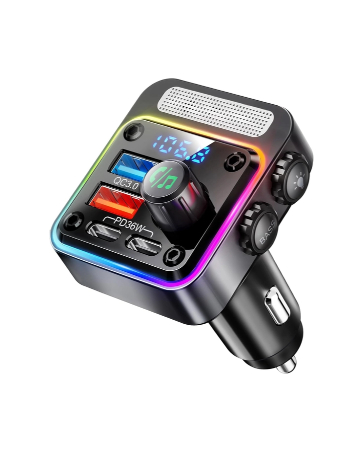
New Version
54W Bluetooth 5.3 Car Adapter with 4 Charging Ports
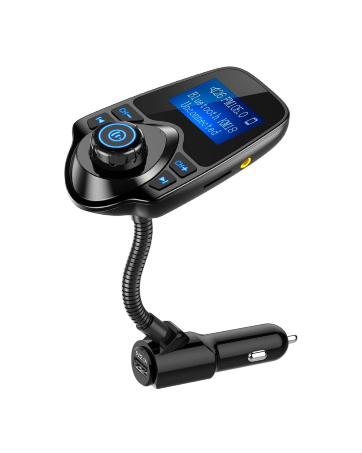
KM18
Car Bluetooth FM Transmitter
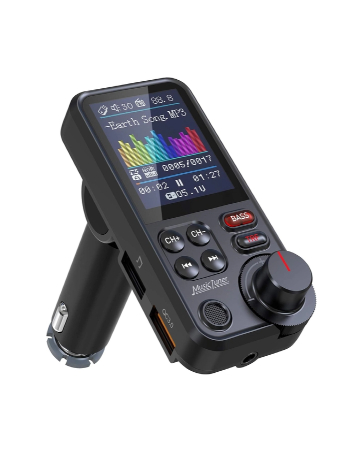
KM30
FM Bluetooth Transmitter for Car with 1.8" Color Screen
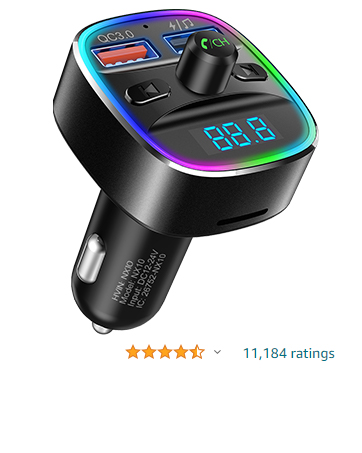
NX10
Bluetooth Car Adapter with Dual USB Charger
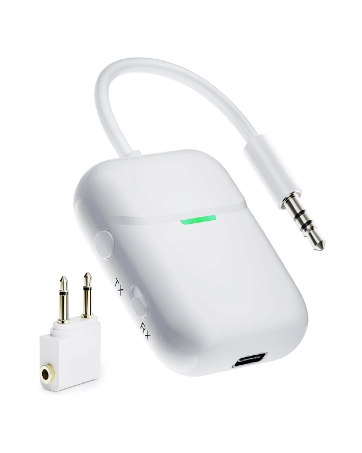
BR18
Air in-Flight Bluetooth Audio Transmitter Receiver for up to 2 AirPods & Wireless Headphones
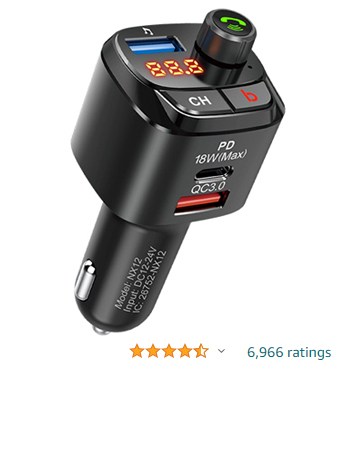
NX12
Bluetooth 5.0 FM Transmitter for Car
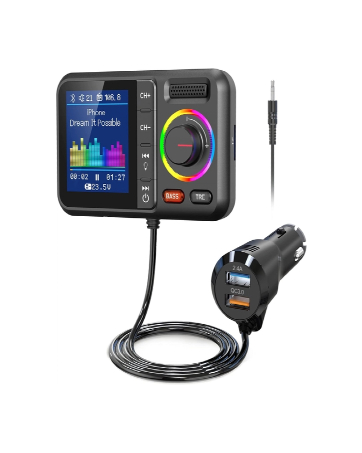
KM28
Bluetooth FM Transmitter for Car
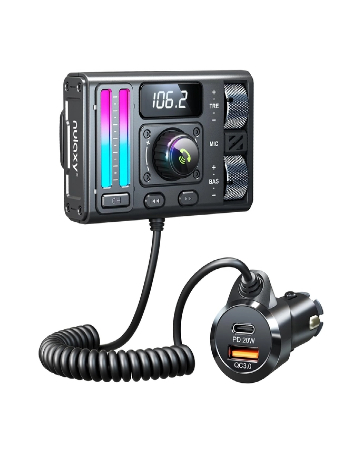
KM36
Bluetooth 5.3 Car Adapter with Air Vent Installation
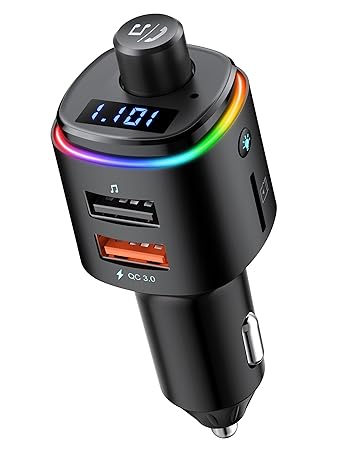
NX09
Bluetooth Car Adapter
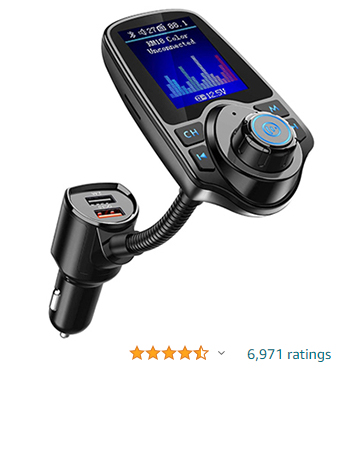
KM18COLOR
Wireless In-Car Bluetooth FM Transmitter
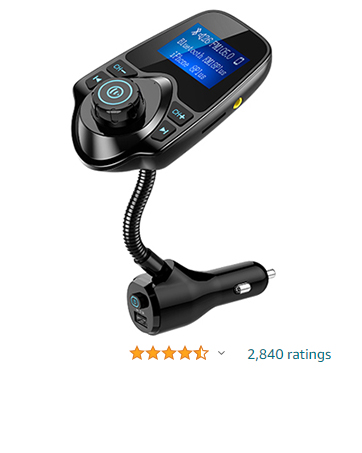
KM18PLUS
FM Transmitter for Car
![Nulaxy 2-in-1 Bluetooth Transmitter Receiver with Screen [Shows Battery & Connected Devices] Airp...](http://c1.neweggimages.com/sellingpilot/modules/product/a-plus/ca8f2a70c7b402f171b65873baa7e98699cf9c5b6157125c2f3b0273003571c2.jpg)
![Nulaxy 54W Bluetooth 5.3 Car Adapter Charger 4-Port Fast Charging [PD36W & QC3.0 18W], Wireless R...](http://c1.neweggimages.com/sellingpilot/modules/product/a-plus/acff526433dbd9975714a88397fd88c57af9698dbc501ce6ba7099a08f117f1a.jpg)
What is the size of the plug-in connector, and which car models is it compatible with?
Sizes: Diameter 24mm with spring clip, Depth 57mm
This size fits most car models but is unsuitable for sockets in recessed areas like glove boxes.
After use, hold the car’s socket with one hand and pull out the charger with the other to avoid damage.
How can I avoid or reduce noise?
For best sound quality, set the car audio volume below 50% before connecting your phone. Then, connect to the FM frequency & Bluetooth. Adjust the phone & BC91 volume first. If it's still too low, adjust the car audio system to reach the ideal level.
How do I match & switch frequencies?
Turn on car radio to blank FM frequency. Set the BC91 to the same frequency as the car radio. Long-press the BC91 rotate button until frequency flashes. Turn clockwise to increase, counter-clockwise to decrease.
The device isn't working/power isn't responding/display isn't showing/car audio isn't receiving sound/unable to play?
1) Ensure that the FM transmitter is on.
2) Verify the transmission frequency of the FM transmitter matches the frequency of the car's radio.
3) Unplug the BC91 and connect it again.
4) Confirm the files on the USB device are supported by the BC91.
How to pair the FM transmitter with your phone via Bluetooth?
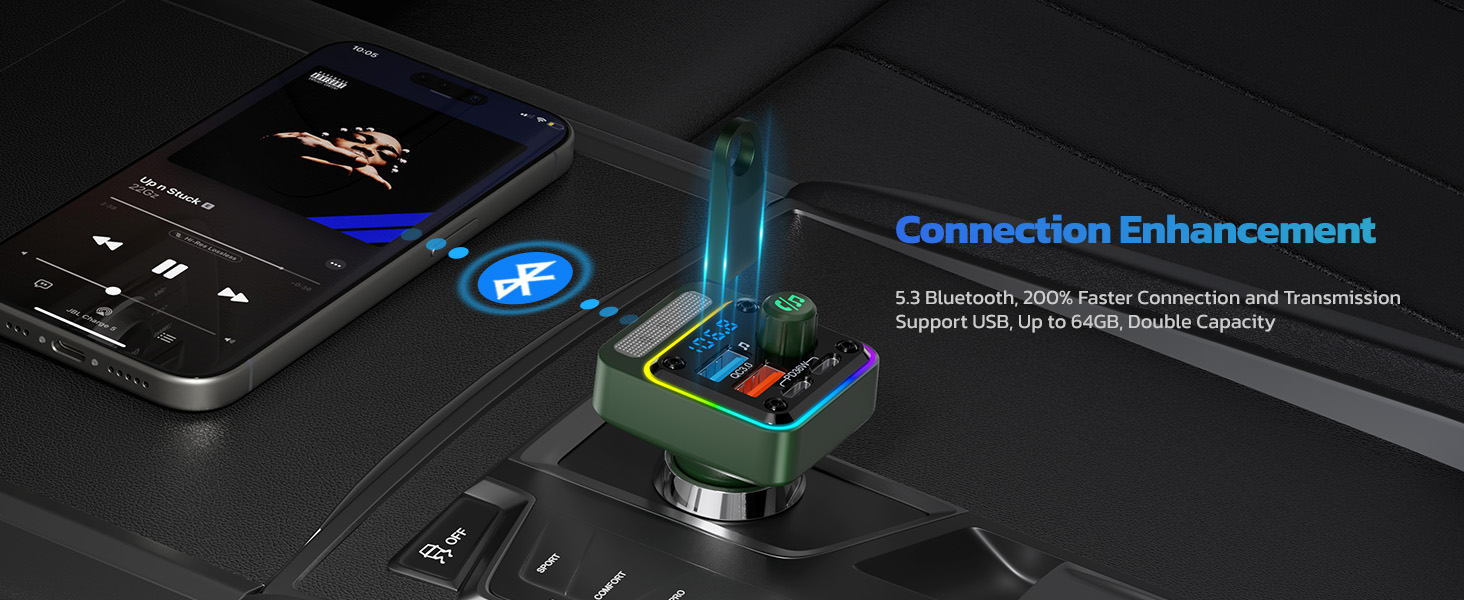
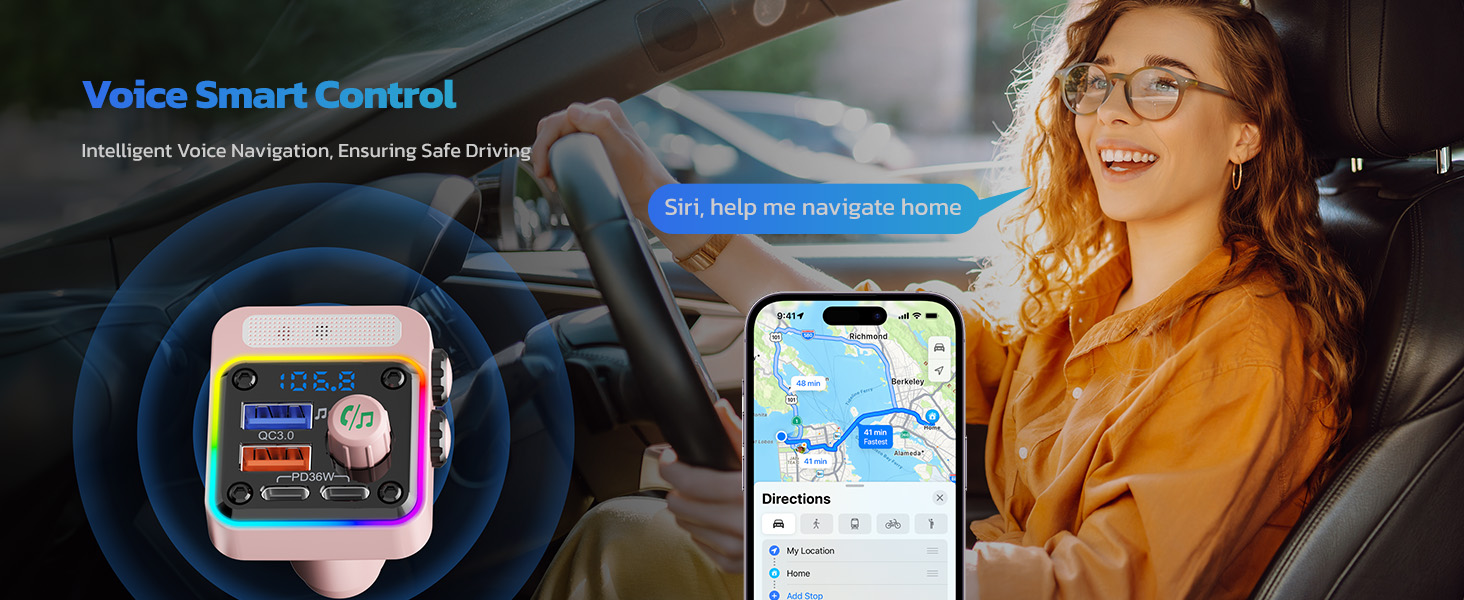
Plug BC91 into car cigarette lighter socket to power on. Enable your phone's Bluetooth is on. Then search for 'BC91 and select 'connect'. Once connected, you can start playing music, using navigation, or making hands-free calls.
More Nulaxy Options
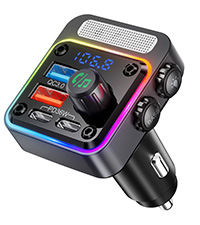 New Version |  NX10 | 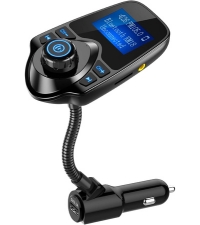 KM18 |  KM28 |  MT02 | 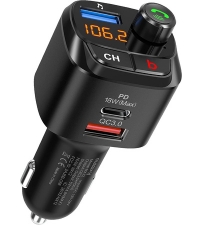 NX12 |  NX09 | |
|---|---|---|---|---|---|---|---|
Customer Reviews | — | — | — | — | — | — | — |
Price | — | — | — | — | — | — | — |
USB Fast Charging | ? | ? | ? | ? | ? | ? | ? |
Power Output | PD 36W & QC3.0 18W | QC3.0 & 5V 1A | USB A Port | QC3.0 Charging | QC3.0 Charging & Type-C PD 20W | PD18W &QC3.0 | QC3.0 Charging |
Bluetooth Version | V5.3 | V5.0 | V5.0 | V5.0 | V5.3 | V5.0 | V5.0 |
Display Screen | Digital Display | Digital Display | 1.44inch LCD Display | Big Color Screen | Digital Display | Digital Display | Digital Display |
LED Light Bar | 5-Color LED Backlit | 7-Color LED Backlit | ? | 8-Color LED Backlit | ? | ? | 7-Color LED Backlit |
Knob Control | ? | ? | ? | ? | ? | ? | ? |

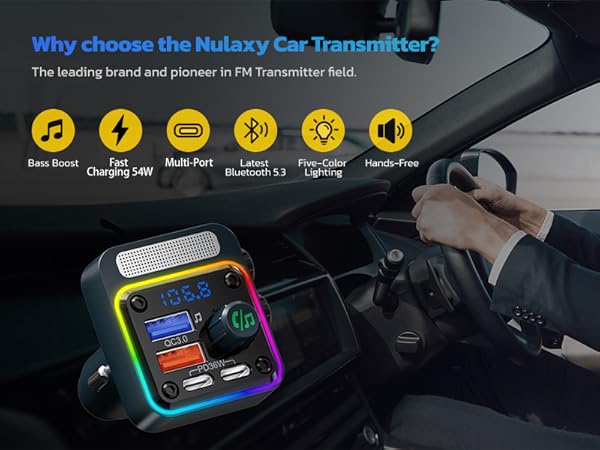
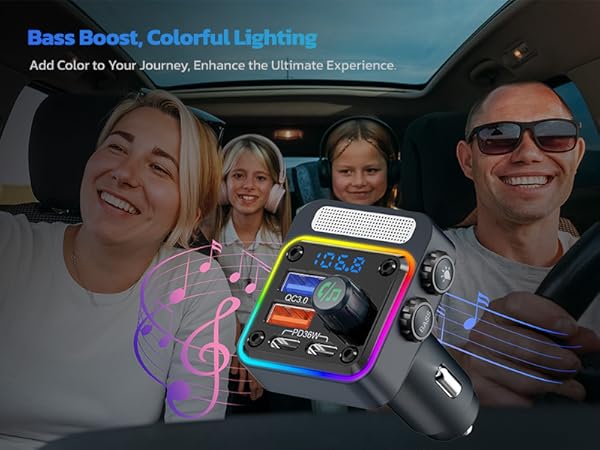


What is the size of the plug-in connector, and which car models is it compatible with?
Sizes: Diameter 24mm with spring clip, Depth 57mm
This size fits most car models but is unsuitable for sockets in recessed areas like glove boxes.
After use, hold the car’s socket with one hand and pull out the charger with the other to avoid damage.
How can I avoid or reduce noise?
For best sound quality, set the car audio volume below 50% before connecting your phone. Then, connect to the FM frequency & Bluetooth. Adjust the phone & BC91 volume first. If it's still too low, adjust the car audio system to reach the ideal level.
How do I match & switch frequencies?
Turn on car radio to blank FM frequency. Set the BC91 to the same frequency as the car radio. Long-press the BC91 rotate button until frequency flashes. Turn clockwise to increase, counter-clockwise to decrease.
The device isn't working/power isn't responding/display isn't showing/car audio isn't receiving sound/unable to play?
1) Ensure that the FM transmitter is on.
2) Verify the transmission frequency of the FM transmitter matches the frequency of the car's radio.
3) Unplug the BC91 and connect it again.
4) Confirm the files on the USB device are supported by the BC91.
How to pair the FM transmitter with your phone via Bluetooth?
Plug BC91 into car cigarette lighter socket to power on. Enable your phone's Bluetooth is on. Then search for 'BC91 and select 'connect'. Once connected, you can start playing music, using navigation, or making hands-free calls.
More Nulaxy Options
New Version | NX10 | KM18 | KM28 | MT02 | NX12 | NX09 |
|---|---|---|---|---|---|---|
| Customer Reviews | ||||||
| — | — | — | — | — | — | — |
| Price | ||||||
| — | — | — | — | — | — | — |
| USB Fast Charging | ||||||
| ? | ? | ? | ? | ? | ? | ? |
| Power Output | ||||||
| PD 36W & QC3.0 18W | QC3.0 & 5V 1A | USB A Port | QC3.0 Charging | QC3.0 Charging & Type-C PD 20W | PD18W &QC3.0 | QC3.0 Charging |
| Bluetooth Version | ||||||
| V5.3 | V5.0 | V5.0 | V5.0 | V5.3 | V5.0 | V5.0 |
| Display Screen | ||||||
| Digital Display | Digital Display | 1.44inch LCD Display | Big Color Screen | Digital Display | Digital Display | Digital Display |
| LED Light Bar | ||||||
| 5-Color LED Backlit | 7-Color LED Backlit | ? | 8-Color LED Backlit | ? | ? | 7-Color LED Backlit |
| Knob Control | ||||||
| ? | ? | ? | ? | ? | ? | ? |
We Care What You Care
Bluetooth & fm transmitter
Bluetooth Car Adapter
New Version
54W Bluetooth 5.3 Car Adapter with 4 Charging Ports
KM18
Car Bluetooth FM Transmitter
KM30
FM Bluetooth Transmitter for Car with 1.8" Color Screen
NX10
Bluetooth Car Adapter with Dual USB Charger
BR18
Air in-Flight Bluetooth Audio Transmitter Receiver for up to 2 AirPods & Wireless Headphones
NX12
Bluetooth 5.0 FM Transmitter for Car
KM28
Bluetooth FM Transmitter for Car
KM36
Bluetooth 5.3 Car Adapter with Air Vent Installation
NX09
Bluetooth Car Adapter
KM18COLOR
Wireless In-Car Bluetooth FM Transmitter
KM18PLUS
FM Transmitter for Car