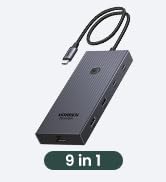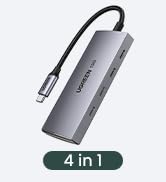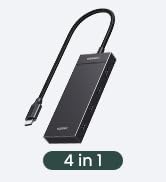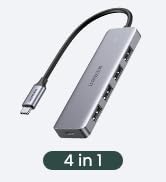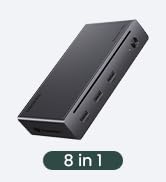


• $79.99

Shipped by xiuhuishangmao

Price alert
Shop it at NeweggBusiness.

Meet Your Seller

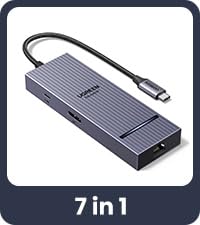
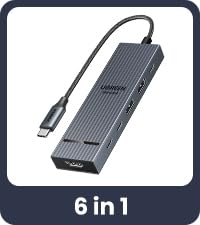
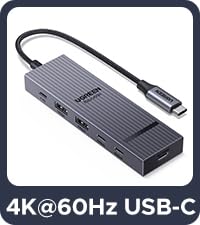
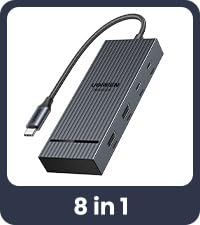
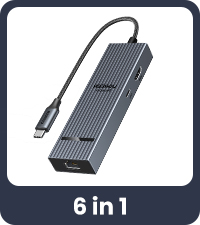
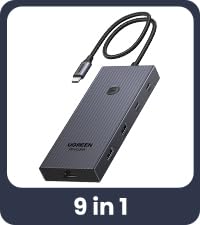
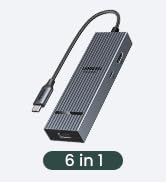
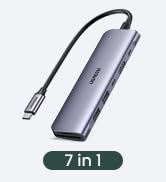
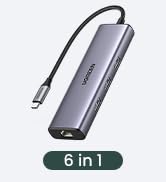
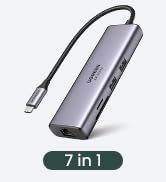
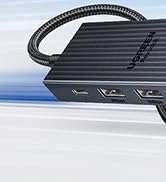
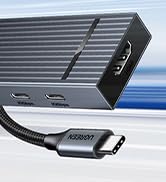
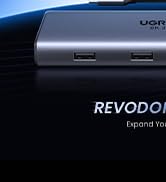
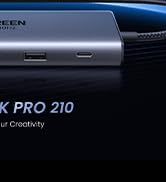
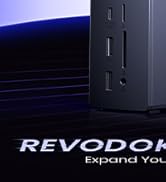
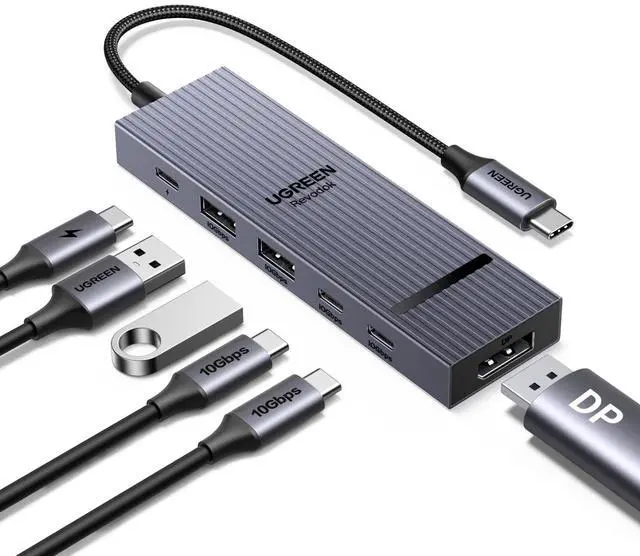
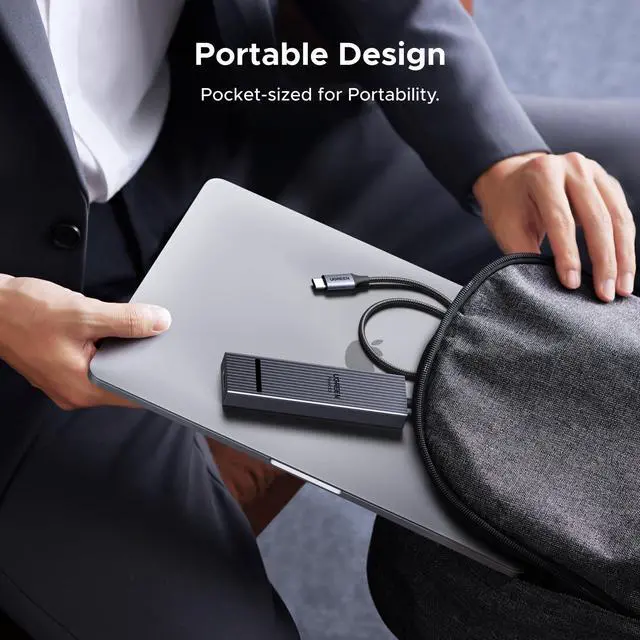
Revodok Pro 6 in 1 USB-C Hub to DisplayPort 4K 60Hz, 100W Power Delivery 10Gbps USB-A and USB-C 3.2 for MacBook Pro/Air, iPad Pro, Thinkpad, Rog Ally and More.

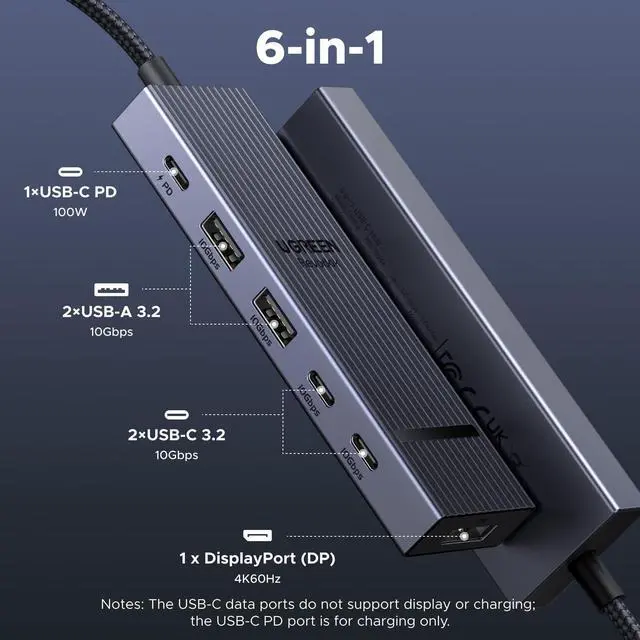
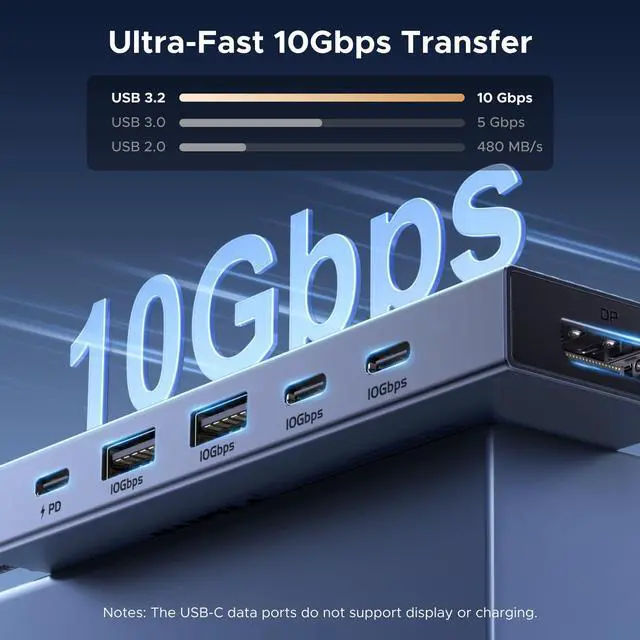
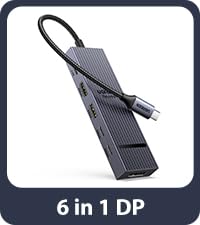
  • 6-in-1 10Gbps USB C Hub: Inspire more potential of your laptops USB-C port with two 10 Gbps USB-C 3.2 Gen 2 port, two 10 Gbps USB-A 3.2 Gen 2 ports, 4K 60Hz DP Port (NO HDMI) and 100W Power Delivery. Ultimate all-in-one dock, works on multiple ports simultaneously
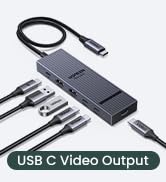
  • Optimized for DP Monitors: USB C to displayport Dock is equipped with a 4K@60Hz DP port only. HDMI output requires a separate DP-to-HDMI adapter (not included). Enjoy visually stunning movies, high-definition online meetings, smooth gaming or extend your display for incredibly appealing presentations.
  • Start the USB 3.2 Era: Transfer files, movies, and photos at speeds up to 10 Gbps via the dual USB-C data port and dual USB-A ports.The C port marked with 10Gbps can only be used for data transmission, and does not support video output or charging.
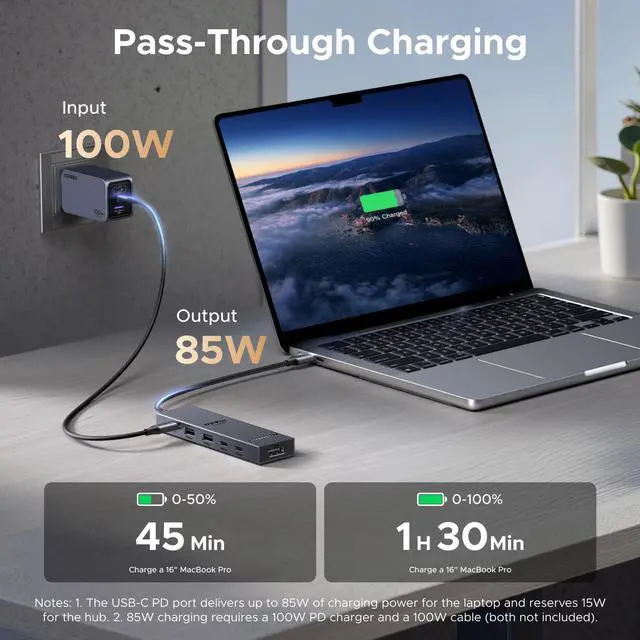
  • Powerful 100W Power Delivery: Support for max 100W USB C pass-through charging over the Type-C port, to keep your laptop always powered. When demonstrating screencasting or transferring files, please do not plug or unplug the PD charger to avoid loss of images or data.
  • Widely Compatible & Driver-Free: The USB C dongle is compatible with almost USB-C devices such as MacBook Pro, MacBook Air, MacBook M1, M2,M3, iMac, iPad Pro, iPhone 15, Chromebook, Surface, Steam deck, Rog Ally, etc.
+
+
Overview
Specs
Reviews
ugreen 10Gbps usb c hub

UGREEN USB C Hubs

https://m.media-amazon.com/images/S/aplus-media-library-service-media/547289f2-e5d1-4e39-be38-c992fcd3419e.__AC_SR200,225___.jpg

USB C Hub to Displayport

https://m.media-amazon.com/images/S/aplus-media-library-service-media/8bac8abc-fb4e-48a3-876e-807d84adeefd.__AC_SR200,225___.jpg

USB C Hub to Displayport

https://m.media-amazon.com/images/S/aplus-media-library-service-media/04cb7792-c461-4496-94aa-a4ec5b18dc09.__AC_SR200,225___.jpg

Revodok 10Gbps USB C Hub

https://m.media-amazon.com/images/S/aplus-media-library-service-media/f5388b00-ac34-4bb7-9d11-415334caedf3.__AC_SR200,225___.jpg

USB C Hub

https://m.media-amazon.com/images/S/aplus-media-library-service-media/665e99b1-3b36-45d4-9473-073d5dfb5153.__AC_SR200,225___.jpg

UGREEN 4K 60Hz USB C Hub

https://m.media-amazon.com/images/S/aplus-media-library-service-media/456ecf78-80d0-4b8b-a86c-2ba2f48f9754.__CR0,0,200,225_PT0_SX200_V1___.jpg

Revodok 10Gbps USB C Hub

https://m.media-amazon.com/images/S/aplus-media-library-service-media/1e9a838b-29e2-45eb-951e-6ffd635884a4.__AC_SR200,225___.jpg

USBC Hub With Screen Lock

Customer Reviews
Price
Plug & Play
? ? ? ? ? ? ?
Display Port(s)
DP (NO HDMI) DP (NO HDMI) HDMI USB C HDMI HDMI HDMI
Max Display Resolution
4K@60Hz 4K@60Hz 4K@60Hz 4K@60Hz 4K@60Hz 4K@60Hz 4K@60Hz
Max Transfer Speed
10Gbps 10Gbps 10Gbps 10Gbps 10Gbps 10Gbps 10Gbps
USB Data Ports
2*USB A+2*USB C 2*USB A+2*USB C 2*USB A+2*USB C 2*USB A+2*USB C 2*USB A+2*USB C 2*USB A 3.2+USB C 3.2 2*USB A +2*USB C
Charging Port
PD 100W PD 100W PD 100W PD 100W PD 100W PD 100W PD 100W
Gigabit Ethernet
× 1000Mbps × × × 1000Mbps ×1000Mbps
SD/TF Card Reader
? ? ? ? ? ? ?

FAQ & Compatibility List (Not a full list)

Q1 Does this work with HDMI TVs?
A1 No. This model requires a DisplayPort-compatible display. For HDMI TVs, please use an active DP to HDMI cable (not included), since the DP port on the Dock doesn't support DP++ and won't work with a passive DP to HDMI adapter.
Q2 What resolution does the hub support?
A2 The USB-C hub supports max 4K@60Hz through the DP port, and is backward compatible with 4K@30Hz, 2K@120Hz, 1080P@120Hz/60Hz, and 720P, etc. Please kindly note that it does not support 2K@144Hz and 1080P@240Hz.
Q3 What can I do if the monitor does not reach 4K@60hz?
A3 Ensure that the USB-C port on your host device supports PD1.4 (DP Alt mode). If the USB-C port only supports DP1.2, the monitor can only reach max 4k@30Hz. Check if your monitor supports DP 1.4. Try another certified DP 1.4 cable within 6.6ft (sold separately).
Q4 Can this hub output 100W to the laptop?
A4 Can this hub output 100W to the laptop? Generally, the hub reserves max 15W for its own power consumption. It outputs Max 85W to your laptop with a PD 100W charger and cable (not included)
Alienware Monitor AW3B21DW/ AW3423DW/ AW2721D/ AW5520QF and more;
LG Monitor LG 34WQ73A-B/ 27GL83A-B/ 34GP63A-B/ 27GP850-B and more;
Dell Monitor Dell UP3218K/U2723QE/ S3221QS/ S2722QC/ S2721QS/ S3422DWG and more
Asus Monitor Asus XG32UQ/ VG28UQL1A/ XG27UQR/ PG65UQ/ PG35VQ/ PG32UQX and more;
SAMSUNG Monitor SAMSUNG Odyssey G9/G7/CR; LC27G75TQSNXZA and more;
ugreen 10Gbps usb c hub

UGREEN USB C Hubs

https://m.media-amazon.com/images/S/aplus-media-library-service-media/547289f2-e5d1-4e39-be38-c992fcd3419e.__AC_SR200,225___.jpg

USB C Hub to Displayport

https://m.media-amazon.com/images/S/aplus-media-library-service-media/8bac8abc-fb4e-48a3-876e-807d84adeefd.__AC_SR200,225___.jpg

USB C Hub to Displayport

https://m.media-amazon.com/images/S/aplus-media-library-service-media/04cb7792-c461-4496-94aa-a4ec5b18dc09.__AC_SR200,225___.jpg

Revodok 10Gbps USB C Hub

https://m.media-amazon.com/images/S/aplus-media-library-service-media/f5388b00-ac34-4bb7-9d11-415334caedf3.__AC_SR200,225___.jpg

USB C Hub

https://m.media-amazon.com/images/S/aplus-media-library-service-media/665e99b1-3b36-45d4-9473-073d5dfb5153.__AC_SR200,225___.jpg

UGREEN 4K 60Hz USB C Hub

https://m.media-amazon.com/images/S/aplus-media-library-service-media/456ecf78-80d0-4b8b-a86c-2ba2f48f9754.__CR0,0,200,225_PT0_SX200_V1___.jpg

Revodok 10Gbps USB C Hub

https://m.media-amazon.com/images/S/aplus-media-library-service-media/1e9a838b-29e2-45eb-951e-6ffd635884a4.__AC_SR200,225___.jpg

USBC Hub With Screen Lock

Customer Reviews
Price
Plug & Play
? ? ? ? ? ? ?
Display Port(s)
DP (NO HDMI) DP (NO HDMI) HDMI USB C HDMI HDMI HDMI
Max Display Resolution
4K@60Hz 4K@60Hz 4K@60Hz 4K@60Hz 4K@60Hz 4K@60Hz 4K@60Hz
Max Transfer Speed
10Gbps 10Gbps 10Gbps 10Gbps 10Gbps 10Gbps 10Gbps
USB Data Ports
2*USB A+2*USB C 2*USB A+2*USB C 2*USB A+2*USB C 2*USB A+2*USB C 2*USB A+2*USB C 2*USB A 3.2+USB C 3.2 2*USB A +2*USB C
Charging Port
PD 100W PD 100W PD 100W PD 100W PD 100W PD 100W PD 100W
Gigabit Ethernet
× 1000Mbps × × × 1000Mbps ×1000Mbps
SD/TF Card Reader
? ? ? ? ? ? ?

FAQ & Compatibility List (Not a full list)
Q1 Does this work with HDMI TVs?
A1 No. This model requires a DisplayPort-compatible display. For HDMI TVs, please use an active DP to HDMI cable (not included), since the DP port on the Dock doesn't support DP++ and won't work with a passive DP to HDMI adapter.
Q2 What resolution does the hub support?
A2 The USB-C hub supports max 4K@60Hz through the DP port, and is backward compatible with 4K@30Hz, 2K@120Hz, 1080P@120Hz/60Hz, and 720P, etc. Please kindly note that it does not support 2K@144Hz and 1080P@240Hz.
Q3 What can I do if the monitor does not reach 4K@60hz?
A3 Ensure that the USB-C port on your host device supports PD1.4 (DP Alt mode). If the USB-C port only supports DP1.2, the monitor can only reach max 4k@30Hz. Check if your monitor supports DP 1.4. Try another certified DP 1.4 cable within 6.6ft (sold separately).
Q4 Can this hub output 100W to the laptop?
A4 Can this hub output 100W to the laptop? Generally, the hub reserves max 15W for its own power consumption. It outputs Max 85W to your laptop with a PD 100W charger and cable (not included)
Alienware Monitor AW3B21DW/ AW3423DW/ AW2721D/ AW5520QF and more;
LG Monitor LG 34WQ73A-B/ 27GL83A-B/ 34GP63A-B/ 27GP850-B and more;
Dell Monitor Dell UP3218K/U2723QE/ S3221QS/ S2722QC/ S2721QS/ S3422DWG and more
Asus Monitor Asus XG32UQ/ VG28UQL1A/ XG27UQR/ PG65UQ/ PG35VQ/ PG32UQX and more;
SAMSUNG Monitor SAMSUNG Odyssey G9/G7/CR; LC27G75TQSNXZA and more;
Revodok Pro 6 in 1 USB-C Hub to DisplayPort 4K 60Hz, 100W Power Delivery 10Gbps USB-A and USB-C 3.2 for MacBook Pro/Air, iPad Pro, Thinkpad, Rog Ally and More.

Warranty & Returns

Warranty, Returns, And Additional Information

Warranty

  • Please contact the Seller directly for warranty information. Warranty information may also be found on the Manufacturer's website.
  • CONTACT

Return Policies

Manufacturer Contact Info

LOADING...