


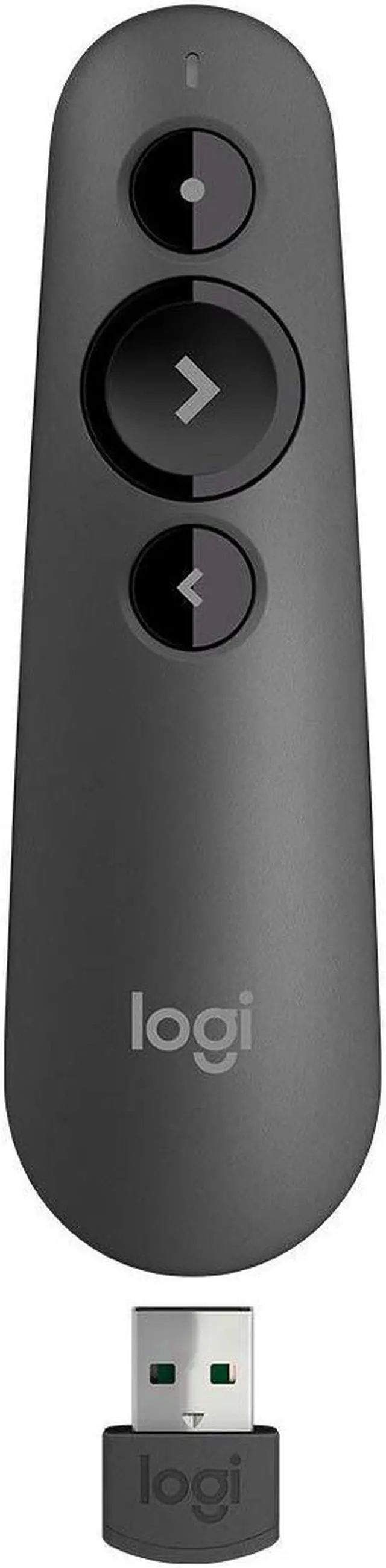
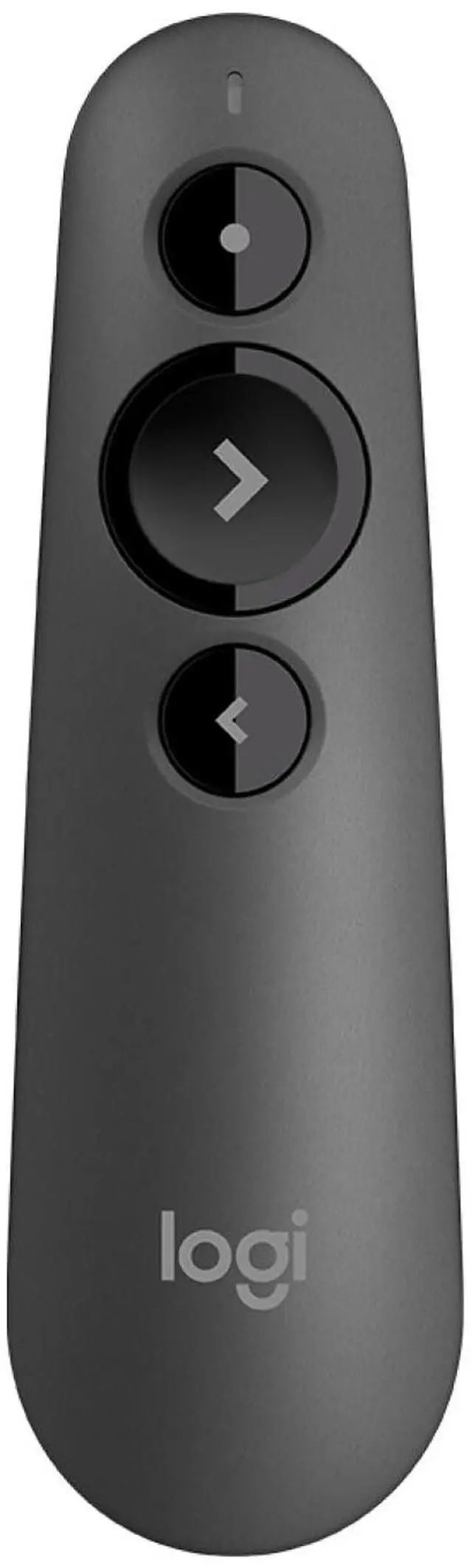



R500s LASER PRESENTATION REMOTE
PRESENT EFFORTESSLY
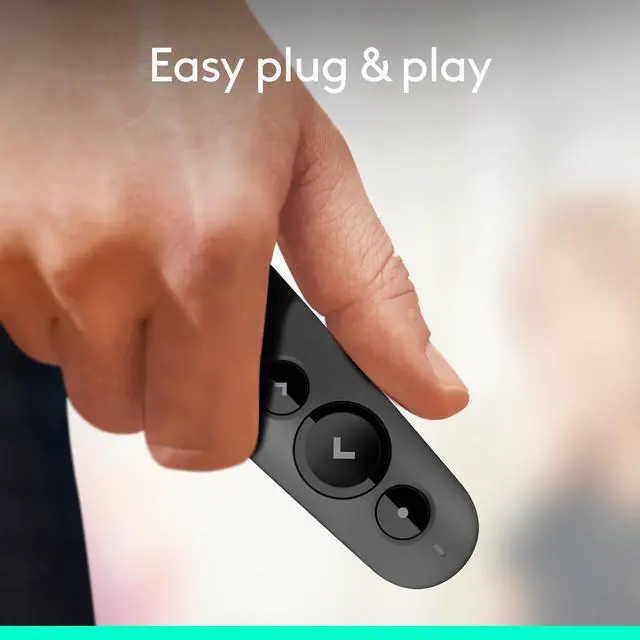
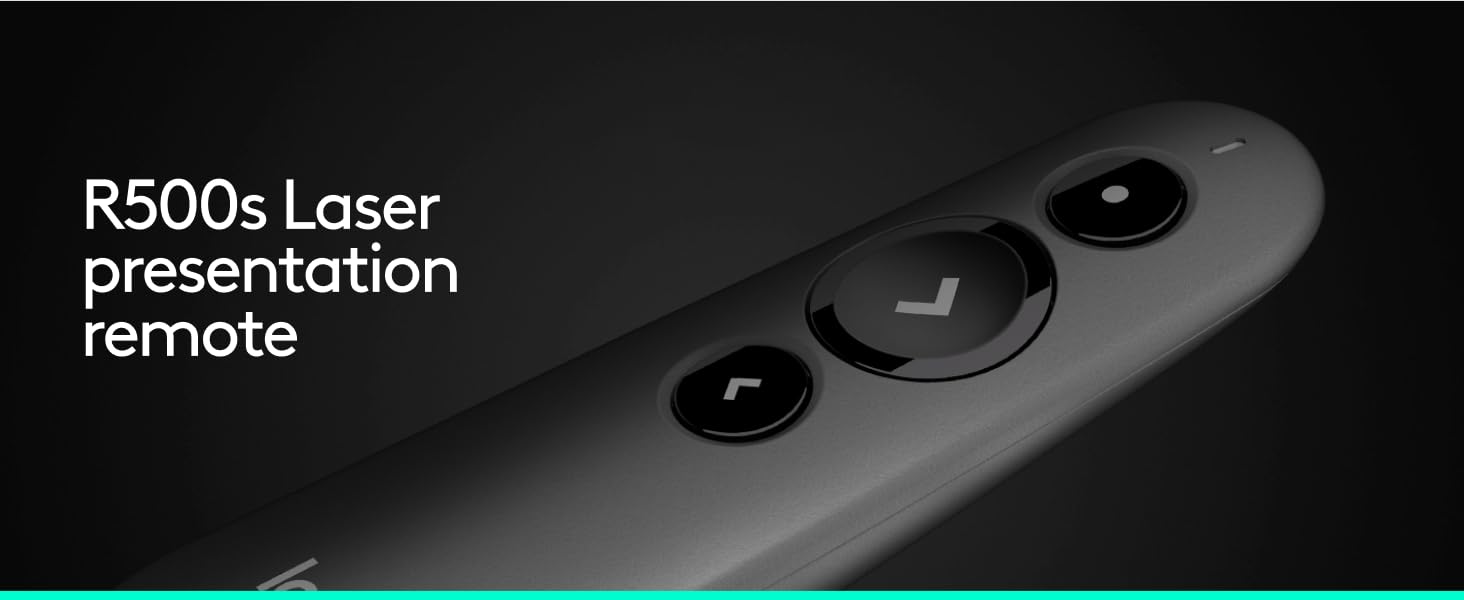
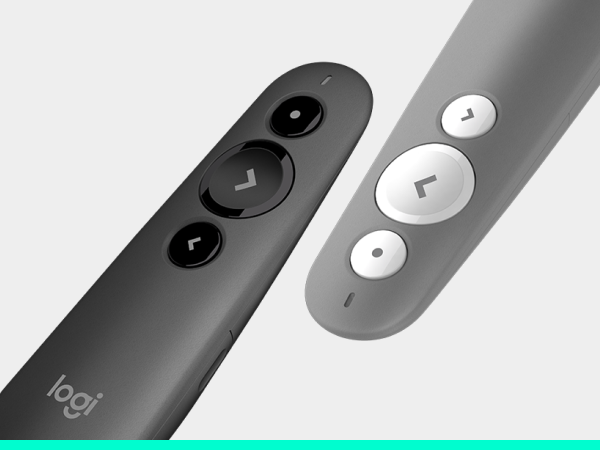
Deliver impactful presentations with R500s, a simple, reliable, plug-and-play presentation remote that allows you to navigate slides and laser point from a distance — so you can focus on crushing your delivery.

INTUITIVE SLIDE NAVIGATION
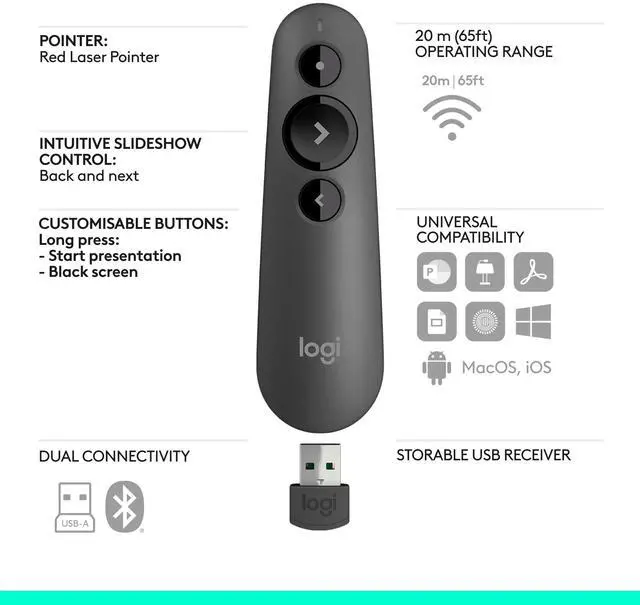
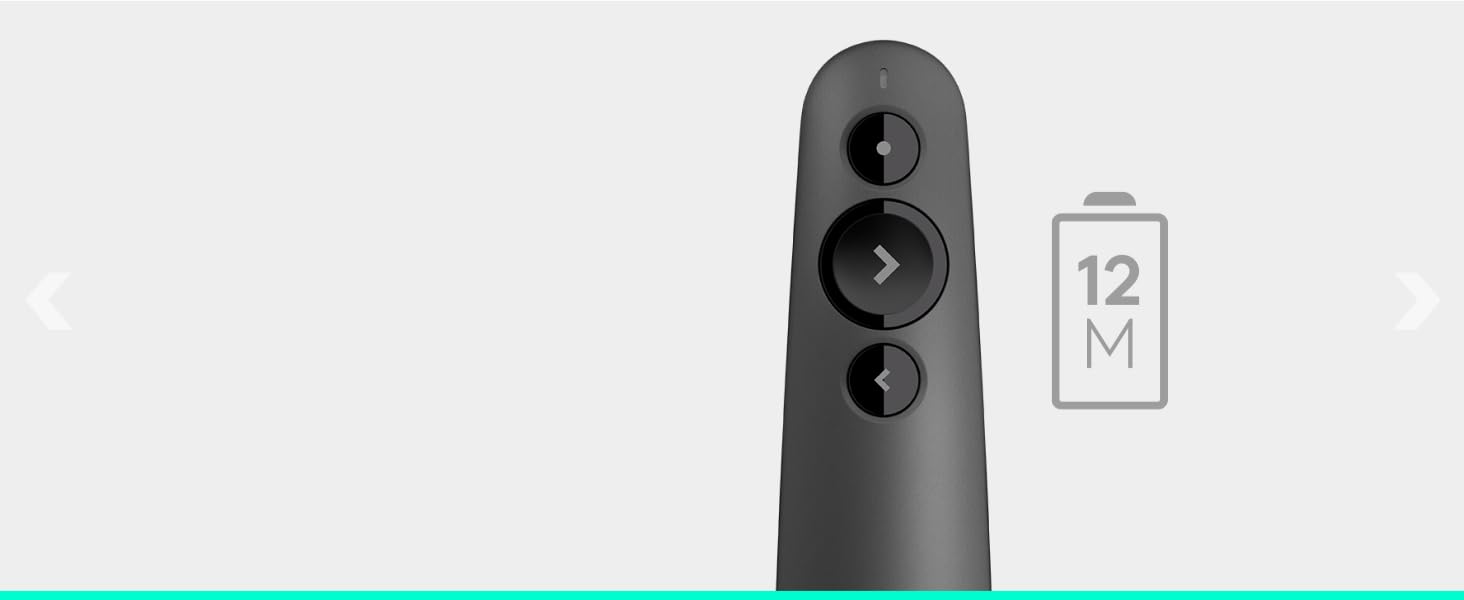
The unmistakable three-button design means you can navigate your presentation slides with ease and confidence without having to look down to orient your fingers.
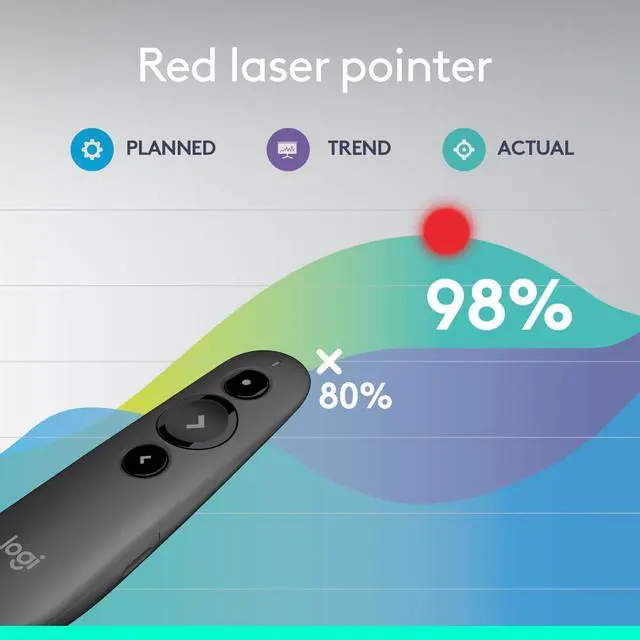
RED LASER POINTER
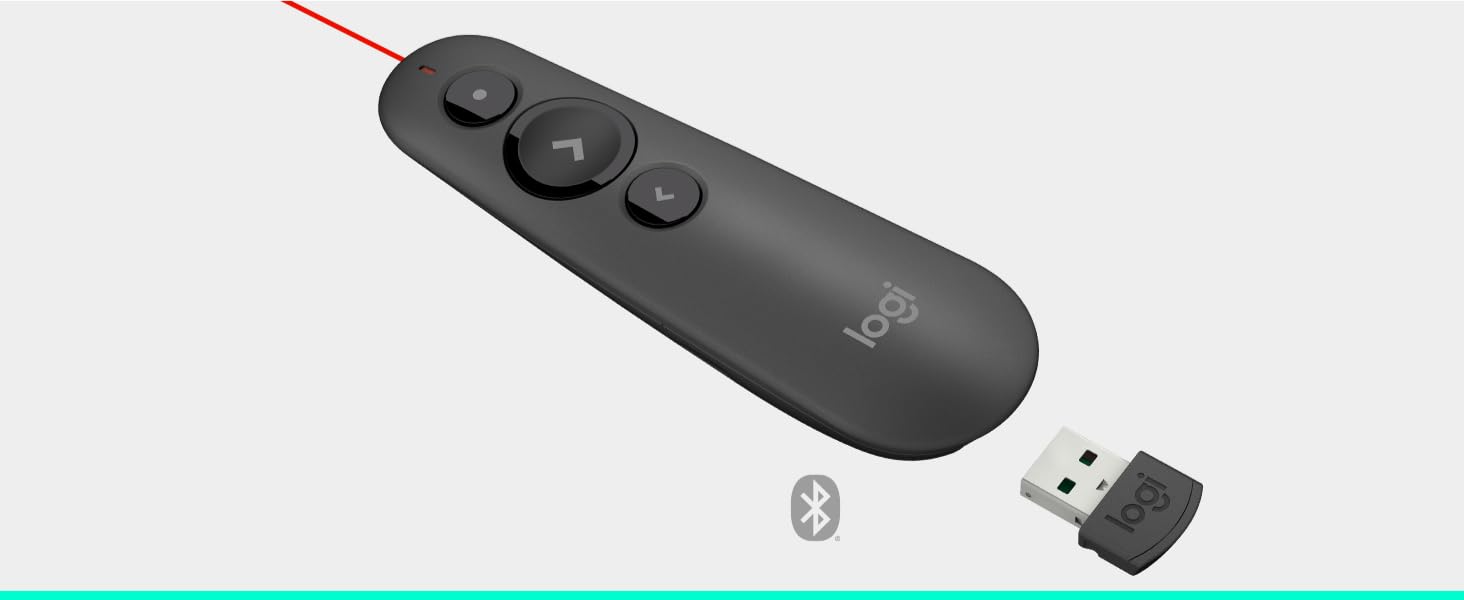
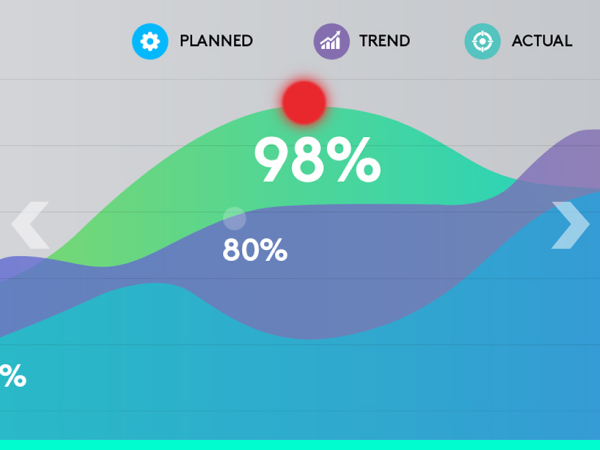
Point out precise areas of focus in your presentation with an easy-to-use and bright red laser pointer.
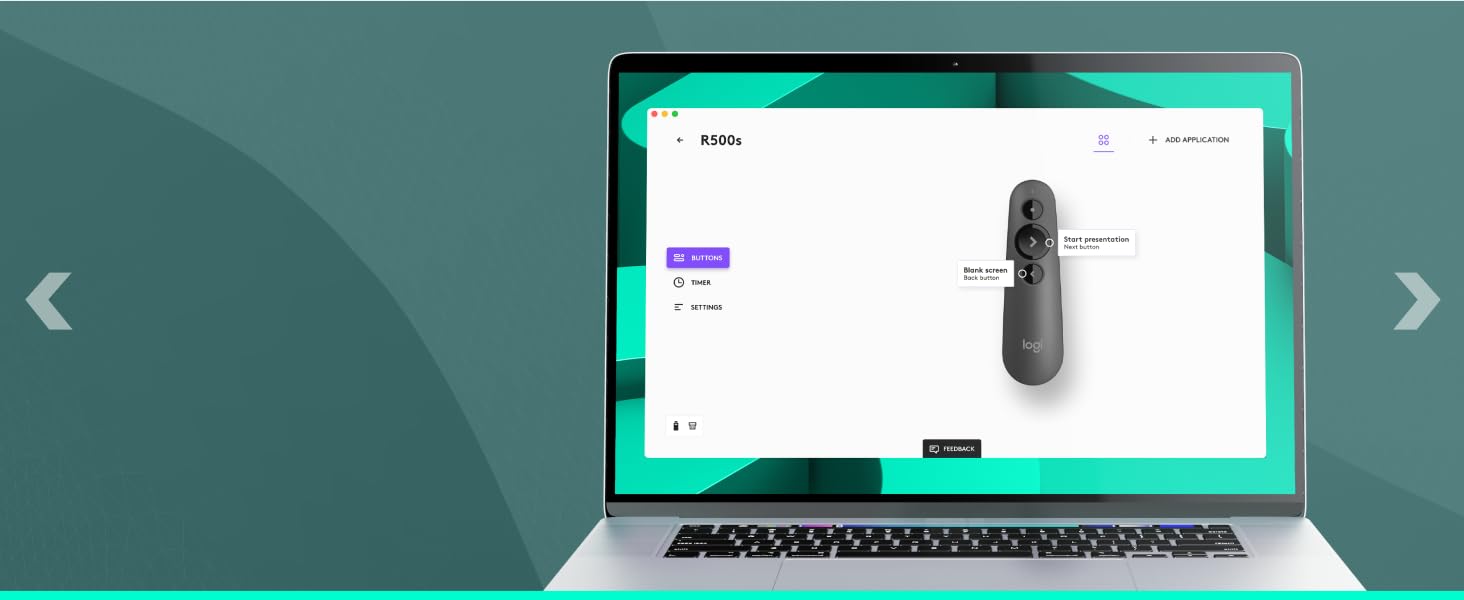
LOGI OPTIONS+ APP
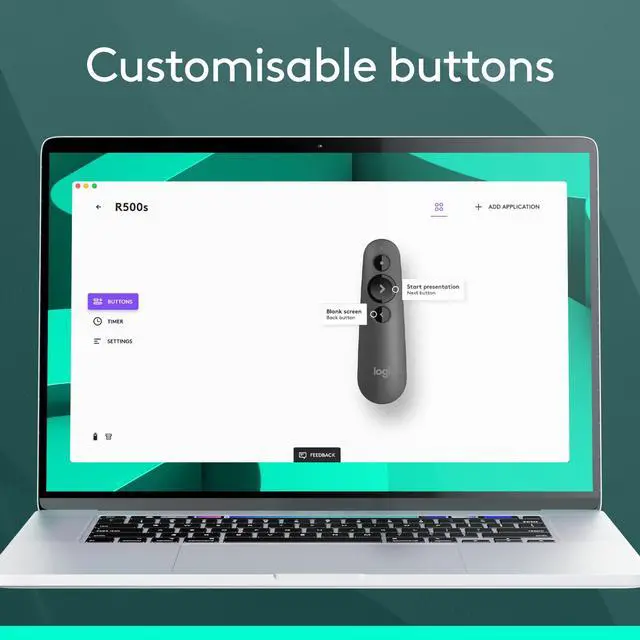
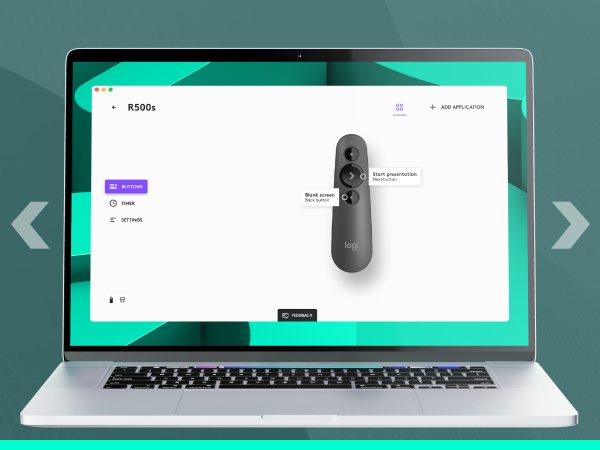
Customize button functions and monitor battery life with the Logi Options+ App.*
*Enabled via the Logi Options+ App available for recent versions of Windows and macOS
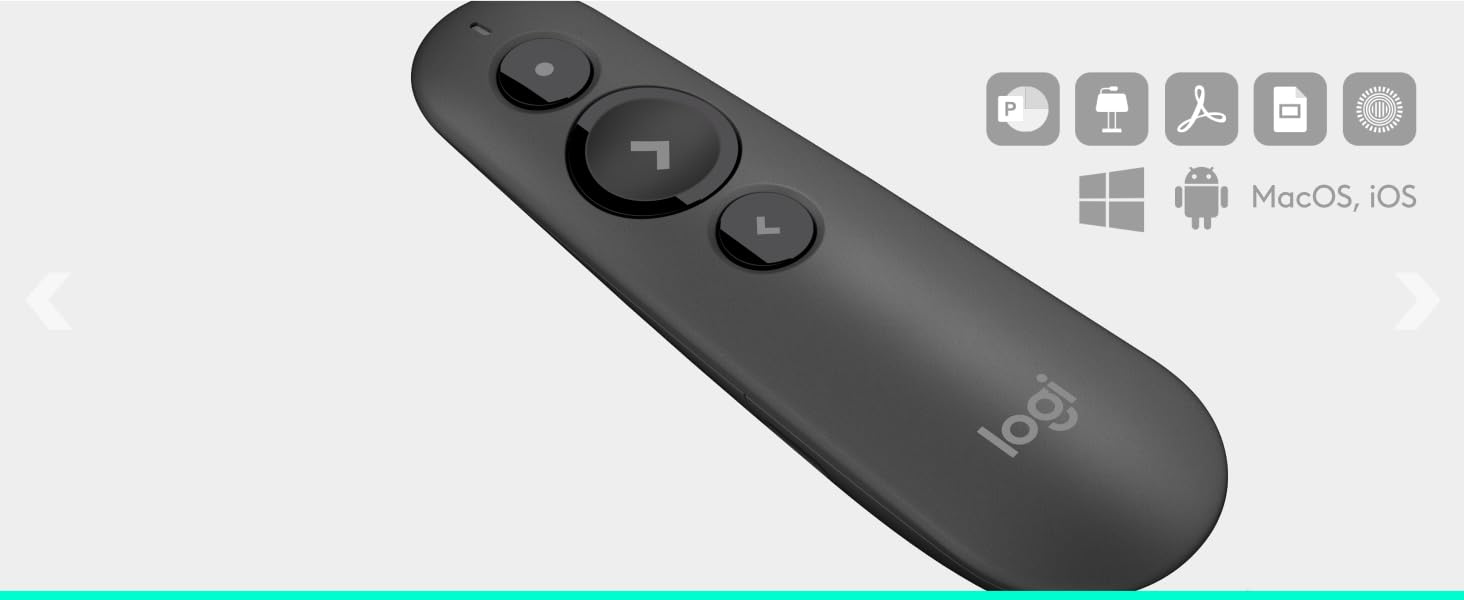
UNIVERSAL COMPATIBILITY
R500s is optimized to work with Windows, Mac OS, iOS, Android, and leading presentation softwares PowerPoint, Keynote, PDF, Google Slides.
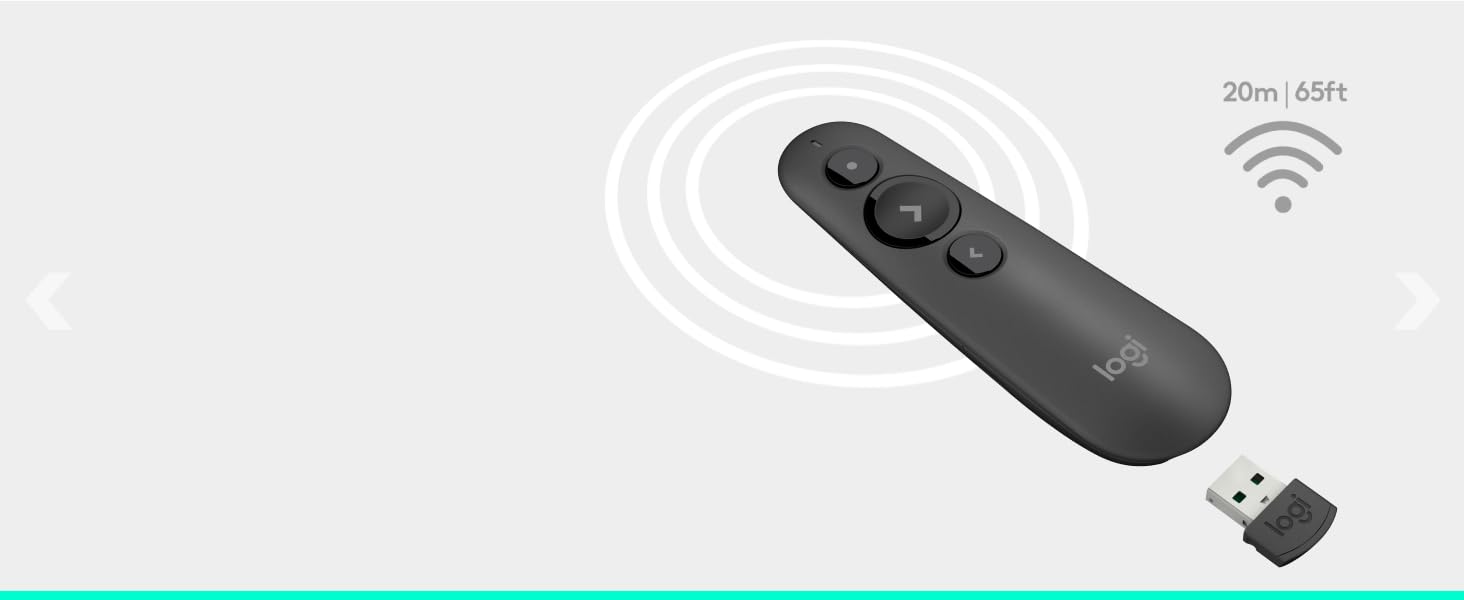
65 FT WIRELESS RANGE
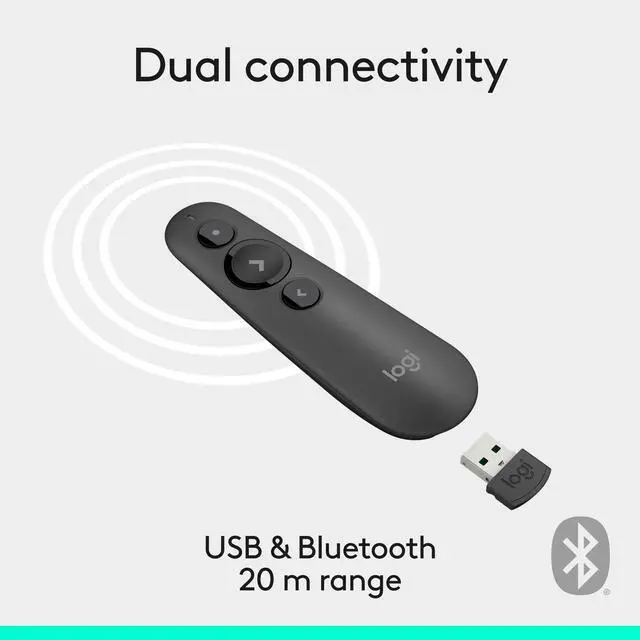
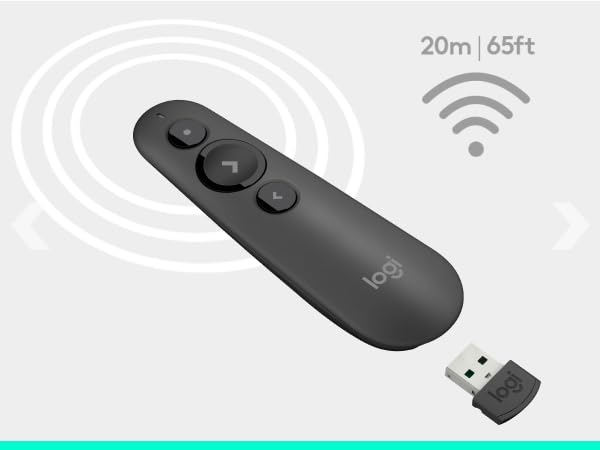
Connect to your computer via included USB receiver or Bluetooth. Move and present freely from as far as 20m/65 ft away.
SMART BATTERY MANAGEMENT
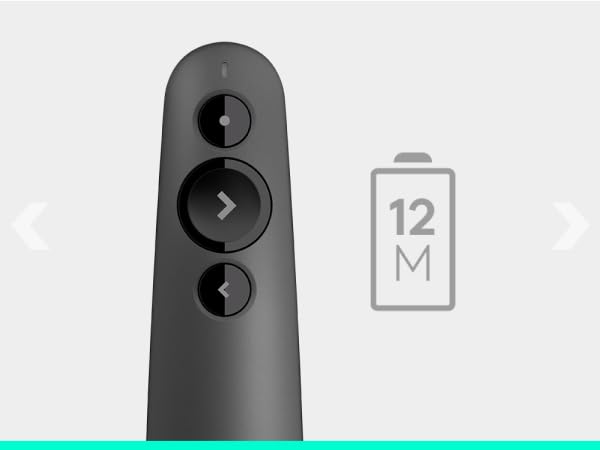
Go 12 months on one AAA battery. When battery is low, power-saving mode disables the laser to extend battery life for an extra week.**
**Battery life may vary based on use and computing conditions

DESIGNED FOR A COMFORTABLE, SECURE GRIP
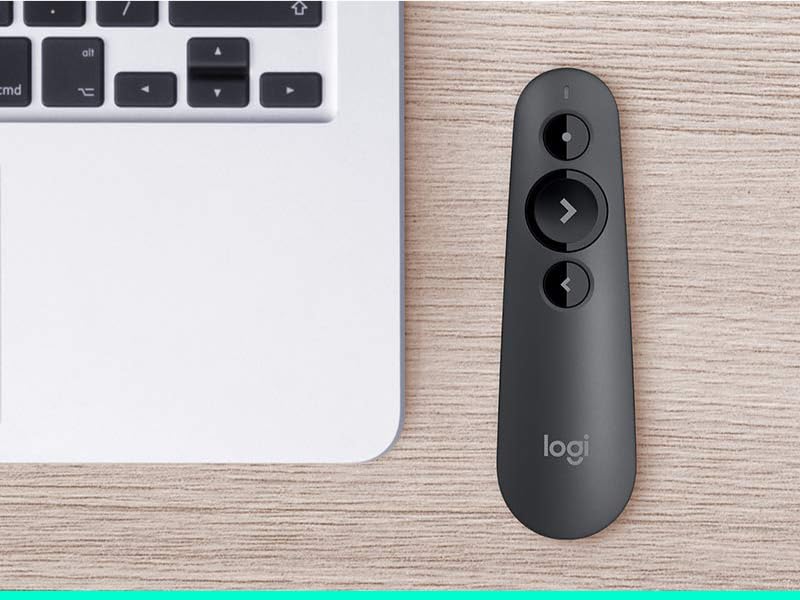
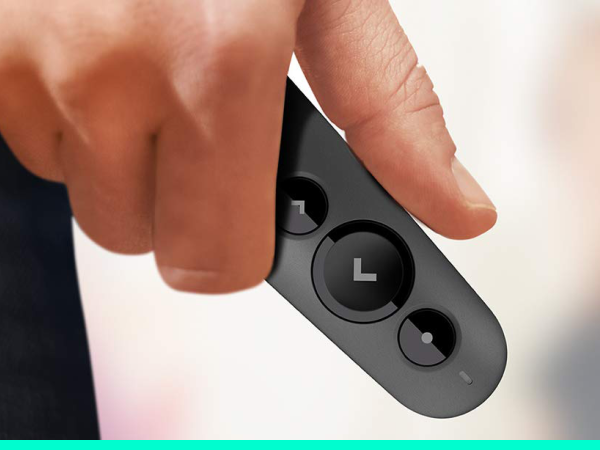
R500s is designed to fit snugly into the palm of your hand, and its soft rubber surface and textured buttons allow for a confident grip while presenting.
System Requirements
- Logitech Proprietary Receiver: Available USB port; Windows, macOS, ChromeOS, Linux
- Bluetooth Connection: Bluetooth device; Windows, macOS, iOS, Android
- Internet connection for software download
PRESENT EFFORTESSLY
Deliver impactful presentations with R500s, a simple, reliable, plug-and-play presentation remote that allows you to navigate slides and laser point from a distance — so you can focus on crushing your delivery.
INTUITIVE SLIDE NAVIGATION
RED LASER POINTER
LOGI OPTIONS+ APP
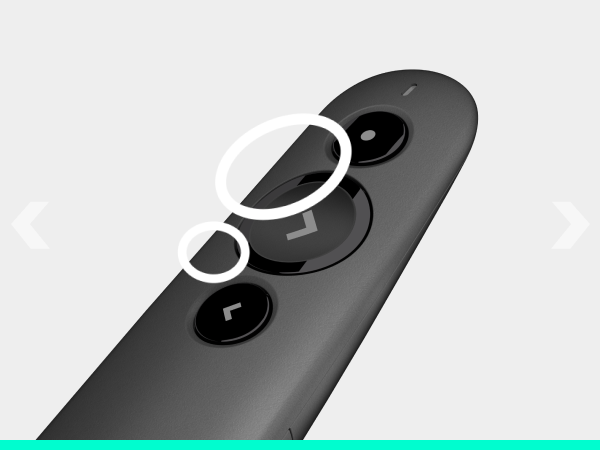
The unmistakable three-button design means you can navigate your presentation slides with ease and confidence without having to look down to orient your fingers.
Point out precise areas of focus in your presentation with an easy-to-use and bright red laser pointer.
Customize button functions and monitor battery life with the Logi Options+ App.*
*Enabled via the Logi Options+ App available for recent versions of Windows and macOS
UNIVERSAL COMPATIBILITY
65 FT WIRELESS RANGE
SMART BATTERY MANAGEMENT
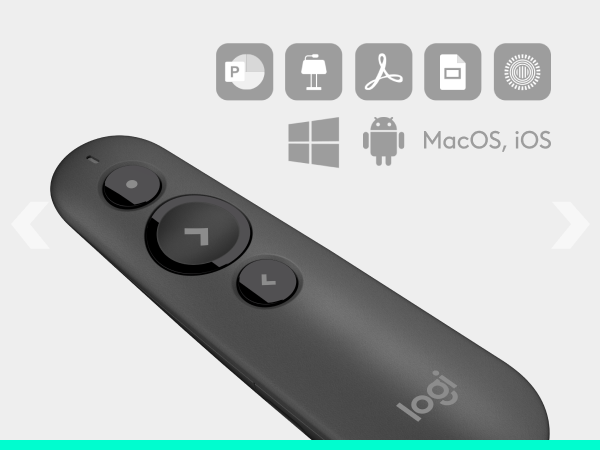
R500s is optimized to work with Windows, Mac OS, iOS, Android, and leading presentation softwares PowerPoint, Keynote, PDF, Google Slides.
Connect to your computer via included USB receiver or Bluetooth. Move and present freely from as far as 20m/65 ft away.
Go 12 months on one AAA battery. When battery is low, power-saving mode disables the laser to extend battery life for an extra week.**
**Battery life may vary based on use and computing conditions
DESIGNED FOR A COMFORTABLE, SECURE GRIP
R500s is designed to fit snugly into the palm of your hand, and its soft rubber surface and textured buttons allow for a confident grip while presenting.
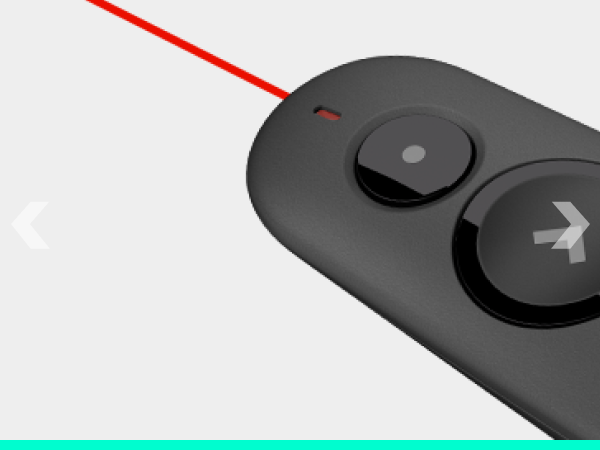
Bright Red Laser Pointer
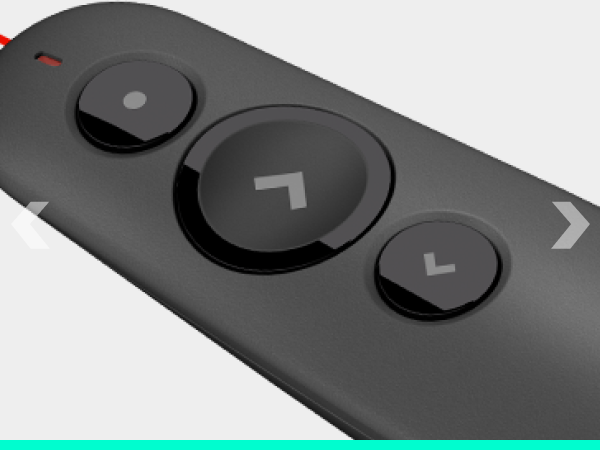
Laser Pointer Button
Next Slide & Start Presentation
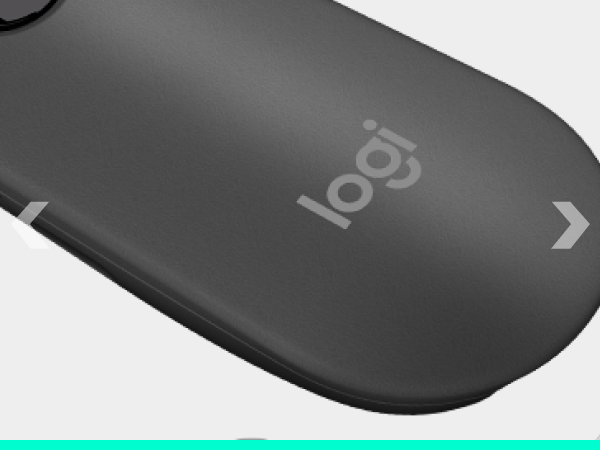
Comfortable rubber for secure grip
Bluetooth Low Energy compatible
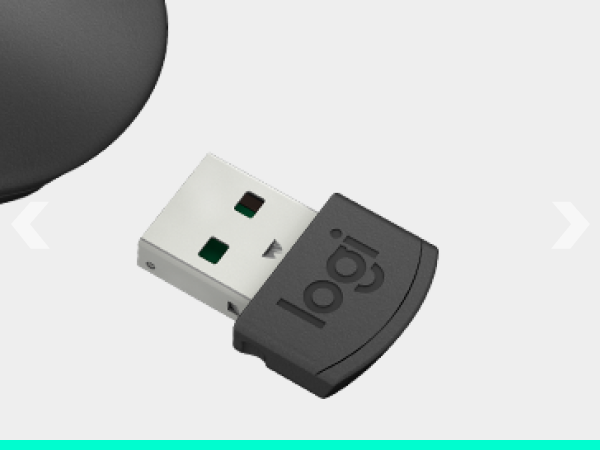
Storable USB receiver
System Requirements
- Logitech Proprietary Receiver: Available USB port; Windows, macOS, ChromeOS, Linux
- Bluetooth Connection: Bluetooth device; Windows, macOS, iOS, Android
- Internet connection for software download