


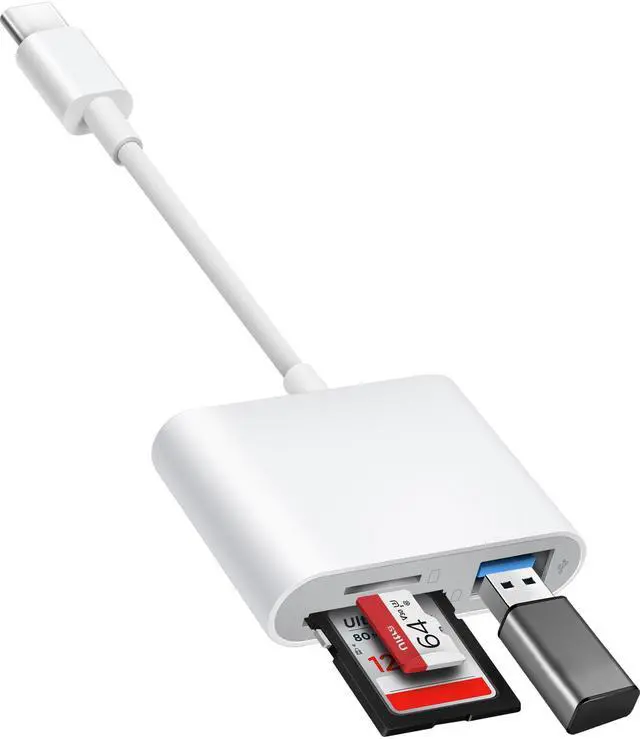


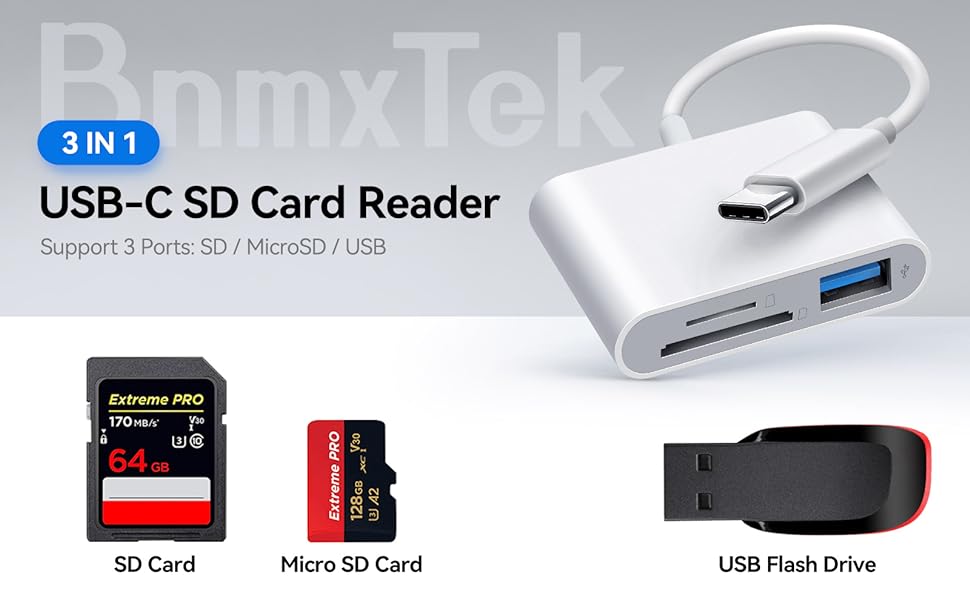
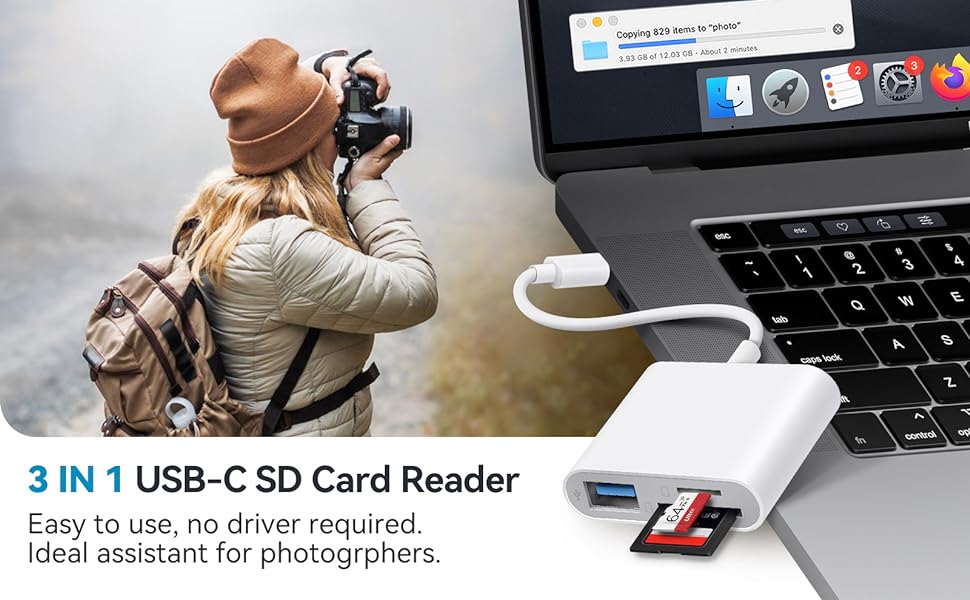
3 IN 1 USB C SD Card Adapter, read & write with 3 Ports Simultaneously with stable connection.
Quickly, conveniently downloading the moment of your camera to USB-C device (On The Go).
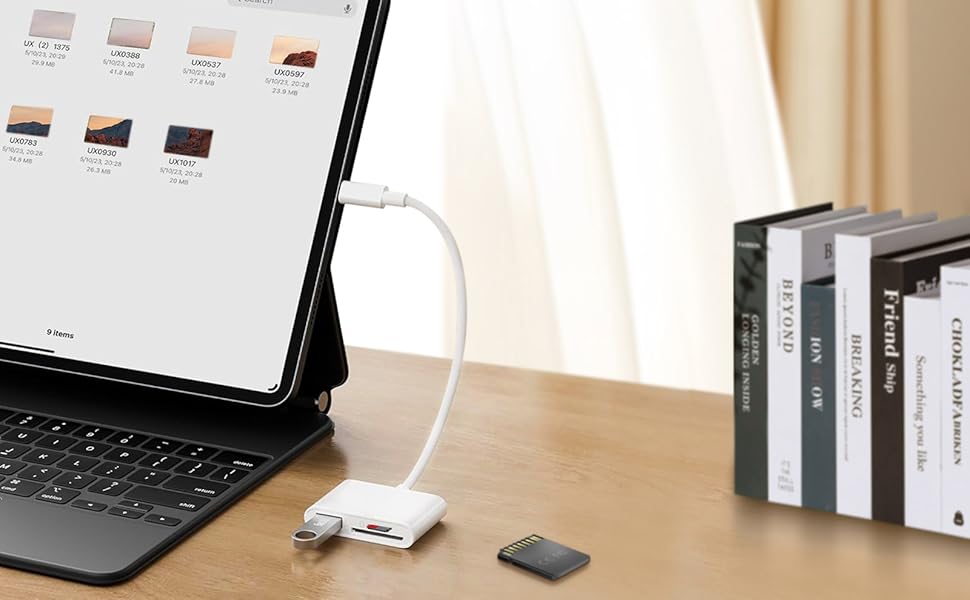
BnmxTek USB C SD card reader is compatible with iPad and iPhone 15 of USB-C connector.
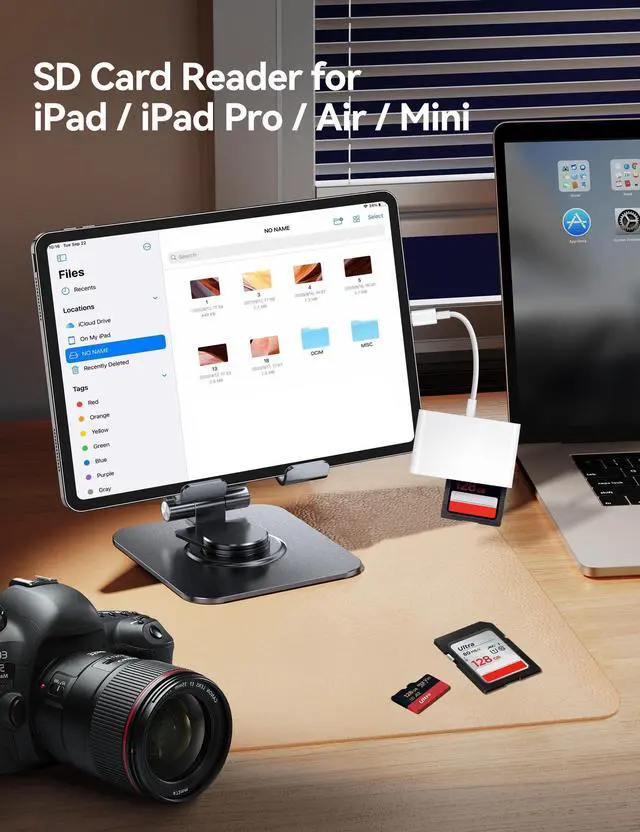
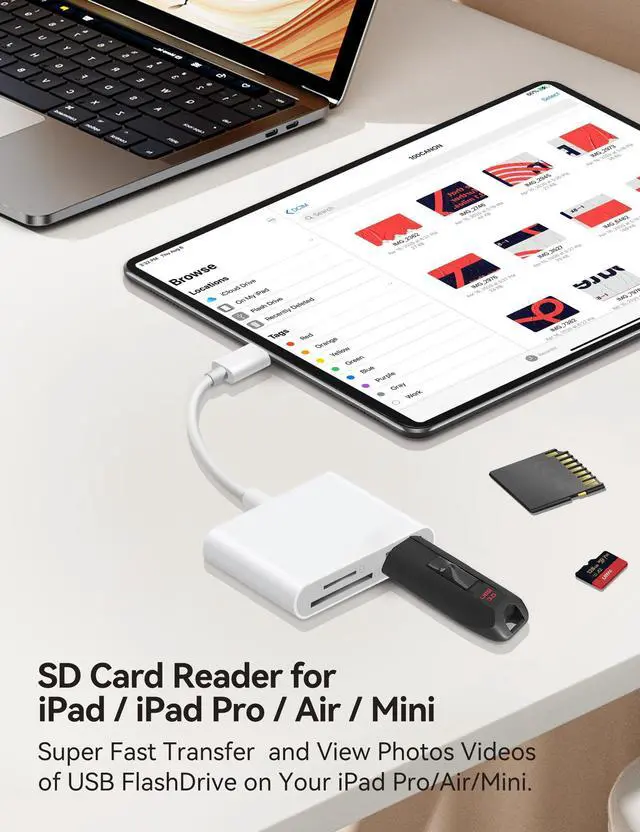
BnmxTek USB C SD Card Reader, Ideal for iPadOS users. As convenient on the computer, plug and play, two -way transmission.
Just need to:
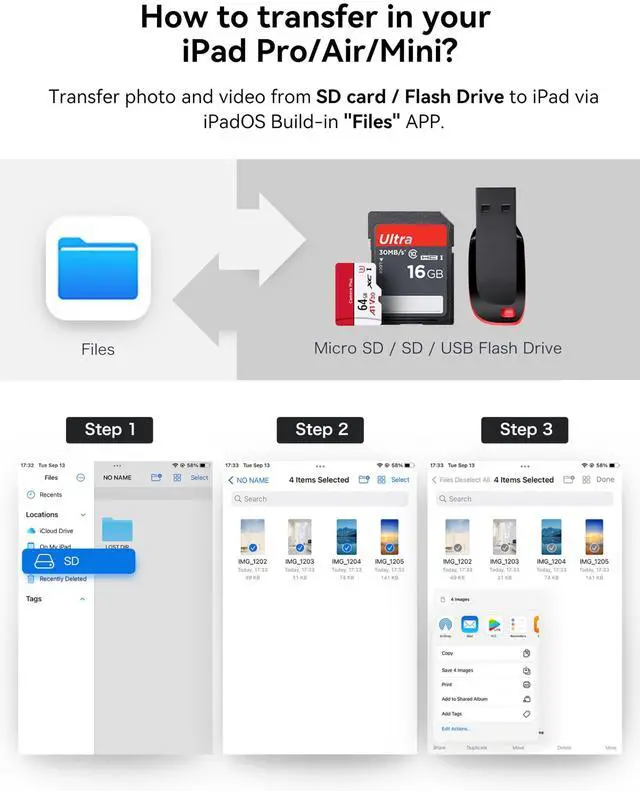
- Place Memory card, then plug this into the USB-C port.
- Open iOS built-in 'Files' app that comes with the iOS or iPadOS,
- and shows under 'NoName' folder or 'Untiled' folder (which is the name of your memory card).
You can view, save, or delete any files of the card on your iPad.
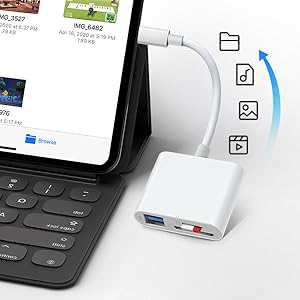
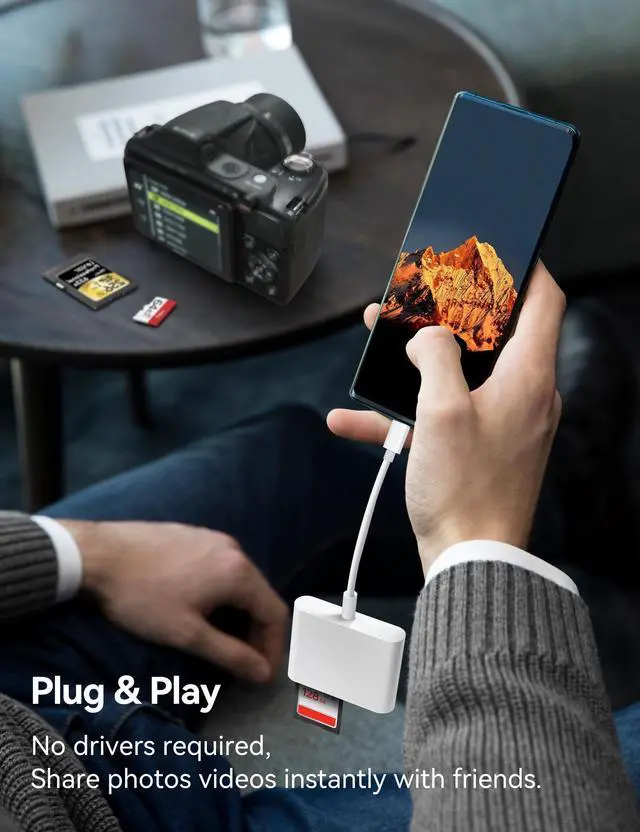
Plug and Play, On the Go (OTG)
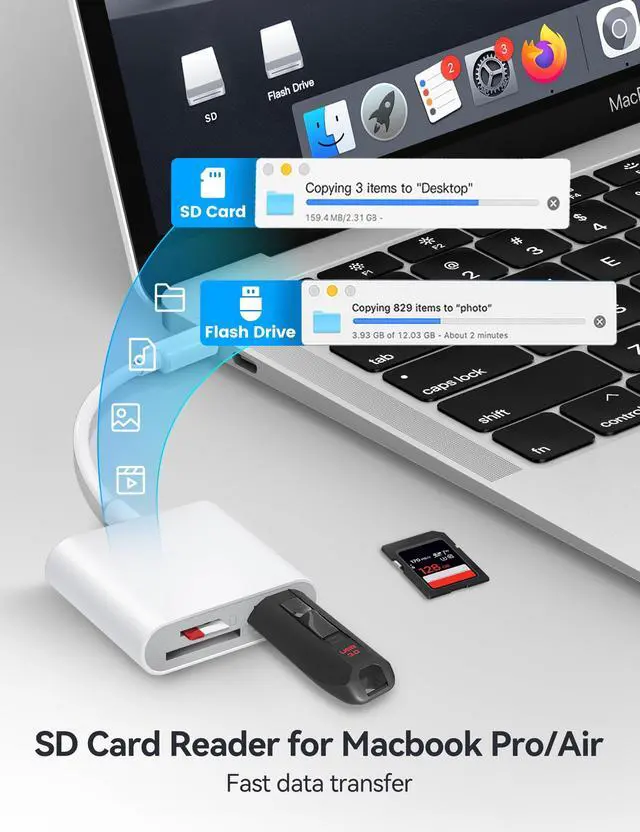
BnmxTek TypeC SD card reader compatible with MacOS, Windows, Linux, Chrome. No driver, share your photos instantly.
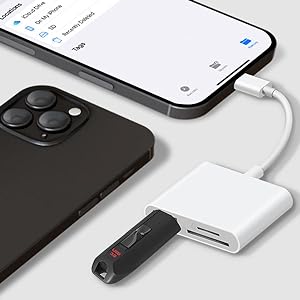
Compatible with iPhone 15 series
Fits iPhone 15 / 15 Plus / 15 Pro / 15 Pro Max / 16 / 16 Plus / 16 Pro / 16 Pro Max. Compatible with 2 different type of sd cards and usb port. Perfect for deer hunters checking camera.
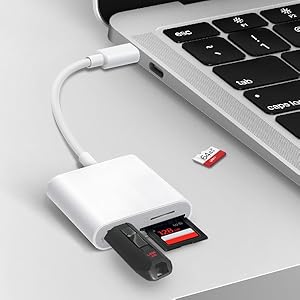
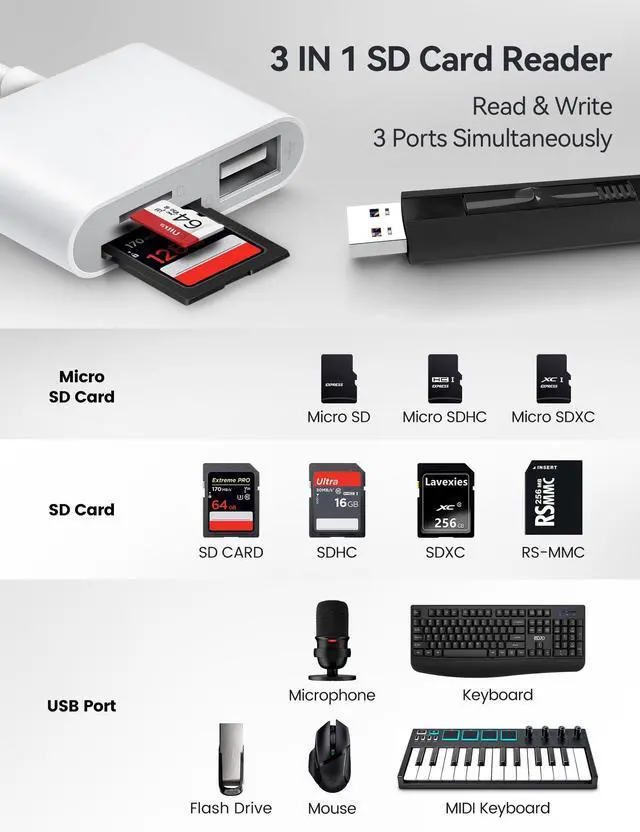
Read & Write 3 Ports Simultaneously
Simultaneously Read & Write on sd cards and usb port, the swap between cards and USB storage is handy and fast, you can back up your camera cards to usb flash drive.
Wide Compatibility
FAQ:
- How to use BnmxTek card reader to read memory card on iPhone 15?
The iOS built-in Files APP is the key tool for reading memory cards on your iPhone. The Files APP does not need to be installed, it is installed on your iPhone by default.
>Plug your SD card or MicroSD card (with adapter) into the card reader’s slot.
>Attach the card reader’s built-in USB-C cable to your iPhone/iPad’s USB-C port (iPhone 15/16 Pro or iPad Pro/Air).
>Launch the Files app (preinstalled on iOS/iPadOS).
>Under "Browse", tap "Locations" ? Select your card’s name (e.g., "NO NAME" or the card’s label).
>Now you can Access photos, videos, or documents directly.
- Plug and play, but no response on iPhone or iPad?
IOS13 and later versions, after inserting the memory card reader on iPhone, the window will not pop up automatically, you need to open the Files APP manually to read the memory card.
Please Note:
SD and MicroSD cards cannot be recognized simultaneously.
For Android devices, enable the OTG function on the USB-C smartphone before connecting.
3 IN 1 USB C SD Card Adapter, read & write with 3 Ports Simultaneously with stable connection.
Quickly, conveniently downloading the moment of your camera to USB-C device (On The Go).
BnmxTek USB C SD card reader is compatible with iPad and iPhone 15 of USB-C connector.
BnmxTek USB C SD Card Reader, Ideal for iPadOS users. As convenient on the computer, plug and play, two -way transmission.
Just need to:
- Place Memory card, then plug this into the USB-C port.
- Open iOS built-in 'Files' app that comes with the iOS or iPadOS,
- and shows under 'NoName' folder or 'Untiled' folder (which is the name of your memory card).
You can view, save, or delete any files of the card on your iPad.
Plug and Play, On the Go (OTG)
BnmxTek TypeC SD card reader compatible with MacOS, Windows, Linux, Chrome. No driver, share your photos instantly.
Compatible with iPhone 15 series
Fits iPhone 15 / 15 Plus / 15 Pro / 15 Pro Max / 16 / 16 Plus / 16 Pro / 16 Pro Max. Compatible with 2 different type of sd cards and usb port. Perfect for deer hunters checking camera.
Read & Write 3 Ports Simultaneously
Simultaneously Read & Write on sd cards and usb port, the swap between cards and USB storage is handy and fast, you can back up your camera cards to usb flash drive.
Wide Compatibility
| Compatible with Mac | Compatible with Macbook Air / Pro / iMac / Mac mini / Mac Stuido / Mac Pro. |
| Compatible with USB-C iPhone | Compatible with iPhone 15 / 15 Plus / 15 Pro / 15 Pro Max / 16 / 16 Plus / 16 Pro / 16 Pro Max. |
| Compatible with iPad Pro | Compatible with iPad Pro 12.9-inch 6th Gen / 5th Gen / 4th Gen / 3rd Gen, 11-inch 4th Gen / 3rd Gen / 2nd Gen / 1st Gen. |
| Compatible with iPad | Compatible with iPad 10.9-inch 10th Gen / 10.2-inch 9th Gen. |
| Compatible with iPad Air | Compatible with iPad Air 10.9-inch 5th Gen / 4th Gen. |
| Compatible with iPad mini | Compatible with iPad mini 8.3-inch 6th Gen. |
| Compatible with Android | Compatible with Galaxy S Note , Galaxy Book, Galaxy Tab, Google Pixel and other OTG-enabled phones and tablets. |
| Supports Cards | SD / SDXC / SDHC / MicroSD / Micro SDXC / Micro SDHC. |
| Supports USB-A OTG | USB-A Extending, Supports USB Flash Drive, Mouse, Keyboard, Hard Disk, Trail Camera, MIDI Keyboard; etc. |
| Supports System | Windows 11 / 10 / 8.1 / 8 / 7 / XP / Vista, MacOS, Linux, Chrome OS; etc. |
FAQ:
- How to use BnmxTek card reader to read memory card on iPhone 15?
The iOS built-in Files APP is the key tool for reading memory cards on your iPhone. The Files APP does not need to be installed, it is installed on your iPhone by default.
>Plug your SD card or MicroSD card (with adapter) into the card reader’s slot.
>Attach the card reader’s built-in USB-C cable to your iPhone/iPad’s USB-C port (iPhone 15/16 Pro or iPad Pro/Air).
>Launch the Files app (preinstalled on iOS/iPadOS).
>Under "Browse", tap "Locations" ? Select your card’s name (e.g., "NO NAME" or the card’s label).
>Now you can Access photos, videos, or documents directly.
- Plug and play, but no response on iPhone or iPad?
IOS13 and later versions, after inserting the memory card reader on iPhone, the window will not pop up automatically, you need to open the Files APP manually to read the memory card.
Please Note:
SD and MicroSD cards cannot be recognized simultaneously.
For Android devices, enable the OTG function on the USB-C smartphone before connecting.