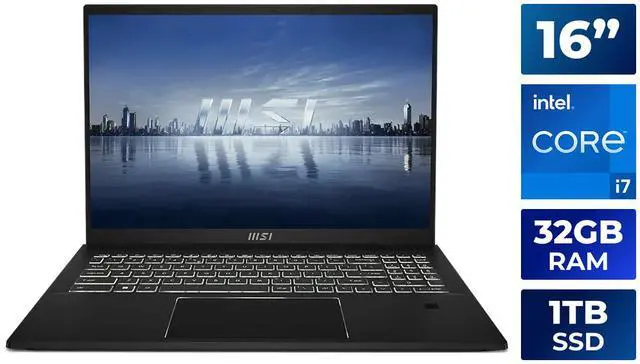
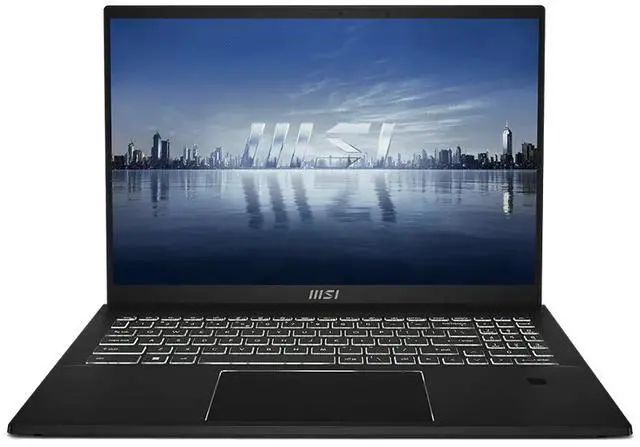
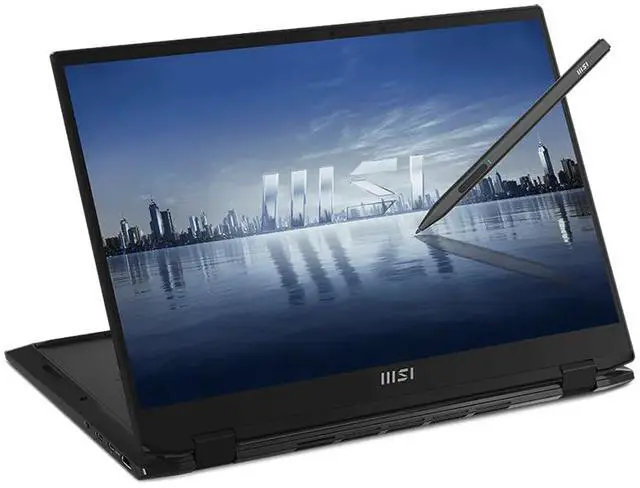
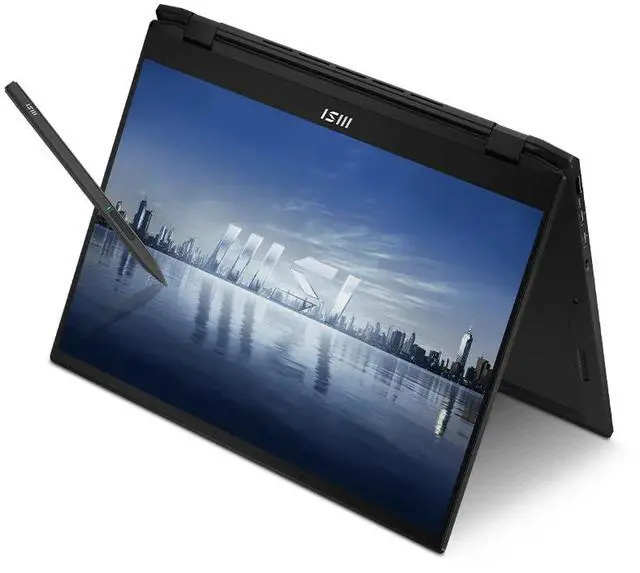
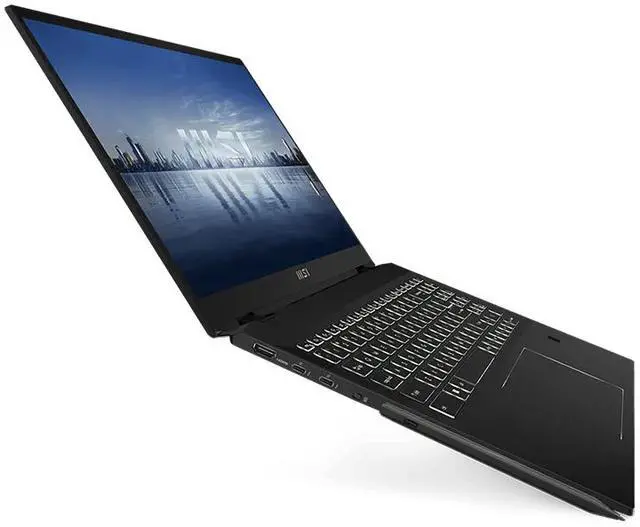
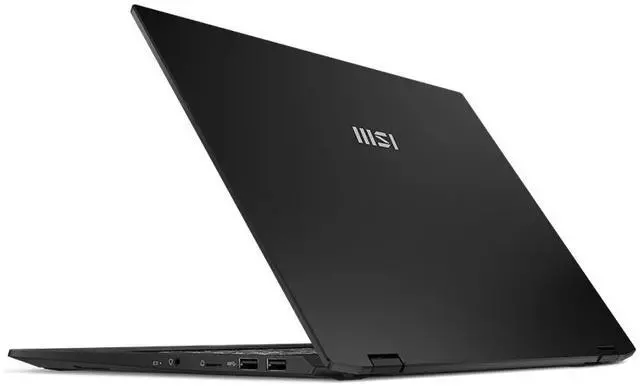
The MSI Summit E16 Flip Evo A13MT-417CA is a 16-inch convertible laptop with a 165Hz, 1920 × 1200 touchscreen and included active pen, making it a good fit for professionals and students who want a large display for writing, sketching, and everyday productivity.
Recommended For
- Office and business users who keep several documents, spreadsheets, or video-call windows open and want a large touchscreen for laptop-style work, with the option to fold it for presentations or touch-based navigation.
- Students, instructors, and meeting-heavy professionals who annotate slides, mark up documents, or take handwritten notes directly on the screen with the included MSI Pen.
- Photo hobbyists and occasional creators who edit photos or lighter video projects and value pen-and-touch input; reviews describe the Evo as suitable for enthusiast-level editing, but not demanding processing workloads.
- Windows users who want one device for desk work and occasional tablet-style use, such as reading, sketching, or touch-based control, and are comfortable carrying a 16-inch convertible rather than a compact tablet.
Real-World Use Scenarios
- For a work or study session with spreadsheets, documents, email, and multiple browser tabs open, the large screen and review-tested everyday performance make it suited to switching between tasks without routine office work feeling sluggish.
- In class or meetings, users can flip the touchscreen into tablet mode to handwrite notes, mark up documents, or sketch ideas with the included MSI Pen, then return to laptop mode for typing and organizing their work.
- For enthusiast photo work, users can sort and edit RAW or JPEG images in Lightroom and make direct touchscreen or pen adjustments; reviews found this kind of photo workflow more comfortable than heavy, demanding Photoshop work.
- For basic video projects, users can trim clips and make lighter edits, but exporting or working with more demanding effects can take longer because this configuration uses integrated graphics rather than a dedicated GPU.
- For remote classes or routine work calls, the built-in webcam and microphones support video meetings; independent testing found voices intelligible, though camera and call audio performance were not standout strengths.
Spec Summary
| Attribute | Value |
|---|
| Best For | Home and personal productivity, with a convertible touchscreen and active pen for touch and pen-based input |
|---|
| Processor And Core Count | Intel Core i7-1360P, 13th Gen, with 12 cores (4P+8E) |
|---|
| GPU And VRAM | Integrated Intel Iris Xe Graphics using shared system memory |
|---|
| Display Spec | 16-inch touchscreen with 1920 × 1200 resolution, 165 Hz refresh rate, and 100% DCI-P3 color coverage |
|---|
| Memory Configuration | 32GB LPDDR5 onboard memory in a dual-channel design |
|---|
| Storage And Expansion | 1TB NVMe M.2 SSD on PCIe Gen4 x4; no optical drive |
|---|
| High Speed I O | Two USB 3.2 Gen 2 Type-A ports and two Thunderbolt 4 ports |
|---|
| Battery And Power | 82Wh 4-cell lithium-polymer battery; 65W USB-C Power Delivery charging |
|---|
| Wired And Wireless Networking | Killer Wi-Fi 6E AX1675i (2×2) and Bluetooth 5.3 |
|---|
| Webcam And Privacy | 1080p FHD infrared webcam at 30 fps |
|---|
| Keyboard And Control | 99-key white-backlit keyboard, multitouch glass touchpad with fingerprint reader supporting FIDO2, and MSI active pen |
|---|
| Audio Setup | Two 2W speakers and a combined headphone/microphone jack |
|---|
| Portability | Convertible design in Ink Black; 14.09 × 10.18 × 0.66 inches and 4.63 lb |
|---|
| External Display And Docking Fit | Connect an external display through HDMI 2.1 or use the Thunderbolt 4 ports for compatible displays and docks |
|---|
| Model Identifiers | MSI Summit E16 Flip Evo A13MT-417CA |
|---|
| Operating System | Windows 11 Home |
|---|